Why Use This: #
Insight7 offers versatile transcription options, catering to different needs such as bulk transcription, multilingual support, and English translation.
How This Works: #
Depending on your choice, Insight7 will transcribe individual or multiple files and can translate non-English transcriptions into English.
How to Do It: #
Transcribe Single Media File: #
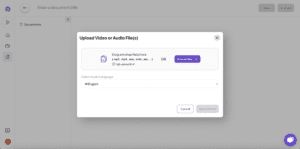
- Select “Transcribe Video/Audio”
- Upload or import your media file.
- Wait for the transcription to complete.
#
Bulk Transcribe: #
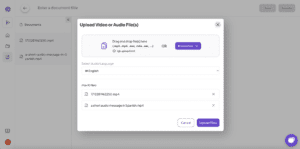
- Choose “Transcribe Video/Audio.”
- Upload or import multiple media files.
- Insight7 will transcribe all files in one batch.
#
Multilingual Transcription #
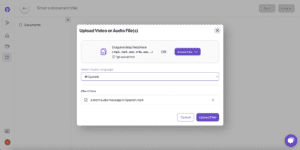
- Upload your media file.
- Select the original language.
- Wait for the transcription to complete.
#
Translate to English: #
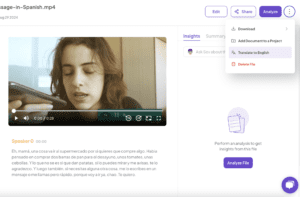
- After uploading your media file.
- Click on the Option Icon
- Choose “Translate to English” if needed.
#
Download Transcripts: #
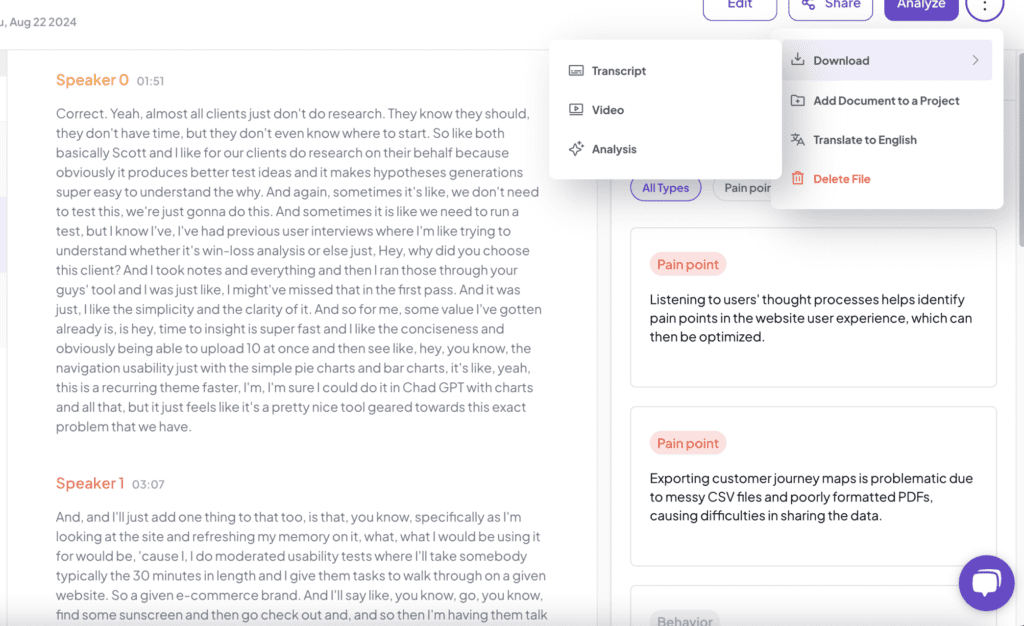
- After transcription, Click on the Option Icon
- Go to “Download Transcripts.”
- Select the format and save the transcript to your device.