Call center agents need regular practice and performance feedback to improve how they handle customer calls. Coaching provides that support, but managers have only so much time because of all the other daily responsibilities they too need to accomplish.
So how can call centers give agents the guidance they need without adding more manual work for managers? Your best solution is to invest in call coaching software that lets you do that more efficiently.
In this guide, we’ll discuss and compare the top eight call coaching software options and help you understand not only why they matter but also which option fits your needs best.
These are the eight best call coaching software platforms for call centers in 2026, based on the coaching approach each one supports:
Call coaching software helps call center managers identify skill gaps and provide agents with focused feedback. It brings call recordings, performance data, and coaching workflows into a more structured process.
The software is built to analyze customer interactions and surface key moments that require attention. Managers can use those findings to coach behaviors that will improve agent performance, such as active listening, objection handling, and process adherence.
Different platforms support different stages of agent development. Real-time coaching tools guide agents during live calls, while post-call coaching platforms help managers review performance patterns after conversations have ended.
Similarly, simulation platforms give agents space to practice difficult situations before speaking with customers.
The need for this kind of support is growing as frontline roles evolve. According to Gartner’s survey of 321 customer service and support leaders, 84% of customer service organizations now plan to add new skills to their frontline positions.
As agents take on new responsibilities, managers need a clearer way to identify which skills need development and provide coaching based on actual performance.
With these capabilities, teams can deliver more focused coaching without relying on a small sample of calls or general observations, giving agents a better understanding of what they need to improve.
The main objective isn’t to replace managers, but to help them scale their coaching process through faster, more efficient avenues so they don’t end up wasting more time on tasking projects.
Every call coaching software analyzes performance and skill gaps differently. One solution might focus on guidance during live conversations, while another builds its coaching process around quality assurance or conversation analysis.
To help you narrow your options, we selected the top eight platforms that represent distinct approaches to call center coaching.
Software | Best For | Overview | Key Features | Pricing |
Insight7 | AI coaching based on customer conversations | Connects real interaction analysis with personalized coaching and skills practice. |
|
|
Observe.AI | Automated QA-led coaching | Uses automated quality evaluations to identify coaching priorities. |
| No public pricing available |
Balto | Real-time agent guidance | Supports agents with prompts and recommendations during live calls. |
| No public pricing available |
CallMiner | Conversation analytics-led coaching | Uses interaction analytics to uncover behaviors and performance patterns. |
| No public pricing available |
EvaluAgent | One-to-one coaching management | Connects quality evaluations with structured coaching sessions and follow-up. |
|
|
Scorebuddy | QA coaching and learning | Links quality findings with coaching plans and assigned learning. |
| No public pricing available |
Verint | Enterprise quality management and coaching | Supports coaching within a broader quality and workforce performance environment. |
| No public pricing available |
Zenarate | AI simulation training for call centers | Prepares agents through realistic conversation and software simulations. |
| No public pricing available |
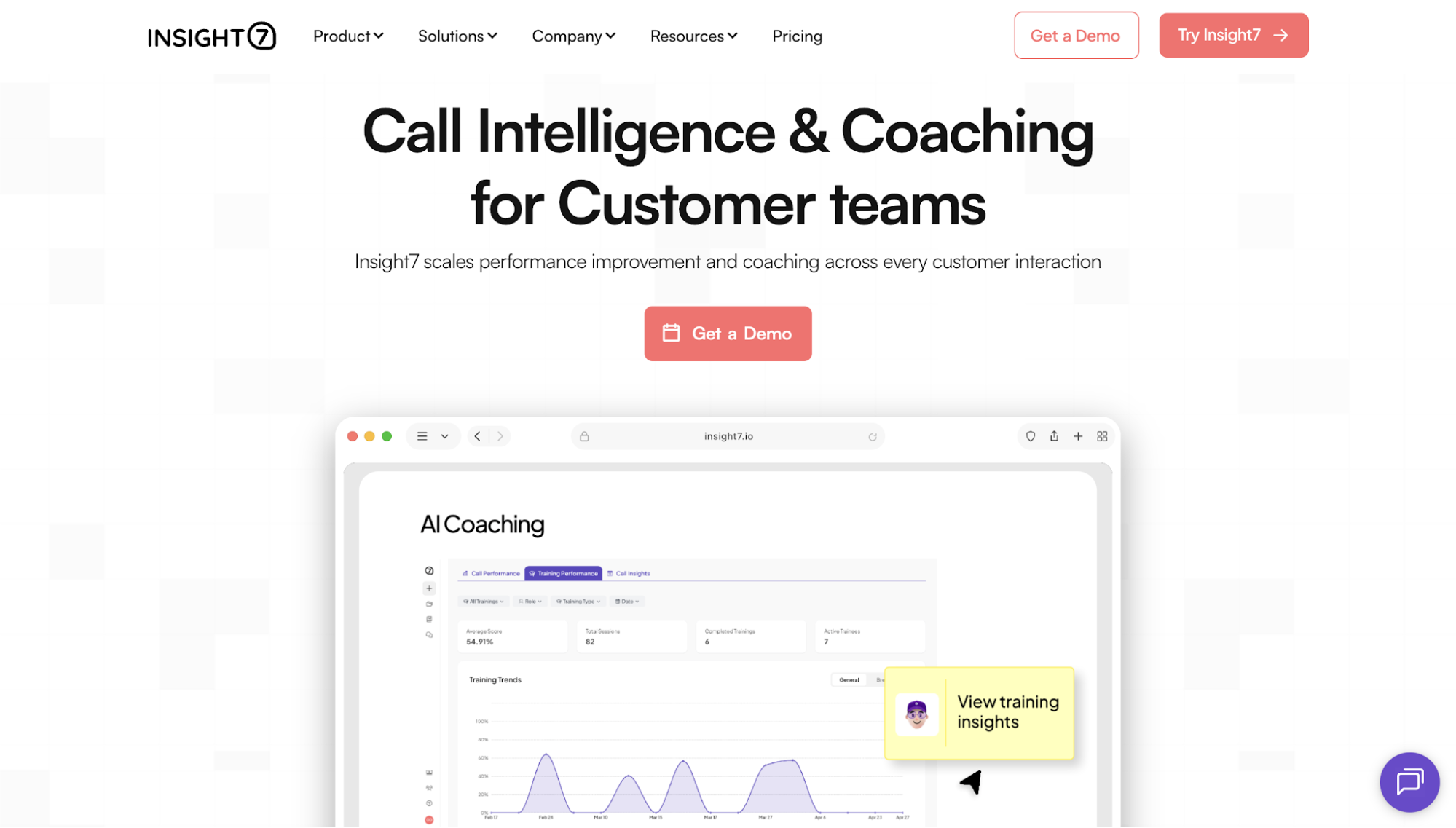
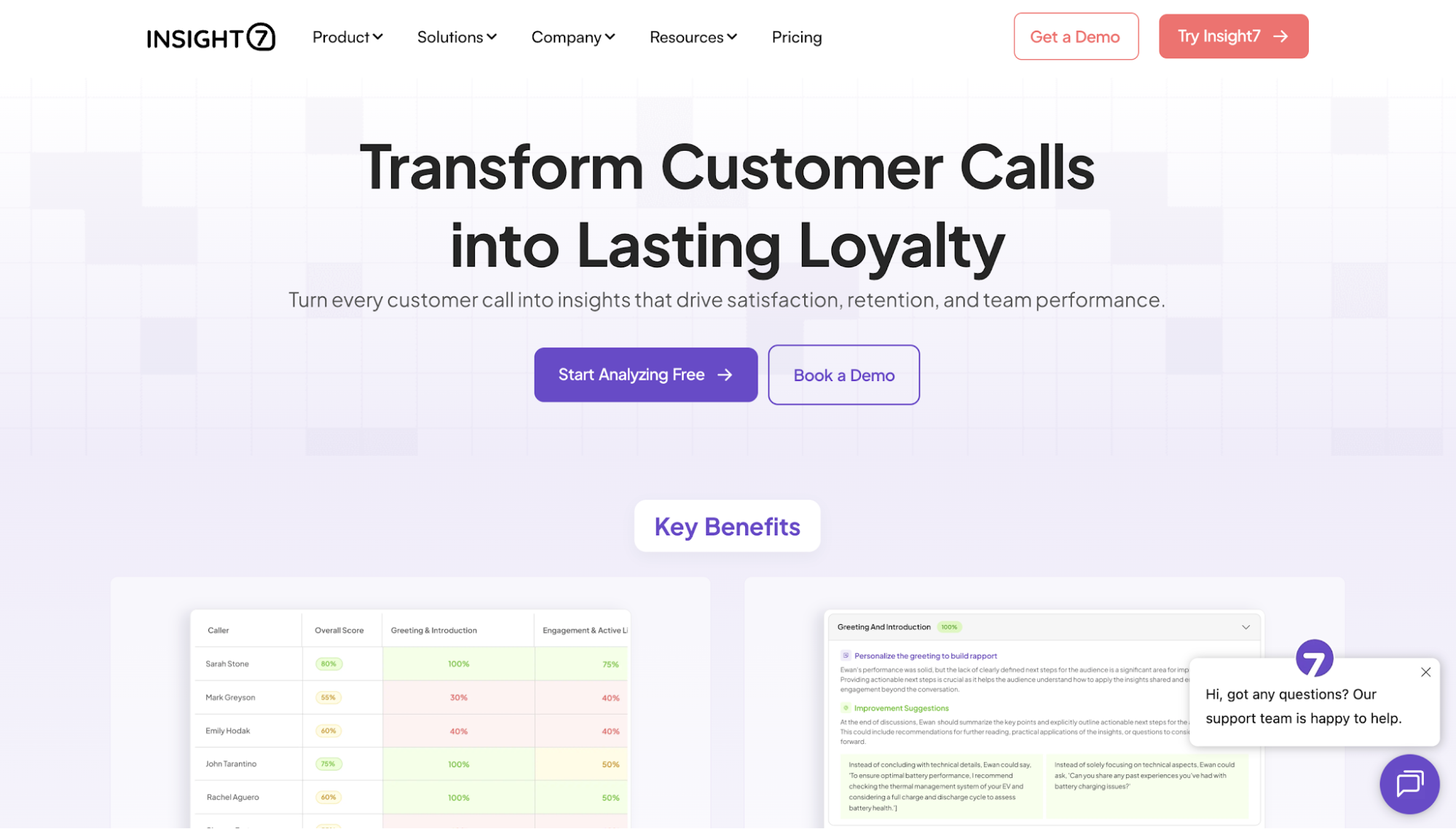
Insight7 is an AI call intelligence and coaching platform built for customer-facing teams. It helps call center teams use conversation data to measure performance and improve coaching with AI-powered insights.
Its approach to call coaching starts with real sales calls and customer interactions.
Instead of relying on a small sample of manually reviewed calls, Insight7 analyzes sales calls and customer conversations at scale to surface coaching insights and recommend where managers should focus their efforts.
Teams can then reinforce those skills through AI-led coaching, call roleplay, and live guidance to support continuous improvement.
That kind of scale has, in fact, been making a real difference for Insight7 customers. Elise Dietrich, CPO at TripleTen, even said her team has been able to evaluate more than 6,000 calls every month through the platform.
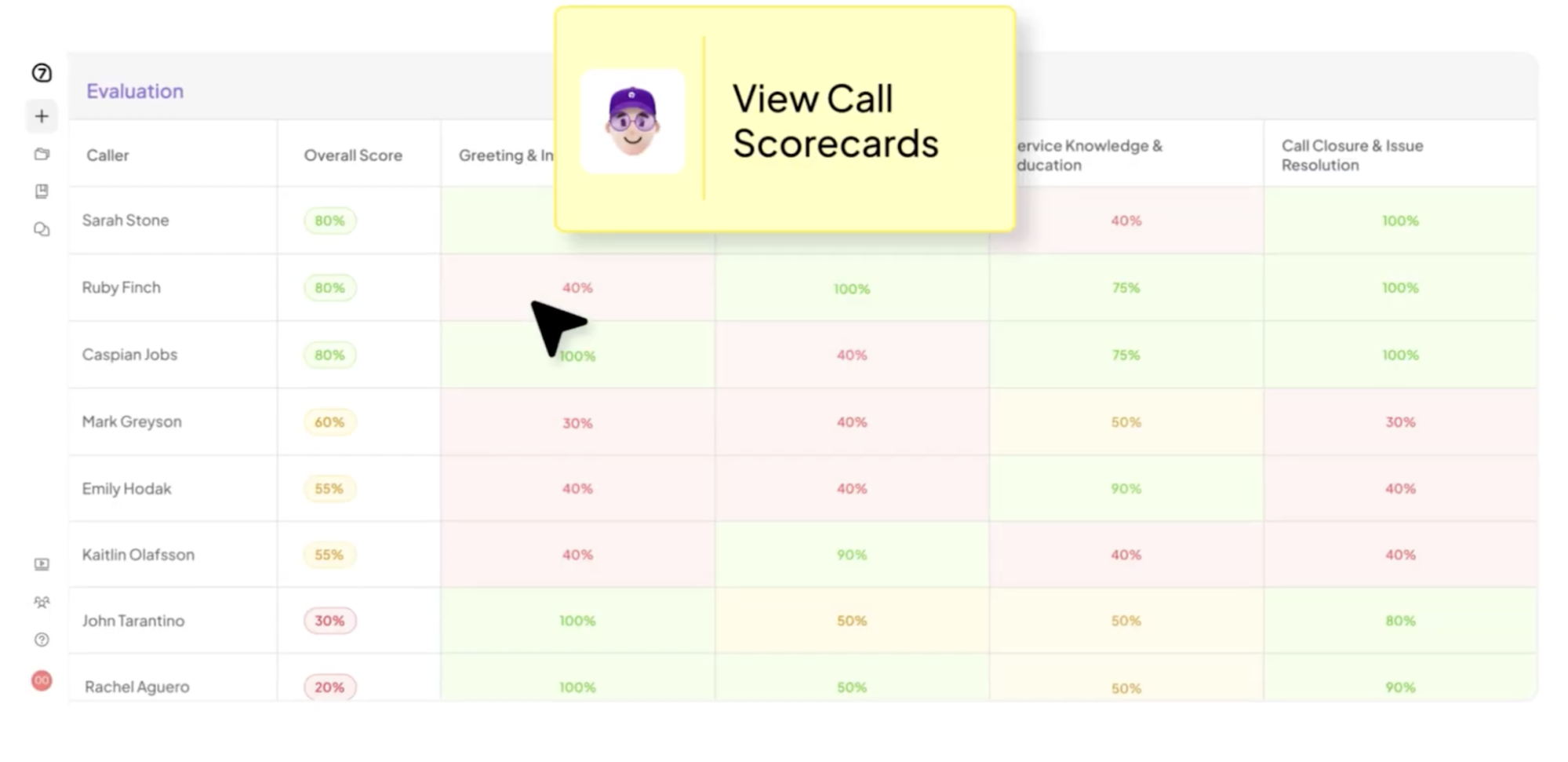
Image source: observe.ai
Observe.AI is an AI-powered conversation intelligence and quality assurance platform built for call centers. It helps customer service and support teams automate quality evaluations, monitor agent performance, and improve coaching through conversation insights.
Its coaching approach begins with automated quality assurance. By evaluating customer conversations at scale, the platform identifies coaching opportunities that managers can prioritize based on performance trends and quality scores.
This helps managers deliver consistent feedback without relying solely on manual call reviews.
Observe.AI does not disclose its pricing publicly.
Image source: balto.ai
Balto is a real-time guidance platform built for sales and customer service teams that handle live customer conversations. It helps agents navigate sales conversations more effectively by delivering in-the-moment guidance based on what is happening during the conversation.
Its coaching approach focuses on improving performance while calls are still in progress.
Instead of waiting until after a conversation ends, Balto provides agents with relevant prompts and recommended next steps that help them stay on script, respond to customer questions, and follow established processes more consistently.
Balto does not disclose its pricing publicly.
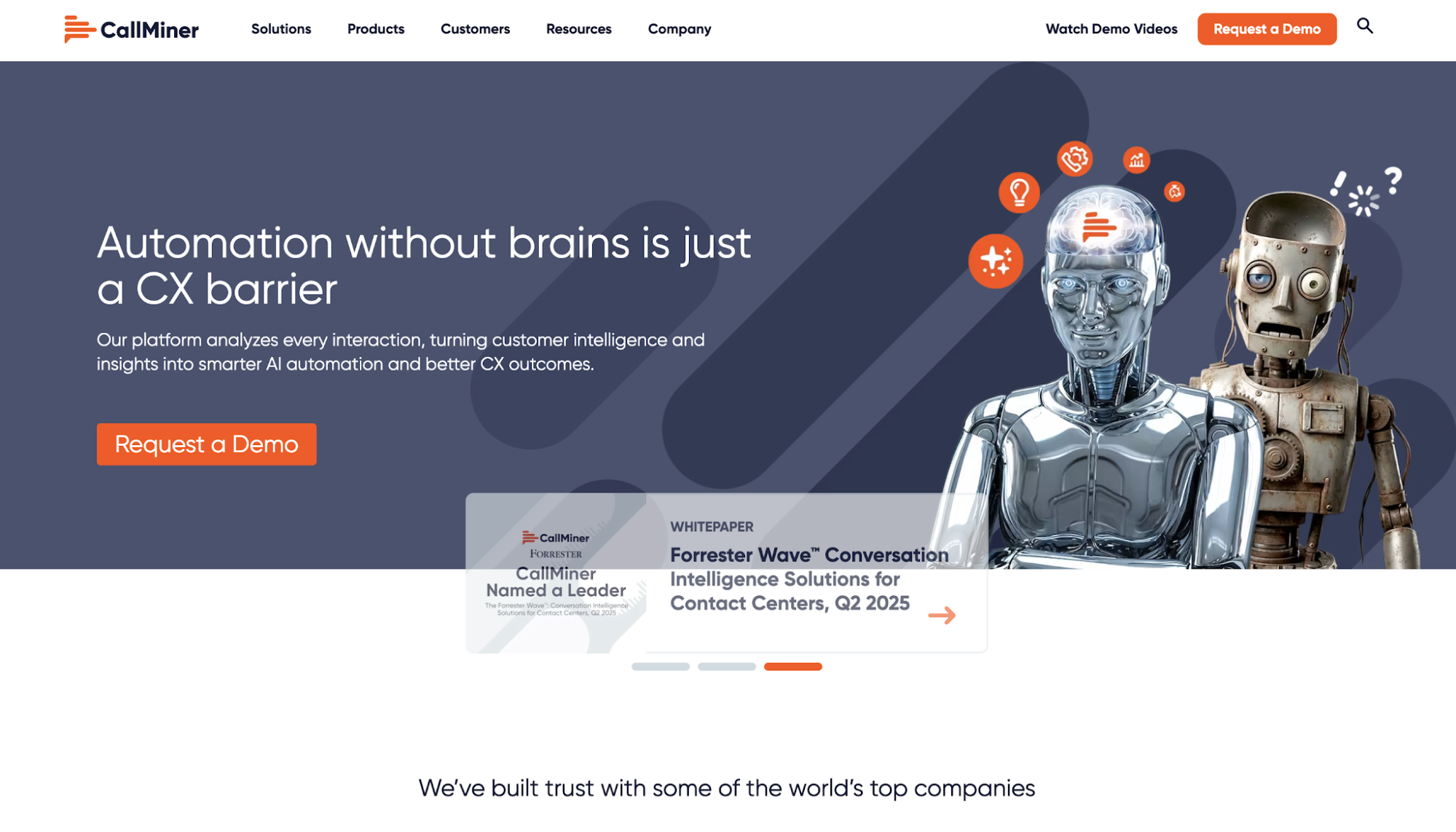
Image source: callminer.com
CallMiner is a conversation intelligence platform designed for organizations that want to improve customer experience, agent performance, and operational efficiency.
It analyzes customer interactions from voice and digital channels to help leaders understand what is happening in customer conversations at scale.
Its approach to call coaching centers on conversation analytics. By identifying recurring behaviors, compliance issues, and customer sentiment trends, the platform gives managers the context they need to deliver more focused coaching and track improvements over time.
CallMiner does not disclose its pricing publicly.
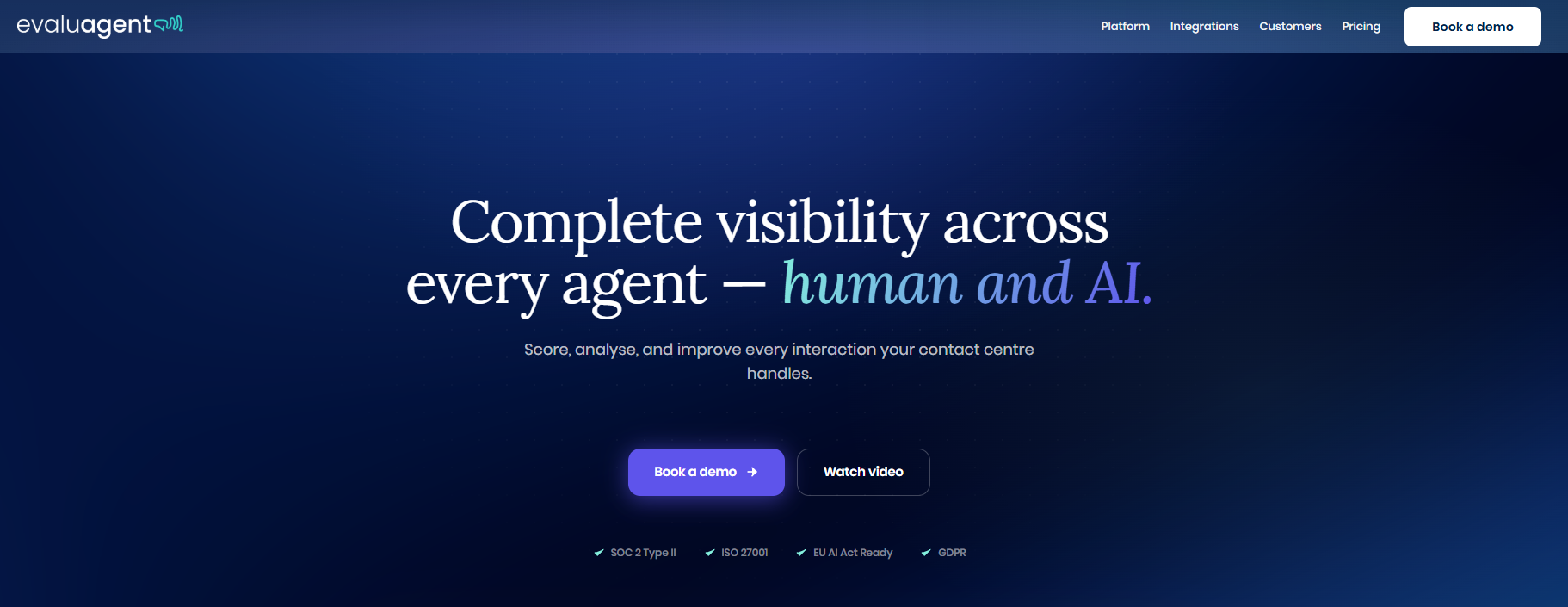
Image source: evaluagent.com
EvaluAgent is a quality management and agent performance platform built for contact centers. It helps quality assurance teams and managers organize evaluations, coaching activities, and employee development within a single platform.
Its coaching approach focuses on structured one-to-one coaching. Managers can plan coaching sessions, document action plans, monitor progress, and connect coaching directly to quality assurance findings, creating a more consistent development process for every agent.
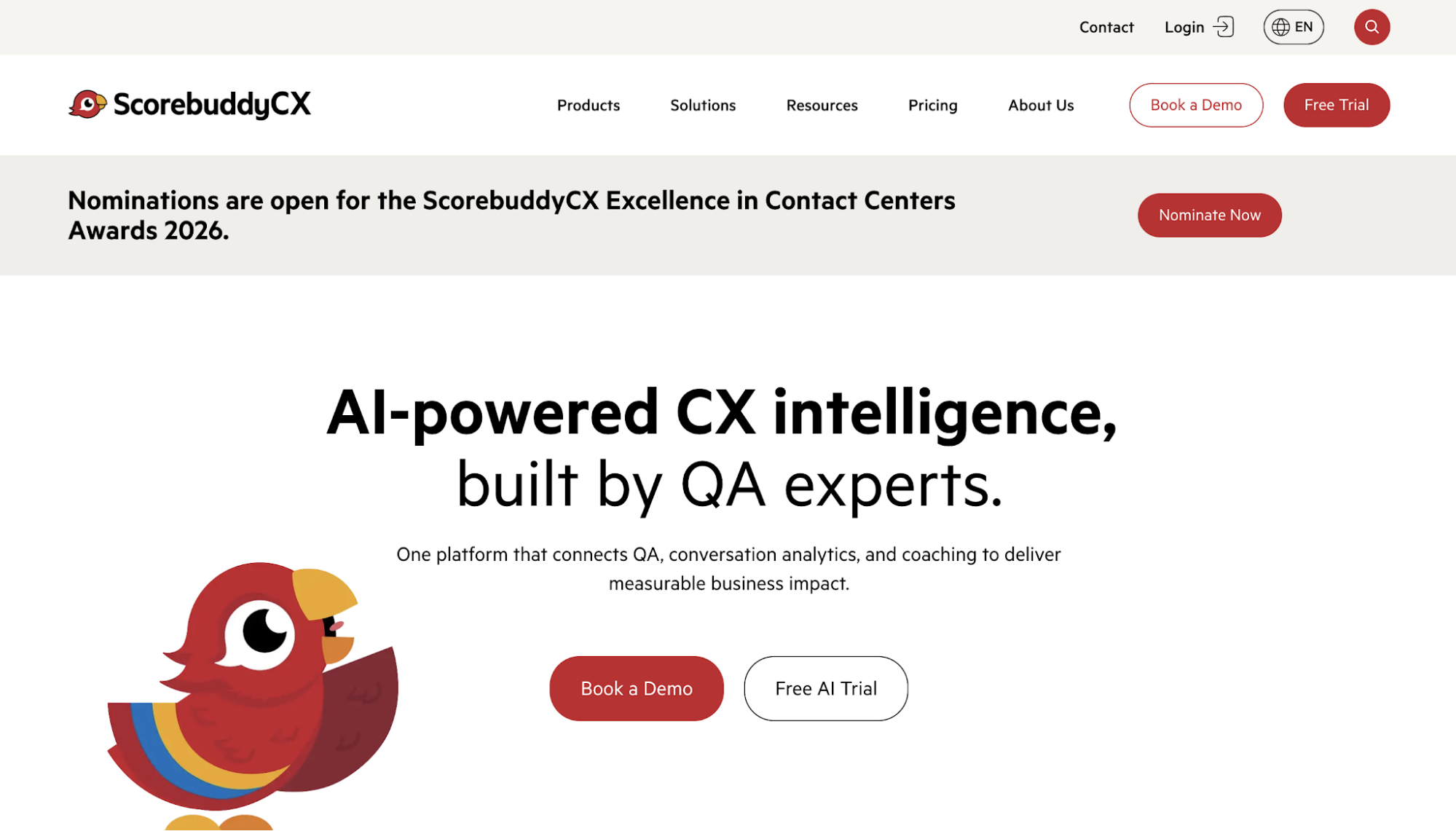
Image source: scorebuddycx.com
Scorebuddy is a quality assurance and performance improvement platform for call center teams. It brings evaluation, coaching, conversation analytics, and agent learning into one connected environment.
Its coaching approach links quality findings with structured development. Managers use interaction data to identify skill gaps and create personalized coaching plans based on each agent’s performance, creating a clear path from call evaluation to follow-up training.
Scorebuddy does not disclose its pricing publicly.
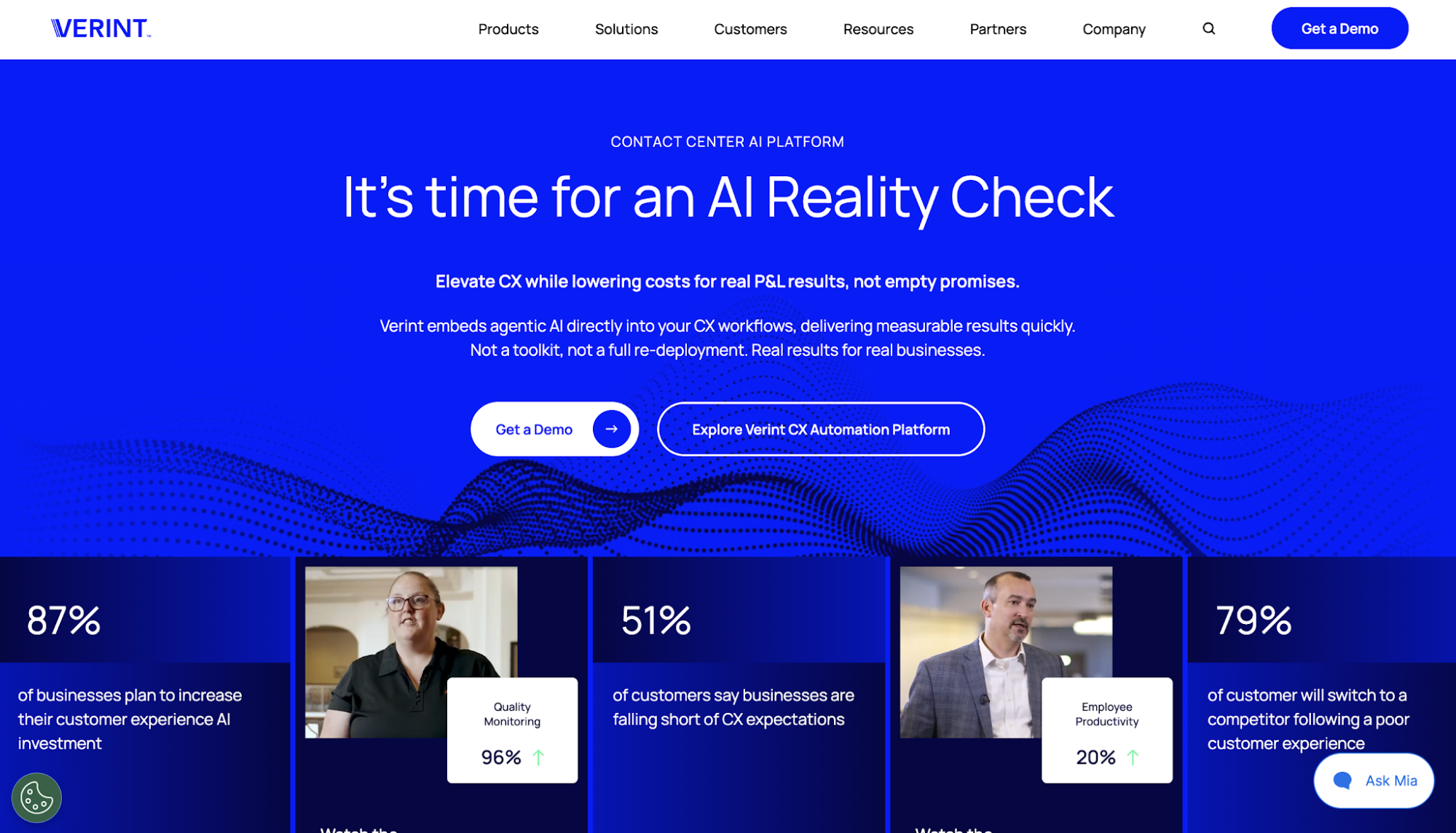
Image source: verint.com
Verint is a customer experience automation platform designed for large service organizations. Its broader platform supports quality management, workforce engagement, analytics, and agent assistance for complex call center operations.
Coaching is connected to Verint’s quality and performance management environment. Evaluation scores and performance indicators help trigger coaching activities, while structured workflows support scheduling and follow-up.
This gives enterprise teams a consistent way to manage agent development at scale.
Verint does not disclose its pricing publicly.
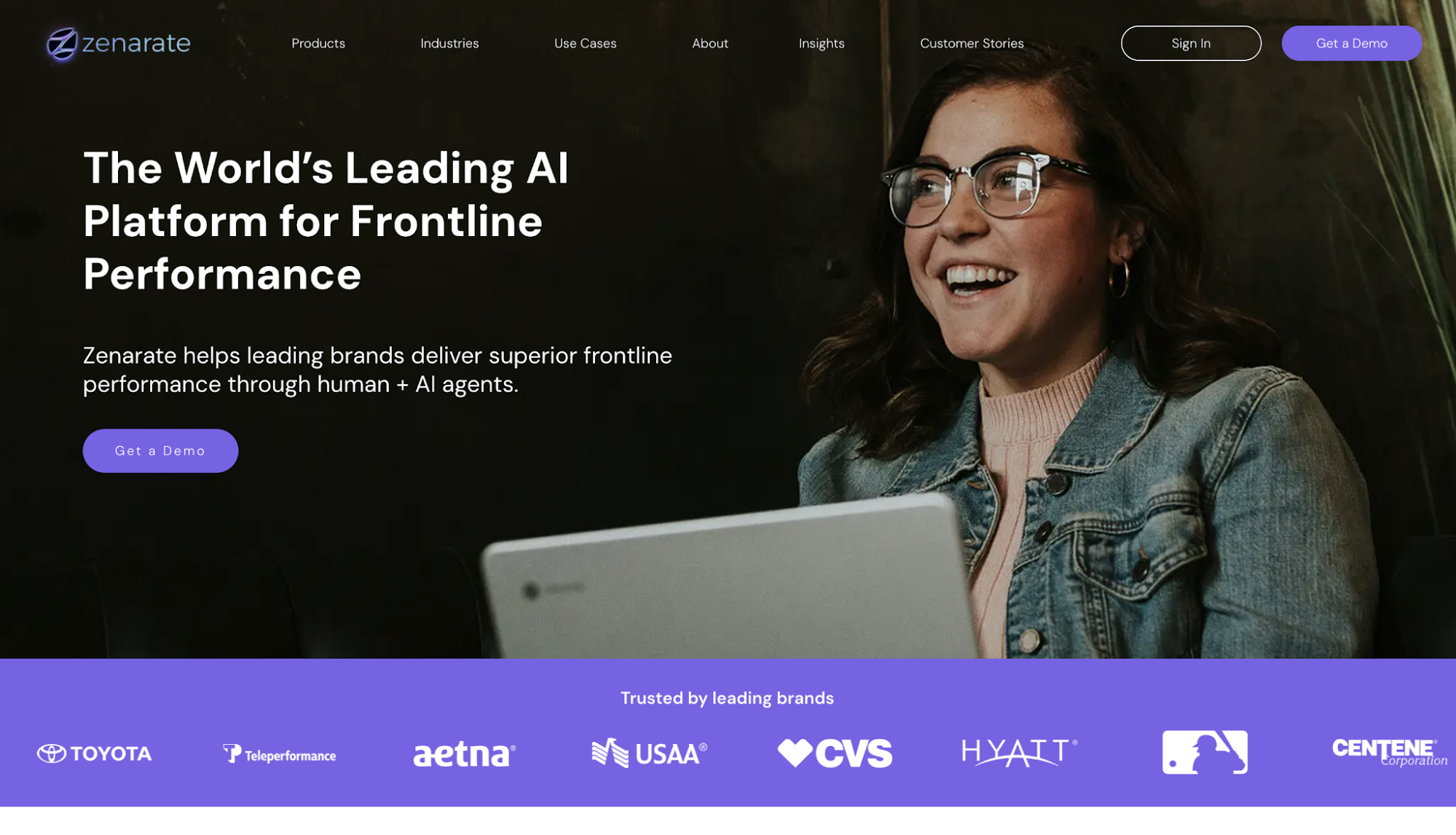
Image source: zenarate.com
Zenarate is an AI simulation and coaching platform built for frontline teams. It combines conversation practice, software simulations, personalized coaching, and learning content within a learning experience platform.
Its approach prepares sales reps for customer interactions before they begin taking live calls. Agents can use the platform for rep practice through realistic voice, chat, and system-based scenarios in a controlled environment.
AI feedback helps them correct behaviors and repeat scenarios until they demonstrate the required skills.
Zenarate does not disclose its pricing publicly.
Now that you know your options, the next step is deciding which coaching approach fits your operation. Platforms that appear similar often differ in when they deliver coaching and how they connect feedback with agent development.
To help you make a fair comparison of your options, here are a few things to consider.
Start by defining the problem you expect the software to solve. Without a clear priority, teams often end up choosing a platform that offers many capabilities but has little impact on the area where they need the most support.
Identifying your main bottleneck first helps you choose a platform that fits your coaching strategy. It also prevents you from wasting time and resources trying to make a tool fit a coaching process it was not designed to support.
For instance, automated QA fits teams that rely on small call samples, while real-time guidance is better suited for agents who need support while conversations are happening.
When you know exactly what your team needs, you can focus most of your effort on finding platforms built to resolve those specific challenges right away.
Besides determining what kind of support your agents need, another important consideration is knowing when they need coaching support as well. This will help you decide whether to prioritize real-time coaching or post-call coaching.
Real-time coaching supports agents during active conversations, while post-call coaching reviews what happened after the interaction and uses those findings to guide future improvement.
The right model depends on when support has the greatest value. Live guidance helps in situations where agents need immediate prompts or process reminders. Post-call analysis, meanwhile, gives managers more space to examine recurring behaviors and build longer-term coaching plans.
Insight7, for instance, supports both approaches. Its Live Assist gives agents guidance during customer conversations, while its conversation analysis helps managers identify performance gaps from completed calls and use them to guide future coaching.
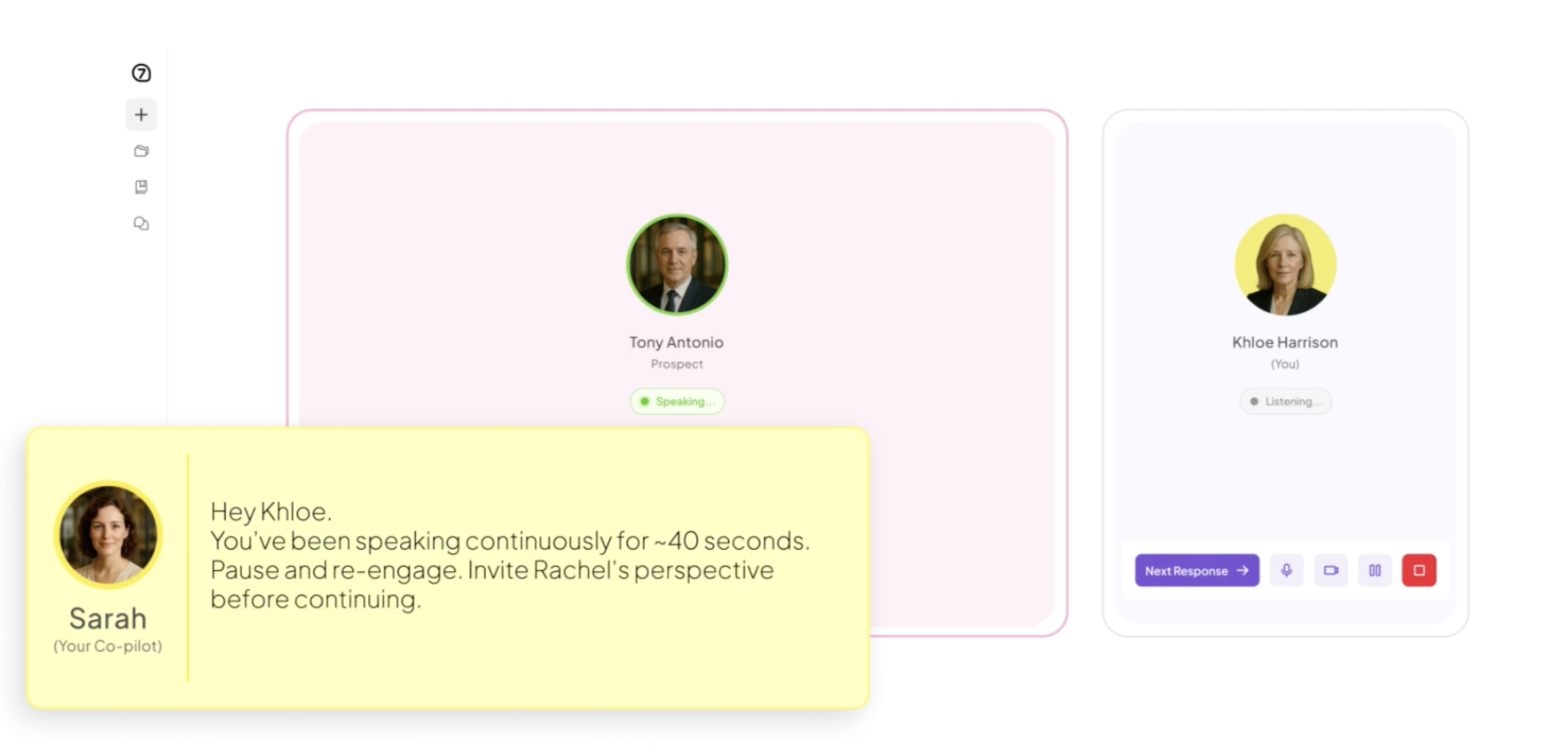
Many call centers often need both, though one approach usually deserves more priority based on the team’s main performance gap.
Once you have decided when coaching should happen, the next step is checking how the platform identifies what agents need help with.
Quality assurance keeps coaching tied to real customer interactions by giving managers clear evidence for their feedback. QA scorecards and interaction evaluations show managers which behaviors are improving and which still need attention.
Of course, that only works if managers can trust the evaluation behind the feedback, which Insight7 prioritizes. One G2 reviewer said Insight7 gave them a more objective way to review calls and made it easier to see where improvement was needed.
That kind of clarity is what you should look for in any platform you consider. If the evaluation is too limited or unclear, managers can end up searching for examples themselves or basing feedback on only a small number of calls.
That makes it much harder to know which coaching priorities deserve attention first.
It’s important that you review how the software selects interactions and applies evaluation criteria. It should also show managers why a call received a particular score so they have clear evidence for the coaching conversation.
After identifying performance gaps, consider how the software helps managers turn those findings into actual coaching sessions.
Identifying a skill gap is usually only the beginning of the coaching process. But managers will still need to schedule the session, document the discussion, and agree on the next action.
When those steps happen in separate tools, follow-up becomes harder to maintain. Agents might receive feedback without a clear development plan, while managers lose track of earlier commitments.
Look for coaching workflows that connect findings with sessions and action items. These metrics should help managers track whether agents completed assigned practice and showed improvement in later conversations.
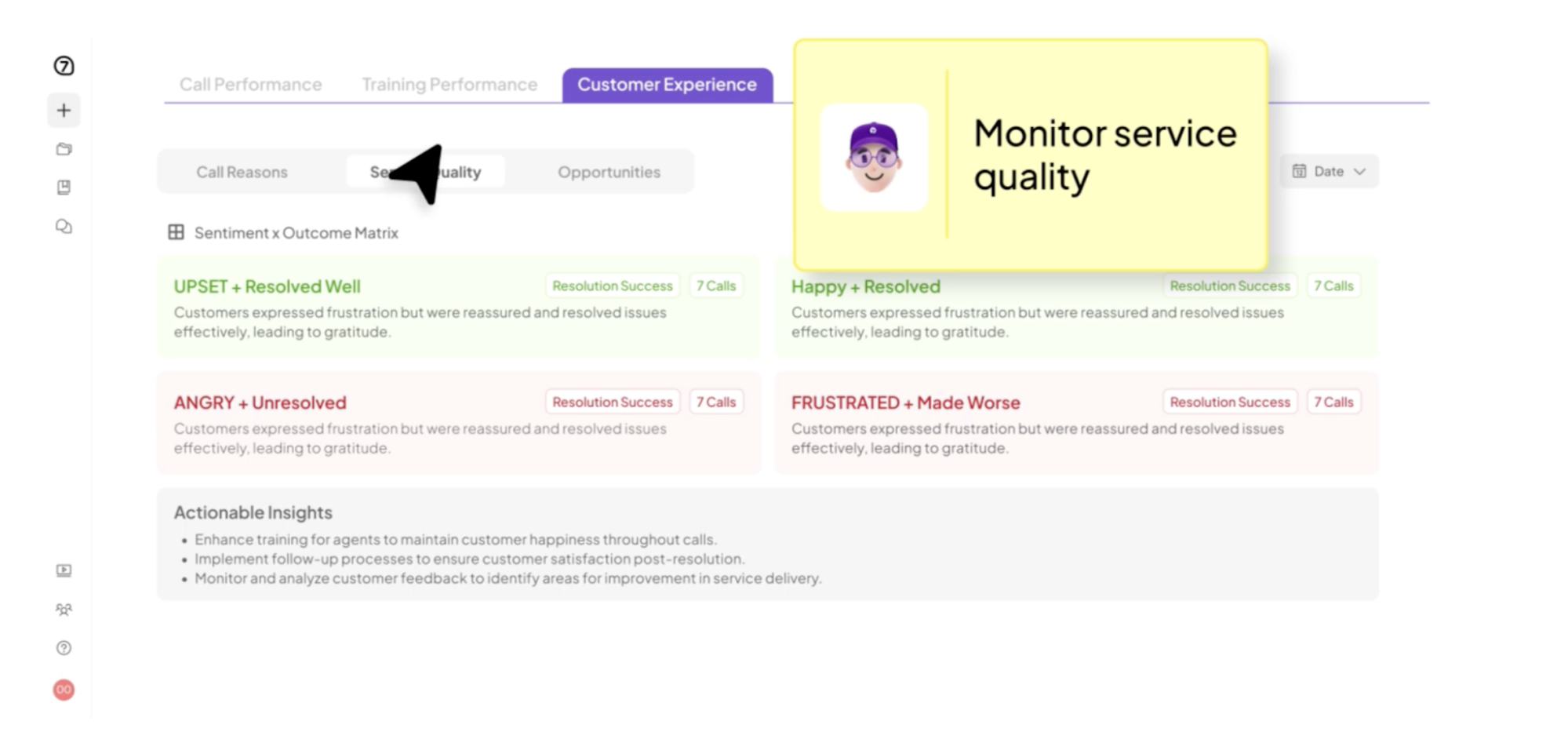
With Insight7, performance gaps found in real calls can be turned into focused coaching and roleplay practice. Agents get to work on the skills they need to improve, while managers can check whether those skills carry over into future calls.
The coaching workflow also depends on how easily the platform connects with the systems your team already uses.
Call coaching software needs access to customer interactions and performance data before it can support evaluation and coaching. For that reason, it should connect smoothly with the tools that record calls and store customer information.
Insight7 connects with the systems teams already use to capture customer conversations, including platforms such as Zoom, HubSpot, and Salesforce. This allows conversation data to move into Insight7 for analysis without managers having to gather every call manually.
When these systems are disconnected, the coaching process becomes more time-consuming. Managers will need to upload calls manually or move between several tools just to gather the information needed for a coaching session.
This also makes it harder to maintain a consistent process because call data and coaching records remain in separate apps or tools. As a result, you’ll end up spending more time organizing information and less time helping your agents improve.
That said, review how the software you’ll choose moves data between each system and how quickly it analyzes new interactions for added coaching insights.
Once coaching is underway, you need clear performance metrics to determine whether those efforts are working.
Tracking completed sessions alone will not show whether agents are applying what they learned. Team leaders need reports that connect coaching actions with changes in agent behavior and later call performance.
Getting those answers shouldn’t require managers to spend days going through recordings and pulling the findings together themselves.
Insight7 can take much of that manual work out of the process. Kevin Smith, Partner at Riggs Partners, said he used to spend days transcribing recordings and pulling together insights. But with Insight7, he said that work now takes minutes.
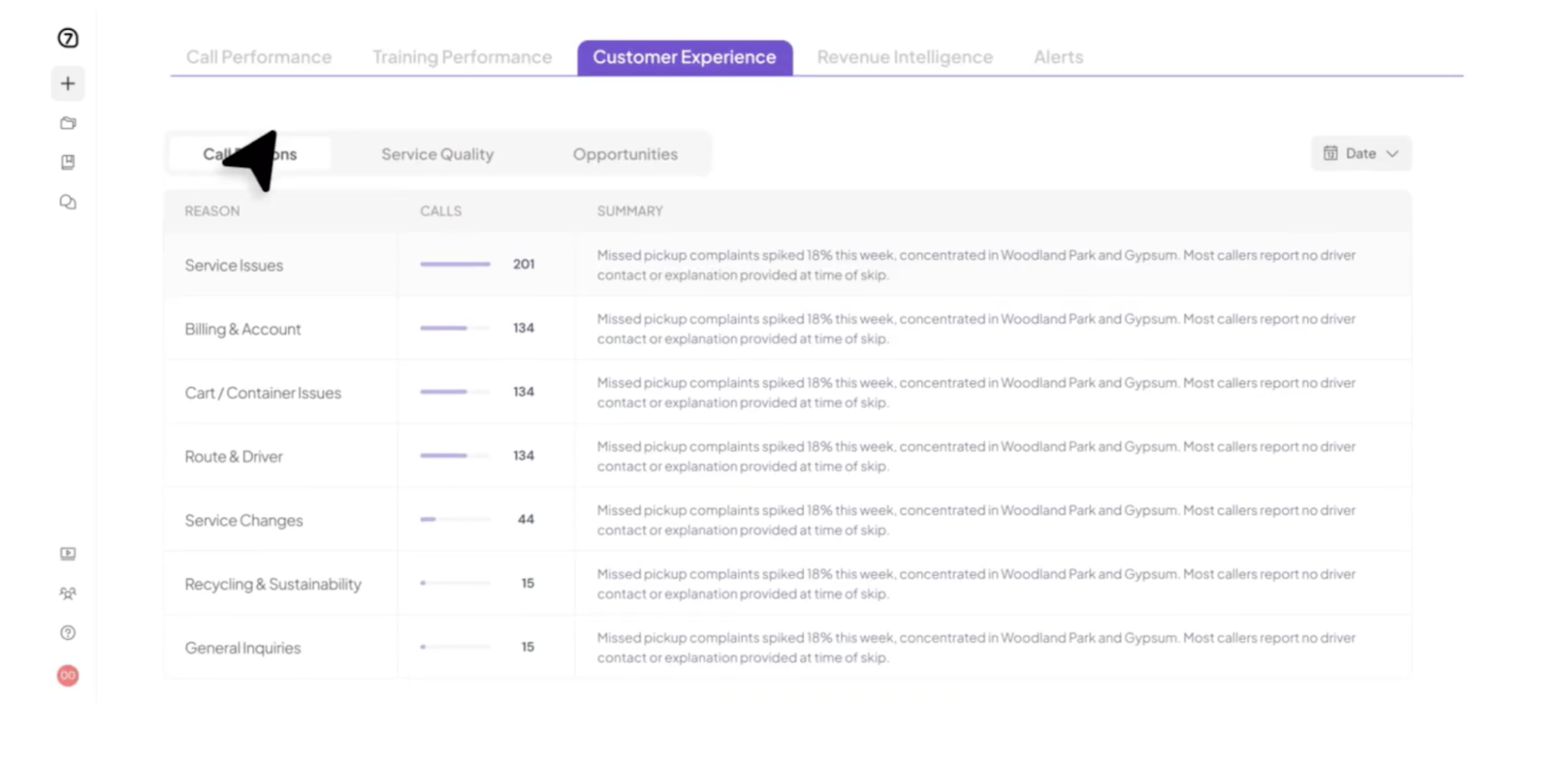
Look for a platform that tracks both individual and team performance over time. It should connect coaching history with later evaluation results, making it easier for managers to see where agents are progressing and where they still need support.
After reviewing the platform’s coaching capabilities, consider whether its cost and structure will continue to fit as your call center grows.
Software costs often depend on user count, conversation volume, or the capabilities included in each package. That’s why a low initial price does not always reflect the cost of deploying the platform throughout a growing call center.
Review which capabilities are included in the base plan. Automated scoring, conversation analytics, and learning tools are often sold in higher packages or as separate add-ons.
Once you understand what each package includes, estimate the total cost based on your current usage and expected growth. Factor in onboarding and implementation as well as the internal resources needed to maintain scorecards or coaching content.
Coaching is one of the most effective ways to help call center agents improve. But its impact can only be beneficial if you choose call coaching software that fits how your team identifies skill gaps and delivers support.
One of the best ways to do that is by using the customer conversations your agents have already handled, as these interactions show what they do in real calls, where they usually struggle, and what they need to improve further on the ground.
If that’s the kind of solution you’re after, Insight7 is exactly the platform you’re looking for.
It turns real customer conversations into focused coaching insights that managers can use to support current agents and help new hires learn from situations the team has already faced.
The best software depends on the operational problem the call center needs to solve. For example, Insight7 is ideal for a team that’s focused on conversation-based coaching.
That said, make sure to review each software option based on your coaching process, existing tools, call volume, and budget before making a decision.
The best sales coaching software gives managers a clear way to identify where agents need support and turn those findings into practical development. For call centers that want to base coaching on real customer interactions, Insight7 is the best solution.
Insight7 analyzes previous calls to uncover skill gaps and coaching opportunities. Managers can use those insights to deliver targeted feedback and help agents gain more clarity on the call behaviors they need to practice and improve.
The 70/30 rule suggests that the person receiving coaching should speak for roughly 70% of the session, while the coach speaks for about 30%. The coach uses their portion to ask observational research questions and provide focused feedback, giving the agent more space to reflect and take ownership of the next steps.
Yes. AI sales coaching software and simulation platforms let sales teams practice cold calling scenarios without speaking to a live prospect. These tools often simulate objections and provide targeted feedback after the practice call.
Yes. Call center coaching software can help new agents learn expected call behaviors before they handle customer interactions independently. It can give them structured practice, clearer feedback, and examples of how common call situations should be handled.

