9 Best Call Center QA Software Tools for 2026
Most call center leaders know their quality assurance (QA) process shows only part of the picture. When reviews depend on a small sample of conversations, patterns in agent performance, compliance, and customer experience can remain hidden.
That’s the gap that call center QA software is meant to close by giving leaders a clearer picture of what is really happening in every interaction, helping them improve service quality and support customer retention.
In this guide, we’ll compare the nine best call center QA software for 2026 so you can find the platform that fits your organization’s needs and priorities.
Get a demo with Insight7 today and uncover the performance gaps hidden in your customer conversations!
TL;DR
These are the nine best call center QA software platforms for 2026:
- Insight7
- Observe.AI
- Convin
- CallMiner
- Scorebuddy
- NICE CXone
- Five9
- Talkdesk
- Genesys Cloud CX
9 Best Call Center QA Software Tools in 2026
While most solutions aim to improve quality assurance, they differ in how they approach overall performance management.
| Call Center QA Software | Best For | Pros | Cons | Pricing |
| Insight7 | Connecting QA findings with coaching, roleplay, and real-time support | - Connects call scoring directly with coaching and skills practice.
- Turns high conversation volumes into clear performance findings.
- Straightforward for managers and QA teams to use.
| - AI findings still need manager review for nuanced performance or compliance decisions.
| - Free: $0/month
- Pro: $99/month
- Business: $299/month
- Enterprise: Custom pricing
|
| Observe.AI | Large contact centers seeking broad automated QA coverage | - Evaluates up to 100% of customer interactions.
- Connects QA evidence with agent coaching.
- Supports a wide range of contact center integrations.
| - Configuration and ongoing maintenance may require additional support.
- Transcript quality can affect scoring accuracy.
| Pricing is not publicly available. |
| Convin | Teams that need both post-call QA and live agent guidance | - Supports real-time guidance alongside automated evaluations.
- Connects QA findings with personalized coaching.
- Covers calls, chats, and emails.
| - Complex workflows require careful initial setup.
- Its wider feature set can take time to learn.
| Pricing is not publicly available. |
| CallMiner | Enterprises requiring advanced conversation analytics and compliance monitoring | - Provides detailed analysis of large interaction volumes.
- Supports QA, customer experience, and compliance programs.
- Links interaction findings with targeted coaching.
| - Advanced analytics has a steeper learning curve.
- Categories and dashboards require ongoing refinement.
| Pricing is not publicly available. |
| Scorebuddy | QA teams that need configurable scorecards and hybrid evaluations | - Offers highly customizable scorecards.
- Combines automated scoring with human evaluations.
- Turns evaluation results into structured coaching plans.
| - Heavy evaluation volumes may affect loading speed.
- Certain scoring and dispute workflows involve extra steps.
| Pricing is not publicly available. |
| NICE CXone | Enterprises seeking QA within a broader workforce and contact center platform | - Combines quality management with workforce operations.
- Supports complex contact center environments.
- Provides an accessible interface for everyday users.
| - Call reliability issues have been reported.
- Support response times can be inconsistent.
| - Omnichannel Suite: $110/agent/month
- Essential Suite: $135/agent/month
- Core Suite: $169/agent/month
- Complete Suite: $209/agent/month
- Ultimate Suite: $249/agent/month plus $0.25 per session
|
| Five9 | High-volume inbound and outbound contact centers | - Supports large outbound campaigns and blended engagement.
- Integrates with established CRM platforms.
- Combines QA with broader workforce tools.
| - Voice reliability can be inconsistent.
- Expanding the platform may require professional services.
| - Digital: $119/seat/month
- Core: $159/seat/month
- Plus: Custom pricing
- Pro: Custom pricing
- Enterprise: Custom pricing
Prices are based on concurrent users, with a 50-seat minimum. Usage charges may apply. |
| Talkdesk | Organizations needing industry-specific contact center workflows | - Provides prebuilt packages for sectors such as healthcare and financial services.
- Offers flexible routing and call-flow tools.
- Integrates with widely used CRM systems.
| - Administrative tools take longer to learn.
- Highly customized deployments can be harder to troubleshoot.
| - Digital Essentials: $85/user/month
- Voice Essentials: $105/user/month
- Elite: $165/user/month
- Industry Experience Clouds: $225/user/month
|
| Genesys Cloud CX | Organizations managing complex customer journeys and omnichannel operations | - Gives teams detailed control over interaction flows.
- Offers extensive APIs and integration options.
- Keeps voice and digital customer journeys connected.
| - Advanced routing and automation require more training.
- Certain capabilities are sold as add-ons.
| - CX 1: $75/user/month
- CX 2: $115/user/month
- CX 3: $155/user/month
- CX 4: $240/user/month
Prices are based on annual billing. Usage-based charges may apply.
|
1. Insight7

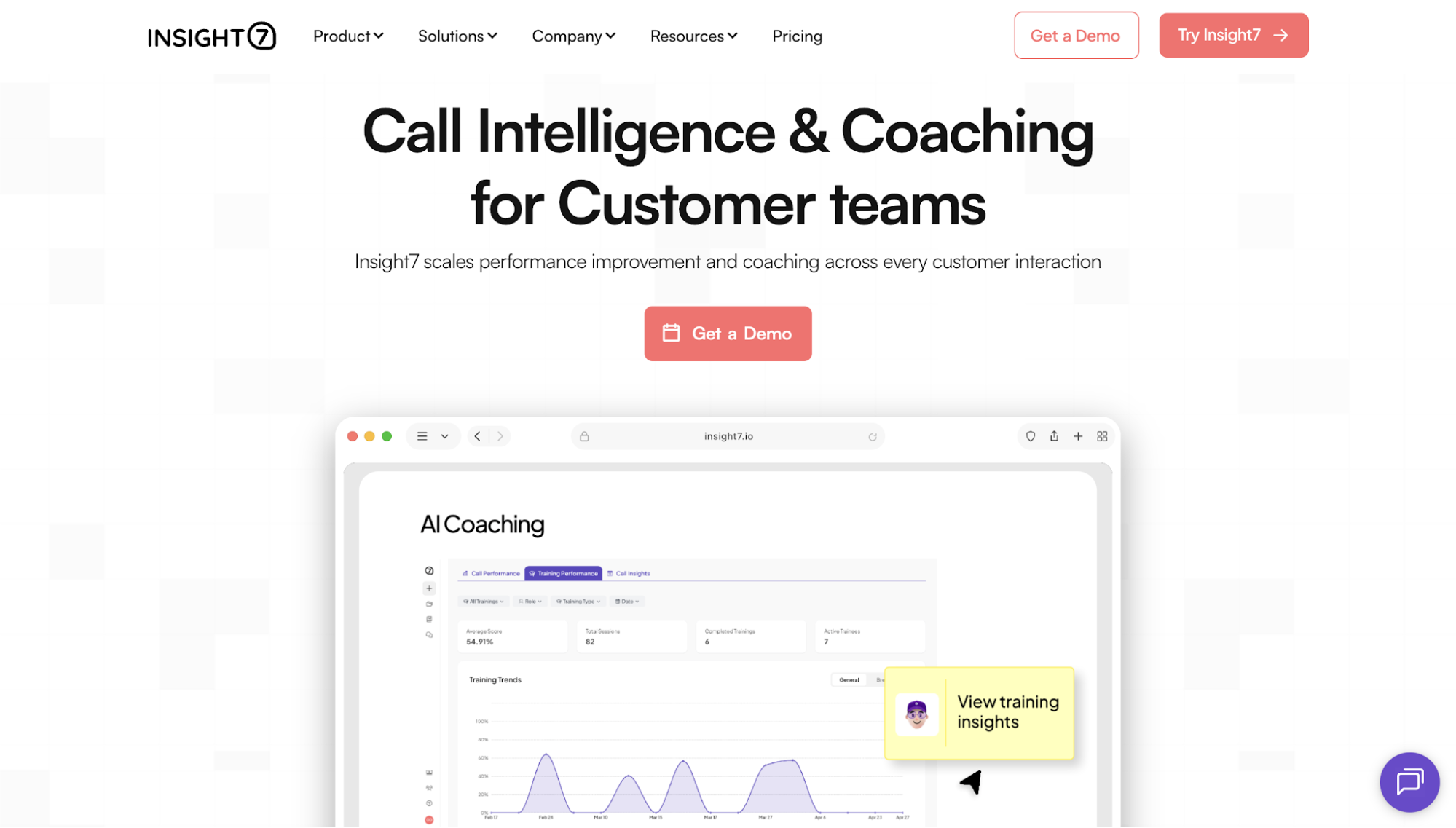
Insight7 is a call intelligence and coaching platform built for customer-facing teams. It helps leaders understand how conversations affect service quality and rep performance, then turn those findings into actions that managers can use to improve future interactions.
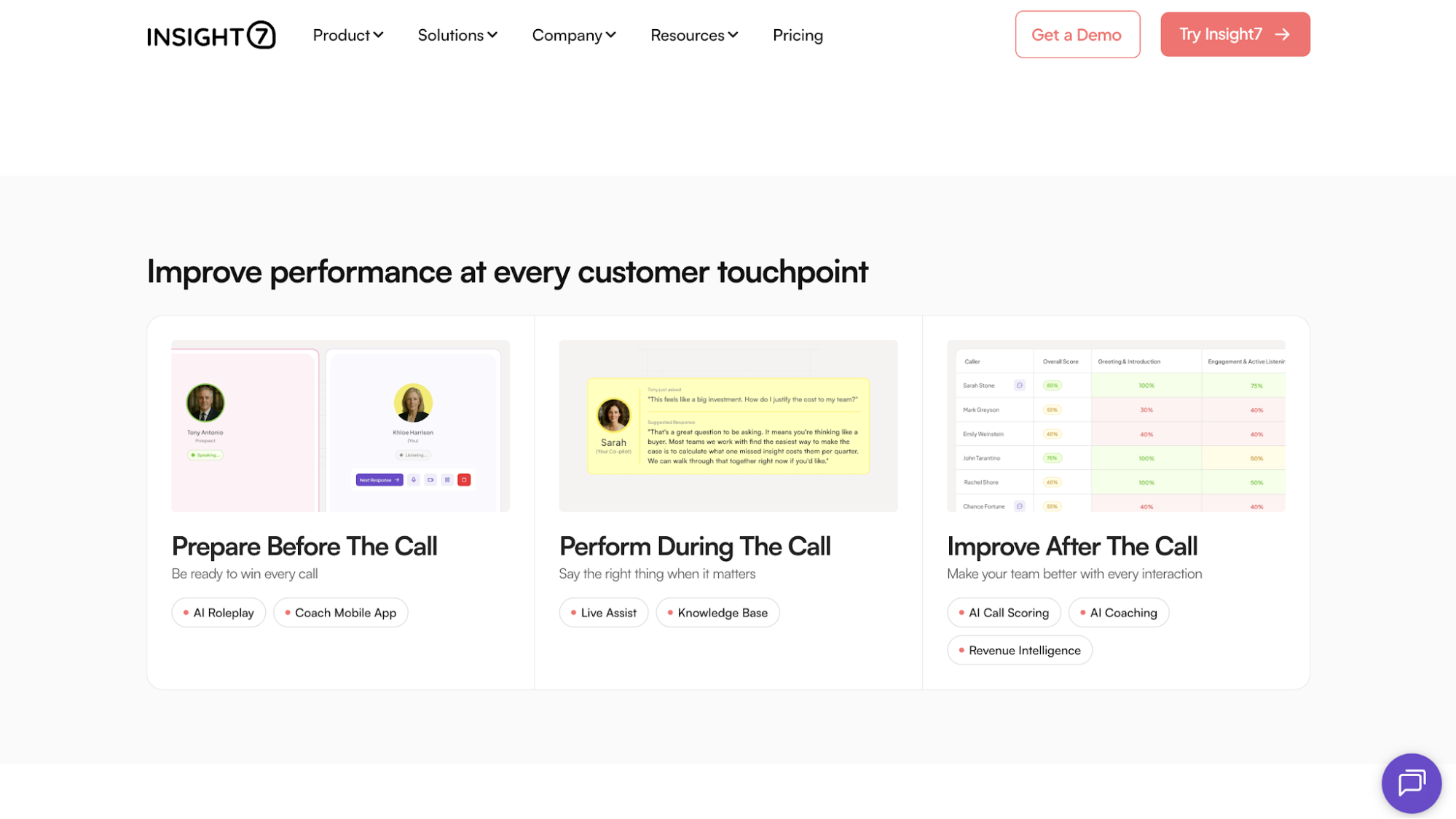
Its products are organized around three stages of performance: preparing teams before conversations, supporting them while conversations are happening, and improving their skills afterward.
This gives QA teams a way to connect evaluation findings with the support agents receive next.
What Makes Insight7 Stand Out
What sets Insight7 apart is its ability to connect QA with the full performance improvement cycle. Teams can identify gaps through call scoring, support agents during live conversations, and use the same findings to create focused coaching or roleplay practice.
This creates a continuous improvement process in which every conversation helps shape how agents prepare and perform over time.
Key Features
- AI call scoring: Evaluates every conversation against custom QA and compliance criteria.
- AI coaching: Delivers personalized feedback based on individual performance findings.
- AI roleplay: Supports agent training by letting reps rehearse realistic customer scenarios and receive structured feedback before live calls.
- Live Assist: Provides real-time agent guidance and next-step prompts during customer conversations.
- AI knowledge base: Provides answers from company resources and cites the source used for each response.
- Revenue intelligence: Identifies buying signals and deal risks from customer conversations.
- System integrations: Connects with customer relationship management (CRM) systems, contact center platforms, dialers, and collaboration tools.
Pros
- Connects QA with what happens next: Call scores can lead directly into coaching and skills practice, helping managers address the performance gaps found during evaluations.
- Turns large volumes of conversations into clear findings: The platform is consistently recognized for extracting actionable insights while reducing the effort required to analyze calls and other qualitative data.
- Straightforward to use: Ease of use is one of the most consistent themes in verified feedback, which helps teams move from uploaded conversations to structured insights without a lengthy learning process.
Cons
- AI findings still require human judgment: Like other AI-powered QA platforms, Insight7’s analysis should be reviewed before it becomes the basis for coaching, performance evaluations, or compliance decisions.
Try Insight7 today and turn QA findings into focused coaching and skills practice for your agents!
2. Observe.AI

Image source: observe.ai
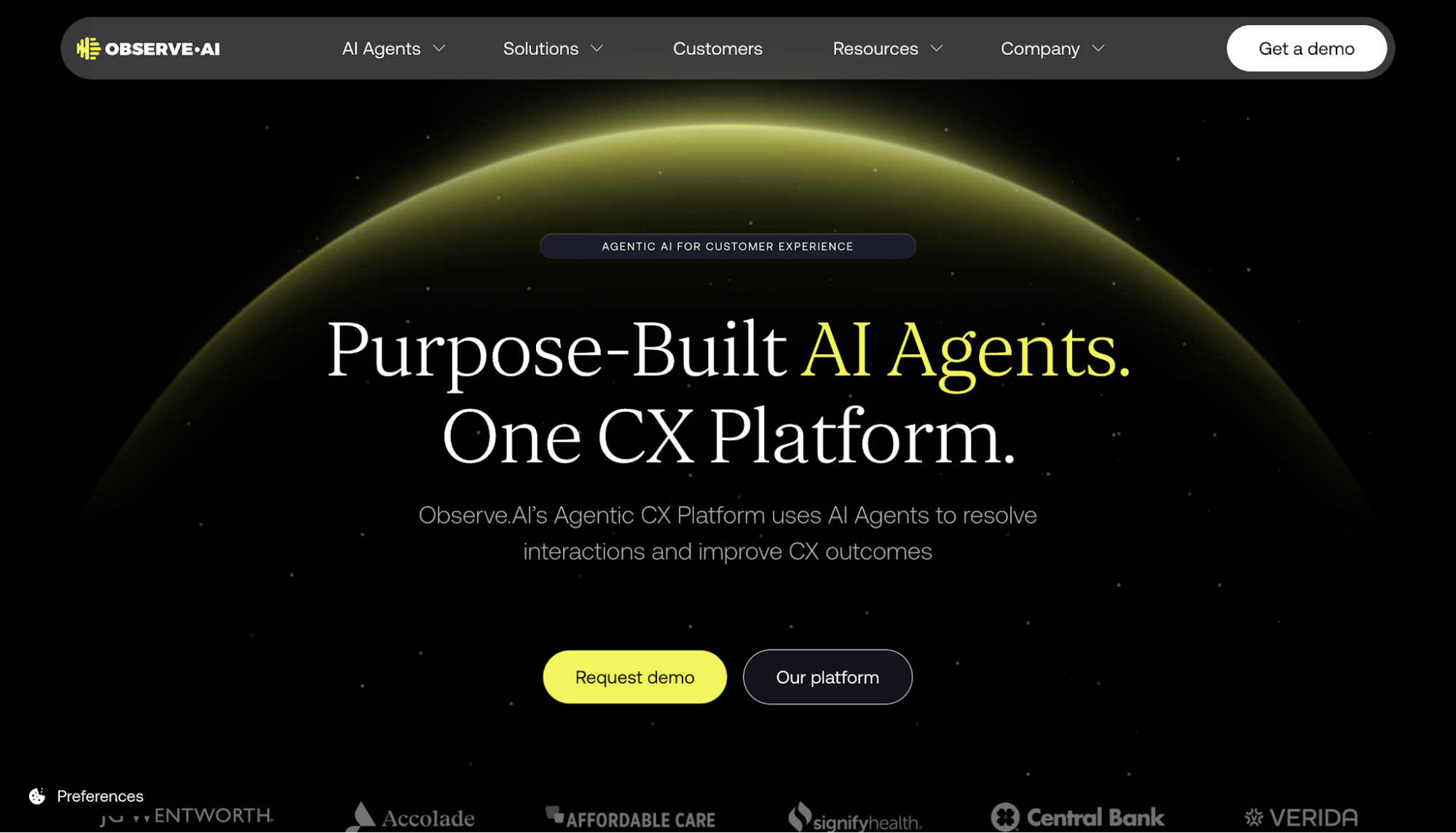
Observe.AI is an AI-powered platform that helps contact centers evaluate customer interactions and improve frontline performance. Its quality management tools support both automated and manual evaluations, allowing QA teams to assess conversations against defined standards.
The platform also connects evaluation results with agent coaching, allowing managers to identify performance gaps and use the relevant interaction as evidence during coaching sessions.
What Makes Observe.AI Stand Out
Observe.AI uses AI agents to automate much of the quality assurance process.
Rather than limiting AI to conversation analysis, the platform extends it to coaching recommendations and operational workflows, helping managers spend less manual effort reviewing calls and more time improving agent performance.
Key Features
- Auto QA: Automatically evaluates 100% of customer interactions using configurable rules and contextual evidence.
- Manual QA: Surfaces relevant moments within conversations to help QA analysts complete reviews more efficiently.
- Agent coaching: Connects evaluations with personalized coaching and performance tracking.
- Compliance monitoring: Reviews interactions for potential compliance issues so teams can investigate them sooner.
- Integrations: Supports more than 250 integrations with contact center systems and other business tools.
Pros
- Broad evaluation coverage: Observe.AI can assess every interaction and provide supporting evidence for each score.
- Connected coaching workflows: Managers can use QA findings and call evidence to guide agent development.
- Strong integration support: The platform connects with a wide range of established contact center systems.
Cons
- Human review is still needed: Transcript errors or weak call quality can affect evaluation accuracy.
- Setup and maintenance may require extra support: The platform can take more effort to configure, and larger teams may need someone to regularly manage updates and settings.
- Customization has limits: Specialized teams may need more flexibility in reporting and evaluation forms.
3. Convin

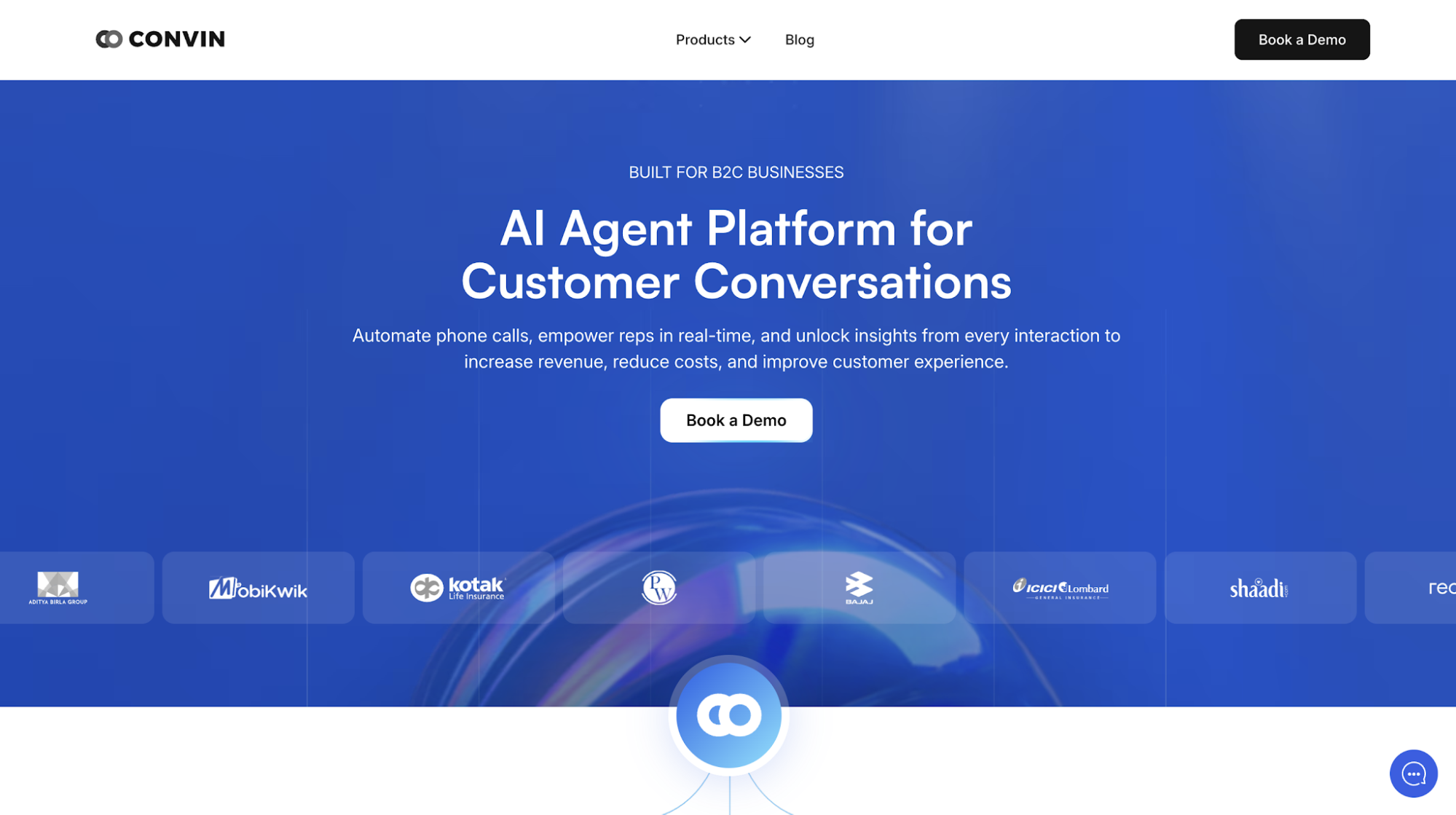
Image source: convin.aiConvin is an AI agent platform designed for customer conversations. It helps organizations automate customer interactions, assist agents in real time, and turn conversations into actionable insights in voice and digital channels.
The platform also brings quality assurance, conversation intelligence, and coaching into a single workflow, allowing teams to move from reviewing customer interactions to identifying what agents need to improve in a swift process.
Key Features
- Automated quality management: Evaluates customer conversations using AI and customizable scorecards to improve QA coverage.
- Real-time assist: Provides agents with live guidance and prompts during customer conversations.
- Automated coaching: Identifies performance gaps and recommends personalized coaching based on conversation analysis.
- Conversation intelligence: Analyzes customer interactions to uncover trends, compliance risks, and coaching opportunities.
- AI collections: Automates debt collection conversations using AI-powered voice agents.
- Integrations: Connects with CRM systems, telephony platforms, and contact center tools to fit existing workflows.
What Makes Convin Stand Out
The platform integrates post-interaction QA with live agent support. While many platforms focus mainly on reviewing completed conversations, Convin can also provide prompts, answers, and checklists while a call is still in progress.
Pros
- QA connects directly with coaching: Evaluation results can trigger personalized coaching, helping teams move from identifying performance gaps to addressing them.
- Supports both live and post-call improvement: Real-time guidance complements automated QA, giving agents support during conversations as well as feedback afterward.
- Broad interaction coverage: The platform can analyze calls, chats, and emails, which helps teams maintain a more consistent QA process.
Cons
- Initial setup takes planning: Organizations with complex workflows will need time to configure evaluation criteria, integrations, and coaching processes before the platform is fully operational.
- AI-generated insights still require validation: Conversation summaries, transcripts, and automated evaluations still need human review when audio quality is poor or the interaction involves more nuanced language.
- Some advanced capabilities have a learning curve: Because Convin combines quality management and other conversation intelligence features in one platform, teams may need time to become familiar with its broader feature set.
4. CallMiner

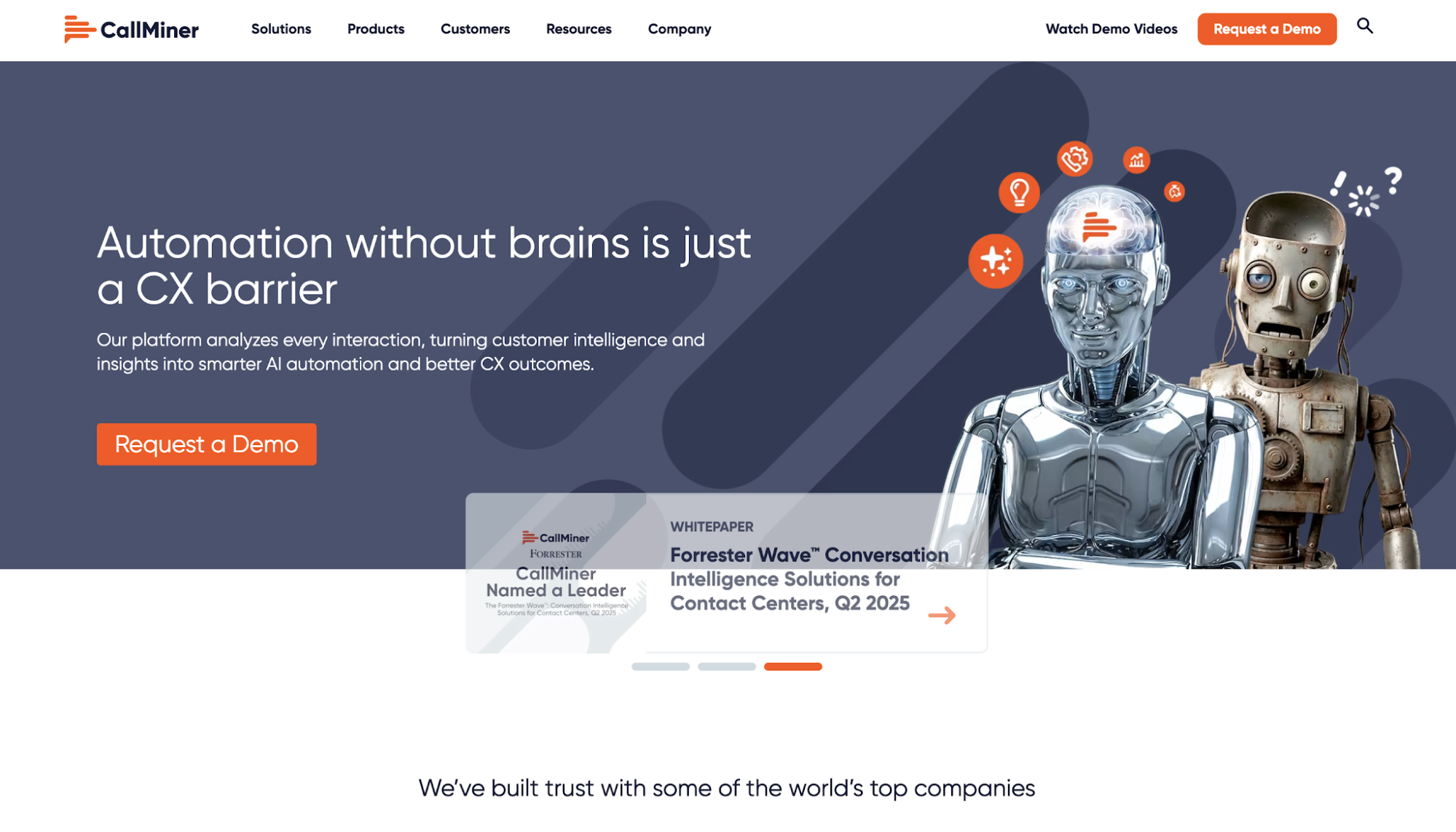
Image source: callminer.comCallMiner is an AI-powered conversation intelligence and customer experience (CX) automation platform built to turn customer interactions into business insight.
While quality management is one of its core use cases, CallMiner also applies conversation insights to customer experience and compliance programs.
What Makes CallMiner Stand Out
The platform uses advanced natural language processing to analyze customer interactions throughout multiple channels, then applies those insights to quality management and compliance.
Key Features
- AI-powered quality management: Supports fully automated evaluation forms or a hybrid process that combines automated scoring with manual reviews.
- Omnichannel interaction analysis: Captures and analyzes customer conversations through voice and digital channels.
- Agent coaching: Uses interaction insights to identify coaching priorities and track agent development.
- Real-time guidance: Uses real-time monitoring to provide in-the-moment support for customer escalations and potential compliance risks.
- Risk and compliance monitoring: Helps teams identify language or behaviors that require further investigation.
- Interaction recording: Includes call recording and screen recording capabilities within the Eureka platform.
Pros
- Deep conversation analysis: CallMiner can turn large volumes of interaction data into detailed quality insights that support operational decisions.
- Broad business applications: Its analytics can support quality management alongside customer experience and compliance programs.
- Strong coaching connection: CallMiner Coach links interaction analysis with targeted feedback and tracks how agent behavior changes over time.
Cons
- The platform takes time to master: Its analytics tools have a steep learning curve, especially for teams building more advanced searches or categories.
- Reporting can require additional work: Large datasets and changes to reporting subscriptions can make some reporting processes more involved.
- Advanced analytics require thoughtful setup: Getting the most value from categories, dashboards, and search capabilities takes planning and ongoing refinement.
5. Scorebuddy

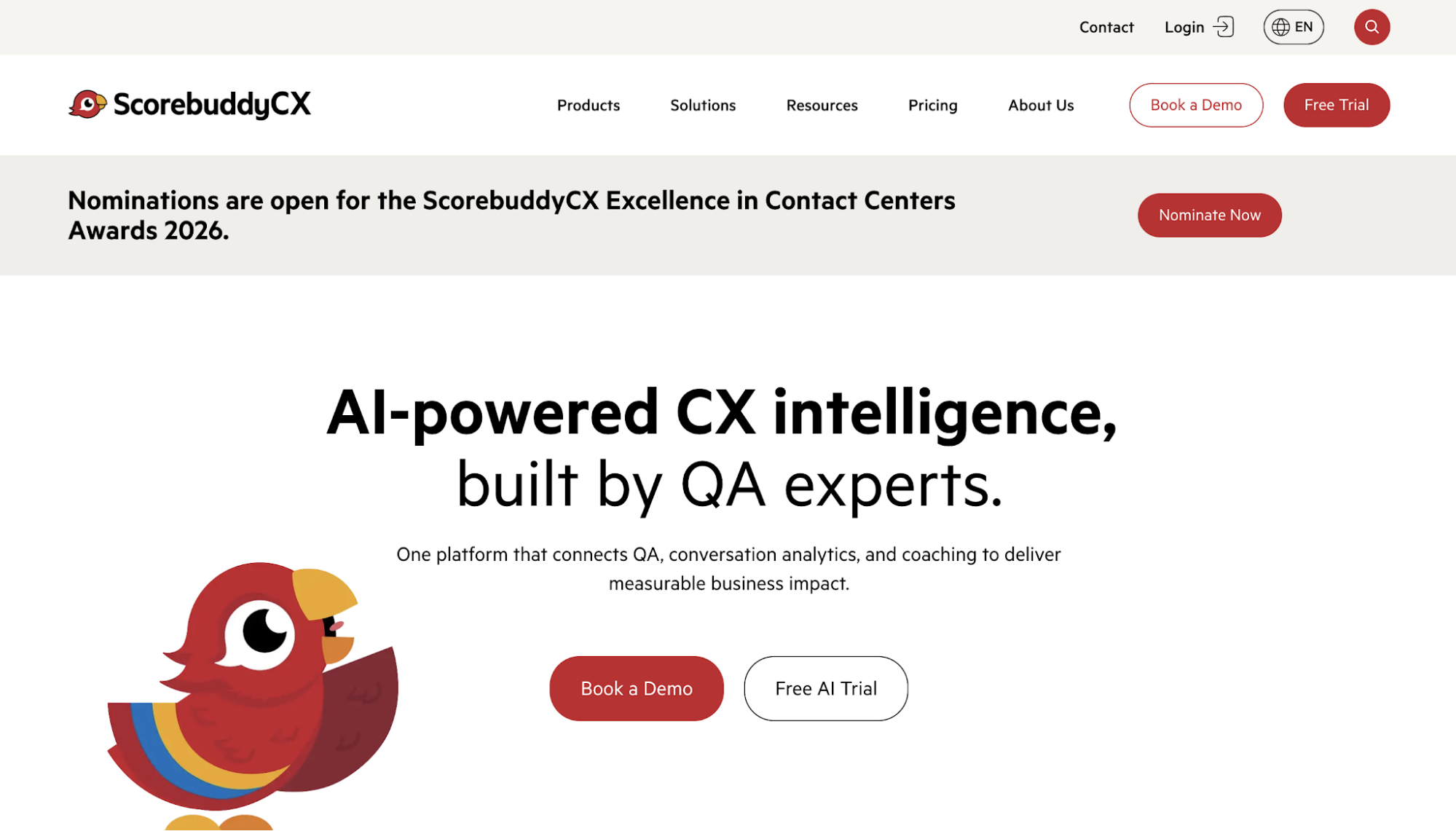
Image source: scorebuddycx.comScorebuddy is a contact center quality assurance software solution that uses AI to evaluate interactions and surface CX insights.
It combines QA with conversation analytics and coaching so teams can evaluate interactions, understand performance patterns, and support agent development from one system.
The platform supports quality programs for both human agents and AI bots. It also extends QA findings into business intelligence and structured learning, giving teams a broader way to use performance data throughout the customer experience.
What Makes Scorebuddy Stand Out
Scorebuddy helps teams scale quality assurance through a flexible framework. Organizations can build custom scorecards, tailor evaluation workflows, and combine AI scoring with human evaluations to match their own QA process instead of adapting to a predefined one.
Key Features
- Hybrid QA scoring: Combines AI Auto Scoring with human evaluations and configurable scorecards.
- QA for AI bots: Evaluates interactions handled by AI agents as well as human agents.
- Conversation analytics: Identifies contact drivers and uses sentiment analysis to track trends throughout customer interactions.
- Agent coaching: Uses QA findings to create targeted coaching plans tied to real interactions.
- Learning management: Assigns training based on performance gaps identified through scoring and analytics.
- Agent dashboards: Gives agents visibility into quality scores and evaluator feedback, including a process for requesting a review.
Pros
- Highly configurable scorecards: Scorecards can be tailored to different quality standards without requiring extensive technical work.
- Easy to adopt: The interface makes evaluations, feedback, and score reviews straightforward for both managers and agents.
- Coaching fits naturally into QA workflows: Evaluation results flow directly into structured coaching, making it easier to turn feedback into ongoing development.
Cons
- Reporting has some limitations: Teams with more advanced reporting requirements may find the available customization options restrictive.
- Performance slows under heavier workloads: Larger volumes of evaluations or data can result in longer loading times.
- Scoring workflows require extra steps: Disputing evaluation scores and retrieving historical score data are less streamlined than other parts of the platform.
6. NICE CXone

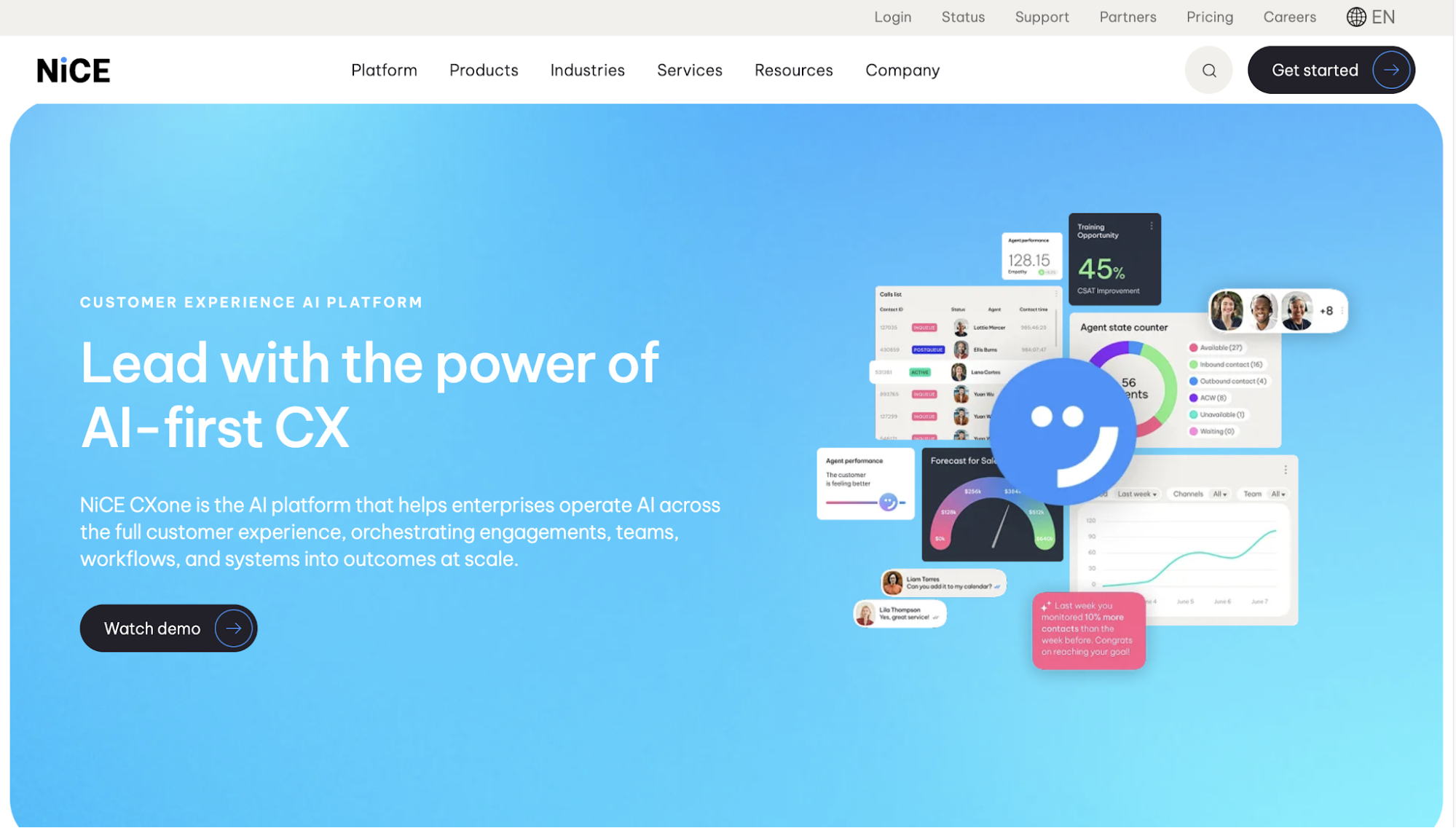
Image source: nice.comNICE CXone is an AI-powered customer service platform that helps organizations manage every stage of the customer experience from a single cloud platform.
Built on CXone Mpower, it combines AI and automation with call center operations to help organizations improve service quality while giving supervisors a unified view of performance.
Within that platform, NICE CXone includes automated quality management as part of its workforce empowerment capabilities.
This allows organizations to evaluate customer interactions alongside workforce performance, coaching, and operational planning instead of treating QA as a standalone process.
What Makes NICE CXone Stand Out
The platform combines quality management with AI-powered workforce operations. Teams can evaluate customer interactions while managing workforce performance and customer engagement within the same platform.
Key Features
- Quality management: Evaluates customer interactions using customizable evaluations and automated scoring.
- Interaction analytics: Analyzes customer conversations to identify trends, compliance issues, and coaching opportunities.
- Supervisor workspace: Gives supervisors a centralized workspace for monitoring performance and managing teams.
- Workforce management: Supports forecasting, scheduling, and employee performance management.
- AI for CX: Uses AI to automate evaluations, summarize interactions, and assist agents during customer conversations.
- Integrations: Connects with CRM systems, business applications, and third-party contact center technologies.
Pros
- Broad contact center coverage: NICE CXone combines calling and workforce tools in one platform, reducing the need to manage separate systems.
- Accessible for daily users: The interface is widely viewed as easy to navigate, which supports faster adoption among agents and supervisors.
- Built for complex operations: Its product range supports organizations that need quality management alongside broader contact center infrastructure.
Cons
- Call reliability issues have been reported: Dropped calls and agent-status problems can interrupt daily contact center workflows.
- Support response times can be inconsistent: Delays in receiving technical help can slow issue resolution for operational teams
7. Five9

Image source: five9.comFive9 is a cloud contact center platform that supports inbound and outbound customer engagement. It brings voice and digital channels into one environment, with workforce management tools and AI capabilities built around daily contact center operations.
Quality assurance sits within Five9’s broader workforce engagement suite. Its quality management tools help teams evaluate interactions, involve agents in the review process, and connect performance findings with workforce operations.
What Makes Five9 Stand Out
Five9 combines quality management with a mature inbound and outbound contact center platform. This gives organizations one environment for managing QA alongside high-volume calling and digital customer engagement.
Key Features
- Agentic quality management: Automatically evaluates up to 100% of interactions and delivers real-time coaching.
- Interaction analytics: Analyzes captured conversations to identify trends and automatically score interactions.
- Agent review workflows: Allows agents to review evaluations and dispute scores within the quality management process.
- Supervisor Plus: Gives supervisors real-time data through performance dashboards for monitoring contact center activity.
- Blended engagement: Supports inbound and outbound operations within the same contact center platform.
- Workforce engagement management: Connects quality management with workforce planning and interaction analytics.
Pros
- Built for high-volume outbound operations: Five9’s dialing and campaign tools help teams manage large outbound workloads without separating them from inbound operations.
- Strong CRM integration support: The platform connects with established CRM systems and allows agents to work within familiar interfaces.
- Broad contact center functionality: Five9 brings voice and digital engagement together with workforce management, reducing the need to assemble separate operational tools.
Cons
- Call reliability requires consideration: Recurring reports of dropped calls and audio issues show that voice performance is not always consistent.
- Product upgrades can require outside help: Adding new capabilities often involves Five9 professional services, which add more steps to implementation and expansion.
- Some features feel disconnected: Certain tools are not as seamlessly integrated as others, so moving between workflows can feel less streamlined.
8. Talkdesk

Image source: talkdesk.comTalkdesk is a cloud contact center platform built around its Customer Experience Automation platform, which combines AI agents, workflow automation, and customer data to support customer service operations.
They also offer industry-specific packages called Experience Clouds, which combine their contact center platform with prebuilt workflows and integrations for different sectors.
What Makes Talkdesk Stand Out
Talkdesk applies its contact center platform to industry-specific operating environments.
Its Experience Clouds give organizations prebuilt capabilities for workflows such as banking services and patient engagement, rather than requiring every team to configure a general-purpose platform from the ground up.
Key Features
- Interaction analytics: Evaluates customer conversations to identify coaching opportunities and operational trends.
- Performance management: Tracks agent performance and supports goal-based coaching.
- Workforce management: Helps forecast staffing needs and manage agent schedules.
- Talkdesk data cloud: Unifies customer and operational data to support AI-powered customer experiences.
- AI orchestrator: Coordinates AI agents and human agents within customer workflows.
- Integrations: Connects with CRM platforms, productivity tools, and business applications.
Pros
- Easy for frontline teams to adopt: The interface makes daily call handling and interaction reviews straightforward for customer support agents, reducing the training required for routine use.
- Flexible call routing: Routing and call-flow tools support more complex contact center processes without forcing every team into the same operating model.
- Strong integration support: CRM connections help agents access customer information without repeatedly moving between separate systems.
Cons
- The setup tools take longer to learn: Managers may need more time to get comfortable with the parts of the platform used to change settings and build more complex workflows.
- Interaction records are not always consistent: Call logging and transfer counts occasionally require verification before teams use them for operational analysis.
- Heavy customization complicates troubleshooting: More tailored deployments make technical issues harder to isolate and resolve through support.
9. Genesys Cloud

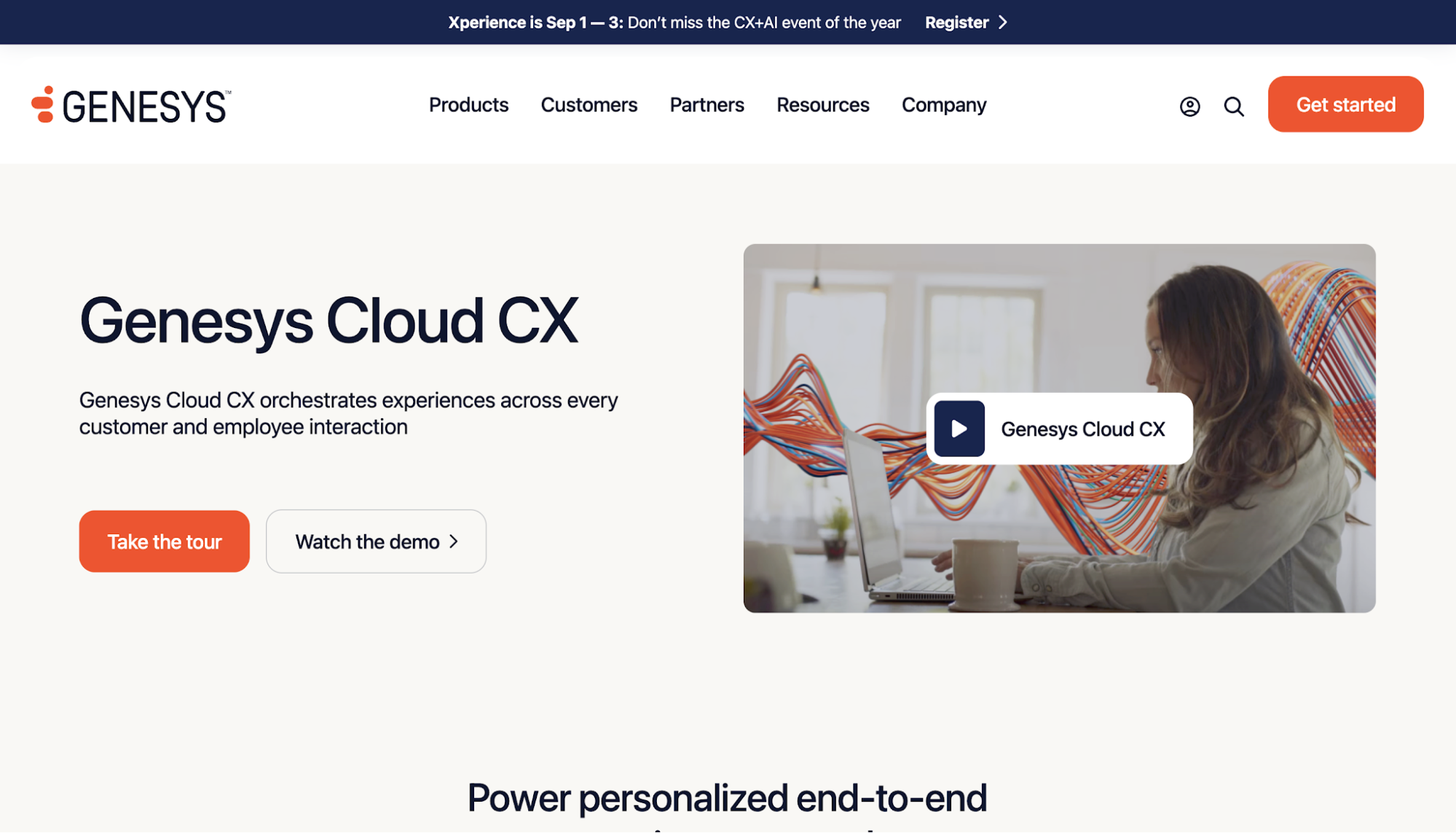
Image source: genesys.comGenesys Cloud CX is a customer experience platform that helps organizations manage how customers move between service channels over time. It uses interaction history to help teams understand customer needs and deliver a more connected experience from one conversation to the next.
Quality assurance is built into its workforce engagement capabilities. Teams can record and evaluate interactions while making it possible to connect those findings with coaching and employee performance management.
What Makes Genesys Cloud CX Stand Out
Genesys Cloud CX focuses on experience orchestration. It brings quality management, workforce engagement, and customer interactions into one coordinated platform so organizations can manage the customer and employee experience together.
Key Features
- Quality assurance: Evaluates customer interactions using customizable evaluation forms and compliance workflows.
- Speech and text analytics: Analyzes conversations to identify trends, sentiment, and coaching opportunities.
- Workforce engagement management: Combines quality assurance with performance management, forecasting, and scheduling.
- Customer journey management: Connects interaction history and customer context to improve customer experiences.
- AI and automation: Supports virtual agents, predictive routing, and AI-powered agent assistance.
- Integrations: Connects with CRM systems, workforce applications, and hundreds of third-party business tools.
Pros
- Flexible interaction design: Genesys Architect gives teams detailed control over call flows and customer journeys without requiring every change to be built from scratch.
- Extensive integration options: Open APIs and established CRM integrations support organizations with more complex technology environments.
- Customer journeys stay connected: Voice and digital interactions can be managed within the same platform, giving teams more continuity when customers switch channels.
Cons
- Advanced features take time to learn: Designing complex routing and automation requires more training than routine agent tasks.
- Some advanced features are available as add-ons: Organizations need to review which functions are included because certain tools sit outside the core package.
- Advanced setup can take extra effort: Teams building more customized workflows or integrations may need additional time to get everything working as intended.
What to Look for in Call Center QA Software
By now, you’ve seen how each platform takes a different approach to quality assurance. The next step is weighing those differences against your own operational needs.
Here are the key factors to consider before making your decision.
Interaction Coverage
Interaction coverage refers to how many customer conversations a QA platform can evaluate. Some platforms still rely heavily on manual QA reviews, while others use automated quality monitoring to assess every customer interaction.
This is one of the first things you should evaluate because the effectiveness of a strong QA program depends on how much of your customer activity you can actually see.
When managers only review a small sample of calls, recurring performance issues, coaching opportunities, and compliance risks are much easier to miss.
As conversation volume grows, scaling QA coverage through manual reviews quickly becomes unrealistic.
Choosing a platform with broader evaluation coverage gives managers a more complete picture of team performance and allows coaching decisions to be based on patterns instead of isolated examples.
Custom Scorecards
Scorecards define how customer conversations are evaluated. They establish the quality standards teams are expected to meet and provide a consistent framework for evaluating agent performance.
No two contact centers measure success in exactly the same way. Sales teams, customer service departments, and regulated industries often evaluate conversations against different objectives, making flexibility an important consideration during vendor selection.
Look for a platform that lets you build custom evaluation forms around your own processes so each review reflects the standards your business actually operates by, rather than forcing your team to work within predefined templates.
Scoring Accuracy and Calibration
Scoring accuracy is how consistently a platform evaluates customer conversations. Calibration is the process of making sure every evaluator applies those standards in the same way.
This becomes increasingly important as QA programs grow. If two managers score the same conversation differently, agents receive mixed feedback and QA data becomes less reliable.
Over time, that makes it harder to identify genuine coaching opportunities or measure improvement.
Look for a platform that supports consistent scoring and gives QA managers an easy way to review, calibrate, and align evaluations.
Compliance Monitoring and Data Security
For many contact centers, quality assurance goes beyond measuring agent performance. It also helps ensure that conversations meet internal policies and industry regulations.
As customer conversations increase, manually checking every interaction for compliance becomes far more difficult. A platform that monitors script adherence and flags potential compliance risks helps teams review more conversations while reducing the chance of issues being missed.
If your organization handles sensitive customer information, data security should carry equal weight. Review each platform’s certifications, security controls, and data protection practices to ensure they meet your organization’s requirements before making a decision.
Coaching and Performance Improvement
The purpose of call center quality assurance is to improve future conversations, not simply evaluate past ones. Every review should help managers understand what agents are doing well and where additional support is needed.
This is why coaching capabilities deserve careful consideration. A platform that connects evaluations to coaching, learning, or roleplay makes it easier to turn QA findings into measurable performance improvements, rather than leaving feedback in reports that rarely lead to action.
As you compare platforms, consider how easily they help managers move from identifying performance gaps to closing them.
Workflow Fit
Workflow fit refers to how naturally a QA platform integrates into your team’s daily operations. That includes how easily managers complete evaluations, how agents receive feedback, and how well the platform connects with the systems your contact center already uses.
Even the most capable QA tools create unnecessary work if they disrupt existing processes. Managers shouldn’t have to sacrifice operational efficiency by moving between multiple applications or manually transferring information just to complete routine reviews.
Look for a platform that fits into your existing workflow and simplifies contact center quality management. The easier it is to adopt and use consistently, the more value your QA program is likely to deliver over time.
Turn QA Insights Into Better Performance With Insight7

The value of call center QA software isn’t measured by how many conversations it evaluates. It’s measured by how consistently those evaluations help agents improve and a capable platform should help teams achieve that.
Insight7 is built exactly for that work as it connects every stage of the QA process in one platform. With it, you can evaluate conversations, support agents with real-time guidance, and reinforce learning through AI-powered coaching and roleplay, all in one complete workflow.
Instead of treating quality assurance as a separate activity, it becomes part of an ongoing cycle of performance improvement.
When every customer conversation contributes to stronger coaching and data-driven decision-making, quality assurance becomes more than a means of monitoring performance. It becomes a system for continuous improvement.

Book a demo with Insight7 today and build a QA process that continuously improves agent performance!
FAQs About Call Center QA Software
What software do most call centers use?
Most call centers use cloud contact center platforms such as NICE CXone, Five9, Talkdesk, and Genesys Cloud CX to manage calls, routing, and reporting, often alongside QA solutions like Insight7 to improve customer satisfaction through conversation analysis and coaching.
What does QA do in a call center?
QA evaluates customer interactions to measure agent performance, ensure compliance, and identify coaching opportunities. It helps managers improve service quality by reviewing calls against defined standards and tracking performance trends.
What is the best quality assurance software?
The best call center quality management software depends on your needs, but leading options include Insight7, Observe.AI, Convin, CallMiner, Scorebuddy, NICE CXone, Five9, Talkdesk, and Genesys Cloud CX. The right choice depends on factors like automation, coaching features, integrations, and scalability.
What are the four types of quality assurance?
The four common types of quality assurance are manual evaluations, automated evaluations, hybrid QA (combining manual and AI scoring), and compliance monitoring. Together, they help organizations assess performance, maintain standards, and reduce risk.