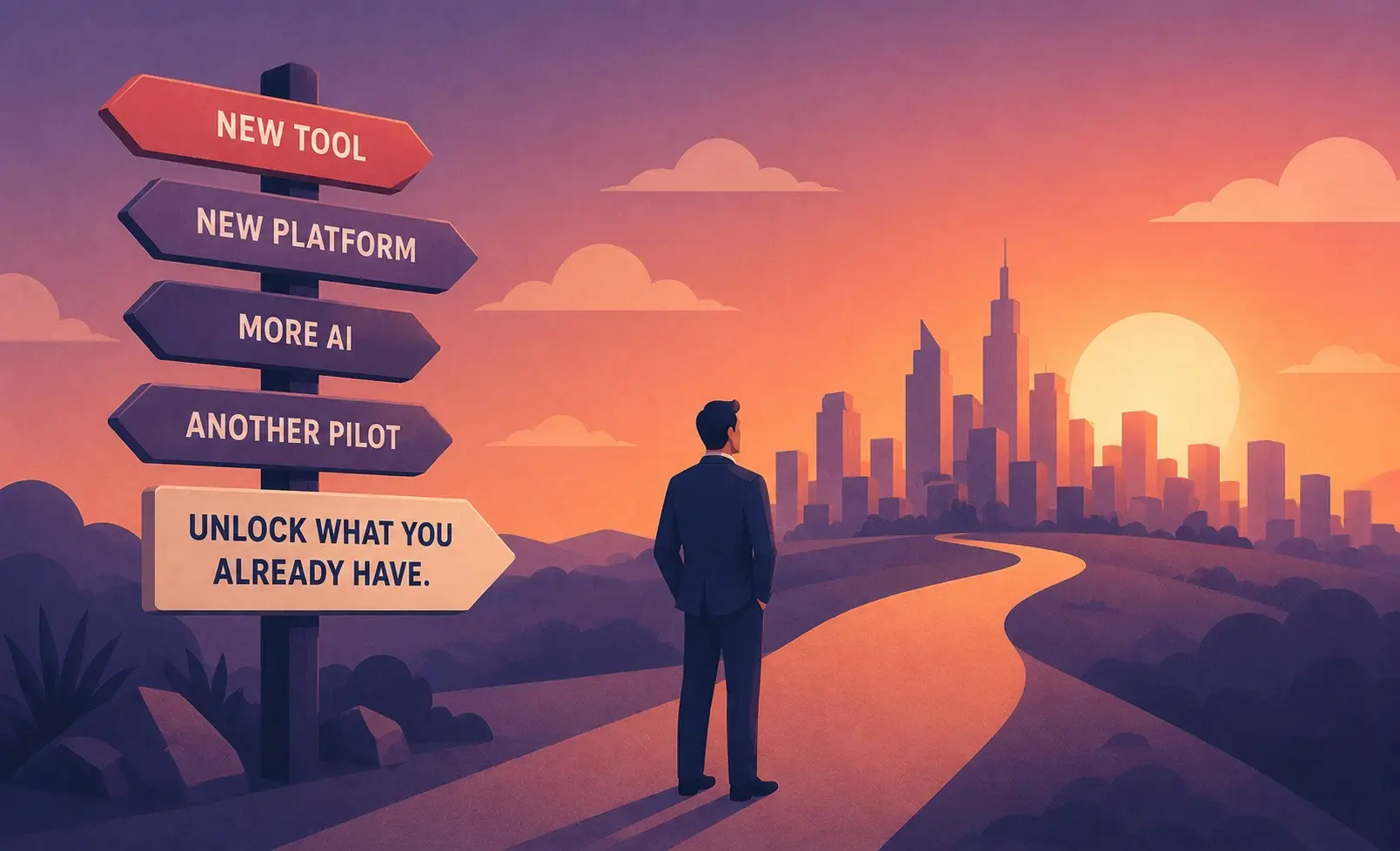
Retail teams adopting Microsoft Teams face a specific integration challenge: Teams handles communication well, but it does not automatically generate coaching insights from the calls and meetings happening inside it. The training and coaching that helps retail teams integrate Microsoft Teams effectively connects the platform's recording and transcription capabilities to a structured development workflow.
This guide covers what that workflow looks like, which tools support it, and what retail-specific coaching programs work best when Teams is the collaboration layer.
Why Microsoft Teams Integration Matters for Retail Coaching
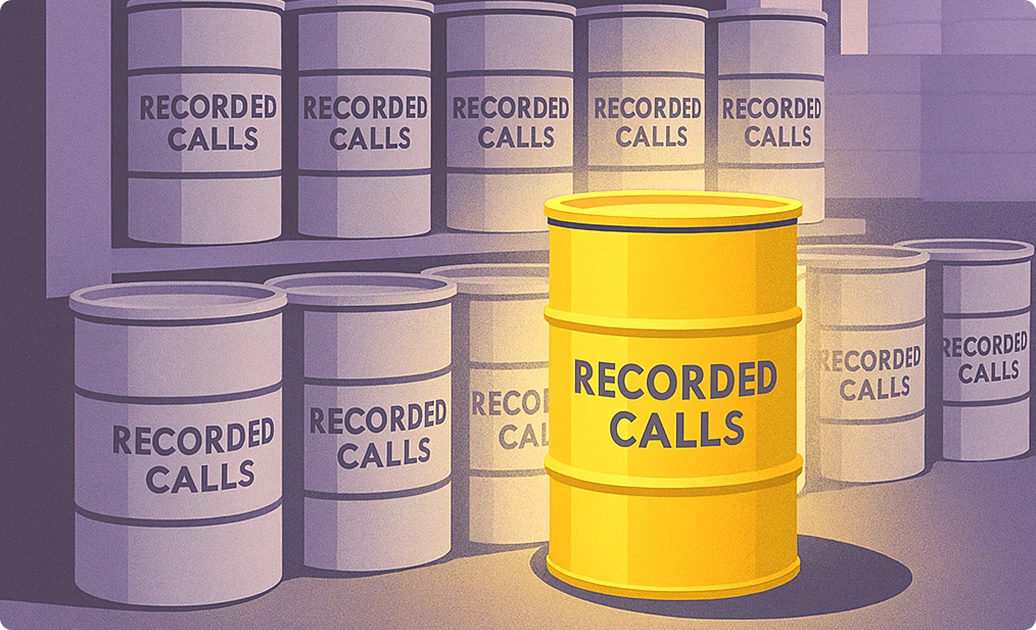
Microsoft Teams captures a large volume of retail team interactions: store manager check-ins, rep coaching sessions, customer call recordings from Teams-enabled contact centers, and training sessions. Without a coaching layer on top, those recordings sit in SharePoint or OneDrive without analysis. The integration question retail teams are actually asking is how to turn that call and meeting data into actionable coaching without adding manual review overhead.
Insight7 integrates with Microsoft Teams to automatically ingest call recordings, analyze them against configurable coaching criteria, and generate rep-specific development recommendations. The integration connects through Microsoft Teams' API and Azure Communication Services, making it available for retail contact center operations running Teams for customer-facing calls.
How to integrate coaching tools with Microsoft Teams?
The integration pathway depends on whether your retail operation uses Teams for internal meetings, outbound/inbound customer calls, or both. For customer call workflows, integration requires connecting Teams to a call analytics platform via API or the Azure Communication Services layer. For internal coaching sessions, Teams recordings can be uploaded manually or synced automatically through OneDrive or SharePoint connectors.
Training Programs That Help Retail Teams Integrate Microsoft Teams
Step 1: Microsoft Teams Fundamentals for Retail Managers
Before AI coaching tools add value, retail managers need functional fluency in Teams itself. Microsoft offers free training through Microsoft Learn covering Teams fundamentals, meeting management, and channel organization. The Viva Learning module, available within Teams, delivers employee training content without requiring a separate LMS login.
For retail-specific onboarding, the training should cover:
- Setting up dedicated channels for store teams, regional managers, and ops
- Recording customer-facing calls and coaching sessions for later analysis
- Using Teams Live Events for all-hands training across multiple store locations
Most retail managers reach functional fluency with Teams in two to three weeks of guided training. Rushed onboarding produces the common failure mode: Teams gets used as a group chat tool while coaching and call review continue happening in spreadsheets.
Step 2: Connect Teams Call Data to a Coaching Analytics Layer
Teams recordings without analysis create a data pile, not a coaching program. The second phase of integration connects Teams to a platform that scores calls and surfaces coaching recommendations automatically.
Insight7 pulls recordings from Microsoft Teams via API, applies configurable scoring criteria to each call, and generates per-rep scorecards showing performance on each criterion. Retail managers see which agents are underperforming on product knowledge, objection handling, or compliance language across 100% of calls, not just the few they have time to manually review.
According to ICMI's workforce management research, the average contact center supervisor reviews fewer than 5% of calls manually. AI-powered call analytics connected to Teams closes that coverage gap by automating the review of all recorded calls.
Step 3: Build Role-Specific Coaching Scenarios from Actual Call Data
The coaching programs that produce the most improvement in retail contact center teams are built from actual call recordings rather than generic training scripts. Insight7's AI roleplay module can generate practice scenarios directly from the calls where reps struggled most. A rep who handles price objections poorly gets a practice scenario built from actual price objection calls from their own team's history.
Fresh Prints used this approach and found that reps could practice on a specific weakness immediately after receiving their scorecard rather than waiting for the next scheduled manager session. The Microsoft Teams integration means the call data flows directly from Teams recordings to the coaching module without manual export steps.
Is there free training for Microsoft Teams?
Yes. Microsoft provides free Teams training through Microsoft Learn and through Microsoft 365 Admin Center training paths. For retail teams, the Teams Admin Center also includes guided adoption resources. Viva Learning, included in Microsoft 365 E3 and above, surfaces training content inside the Teams interface without requiring a separate LMS.
Step 4: Establish a Cadence for Coaching Reviews
Integration without a review cadence produces teams that have data but don't improve. Retail coaching programs that work combine automated scoring (weekly) with manager review of flagged calls (daily or twice weekly) and rep-level coaching sessions (biweekly). The Microsoft Teams interface supports all three layers through channel notifications, meeting scheduling, and Viva Insights nudges.
Insight7 delivers coaching recommendations through in-app dashboards and can alert managers via Microsoft Teams notifications when a rep falls below a performance threshold. This keeps the coaching cadence alive without requiring managers to log into a separate platform to check status.
Coaching Programs Specifically Designed for Retail Teams on Microsoft Teams
Microsoft Viva Learning: Surfaces learning content from LinkedIn Learning, Coursera, and custom retail training libraries inside the Teams interface. Best for onboarding new retail hires to product knowledge and compliance requirements.
Microsoft Viva Insights: Delivers personalized coaching nudges based on meeting habits, collaboration patterns, and manager interaction data. Best for manager effectiveness and preventing burnout in distributed retail leadership teams.
Insight7 for Retail: Analyzes customer-facing calls captured through Teams or connected telephony, generates QA scorecards, and assigns targeted coaching to individual reps. Best for retail contact center teams where conversation quality directly affects customer satisfaction scores and conversion rates.
LinkedIn Learning for Teams: Available as a Viva Learning content provider, covering retail sales skills, customer service fundamentals, and manager development. Best for self-directed learning tied to role-based development plans.
If/Then Decision Framework
If your retail team is just starting on Microsoft Teams and needs adoption training, then start with Microsoft Learn's Teams training paths and Microsoft 365 adoption resources, because free structured training is available and covers retail-relevant workflows.
If your retail contact center records customer calls through Teams and needs automated QA coaching from those recordings, then use Insight7, because it connects directly to Teams via API and scores calls against configurable retail coaching criteria.
If your retail managers need coaching on their own meeting and communication patterns, then use Microsoft Viva Insights, because it surfaces manager-specific coaching nudges based on Teams activity data without requiring a separate platform.
If your team needs product knowledge and compliance training delivered inside Teams, then use Viva Learning with LinkedIn Learning or custom content libraries, because it surfaces training content inside the Teams interface reps already use daily.
If you need AI roleplay practice scenarios built from actual retail call recordings, then use Insight7, because it generates practice sessions from your own call data rather than generic retail scenarios.
If your retail team spans multiple store locations and you need a single coaching platform visible to regional managers, then use Insight7 with Teams integration, because it aggregates coaching data across locations in one dashboard accessible to the full management chain.
FAQ
How to integrate coaching tools with Microsoft Teams?
Coaching tools integrate with Microsoft Teams through the Teams API, Azure Communication Services, or Microsoft 365 connectors like OneDrive and SharePoint. Insight7 connects via the Teams API to ingest call recordings automatically, score them, and surface coaching recommendations without manual file export. Implementation typically takes one to two weeks.
Is there free training for Microsoft Teams?
Microsoft provides free Teams training through Microsoft Learn and the Microsoft 365 Admin Center. Viva Learning, included in Microsoft 365 E3 and above, delivers content from LinkedIn Learning and custom libraries inside Teams. For retail managers, Microsoft also offers free adoption guides and video training through the Microsoft Adoption Hub.
What is replacing MS Teams?
Teams is not being replaced. Microsoft is actively expanding Teams with Copilot capabilities, Viva suite integration, and updated AI coaching features. For retail organizations already running Microsoft 365, Teams remains the primary collaboration layer with Copilot for Teams adding AI-generated meeting summaries and coaching suggestions.
How much does Viva Learning cost?
Viva Learning is included at no extra cost in Microsoft 365 E3 and E5 plans. For teams on F1 or F3 licenses, Viva Learning requires a Viva suite add-on. Pricing for the Viva suite add-on is available from Microsoft's licensing page or through your Microsoft 365 reseller.
Retail contact center manager integrating Microsoft Teams? See how Insight7 connects Teams call recordings to automated coaching for retail teams.