Top 7 AI Sales Assistant Tools in 2026 (By Use Case)
Sales teams spend a significant portion of their day on work that does not directly involve selling, from researching prospects to keeping records and follow-ups up to date.
AI sales assistants have made many of these processes more efficient by reducing the manual work required throughout the sales process.
However, with so many tools now available, the challenge is knowing which one is worth investing in. Each platform is built for a different purpose, so the right choice depends on the part of your sales process you want to improve.
This guide rounds up seven of the top AI sales assistants based on the sales use case each one serves best, helping you find the platform that fits your team’s workflow and priorities.
Want to spend less time manually reviewing sales calls? Get a demo with Insight7 to see how AI-powered call analysis and coaching can help your team improve faster!
TL;DR
These are the seven best AI sales assistant tools:
- Insight7 — Best AI sales assistant for call intelligence and coaching
- Clay — Best AI sales assistant for prospecting
- Qwilr — Best AI sales assistant for proposal creation
- Lavender — Best AI sales assistant for email outreach
- Fathom — Best AI sales assistant for meeting notes and follow-ups
- Scratchpad — Best AI sales assistant for CRM automation
- Spekit — Best AI sales assistant for sales knowledge and enablement
What Are Artificial Intelligence Sales Assistants?
An AI sales assistant is software that uses artificial intelligence to support specific tasks within the sales process.
Most tools use machine learning algorithms alongside natural language processing.
Generative AI often relies on deep learning models to draft content or summarize information, while other AI systems analyze vast amounts of historical data and identify patterns that sellers would struggle to find manually.
Why Investing in AI Sales Assistants Is Worth It
Sales reps spend a significant portion of their workweek on tasks that support the sales process, like administrative tasks and meeting preparations. While these activities are necessary, they also reduce the time available for active selling.
That’s why investing in AI sales assistants is worth it: it automates much of that work, reducing human intervention and saving reps and managers the time and resources they would otherwise spend on tasks usually done manually.
This allows sales teams to focus more of their effort on speaking with buyers, developing deal strategies, and moving opportunities forward. It also gives managers more time to review performance and support reps where they need it most.
7 Best AI Sales Assistants by Use Case
AI sales assistants often get grouped together as if they all do the same job. In reality, each one is built to solve a different sales problem. Here’s a quick overview:
| Platform | Best For | Key Capabilities | Pricing |
| Insight7 | Call intelligence and coaching | - AI call scoring and conversation analysis
- Coaching insights, AI coaching, and roleplay
- Live guidance and performance tracking
| - Free: $0 for one user
- Pro: $99/month
- Business: $299/month
- Enterprise: Custom pricing
|
| Clay | Prospecting | - Prospect and company data enrichment
- AI-powered web research
- Buying signal tracking and CRM enrichment
| - Free: 100 data credits and 500 actions per month
- Launch: Starts at $185/month
- Growth: Starts at $495/month
- Enterprise: Custom annual pricing
|
| Qwilr | Proposal creation | - Interactive web-based proposals
- Pricing, e-signatures, and payments
- Proposal templates and buyer analytics
| - Starter: Starts at $49/user/month
- Growth: Starts at $55/user/month with a five-user minimum and annual billing
- Scale: Starts at $75/user/month with a ten-user minimum and annual billing
|
| Lavender | Email outreach | - Real-time sales email coaching
- Email scoring and AI drafting
- Personalization and recipient research
| - Basic: Free
- Starter: $29 per month
- Individual Pro: $49 per month
- Team Plan: $99 per seat per month
|
| Fathom | Meeting notes and follow-ups | - Meeting recording and transcription
- AI summaries and action items
- Follow-up support and CRM synchronization
| - Individual Free: $0
- Individual Premium: $20/user/month
- Team: $19/user/month, with a two-user minimum
- Business: $34/user/month
- Enterprise: Custom pricing
|
| Scratchpad | CRM automation | - AI-generated Salesforce updates
- CRM hygiene and pipeline management
- Call notes, sales workspace, and custom prompts
| - Free: $0 with 100 AI credits/user/month
- Solo: $24/user/month
- Team: $62/user/month
- Enterprise: Custom pricing with unlimited AI credits
|
| Spekit | Sales knowledge and enablement | - Centralized sales knowledge
- In-workflow AI guidance
- Learning paths, content creation, and enablement analytics
| Spekit does not publish public plan rates. |
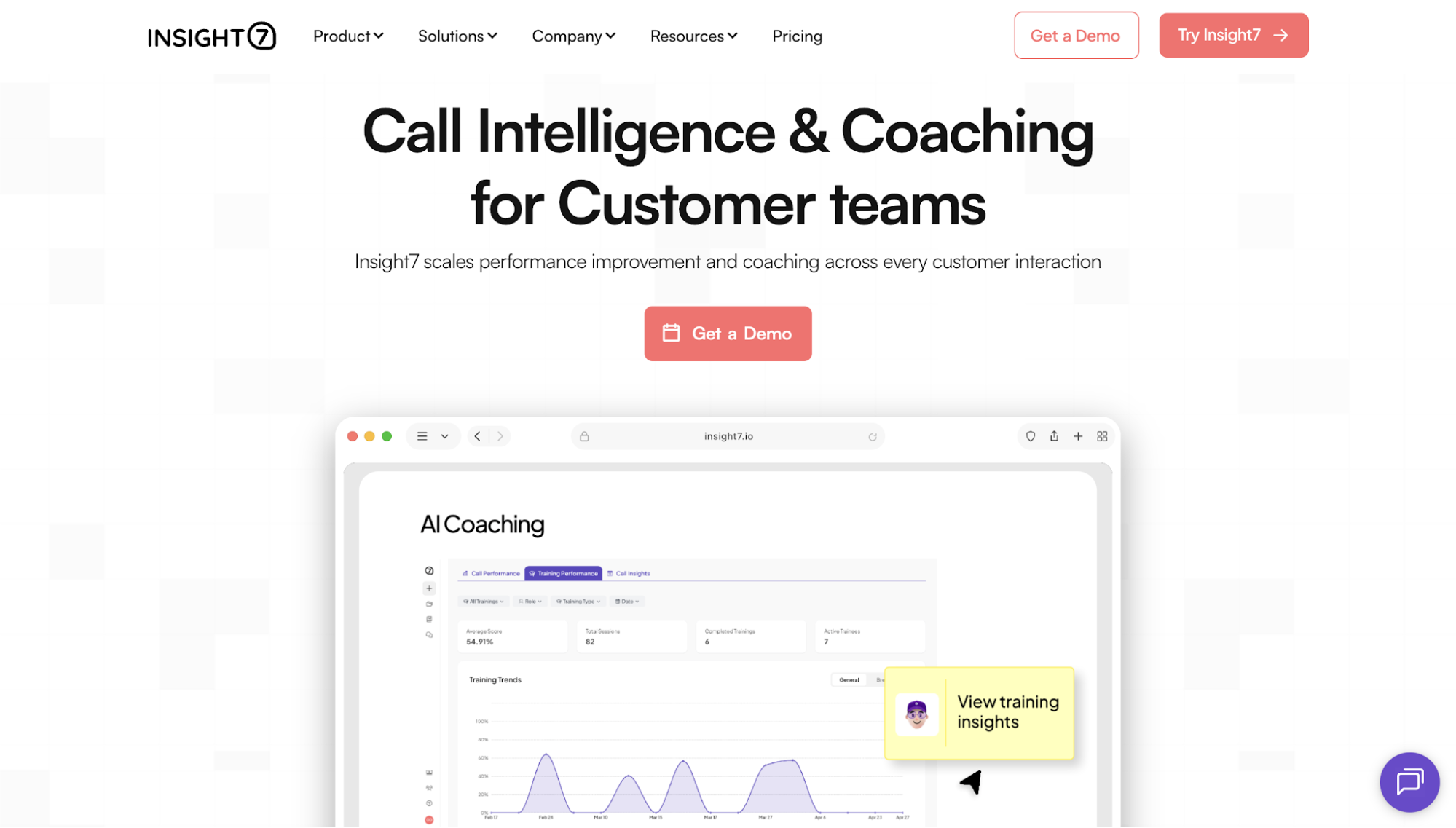
1. Insight7 — Best AI Sales Assistant for Call Intelligence and Coaching

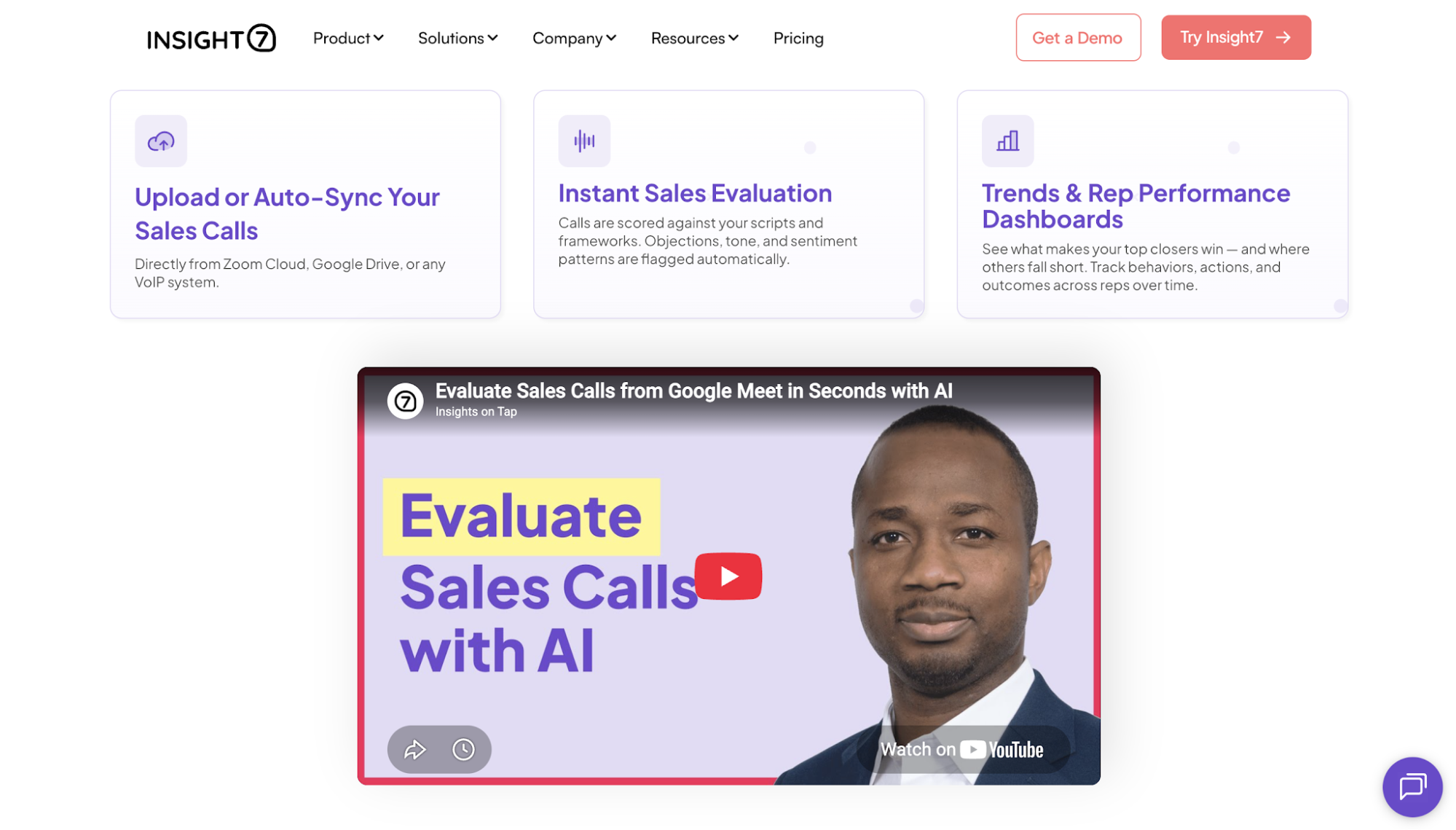
Insight7 is an AI call intelligence and coaching platform for customer-facing teams. It serves sales, customer service, enablement, and quality leaders who need a clearer understanding of what happens during customer conversations.
The platform analyzes calls against custom performance criteria and identifies coaching opportunities. Managers use those findings to guide rep development based on real sales interactions rather than isolated observations or incomplete call samples.
Its approach connects call data analysis with performance improvement. Teams can identify a skill gap, provide focused coaching, and monitor later conversations to determine whether execution has changed.
Key Features
- AI call scoring: Evaluates conversations against scorecards based on a team’s performance or quality standards.
- Conversation analysis: Identifies customer questions, objections, and patterns found in recorded calls.
- Coaching insights: Shows managers where individual reps need focused development.
- AI coaching: Gives reps personalized feedback based on performance findings.
- AI roleplay: Lets reps practice realistic sales situations and receive feedback before future customer calls.
- Live assist: Provides guidance and recommended actions while a customer conversation is taking place.
- Performance tracking: Helps leaders compare call quality and skill development over time.
- System integrations: Automatically syncs with leading CRM, video conferencing, and business communication platforms to import customer conversations for analysis and coaching.
Pricing
- Free: Free for one user. Includes three call or transcript analyses, one project analysis, and English transcription.
- Pro: $99 per month. It includes 50 call or transcript analyses, four project analyses, transcription in 60+ languages, basic dashboards, reports and scorecards, evaluation criteria templates, and live chat.
- Business: $299 per month. It includes three users, 200 call or transcript analyses, 10 project analyses, advanced dashboards, automations, alerts, custom transcription vocabulary, PII and PHI redaction, and live chat and email support.
- Enterprise: Uses custom pricing and includes unlimited users, unlimited call and project analyses, call analysis APIs, dynamic evaluation criteria, segmentation, live recording, and a dedicated account manager.
Try Insight7 today and experience firsthand how conversation-based coaching gives every rep clearer direction for improving future sales calls.
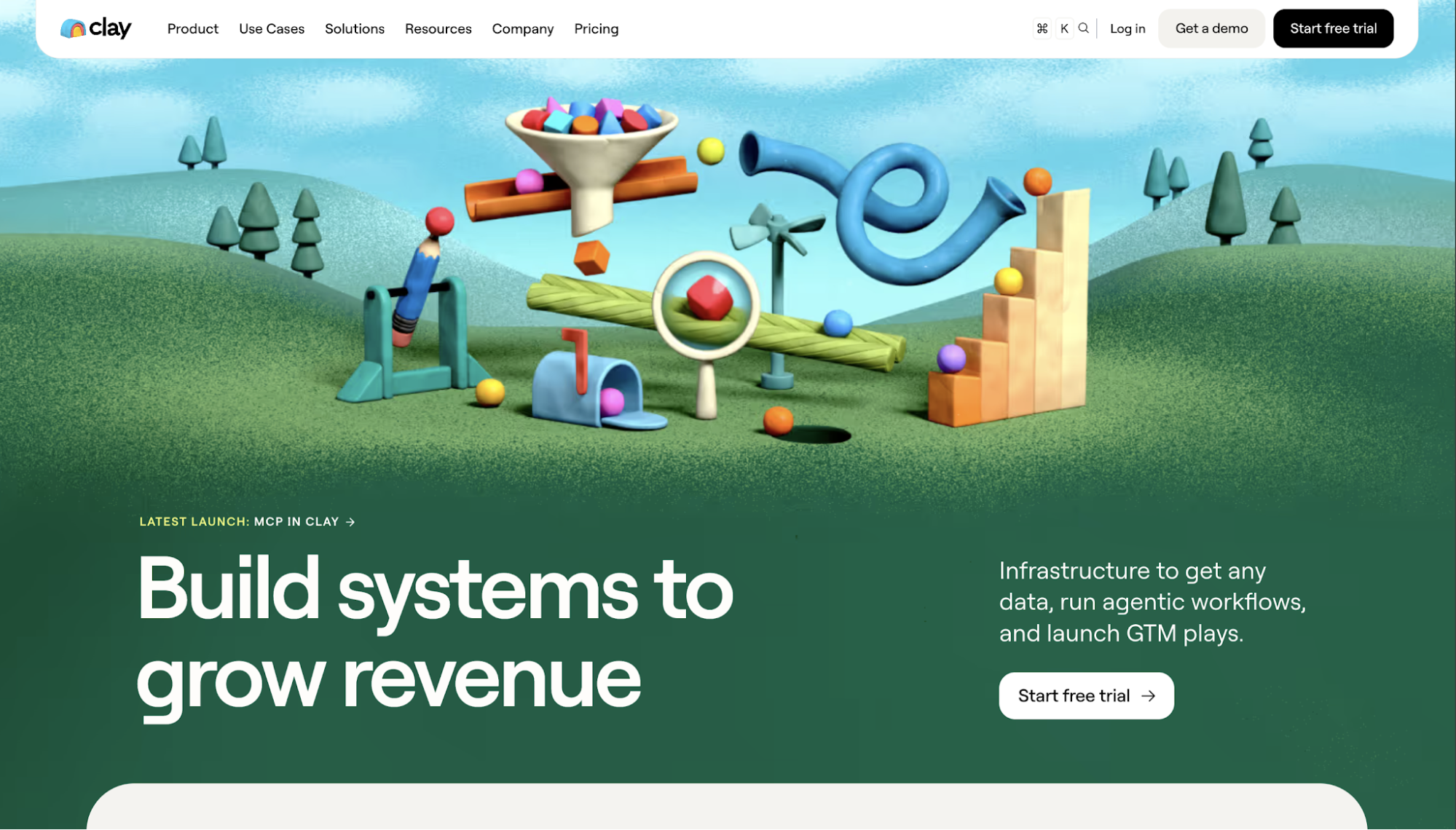
2. Clay — Best AI Sales Assistant for Prospecting

Image source: clay.comClay is a go-to-market platform that helps revenue teams collect data, research accounts, and build prospecting workflows. It is designed for sellers and operations teams that need more complete information about potential customers before outreach begins.
Its prospecting approach combines access to multiple data providers with AI workflows for web research. Teams use the platform to find contacts, enrich account records, monitor buying signals, and qualify prospects based on their own criteria.
Clay is especially relevant when a team’s prospecting problem starts with incomplete data. Its workflows help sellers move from a broad market to a more focused list of accounts and contacts.
Key Features
- Waterfall enrichment: Searches multiple data providers in sequence to improve the likelihood of finding contact or company information.
- Claygent AI research: Visits websites and gathers structured information based on instructions written in plain language.
- Buying signals: Tracks events such as job changes and company activity that might indicate a reason to contact an account.
- Data marketplace: Gives teams access to contact data and company information from numerous providers.
- CRM enrichment: Adds new data to existing CRM records and keeps selected fields updated.
- Prospecting tables: Organizes account research and enrichment workflows in a spreadsheet-style interface.
- Integrations: Connects with tools such as Salesforce, Salesloft, and Microsoft Dynamics 365.
Pricing
- Free: Includes 100 data credits and 500 actions per month. It supports unlimited seats, unlimited tables, Claygent enrichment, multi-provider waterfalls, and tables with up to 200 rows.
- Launch: Starts at $185 per month. It includes 2,500 data credits and 15,000 actions per month, along with phone enrichment and signal tracking.
- Growth: Starts at $495 per month. It includes 6,000 data credits and 40,000 actions per month, plus CRM synchronization and additional automation options.
- Enterprise: Uses custom pricing with an annual commitment. It includes higher usage allowances, additional security controls, and enterprise support.
Clay separates usage into data credits and actions. Teams may purchase additional data credits or move to a higher action level when their usage increases.
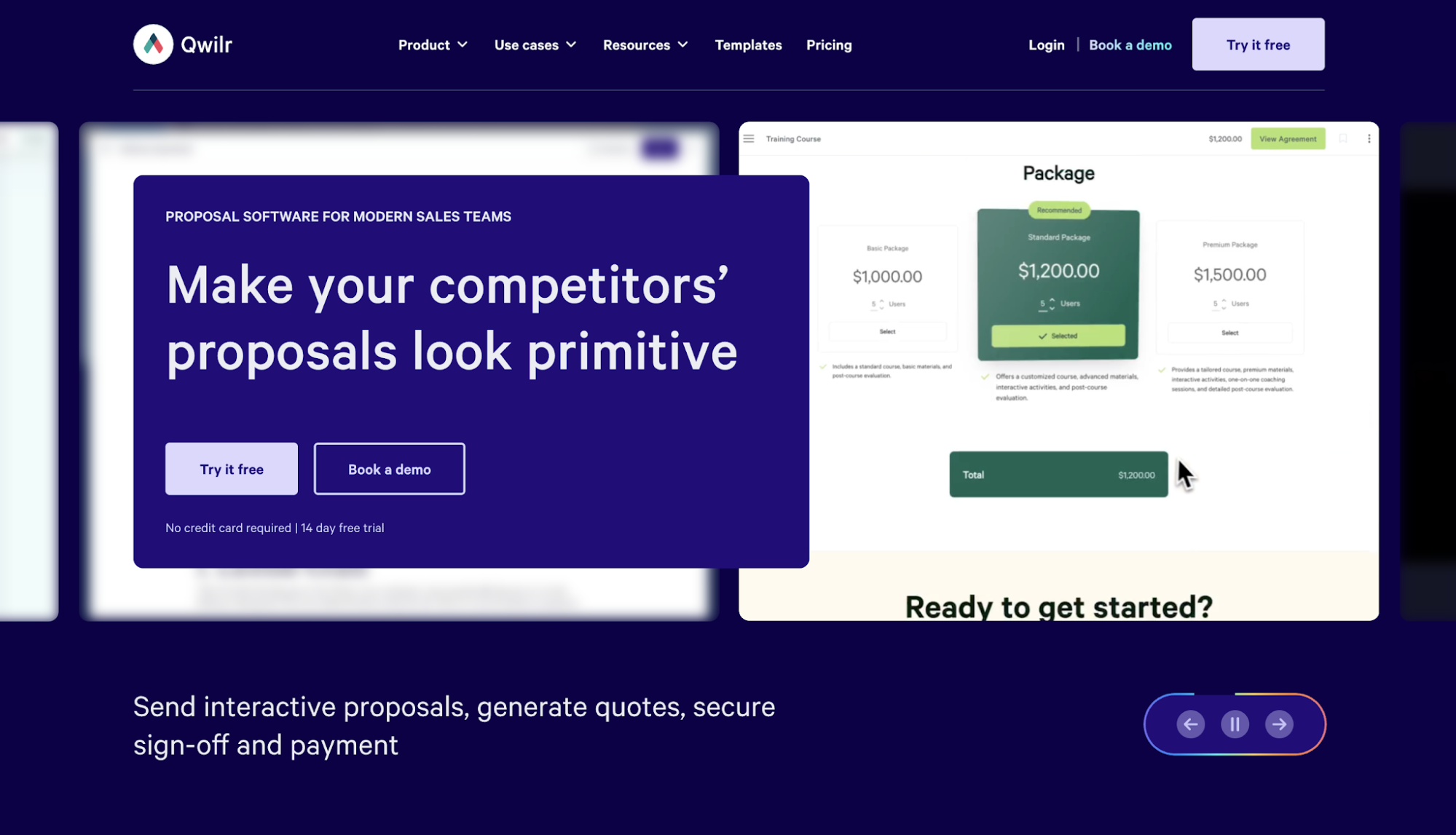
3. Qwilr — Best AI Sales Assistant for Proposal Creation

Image source: qwilr.comQwilr is sales proposal software for teams that want to create and send web-based proposals. It replaces traditional document attachments with interactive pages that buyers open through a link.
Its proposal workflow covers content creation, pricing, buyer engagement, e-signatures, and payments. Sales teams use templates and CRM data to create personalized documents while keeping presentation and branding consistent.
Qwilr fits teams that have reached a point where manual proposals are slowing sellers down or producing inconsistent buyer experiences. It also gives managers information about how prospects engage with each proposal after it is sent.
Key Features
- Web-based proposals: Creates responsive proposal pages that buyers view through a browser.
- Interactive pricing: Lets buyers review available options and see pricing changes as selections are adjusted.
- Proposal templates: Gives teams reusable structures for proposals and other sales documents.
- E-signatures: Allows buyers to sign agreements within the proposal.
- Payment collection: Supports payments through QwilrPay after a buyer accepts an offer.
- Buyer analytics: Tracks proposal opens and engagement so sellers understand how a buyer is interacting with the document.
- CRM connections: Supports proposal creation using information stored in systems such as HubSpot, Zoho, and Pipedrive.
Pricing
- Starter: Starts at $49 per user per month with annual billing. It includes proposal creation, e-signatures, analytics, QwilrPay, selected CRM integrations, and API access with usage costs.
- Growth: Starts at $55 per user per month with a minimum of five users. It is billed annually and adds automation, custom branding, identity verification, and enhanced reporting.
- Scale: Starts at $75 per user per month with a minimum of ten users. It is billed annually and adds Salesforce integration, team-level permissions, and premium design services.
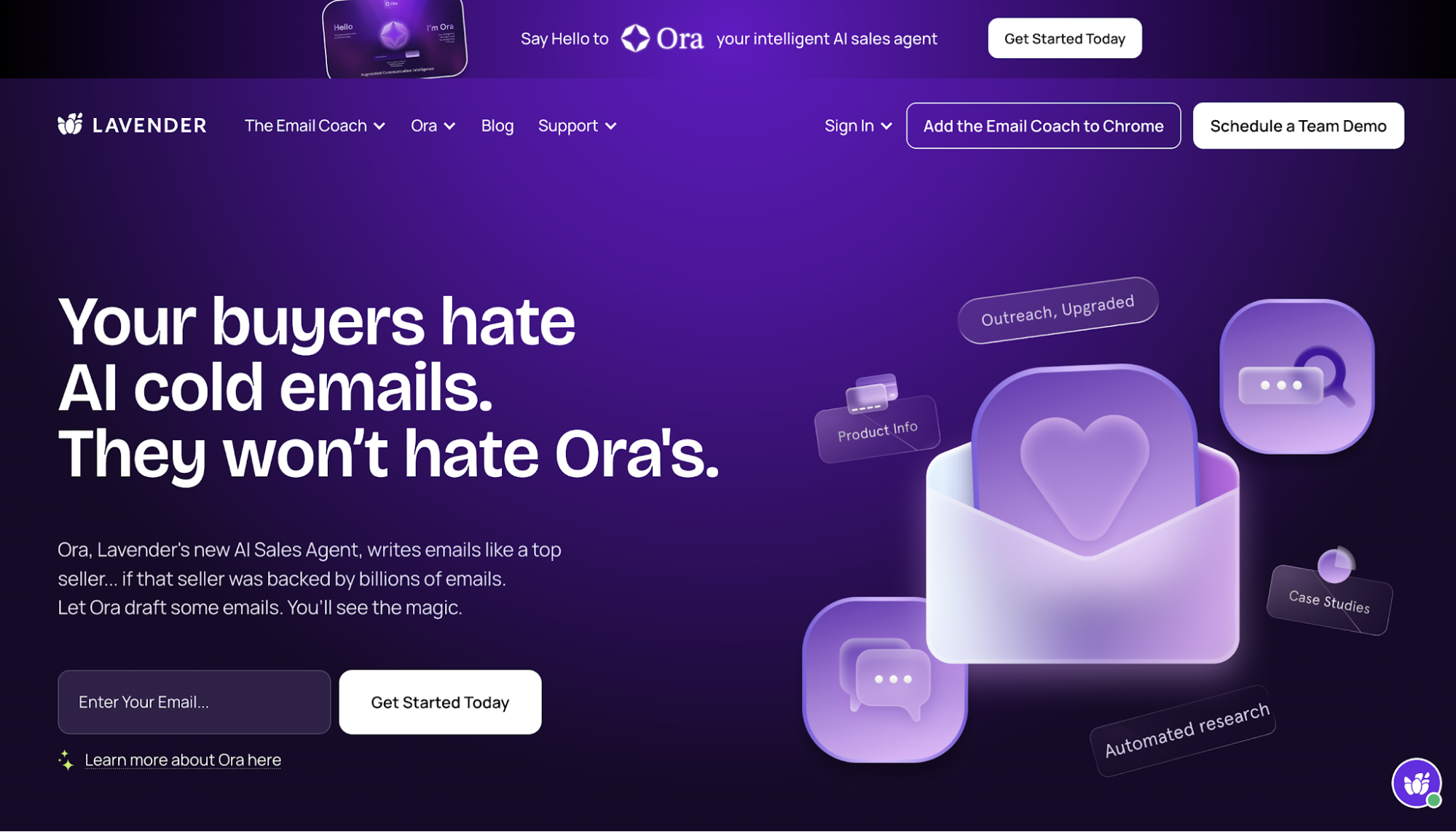
4. Lavender — Best AI Sales Assistant for Email Outreach

Image source: lavender.aiLavender is an AI email coach built for sellers and revenue teams. Its main purpose is to help reps write clearer sales emails and improve the likelihood of receiving a reply.
The assistant uses AI technology to evaluate messages and generate insights while a rep is writing. It provides guidance on factors such as personalization, length, tone, and readability.
Lavender also uses historical email data to help teams understand which writing practices are producing better results.
Lavender is suited to teams that already have prospects but need to improve the quality of their outreach. It focuses on the content of each message rather than running the entire sales engagement process.
Key Features
- Real-time email coaching: Reviews sales emails while they are being written and highlights areas that need improvement.
- Email scoring: Gives each message a score based on Lavender’s writing criteria.
- Personalization support: Helps sellers use prospect information to make outreach more relevant.
- AI email drafting: Creates starting drafts based on information provided by the seller.
- Recipient research: Brings prospect information into the writing process so reps do not need to conduct every search separately.
- Team coaching insights: Helps leaders identify writing habits and development needs within the sales team.
- CRM and inbox support: Works within common sales and email workflows, including Gmail, Outlook, and selected CRM environments.
Pricing
- Basic: Free with five monthly email analyses and personalized emails
- Starter: $29 per month with unlimited emails, personalization, and AI recommendations.
- Individual Pro: $49 per month with unlimited everything, integrations, and priority support.
- Team Plan: $99 per seat per month with aggregated email analytics and accelerated dynamic scoring.
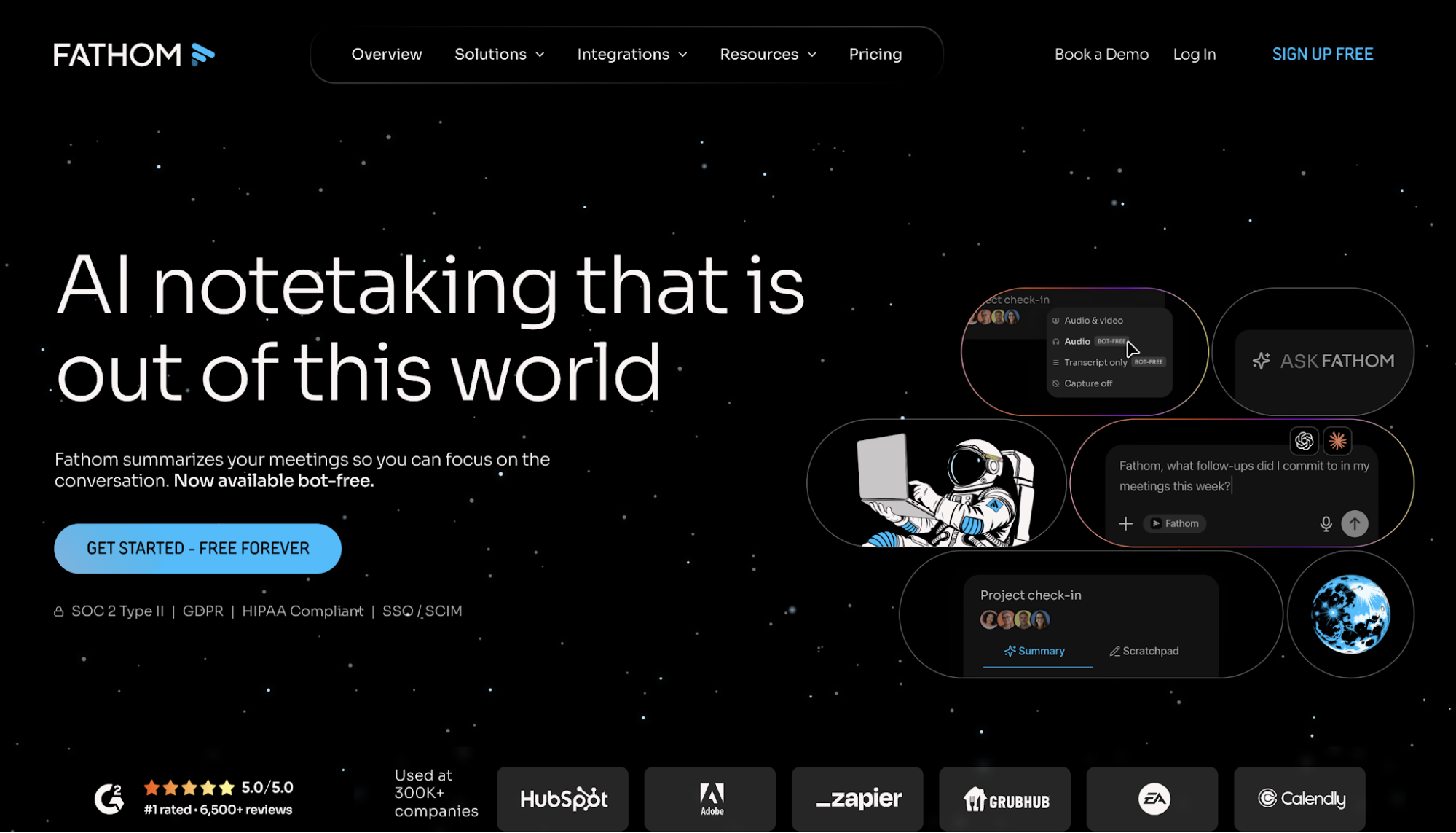
5. Fathom — Best AI Sales Assistant for Meeting Notes and Follow-Ups

Image source: fathom.aiFathom is an AI meeting assistant that records, transcribes, and summarizes video meetings. It serves individuals and teams that need an easier way to document conversations and share what happened afterward.
For sales teams, Fathom uses AI models to turn meetings into searchable records with summaries and action items. It also supports CRM updates and follow-up workflows, helping reps preserve important deal information without relying on handwritten notes.
Fathom is a practical choice when sellers spend too much time documenting calls or struggle to keep clear records of commitments. It keeps the focus on meeting capture rather than broader call coaching.
Key Features
- Meeting recording: Records supported video calls so teams have a complete account of the conversation.
- Transcription: Creates a searchable written record of each meeting.
- AI summaries: Produces concise meeting recaps soon after a call ends.
- Action items: Identifies agreed next steps and tasks discussed during the meeting.
- Follow-up support: Generates information reps can use to prepare post-meeting communication.
- Meeting search: Helps teams find previous discussions and specific topics without replaying entire calls.
- CRM synchronization: Sends meeting summaries, action items, and deal information to systems such as Salesforce and HubSpot.
Pricing
- Free: Includes unlimited recordings and transcriptions, instant AI summaries, clips, playlists, and meeting search.
- Premium: $20 per user per month. It comes with advanced call summaries, AI-generated action items, and a custom meeting bot.
- Team: $19 per user per month. A two-user minimum applies.
- Business: $34 per user per month. It adds CRM field synchronization, coaching metrics, AI scorecards, and advanced call summaries.
- Enterprise: Uses custom pricing and includes organization-level security, onboarding support, SSO, SCIM provisioning, and a dedicated customer success manager.
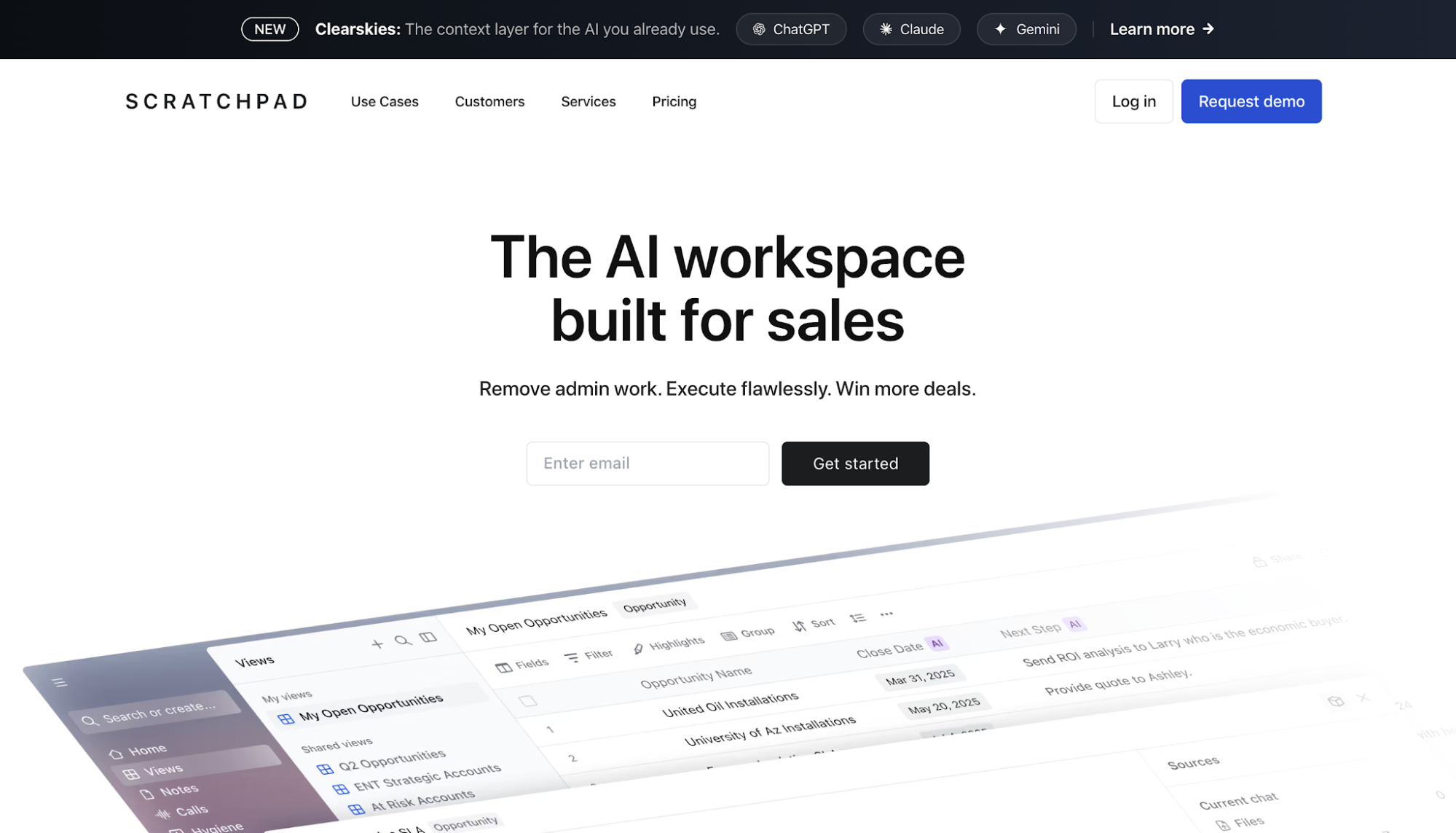
6. Scratchpad — Best AI Sales Assistant for CRM Automation

Image source: scratchpad.comScratchpad is an AI workspace for sales teams using Salesforce. It gives sellers a faster interface for managing deals, taking notes, and keeping CRM information current.
Its automation approach uses AI algorithms to capture information from seller activity and turns it into suggested CRM updates. Sales teams use the platform to reduce repetitive data entry while keeping Salesforce as their main system of record.
Scratchpad is suitable when CRM accuracy depends on reps remembering to update fields after every customer interaction. It brings CRM work closer to the rep’s normal workflow and gives revenue leaders a clearer view of incomplete records.
Key Features
- AI CRM updates: Converts information from calls and seller activity into suggested Salesforce updates.
- Sales workspace: Gives reps a simplified place to manage opportunities, notes, and daily priorities.
- Call recording and notes: Captures customer conversations and creates structured summaries.
- CRM hygiene monitoring: Tracks missing data and process requirements that need attention.
- Custom prompts: Lets teams define how AI should interpret sales activity and prepare updates.
- Pipeline management: Helps reps review active opportunities and make changes without navigating several Salesforce screens.
- Sales tool connections: Works with Salesforce, Gmail, Outlook, Slack, Zoom, and Google Meet.
Pricing
- Free: Includes core workspace features, AI field updates, call recording and notetaking, custom prompts, Deal & Account Agent, and 100 AI credits per user per month.
- Solo: $24 per user per month. It includes 400 AI credits per user per month.
- Team: $62 per user per month. It includes 800 AI credits per user per month (for the whole team) along with advanced controls and hygiene monitoring.
- Enterprise: Uses custom pricing and includes unlimited AI credits, white-glove services for agent design and deployment, and additional enterprise controls.
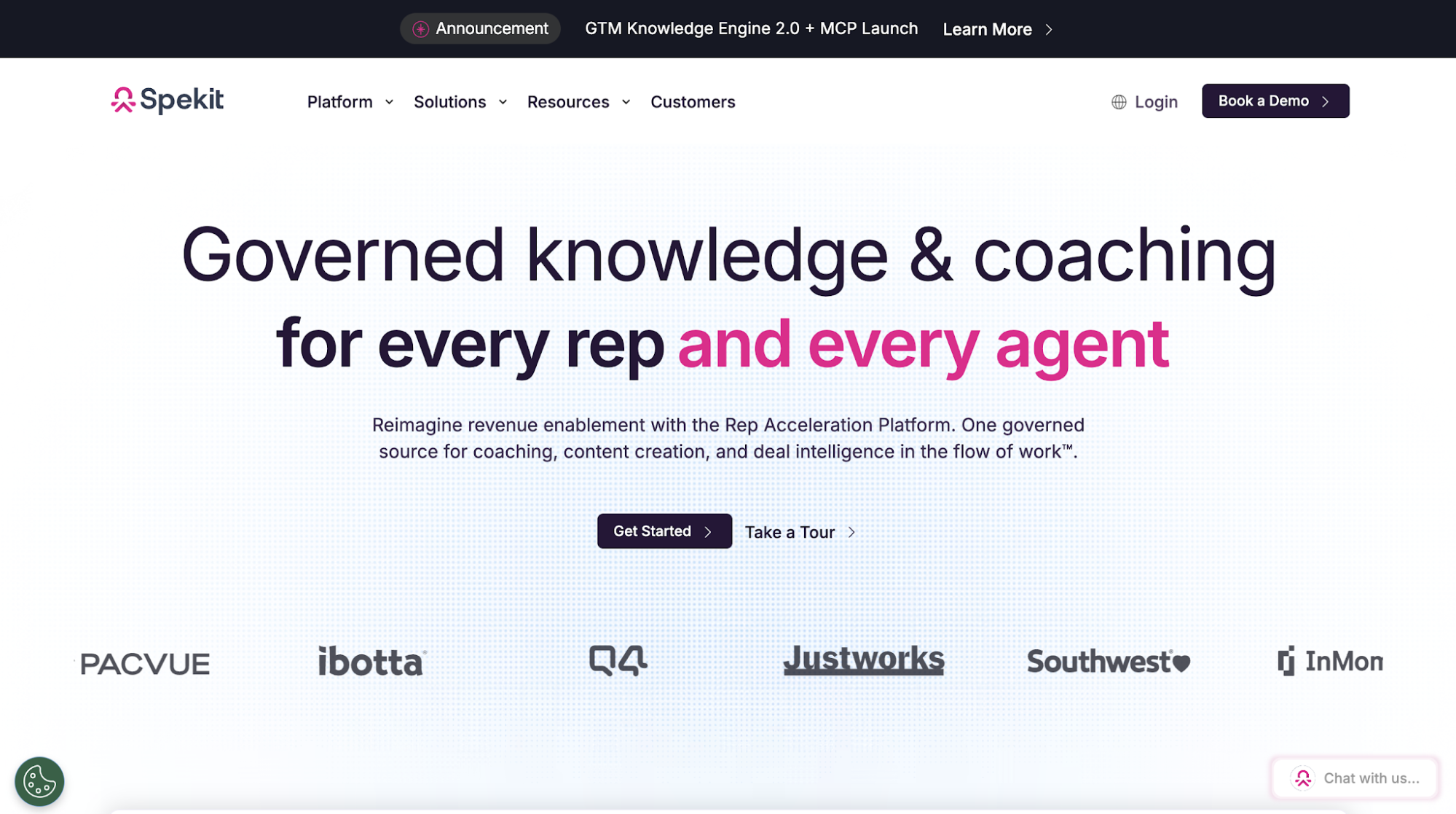
7. Spekit — Best AI Sales Assistant for Sales Knowledge and Enablement

Image source: spekit.comSpekit is an AI-native revenue enablement platform for sales teams, enablement leaders, and revenue operations. It centralizes approved knowledge and delivers guidance inside the tools reps use during their work.
Its approach focuses on in-workflow execution. Rather than expecting sellers to search through a separate content portal, Spekit brings product information, messaging, and coaching into systems such as Salesforce, Gmail, and Gong.
Spekit is relevant when sales knowledge exists, but reps struggle to find or apply it during active deals. The platform also helps enablement teams keep content current and understand whether sellers are using it.
Key Features
- GTM Knowledge Engine: Organizes approved sales content and knowledge into a governed source of information.
- AI Sidekick: Delivers guidance and recommended actions based on the rep’s current deal or task.
- Embedded enablement: Surfaces knowledge inside sales tools without requiring a separate portal visit.
- AI content creation: Helps enablement teams create and update sales materials using existing company knowledge.
- Learning Paths: Provides structured onboarding and reinforcement using the same content reps use in their workflow.
- Unified deal context: Brings together opportunity information and conversation insights to support active deals.
- Enablement analytics: Tracks content use, learning activity, and links to pipeline performance.
Pricing
Spekit does not disclose its pricing publicly.
How to Choose the Right AI Sales Assistant for You
Now that you know the available options, the next step is understanding what separates one AI sales assistant from another.
The following criteria will help you evaluate them based on daily operations and long-term value.
Choose a Tool Built for Your Main Bottleneck
Different AI sales assistants are built for different jobs. That means the right choice depends less on the number of AI features a platform offers and more on the problem you want it to solve.
Start by identifying the task that slows your sales team down the most. Choosing a tool built for that specific use case makes it easier to measure its impact and avoid paying for capabilities your team is unlikely to use.
Check if It Connects Seamlessly With Your Tools
An AI sales assistant should work alongside the tools your team already relies on, not force everyone to adopt a completely different workflow.
Check how well it connects with your CRM, email platform, meeting software, or other systems involved in your sales process. The fewer manual steps your team has to take, the more likely the tool is to be used consistently.
Evaluate the Quality of Its AI Outputs
The value of an AI sales assistant depends on the quality of the work it produces.
Whether it generates emails, summarizes meetings, recommends coaching opportunities, or updates CRM records, the output should be accurate enough to reduce manual work instead of creating more of it.
Testing the platform with real sales conversations and workflows is often the best way to judge how reliable it will be for your team.
Compare Reporting and Performance Tracking
Using AI does not automatically improve sales performance. The real value comes from whether the tool helps your team work more efficiently or make better decisions.
Look for reporting that shows how the assistant is being used and whether it is improving the process it was meant to support. Depending on the use case, that could mean better CRM data, higher email engagement, faster proposal turnaround, or stronger coaching outcomes.
Check Pricing and Scalability
The right AI sales assistant should continue to support your team as your sales organization grows.
Compare pricing alongside factors such as user limits, AI usage, and available plans. Understanding how costs change over time helps you choose a platform that remains practical as your team expands and your requirements evolve.
Get More Value From Every Sales Call With Insight7

The right AI sales assistant should solve a defined problem within the way your team already sells. Choosing by use case creates a clearer path from software investment to measurable performance improvement.
For teams focused on customer conversations, Insight7 connects call analysis with coaching. It helps leaders understand which behaviors are affecting performance and gives reps clearer direction for what to improve next.
When call insights and coaching work together, leaders can turn what they learn from customer conversations into clear action for the team. This gives reps a more consistent path to improve and helps your business get more value from every conversation your team makes.
Book a demo with Insight7 today and give your managers the conversation insights they need to build more confident reps and better sales results!
FAQs About AI Sales Assistant
How do AI sales assistants help sales teams?
AI sales assistants reduce repetitive work and give reps more structured support during specific sales activities. They also help managers maintain consistent processes by applying the same guidance or evaluation criteria throughout the team.
What is the difference between an AI sales assistant and sales automation?
Sales automation follows predefined rules to complete repetitive tasks, such as assigning leads or sending scheduled messages. An AI sales assistant, on the other hand, interprets information and produces an output, such as a meeting summary, personalized email draft, or coaching recommendation.
How do AI sales assistants improve over time?
AI sales assistants improve as AI systems learn from new data, user feedback, and changing sales patterns, although results depend on the quality of the information they receive. Advances in generative artificial intelligence and computer systems help these tools deliver more accurate recommendations and automate a wider range of sales tasks.

