
Employees have different ways of learning, but that doesn’t change what organizations ultimately need from training: employees who are prepared to put what they learned into practice.
How do you know if your teammates have really learned what they need to know to perform their roles successfully? More importantly, how do you measure that in a way that gives you a clear answer?
That’s exactly what summative assessment tools are designed to help you do.
In this guide, we’ll compare the ten best summative assessment tools for 2026, including what each one is best suited for and what to consider when choosing the right option for your team.
Book an Insight7 demo today and find out how ready your team is to put their training into practice!
These are the 10 best summative assessment tools for 2026:
Summative assessment tools help you evaluate what a learner knows or can do after completing a defined instructional period or training program.
They are commonly associated with final exams and standardized tests in education. But the same principle applies in workplace learning, too.
Just as grades or scores help show what students learned, leaders need evidence that employees actually achieved what their training was intended to teach.
What that evidence looks like depends on the outcome you are measuring:
This distinction becomes even more important when training covers customer-facing behaviors.
Insight7’s Call Analytics Index analyzed 6,209 real conversations and found measurable differences between performance tiers.
Excellent performers asked 14.3 questions per conversation compared with 10.4 among average performers. Their actionable-outcome score was also 45% higher than the score among poor performers.
Those findings do not prove that one assessment method produces better performance. They do show, however, that conversational performance contains observable behaviors that teams can evaluate.
For training built around those behaviors, leaders may need an assessment that goes further than knowledge recall.
Formative and summative assessments serve different parts of the learning process.
Formative Assessment | Summative Assessment |
Used during learning | Usually used after a learning period |
Helps identify areas that still need development | Evaluates what the learner ultimately achieved |
Supports ongoing instruction or practice | Measures knowledge, competency, or performance |
Example: Practice quiz during training | Example: Final skills assessment after training |
Formative assessment helps learners improve while learning is still in progress. The feedback they receive along the way shows what they understand, helping educators adjust instructional strategies or identify where learners may need more practice before the training ends.
Summative assessment comes later and looks at the final outcome. At that point, the question is no longer “What should we work on next?” but “Did the learner achieve what this training was designed to teach?”
In workplace learning, the two can work together as part of the same assessment process. If the final assessment shows that an employee is still struggling with a particular skill, leaders can use that result to guide further coaching or practice before evaluating the skill again.
Summative assessment software takes several forms, so comparing platforms purely by feature count will not tell you much.
Summative Assessment Tool | Best For | Assessment Approach | Pricing |
Insight7 | Customer-facing skills assessment | AI roleplay and performance-based evaluation of conversational skills |
|
iMocha | Employee skills assessment | Job-role assessments, skills tests, and practical coding challenges | No public pricing |
Questionmark | Enterprise assessments | Formal assessments, observational evaluation, and practical skills testing | No public pricing |
Articulate 360 | Training-based assessments | Quizzes, knowledge checks, and scenario-based assessments within digital training |
|
ClassMarker | Formal online testing | Structured online tests with configurable scoring and testing controls |
|
Mentimeter | Live summative assessments | Live quizzes and interactive assessments during facilitated sessions |
|
Kahoot! | Engaging summative assessments | Game-based quizzes, live assessments, and self-paced learning | Kahoot! 360 Pro:
|
Mercer | Mettl | Workforce competency assessment | Job-skills and competency assessments with skills-gap analysis and reporting | No public pricing |
ProProfs Quiz Maker | Employee knowledge assessment | Scored employee quizzes and tests with automated scoring and performance reporting |
|
Google Forms | Simple summative assessments | Quizzes with answer keys, points, and manual or automatic grading |
|
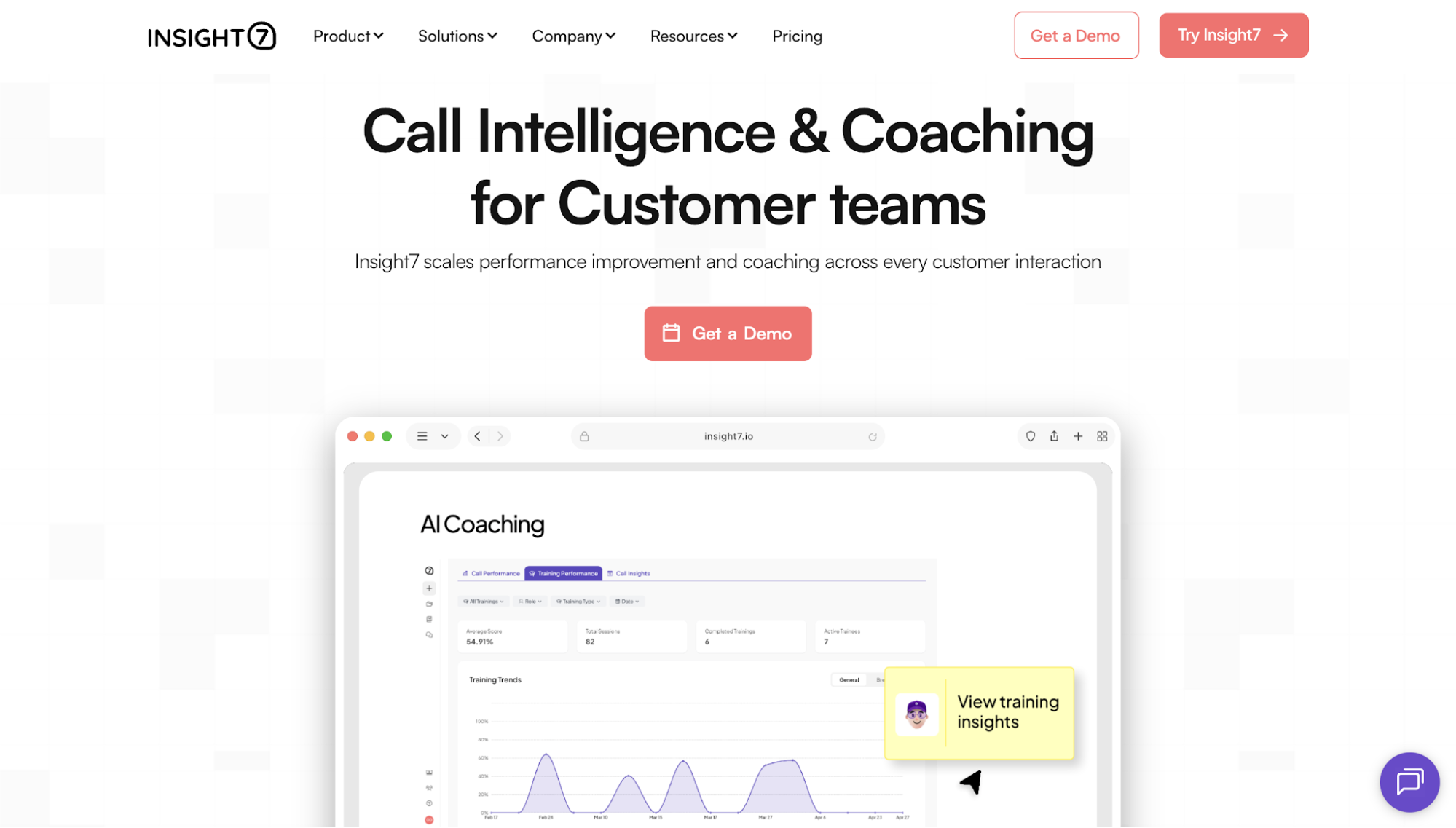
Insight7 is an AI call intelligence and sales coaching platform for teams whose employees regularly speak with customers. It serves sales, customer service, customer success, and other teams where performance depends heavily on what happens during conversations.
Insight7 is different from a conventional quiz or exam platform. Its relevance to summative assessment comes from AI roleplay and performance evaluation.
Employees can take part in realistic conversation scenarios, then receive structured scores and feedback tied to specific moments in the interaction.
That makes it ideal when the learning objective is something an employee has to demonstrate, such as discovery or objection handling. It can also support training around difficult customer situations and other communication skills.
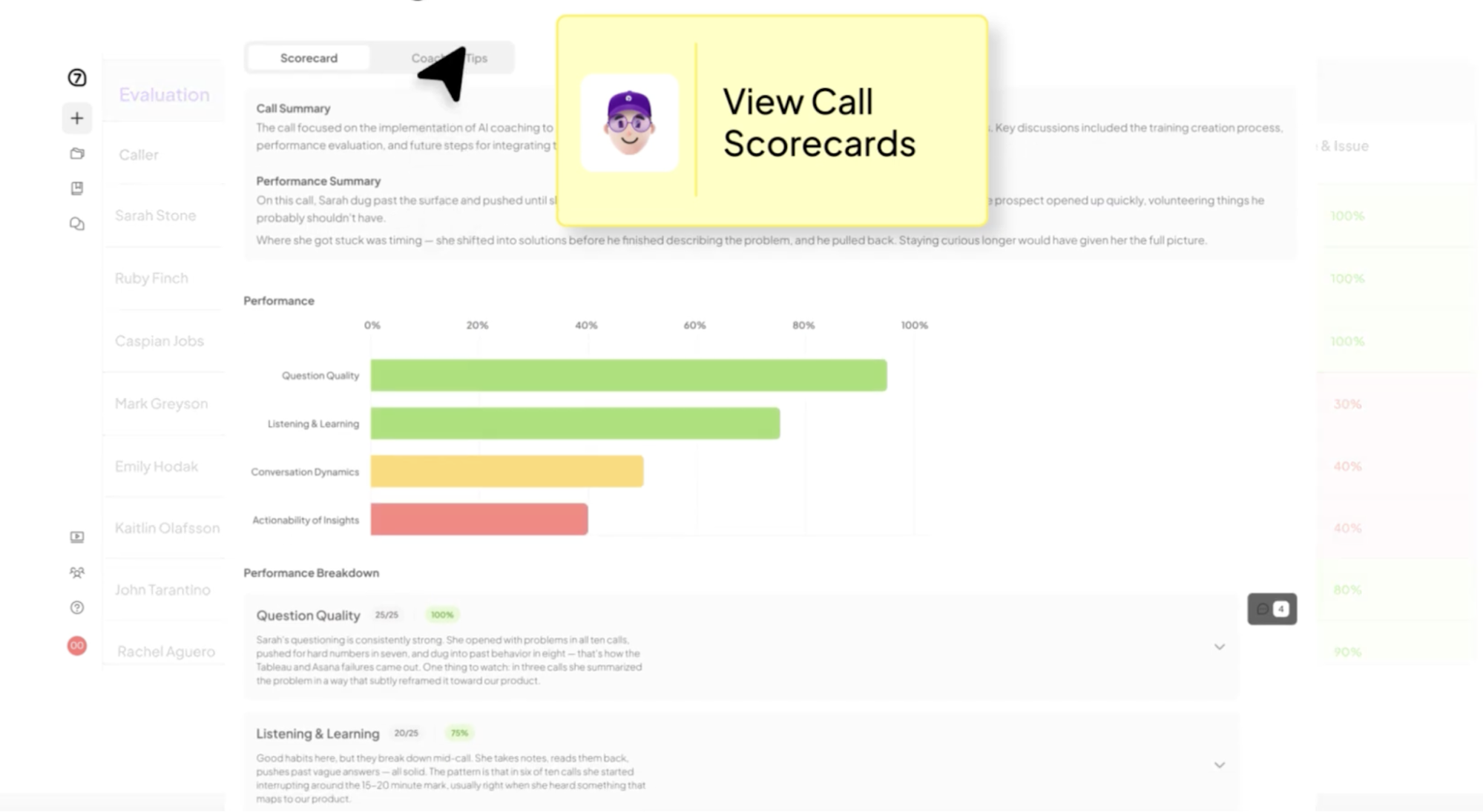
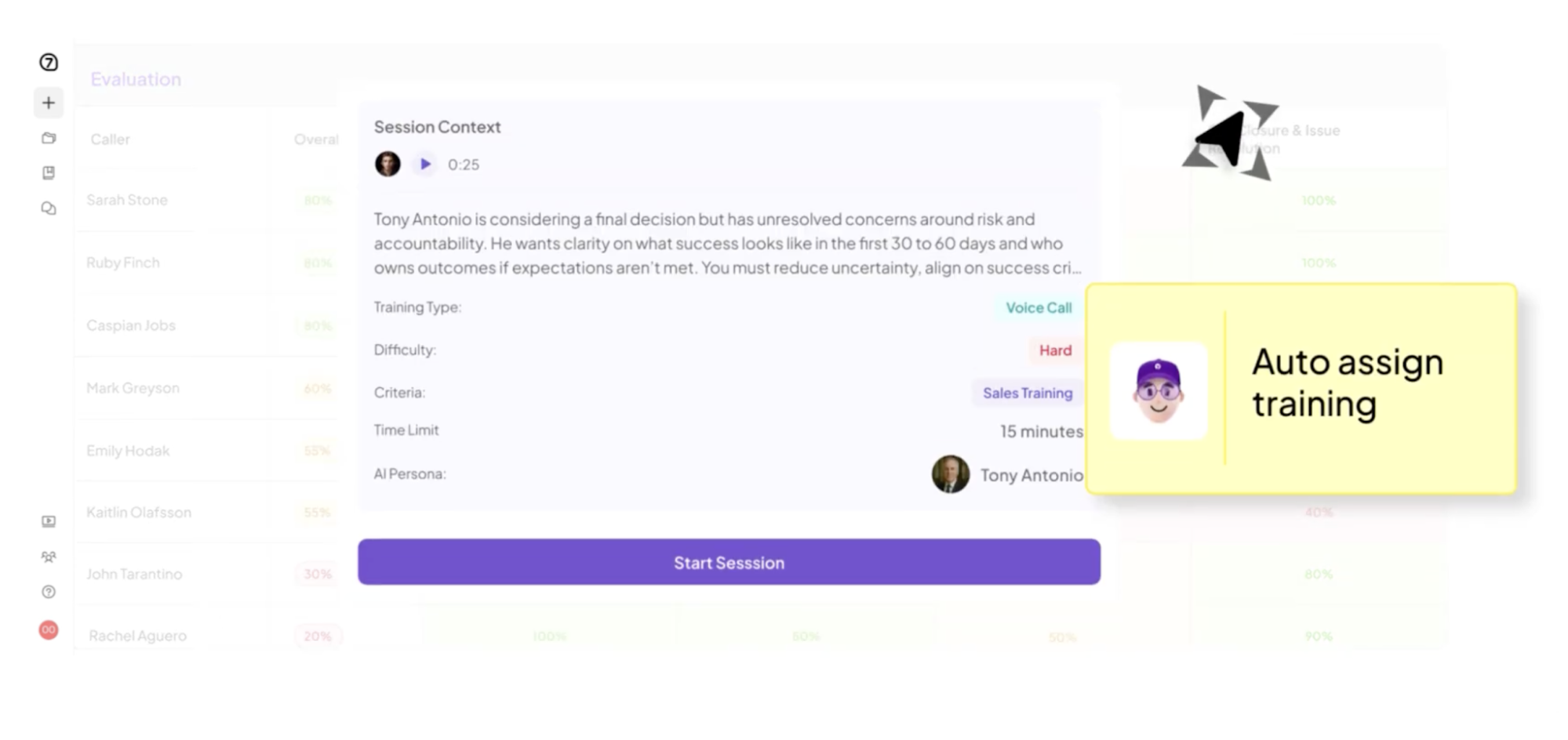
Insight7 approaches assessment differently from platforms built mainly around quizzes and tests.
When the skill being assessed involves a customer conversation, teams can use AI roleplay to see how an employee actually handles the situation rather than only checking whether they know the expected response.
Take objection handling as an example. An employee may be able to identify the right response to a pricing objection in a multiple-choice question.
In an Insight7 roleplay, they have to apply that knowledge in a realistic conversation, respond to what the AI customer says, and demonstrate the behaviors their organization expects from them.
Their performance is then evaluated against defined criteria, giving leaders a clearer picture of which skills were demonstrated and where gaps remain.
Those gaps can guide the employee’s next round of coaching and practice, followed by another roleplay to see whether their performance has improved.
This ability to connect evaluation with continued skills development is also reflected in customer feedback. Insight7 holds a 4.7/5 rating on G2, with reviewers highlighting its role in evaluating conversations and helping teams identify areas for coaching.
Dani Woolf, CEO of Audience 1sT, has commended how quickly Insight7 turns customer interactions into valuable insights she can act on, describing its “time to insight” as impressive.
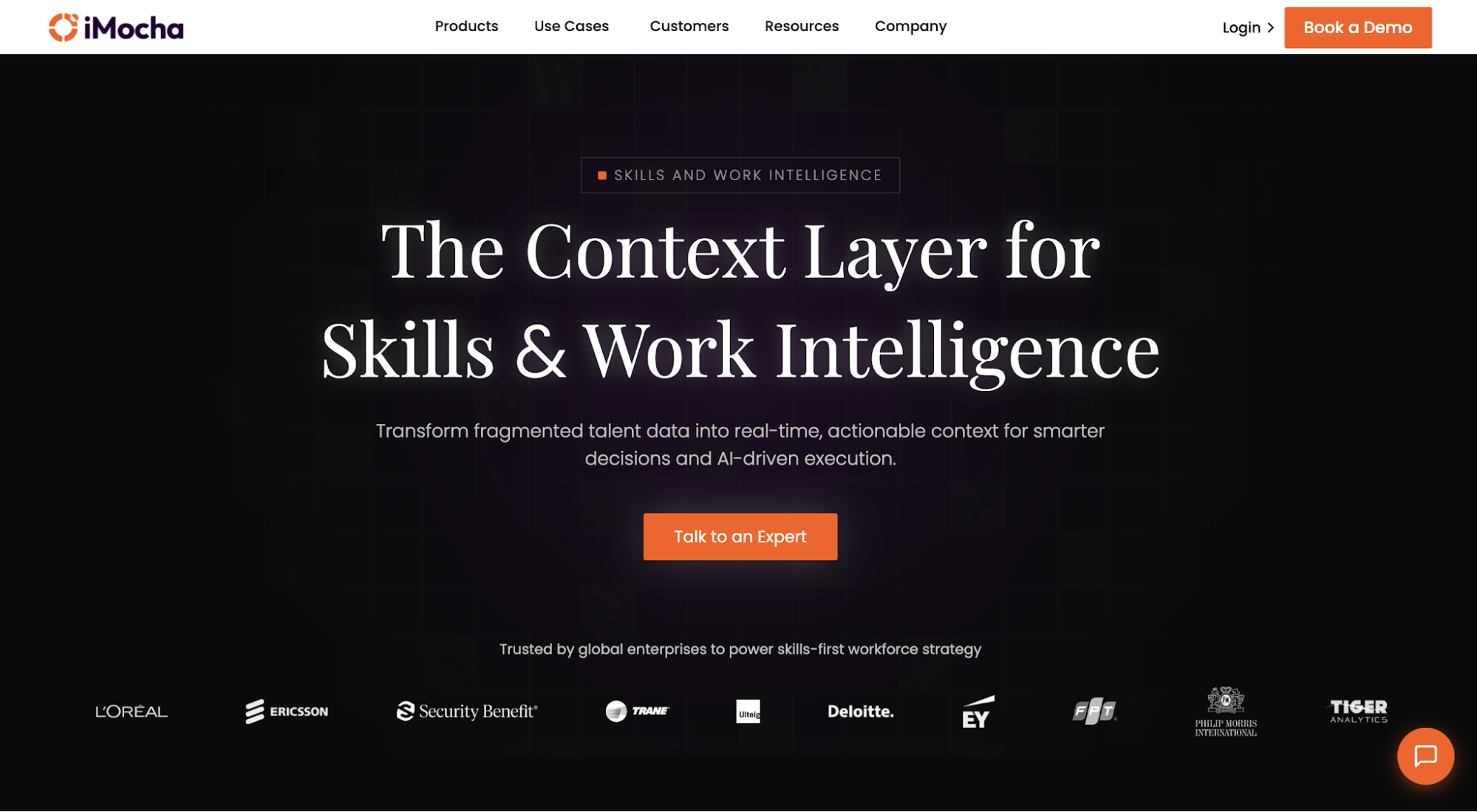
Image source: imocha.io
iMocha is a skills assessment platform built for workforce development and talent evaluation. Its assessment library covers technical skills alongside functional and soft skills, making it particularly relevant when organizations need structured evidence of job-related competency.
Its approach goes beyond basic knowledge quizzes. Organizations can evaluate employees using job-role assessments and practical coding challenges while using proctoring to protect assessment integrity..
iMocha does not publish public pricing.
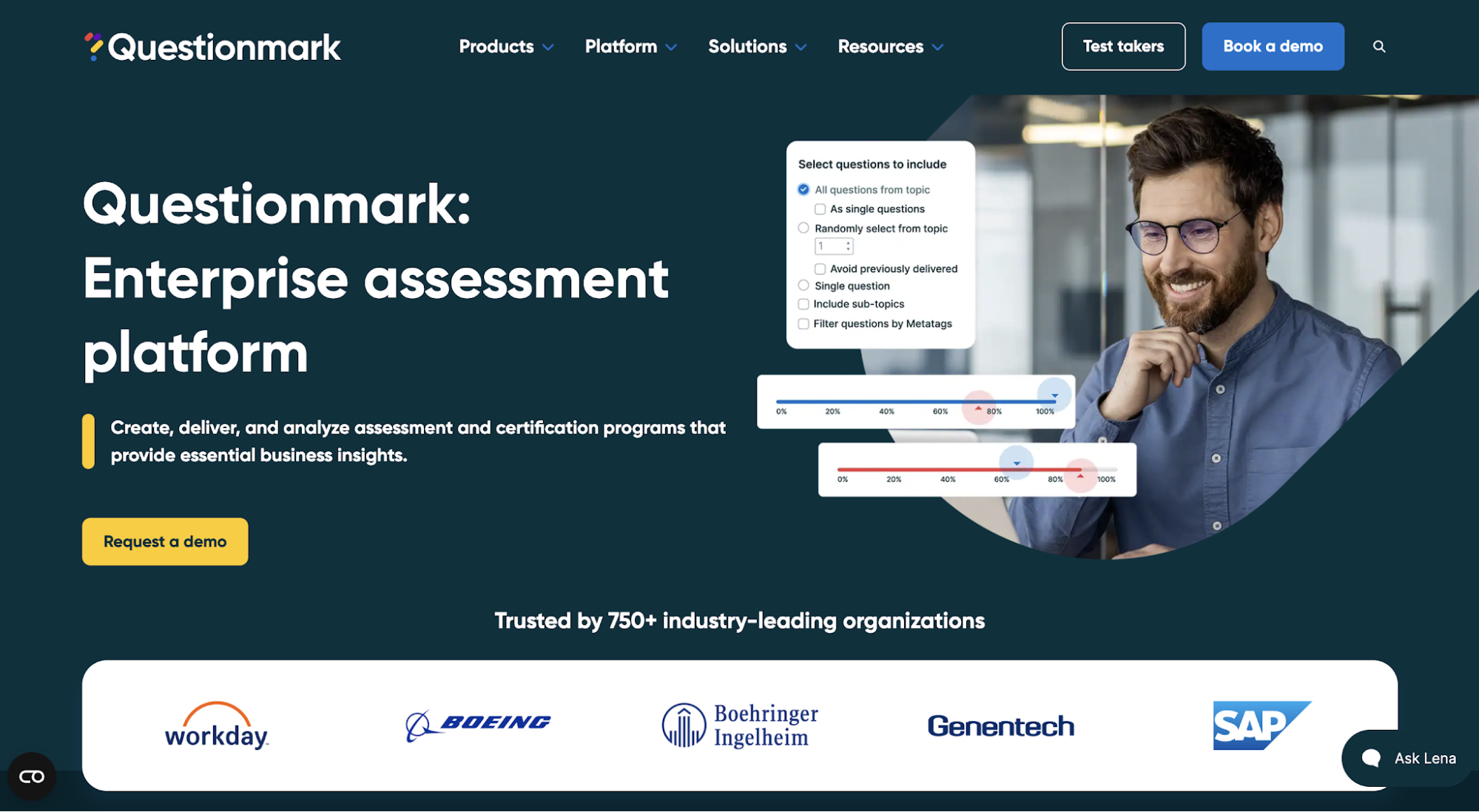
Image source: questionmark.com
Questionmark is an enterprise assessment platform designed to manage the assessment lifecycle from authoring through delivery and reporting. It is geared toward organizations running structured workforce, certification, and professional assessment programs.
Questionmark does not publish public pricing.
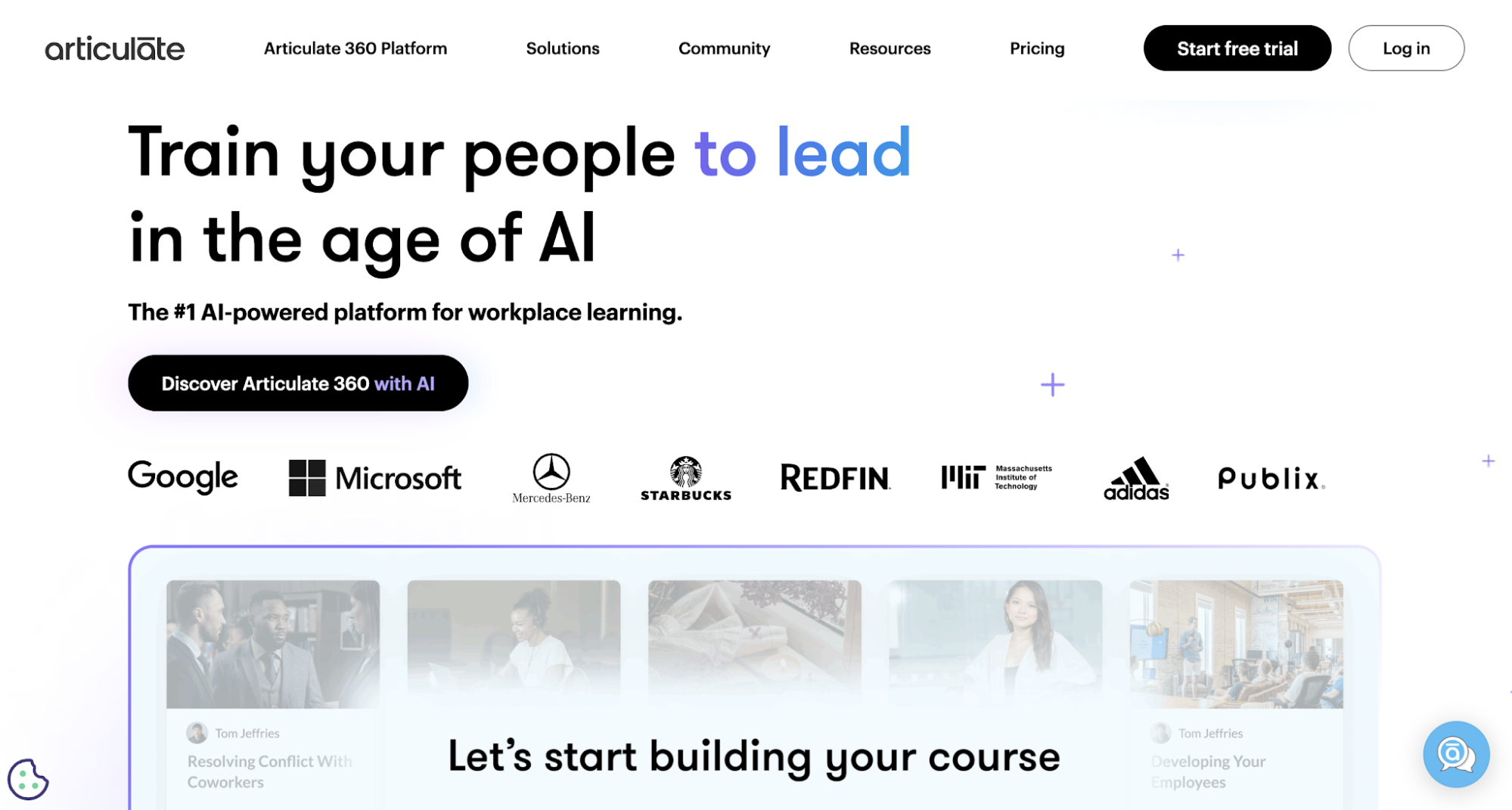
Image source: articulate.com
Articulate 360 is a workplace training platform built around creating and delivering digital learning experiences. It is especially relevant for L&D teams that want assessment to sit directly inside the training content employees already complete.
Teams can create knowledge checks and graded quizzes, then use scenarios when the learning objective calls for more contextual application or critical thinking.
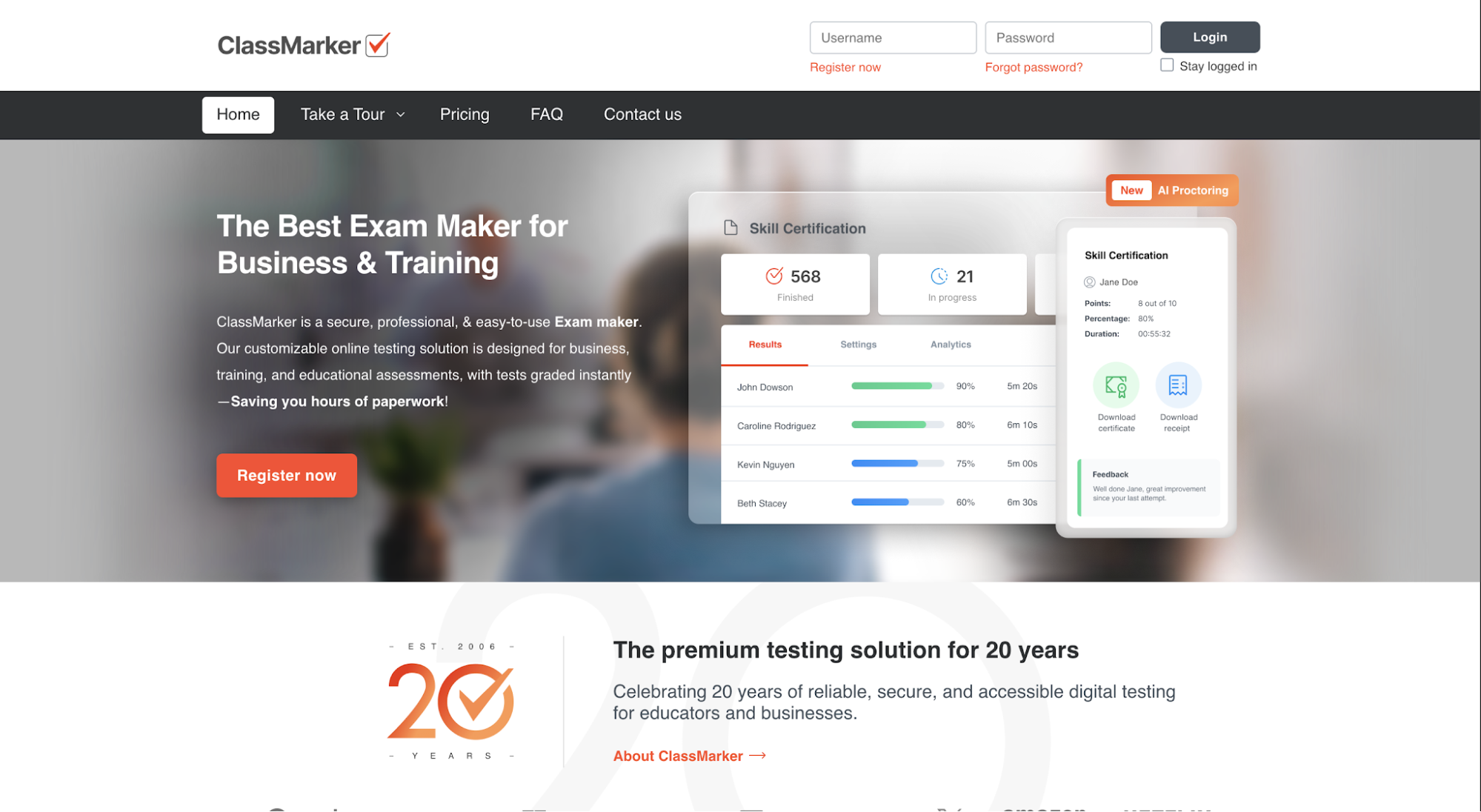
Image source: classmarker.com
ClassMarker is an online testing platform for organizations that need a straightforward way to create and administer formal tests. Its focus is narrower than a full learning platform, which can work well when the assessment itself is the priority.
Tests can include controlled settings around attempts and time limits. Organizations can also use pass marks and certificates when they need a defined completion standard.
ClassMarker offers separate pricing for businesses and non-profit organizations. Business plans are as follows:
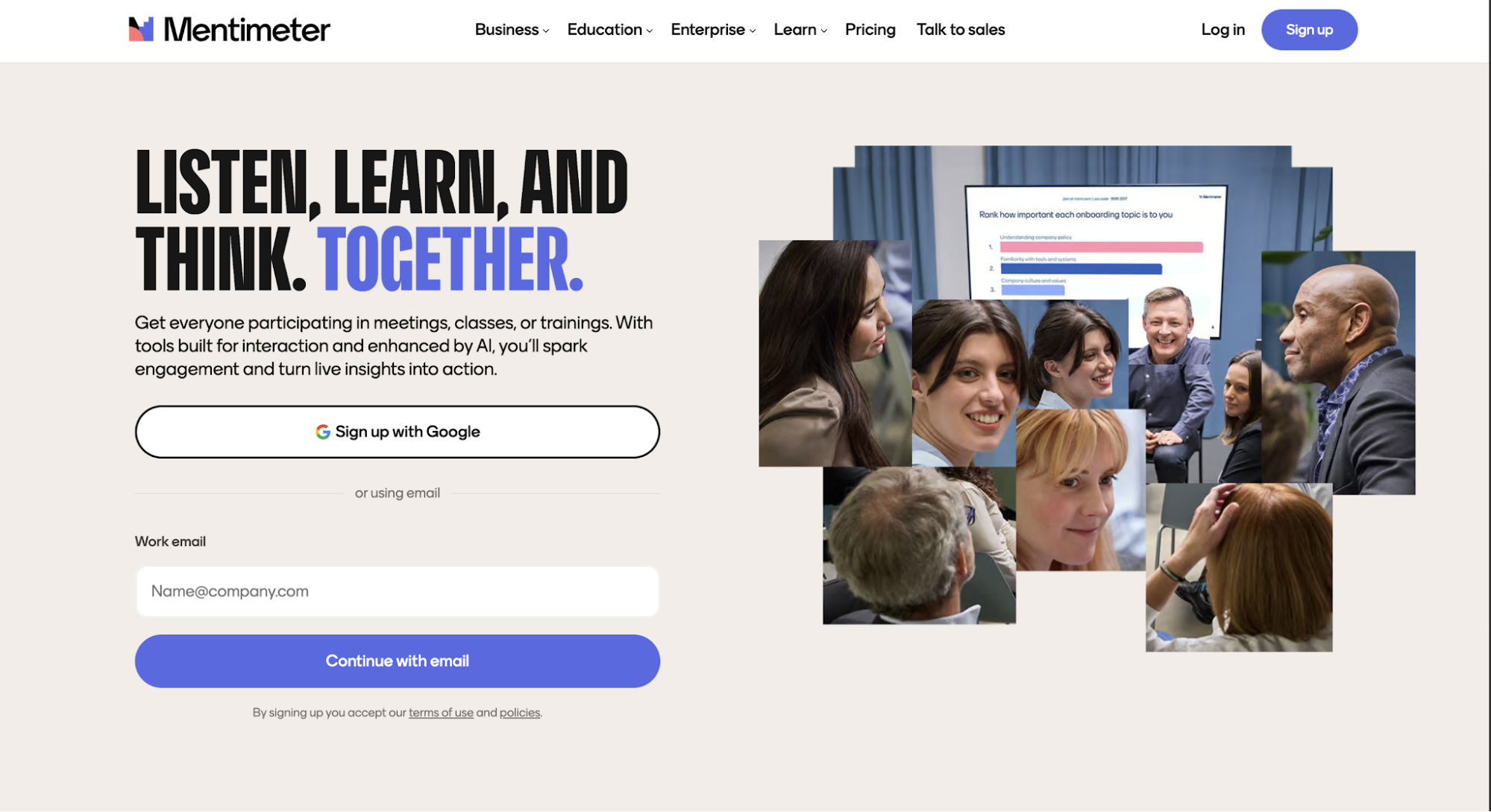
Image source: mentimeter.com
Mentimeter is an interactive presentation platform used in meetings, classrooms, and workplace training. Its assessment value is strongest when a facilitator wants to evaluate knowledge during a live session rather than sending learners to a separate testing environment.
Quizzes can run in real time, with participants answering from their own devices. Scores update during the session, which gives trainers an immediate view of how the group performed.
Mentimeter currently offers four plans:
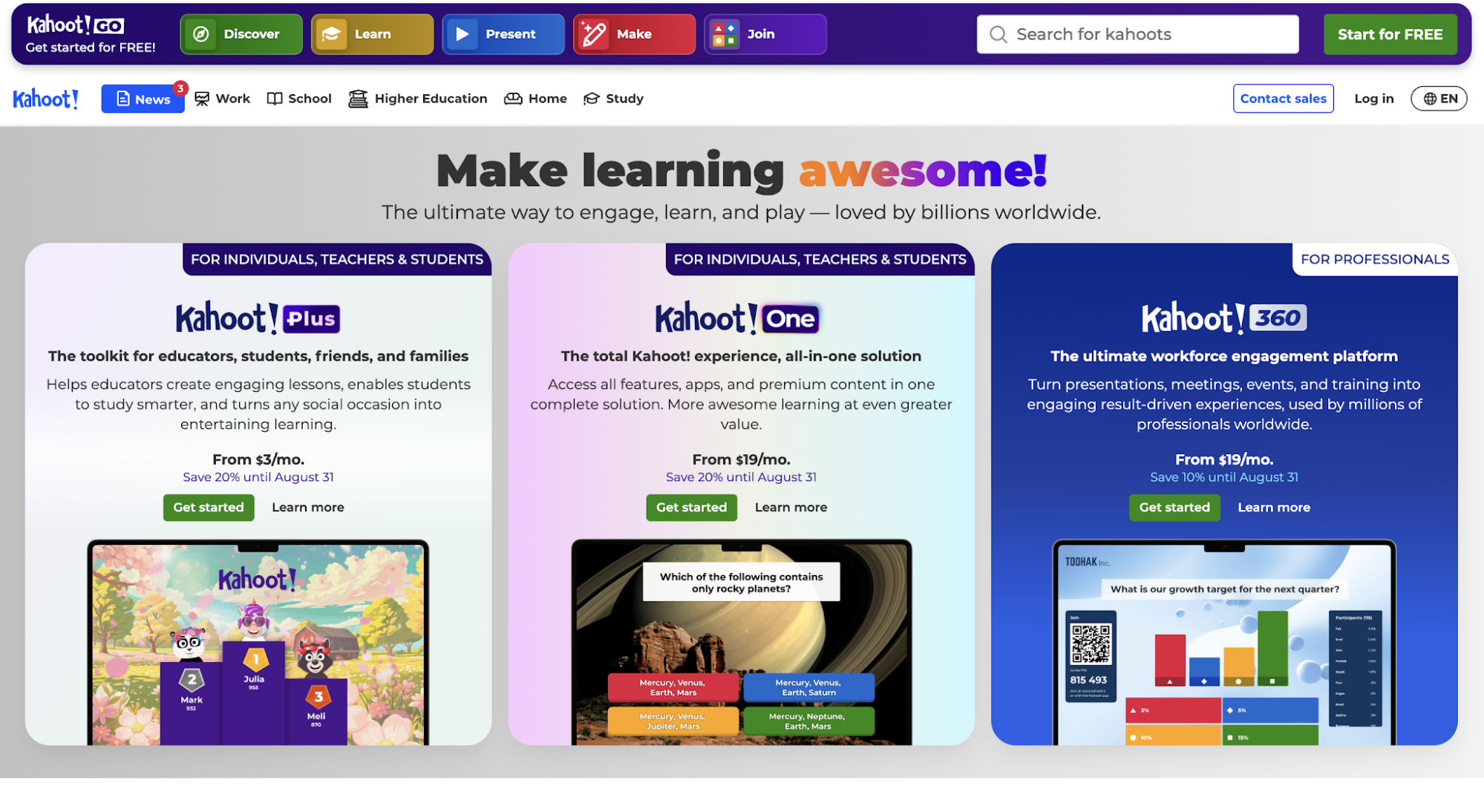
Image source: kahoot.com
Kahoot! is a game-based learning platform used in education and workplace training. For businesses, Kahoot! 360 combines presentations with quizzes and other participation formats.
Teams can use quizzes to evaluate knowledge at the end of training while supporting learner engagement, which can suit onboarding and internal learning programs where participation is important.
Kahoot! offers different pricing tiers for each plan.
For Kahoot! 360 Pro plans (individuals):
For Kahoot! 360 Spirit plans (teams):
For Kahoot! 360 Enterprise: Custom pricing.
Image source: mettl.com
Mercer | Mettl is an online assessment platform designed for organizations evaluating talent and workforce capabilities.
Its products cover talent acquisition and employee development, making it relevant for businesses that want structured assessments to understand workforce skills and development needs.
For summative assessment, its relevance comes from the ability to evaluate employee competencies and identify skill gaps through structured assessments. Organizations can use those results to understand where further employee development may be needed.
Mercer | Mettl does not publish fixed prices for its assessment platform.
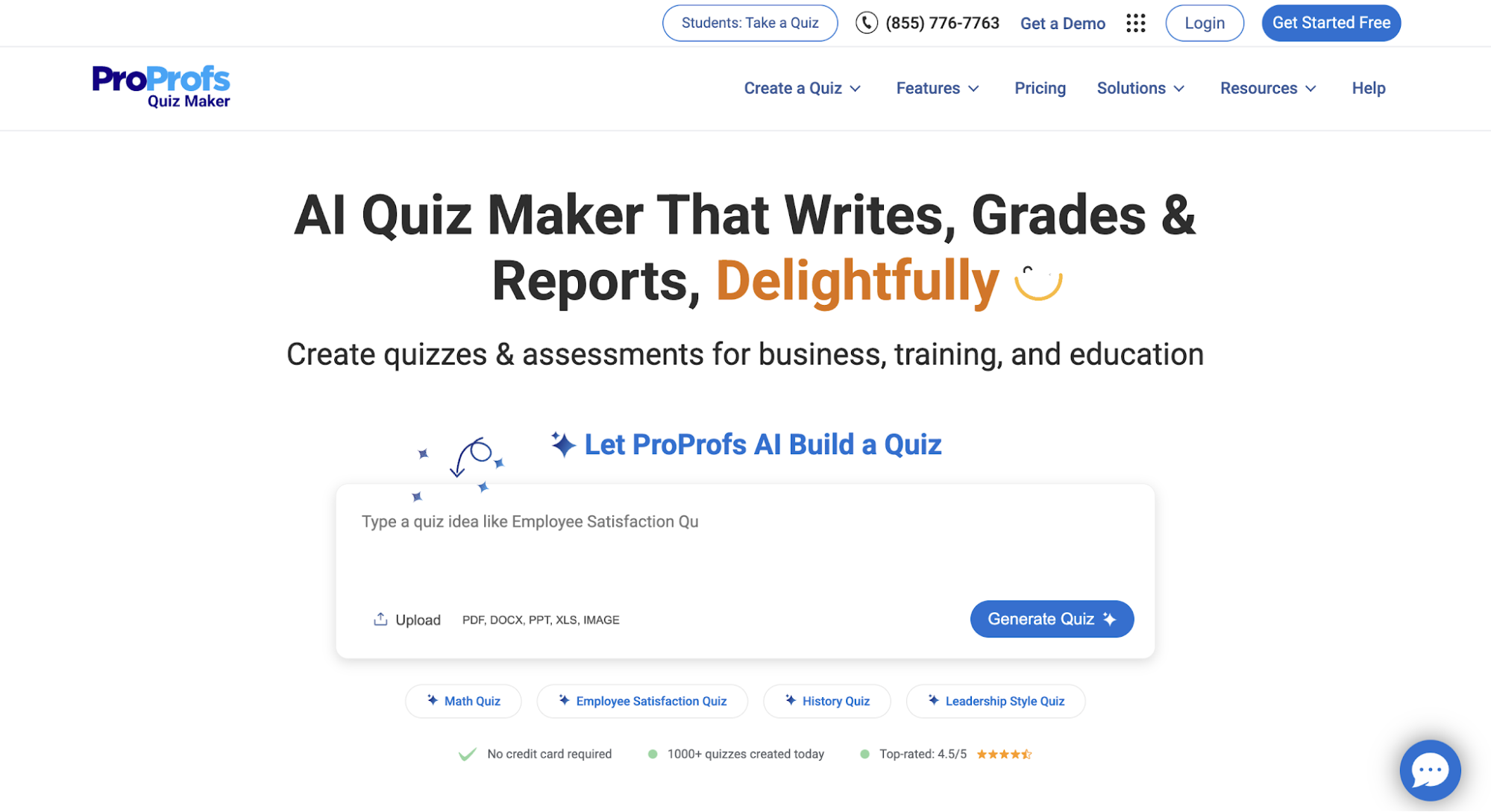
Image source: proprofs.com
ProProfs Quiz Maker is an online assessment platform for creating quizzes, tests, and scored assessments. While the platform also serves education, ProProfs has a dedicated Business & Training offering built around employee training and assessment.
For organizations, teams can use it to assess employee knowledge, measure training results, and identify areas where further learning may be needed.
ProProfs offers the following plans for businesses:
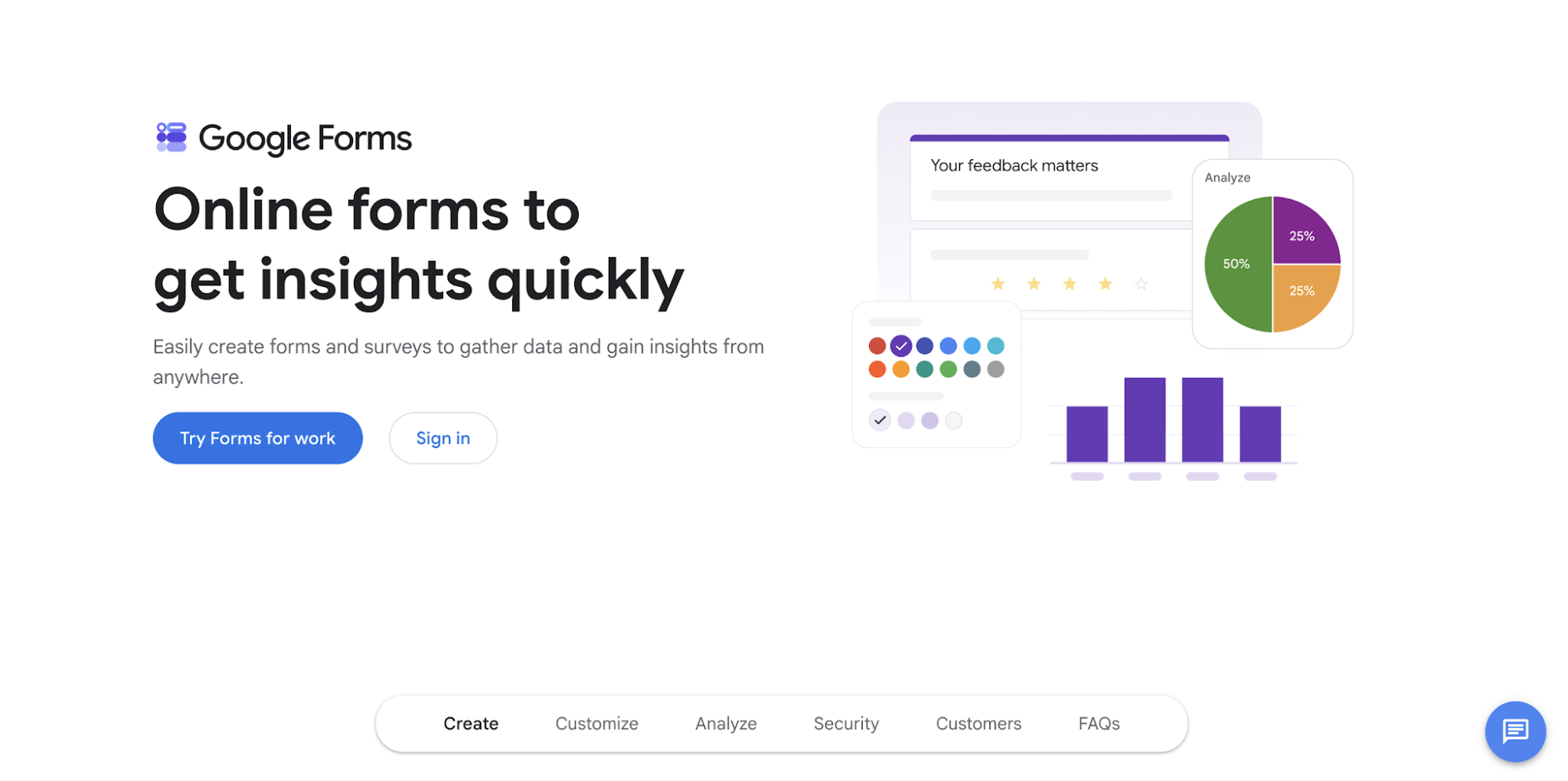
Image source: workspace.google.com
Google Forms is a form and survey tool within Google’s productivity ecosystem. Its quiz mode gives educators and workplace teams a simple option when the final assessment does not require a dedicated assessment platform.
Users can create answer keys and assign points. Results can be released immediately or held until manual review, making Forms suitable for straightforward final knowledge checks.
There is no separate pricing for Google Forms. It is part of Google’s larger product ecosystem and is priced through Google Workspace as indicated below:
The ten platforms above can all be used for summative assessment, but they are designed to evaluate learning in different ways. So before comparing individual features, first decide what employees need to prove at the end of training.
If the goal is to assess knowledge, you may only need a platform that can administer and score a final test. If employees need to demonstrate a skill, you will need an assessment format that gives them a way to perform it and lets you evaluate how well they did.
Once you know what evidence you need, you can compare each platform based on how well it helps you collect that evidence and use the results afterward.
The following capabilities will help you make that comparison.
Not every learning objective can be assessed in the same way. If employees were trained on product knowledge, for example, a multiple-choice test may be enough to check whether they retained the information.
But the assessment needs to look different when the training is meant to develop a skill.
If employees were trained to handle customer objections, answering a question about the correct response only shows that they know what they are supposed to do.
To assess whether they can actually apply that training, you may need a roleplay or simulation where they have to respond to the situation themselves.
Having options such as quizzes, open-ended questions, practical tasks, or simulations gives you more flexibility to match the assessment to what the training was designed to teach.
You do not necessarily need every format available. The priority is making sure the platform supports the ones that can give you the right evidence for the learning outcomes you need to evaluate.
Once you have chosen the right assessment format, you also need clear criteria for what counts as successful performance.
For questions with one correct answer, scoring can be straightforward. Once the assessment involves workplace skills, however, what counts as a successful response can depend on the specific behaviors or standards the organization expects.
A company may train its sales reps to follow a particular discovery process, for example, or expect service agents to demonstrate certain behaviors when handling a complaint.
In those cases, simply completing the assessment does not tell you whether the employee followed the standards they were trained on. You need a way to evaluate their response against the behaviors or competencies your organization expects.
That’s why, when assessing workplace skills, it helps to look for summative assessment tools that let you customize scoring and evaluation criteria. This allows the assessment to reflect the standards employees were actually trained to meet.
Insight7, for example, provides evaluation criteria templates and supports dynamic evaluation criteria at the Enterprise level. Teams can also define success criteria for roleplay scenarios.
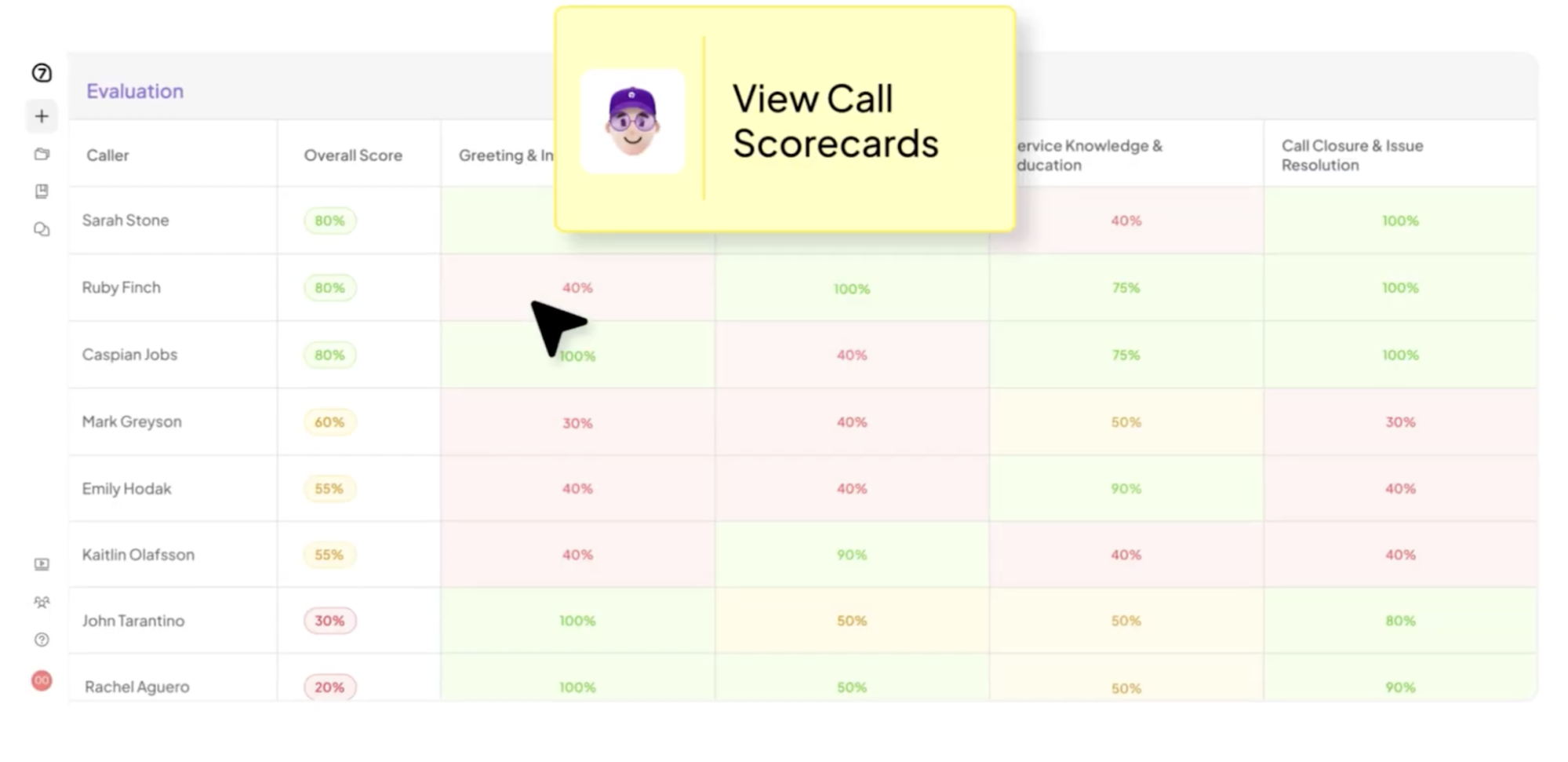
When comparing platforms, check how much control you have over what gets evaluated and how performance is scored.
Once employees start completing assessments, the next question is how their responses will be evaluated.
Manually reviewing every response may be manageable for a small group.
As more employees complete assessments, however, the time spent on that evaluation process can require considerably more time, particularly when answers or practical exercises need to be evaluated against specific criteria.
That’s why automated scoring and feedback are worth considering when you expect to assess employees at a larger scale.
The platform can evaluate responses using predefined answers, rubrics, or other scoring criteria without requiring a manager to review every assessment from beginning to end.
Insight7 provides structured scoring and feedback for roleplays, including feedback tied to specific moments in the conversation.
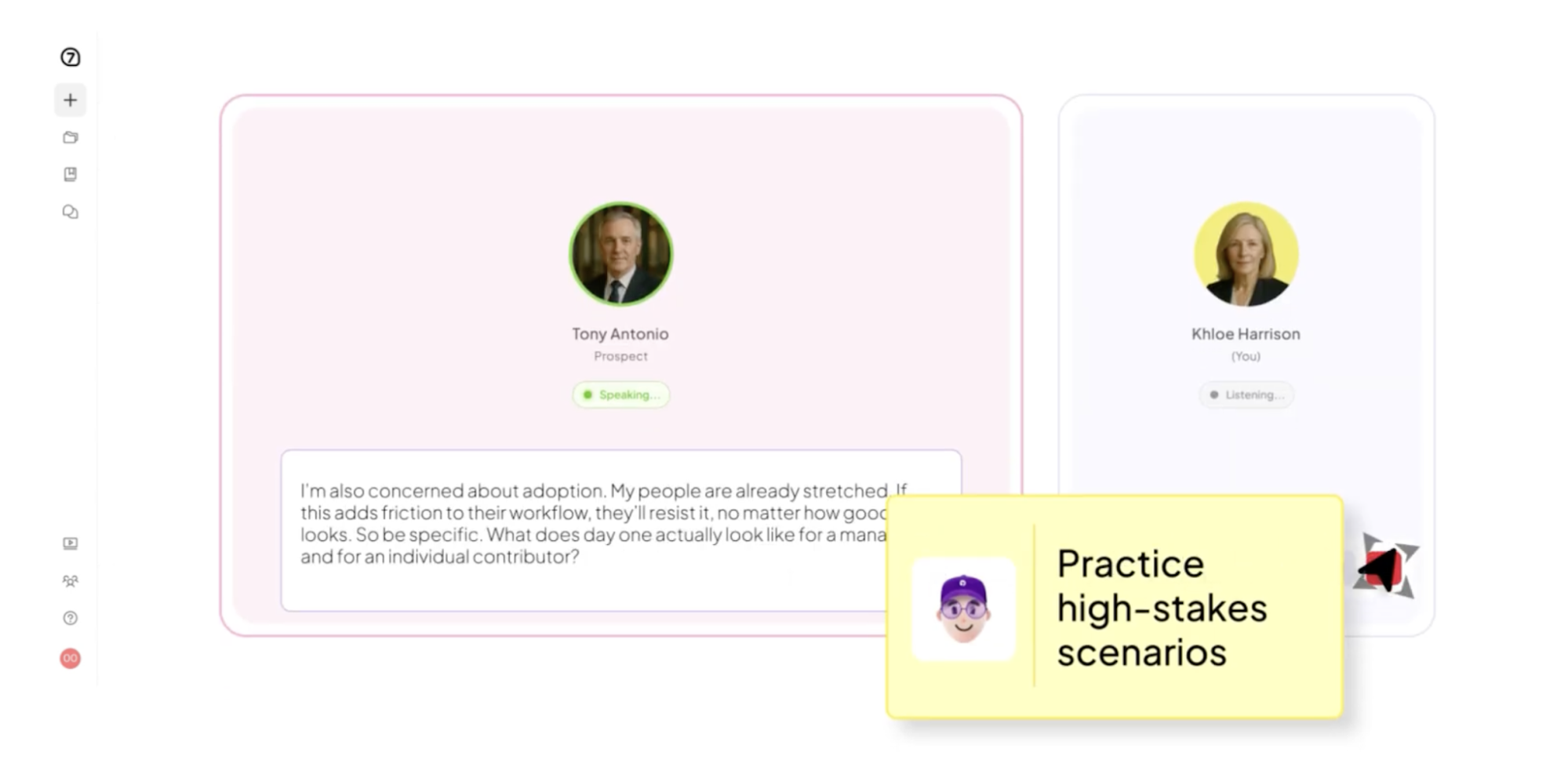
Automation alone should not be the deciding factor. Look at what the resulting score tells you and whether managers can understand why an employee received it.
The goal is to make evaluation easier without sacrificing assessment quality or the information leaders need to understand the learner’s performance.
Scoring tells you how an employee performed in the assessment. The next step is deciding what you need to learn from those results.
If ten employees complete the same training, for example, knowing their final scores may tell you who passed. It may not tell you that several of them struggled with the same skill or learning objective.
That distinction becomes important when assessment results are being used to make informed decisions about further development and resource allocation.
Leaders need a comprehensive view of where gaps remain and whether those gaps are limited to one employee or appear more widely within the team.
That’s why reporting and performance visibility should be part of your comparison. More detailed reporting can support a holistic evaluation by helping managers look beyond the final score and understand what contributed to the result.
Before choosing a platform, decide what questions you will need the results to answer. Then check whether its reports provide enough detail to support those decisions.
The final consideration is what information you will be putting into the assessment platform.
A basic knowledge test may only contain questions and employee scores. More detailed workplace assessments can involve employee performance data. Simulations or roleplays may also use scenarios based on internal processes or customer situations.
As the data collected becomes more sensitive, organizations need to know how it will be stored, protected, and accessed.
That’s why data privacy, security, and compliance should be evaluated in relation to the type of assessment you plan to run.
The requirements for a simple knowledge quiz may differ greatly from those of a company evaluating employees in scenarios involving sensitive customer or business information.
Review how each vendor protects stored data and controls access. If your organization has specific regulatory requirements, check whether the platform supports the standards you need.
Insight7, for example, is SOC 2 Type II-certified and HIPAA-compliant. It also offers GDPR compliance, encryption, PII/PHI redaction, and a policy of not using customer data to train AI models.
The goal is to choose a level of protection that matches the information your assessments will contain and the requirements your organization needs to meet.
The best summative assessment tool is the one that gives you credible evidence of the outcome your training was designed to produce.
If that outcome is knowledge, a quiz or formal test could be exactly what you need.
But if employees are being trained to handle customer conversations, the final question should be: can they demonstrate those skills as the conversation develops?
This is where Insight7 stands out. It gives customer-facing teams a way to see how employees apply those skills before relying on them in a real interaction.
That gives you an opportunity to catch employee performance gaps earlier, so employees can work on them before those issues even appear in real-life scenarios and affect the quality of customer experience.
Ultimately, choosing a summative assessment tool comes down to what you need employees to prove.
If successful training means being able to perform a customer-facing skill rather than simply explain it, your final assessment should give employees the opportunity to prove they can do exactly that, if not more.
Learning objectives determine what a summative assessment needs to measure. If the objective is knowledge retention, a quiz or written test may be enough.
If employees are expected to demonstrate a skill, the assessment should give them a way to apply what they learned in a relevant situation.
Summative test items can include multiple-choice questions, short-answer questions, essays, case-based questions, and practical tasks.
A roleplay or simulation can also form part of a final assessment when learners need to demonstrate a skill rather than recall information.
Assessment is commonly discussed through four broad approaches: diagnostic, interim, formative, and summative assessment.
Diagnostic assessment establishes a starting point, formative assessment supports learning in progress, interim assessment checks progress at defined stages, and summative assessment evaluates student achievement at the end of a learning period.
A final exam at the end of a course is a classic example of summative assessment. In workplace learning, a final skills demonstration can serve the same purpose when employees need to prove they can perform the competency they were trained to use.
