 #
#
What is a Project: #
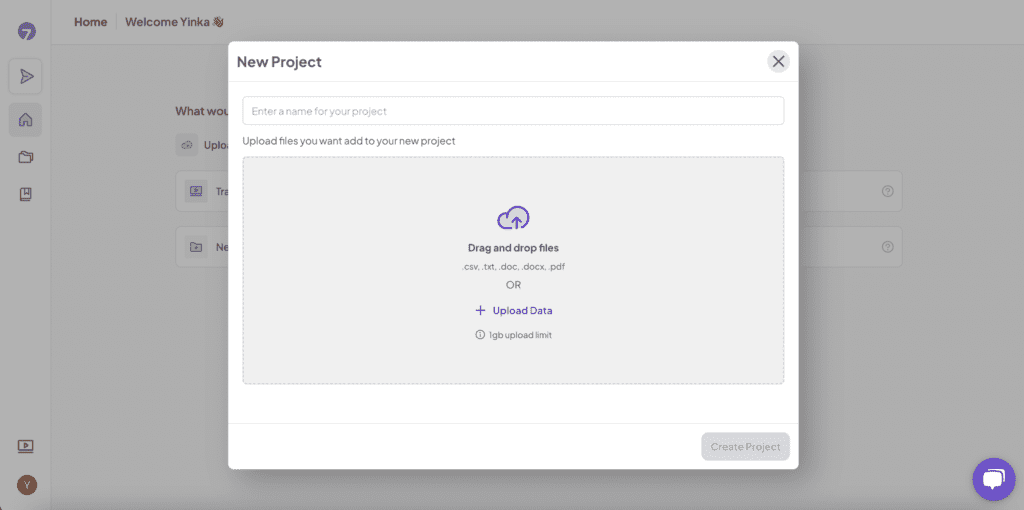
A project is a workspace where you organize and analyze various qualitative data, including interviews, documents, and other related content, to extract actionable insights.
Why Use This: #
Organizing your analysis into projects helps manage multiple files and ensures comprehensive analysis across related documents.
How This Works: #
Create a project, add multiple files, and analyze them collectively to extract broader insights.
How to Do It: #
Create a Project: #
- Go to the “Projects” section.
- Click “Create a Project.”
- Name your project and save it.
Add Files to a Project: #
- Open your project.
- Click “Import Files.”
- Select and upload multiple files to the project.