A QA manager gets the same output shape a security operator gets, a ranked list of moments worth opening. That branch check is essential, because informed decisions start there rather than in later decision-making about features.
If your specific needs involve cameras rather than conversations, start with the first branch. Few platforms are equally strong at surveillance monitoring, media indexing, and conversation-level QA, so the intended workflow decides the solution.
Try Insight7 for free and watch a recorded call turn into a scored evaluation.
The table below gives the short version.
Platform | Best For | Key Strengths | Pricing |
Insight7 | Scoring recorded customer calls and video meetings against QA, compliance, or coaching criteria | Custom scorecards, theme extraction, coaching in the same platform |
|
Dovetail | Building a permanent, tagged home for research recordings a whole team will search later | Tagging and coding, AI summaries, searchable repository | Free plan available, custom pricing afterward |
Descript | Turning recorded content into finished audio and video for publication | Transcript-based editing, filler word removal, screen recording |
|
Looppanel | Analyzing user interviews quickly when the questions are already written | Auto-joining notetaker, question-based tagging, AI research reports |
|
Marvin | Answering questions from a research archive that already exists | Ask AI with linked sources, auto-tagging, survey imports | Pricing not available |
Grain | Capturing sales and success calls and sharing the moments that matter | Bot-less capture, shareable clips, CRM sync |
|
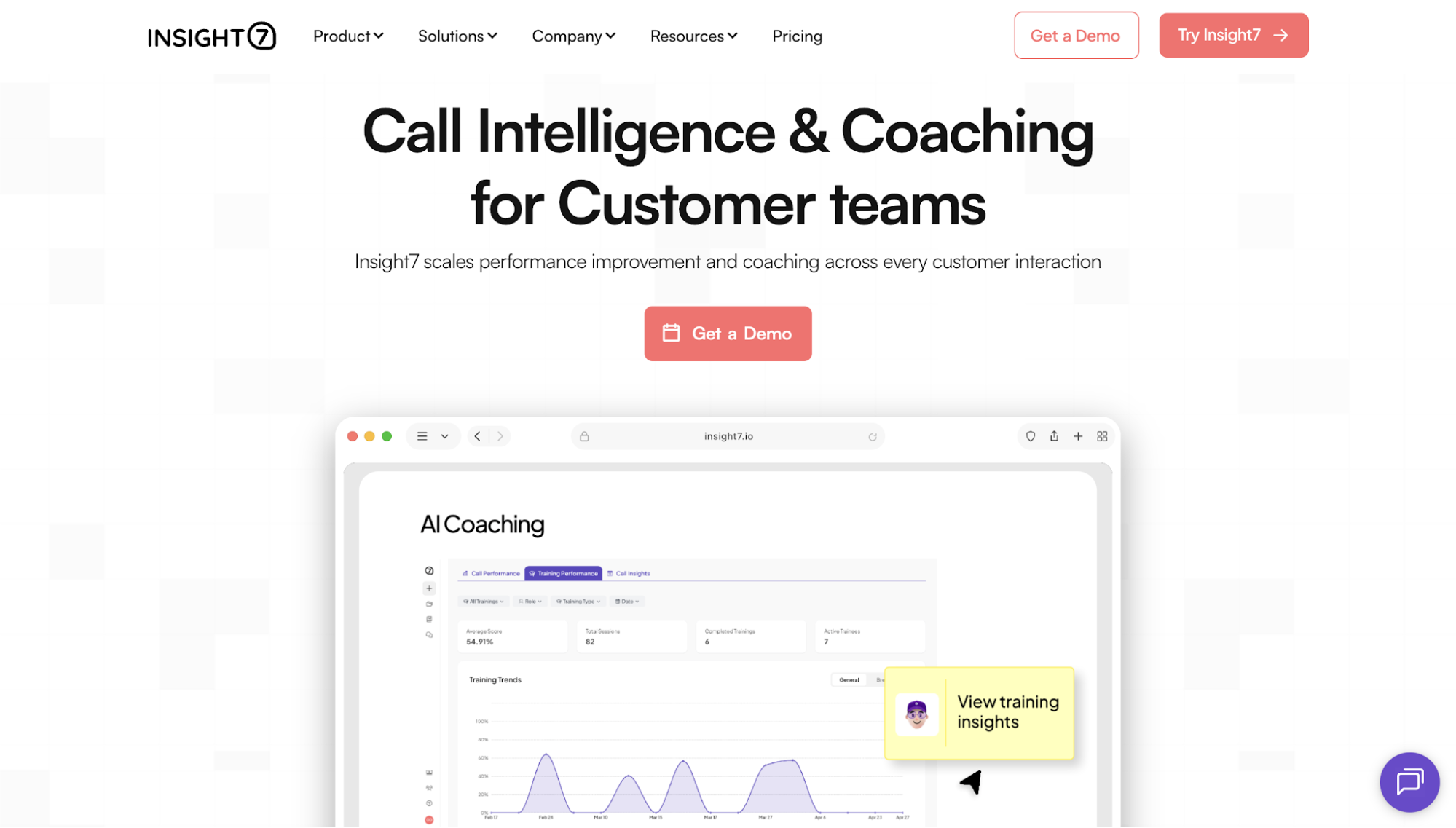
Insight7 is a call intelligence and coaching platform for customer-facing teams. It analyzes recorded video and audio conversations, evaluates each against criteria the organization defines, and connects what it finds to coaching for the people on the calls.
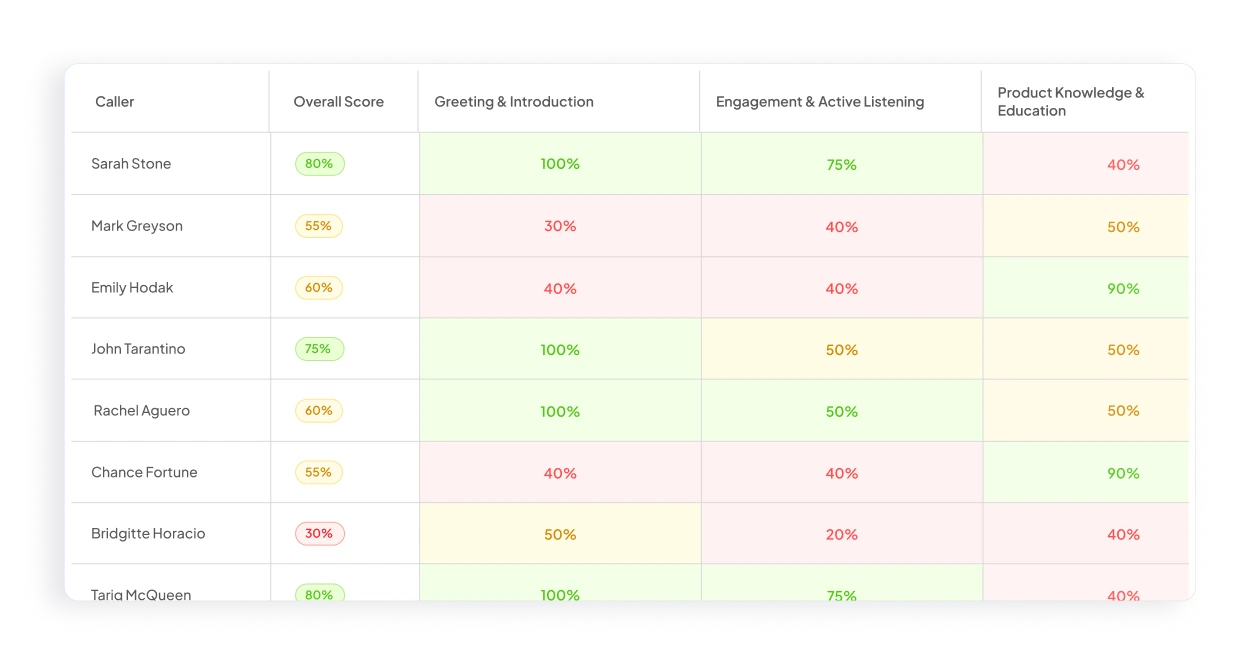
For example, a financial services contact center may need to confirm that advisors gave every required disclosure. Insight7 evaluates captured conversations at scale, flags calls where language was missed, and routes relevant advisors to targeted practice.
The clearest distinction is what happens after the evaluation. Insight7 connects organization-defined call scoring to personalized coaching and AI roleplay, so a gap found in a real conversation becomes a targeted practice scenario in the same platform.
A manager who sees the objection-handling score low on 12 calls can open those calls, assign a roleplay scenario based on them, and check the next batch. Theme, evidence, and correction stay attached.
It supports transcription in 60+ languages, integrates with 50+ systems, and Insight7 reports more than 1,000 high-growth businesses using it.
“We use Insight7 to analyze multiple videos at once to receive insights from qual interviews with global experts. Insight7 has made our research process faster and more insightful.” Janosch B., verified G2 reviewer
Book a demo and see your own recordings scored against your criteria.
Where the goal is a permanent home for research rather than a score, Dovetail is the usual starting point.
Teams upload interview recordings, and it transcribes, tags, and stores them so findings from separate projects sit in one place. It suits a research function that has agreed how it codes data, though what comes out is a repository to read rather than a score anyone is measured on.
Dovetail offers a free plan with one channel and one project. The Enterprise plan comes with custom pricing.
Descript is an editor built around the transcript: it transcribes an import automatically, and editing the text edits the media, so deleting a sentence removes it from the recording.
A team turning a webinar into clips gets there without touching a timeline, though the output is finished media rather than an assessment of the conversation inside it.
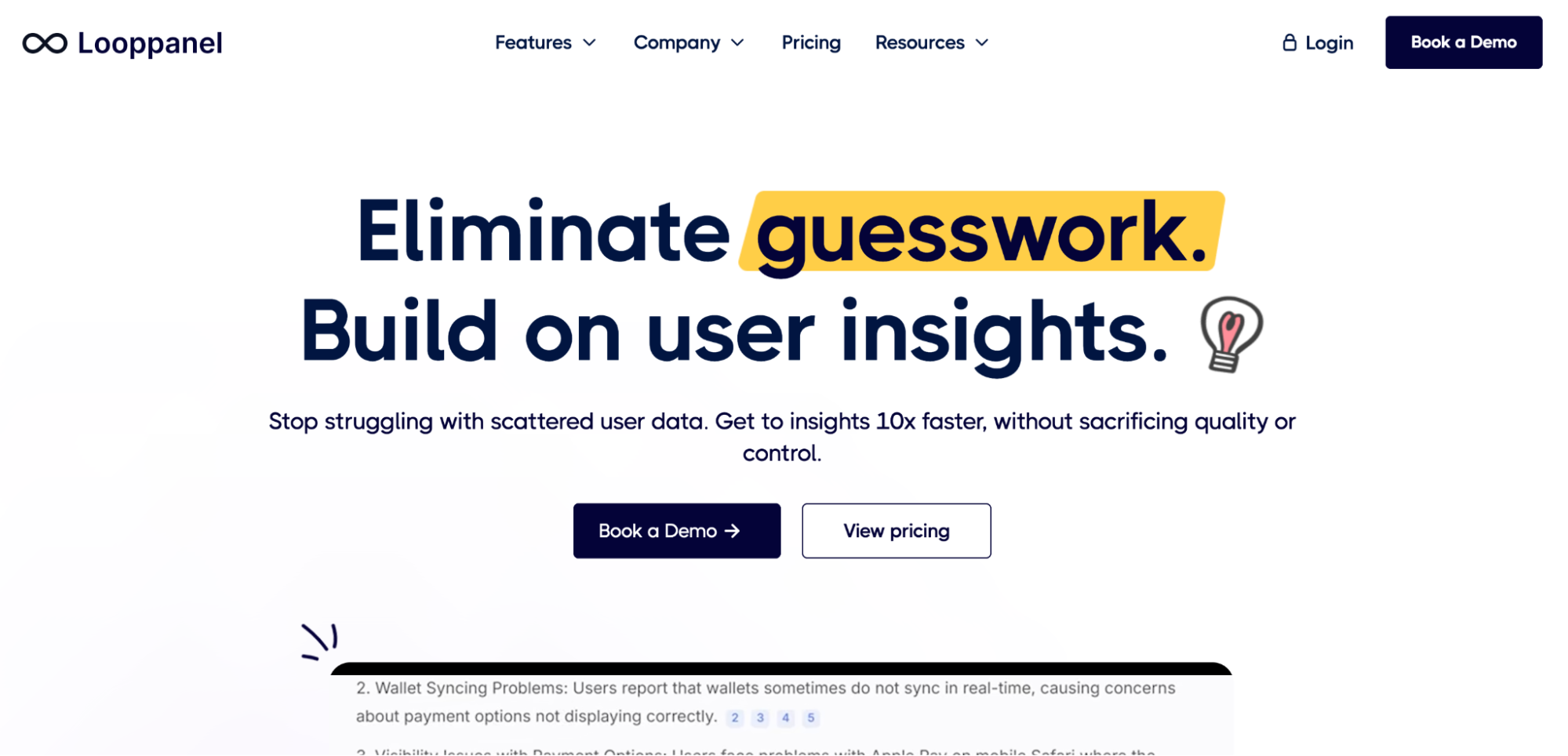
If your video is user interviews rather than customer calls, Looppanel narrows in on that.
Its notetaker joins scheduled calls automatically, and an uploaded discussion guide lets it match what was said back to the question that prompted it, so sessions arrive already grouped. That depends on the guide existing, and it is built for research rather than live customer conversations.
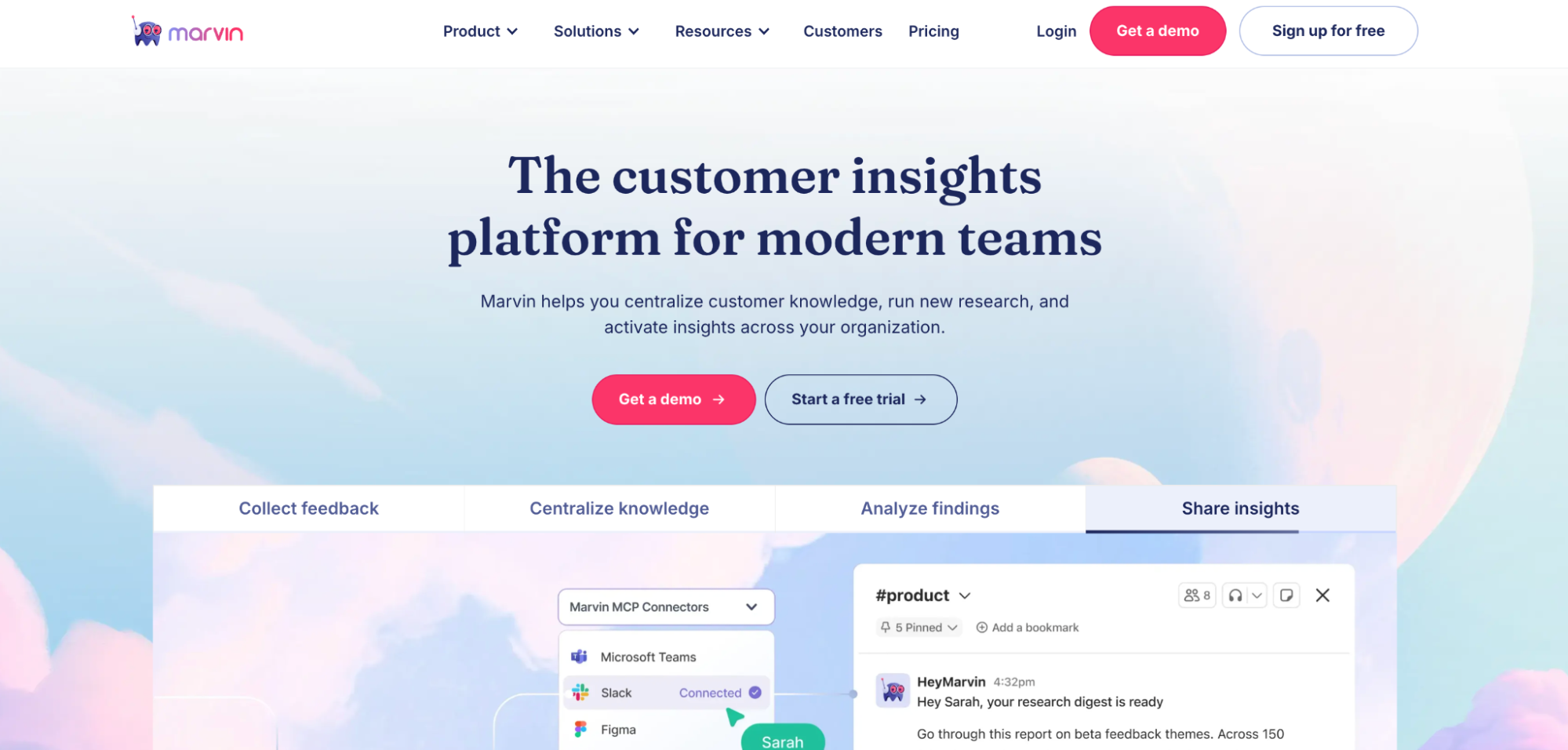
Marvin covers similar ground, with the weight on the archive rather than the session. Ask AI answers questions from its stored data, and each answer links back to the transcript, video, or survey it came from, so asking what customers said about onboarding draws on interviews already collected.
That only works once the archive is big enough to hold the answer.
Marvin doesn’t disclose its pricing publicly.
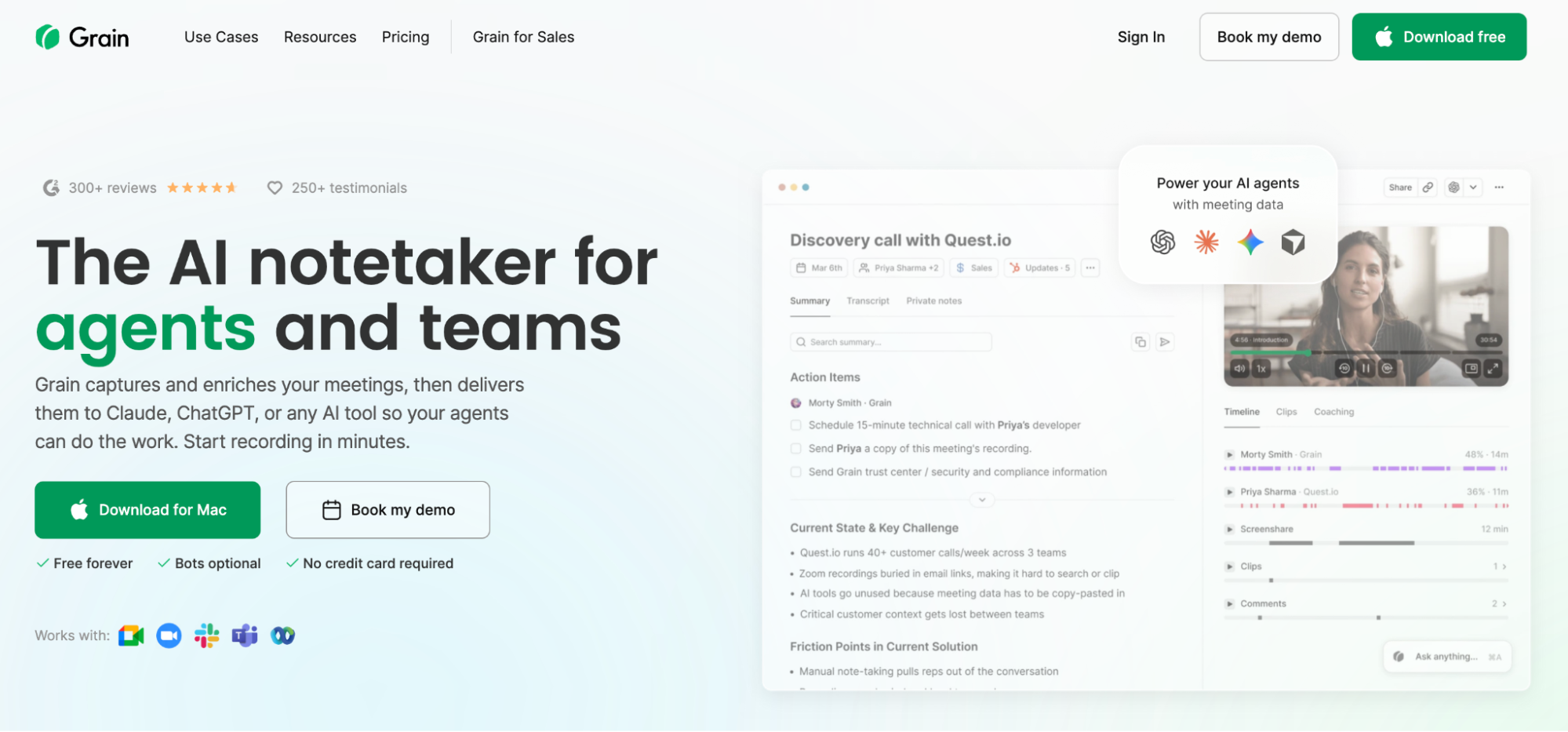
Grain sits at the capture end of the category. It is an AI meeting recorder for sales and customer success teams, with a focus on the clip: record a call, then pull the 90 seconds that matter.
A rep can send a product to a prospect describing a pain point the same hour, though what circulates is a clip rather than a record of how the call was handled.
Start with the output your team needs, not the longest feature list.
Recording and automated transcription are widely available at low cost. Reliable scoring and a route from a finding to an action are the meaningful differentiators. Decide which you are buying before comparing feature lists.
Most of these tools work on stored recordings, which suits quality review and research. Live guidance during a conversation is a separate feature that few platforms offer, so confirm it’s available.
Recorded conversations contain personal data, and in healthcare or financial services, regulated data as well. Check where recordings are stored, how long they are kept, whether redaction functions exist, and whether the vendor trains models on them.
A repository serves researchers. A scorecard serves QA and enablement leaders. A clip library serves sales managers. Informed decisions start by matching the output to the person who acts on it, an essential check before any decision-making.
Teams evaluating video content analysis software for customer conversations often end up with a transcription tool and a scoring spreadsheet. The transcript answers what was said. Nothing answers what to do next.
Insight7 evaluates captured conversations against criteria the organization writes and extracts the themes that repeat, attaching both to the moments involved. The same platform runs the coaching, so a finding becomes a practice scenario rather than a line in a report.
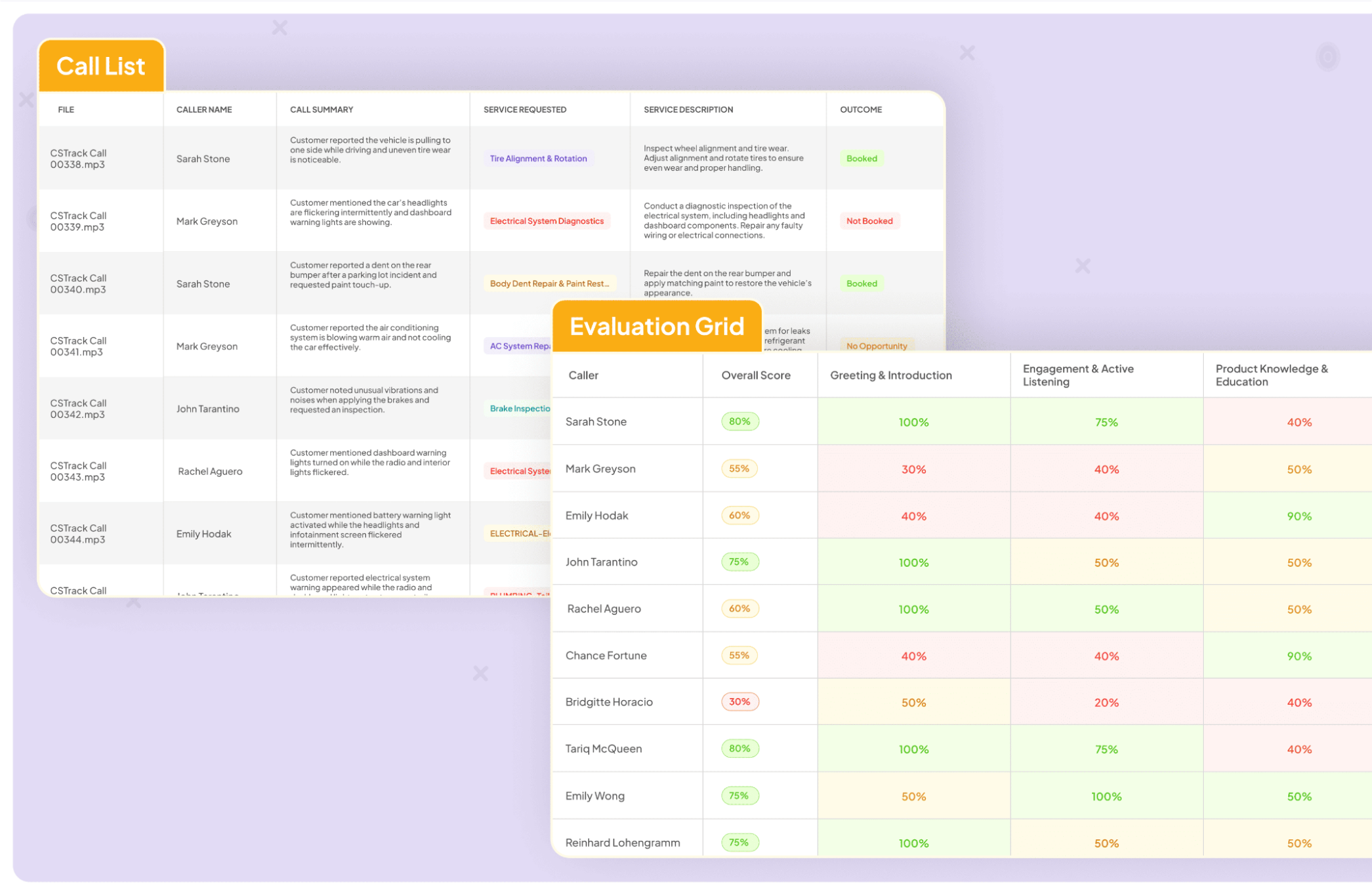
Insight7 holds a 4.7 rating on G2, is SOC 2 Type II-certified and HIPAA-compliant, and transcribes 60+ languages.
Book a demo and see what a month of your own recorded conversations reveals.
Video content analysis software uses artificial intelligence to automatically extract information from video, so nobody has to watch the footage to find what matters. Some tools read visual data such as objects, faces, and motion. Others analyze the spoken content of conversations.
The terms overlap. In surveillance and computer vision, both usually mean automated visual analysis: object detection, motion tracking, event recognition.
In media and research contexts, video content analysis often stretches to cover transcripts, speakers, and topics as well. Check the expected input and output, not the label. Azure AI Video Indexer, for example, analyzes both the video and the audio in a single file.
Some of it can. Camera-based platforms process live video streams and alert on specific events as they happen. Conversation platforms mostly work on stored recordings, though a few offer live prompts to the person on the call.
It depends. Cloud services delivered as APIs need a developer to build something usable on top. Platforms with interfaces let non-technical users upload videos, search for them, and read the results unaided.

