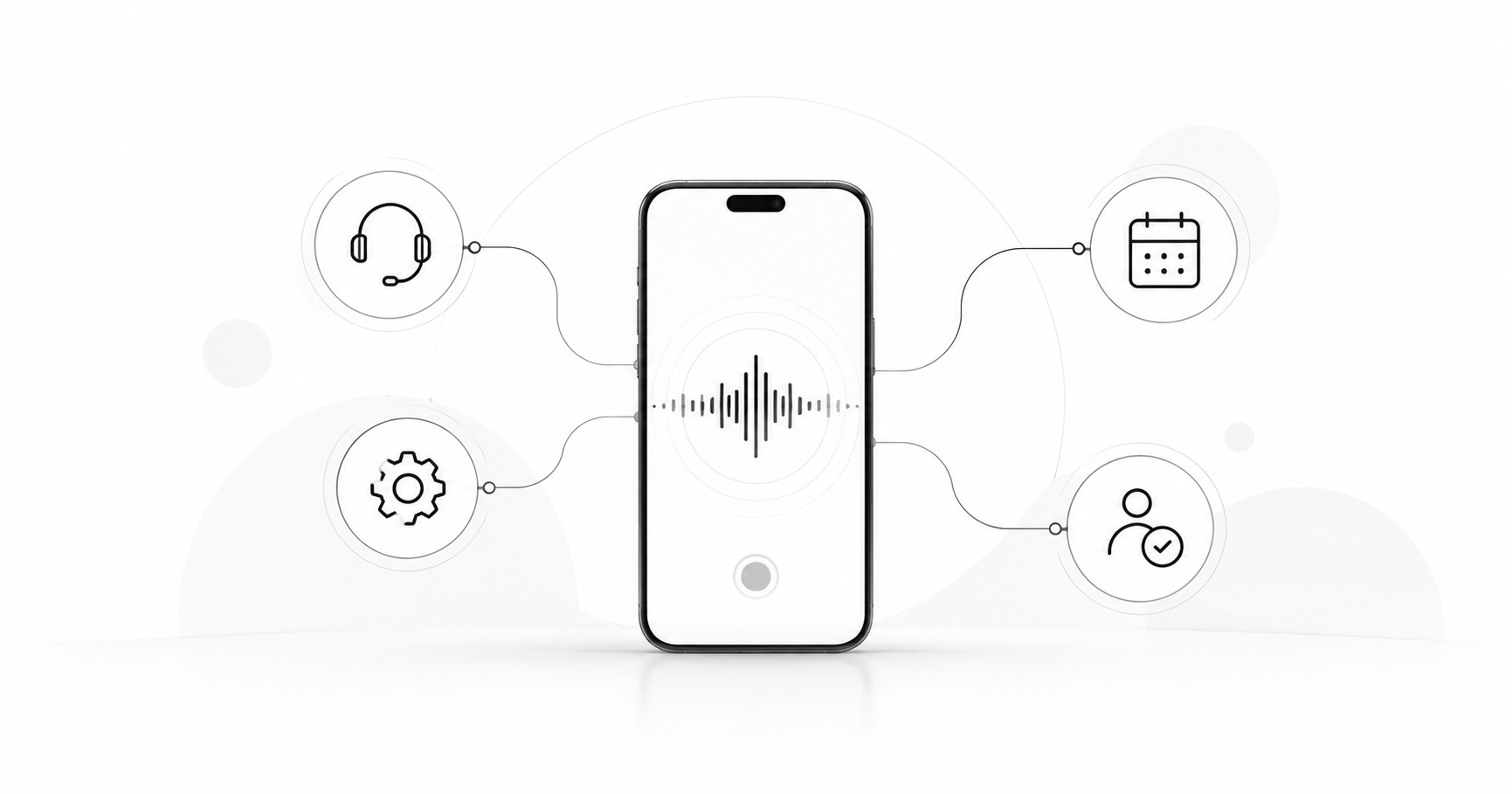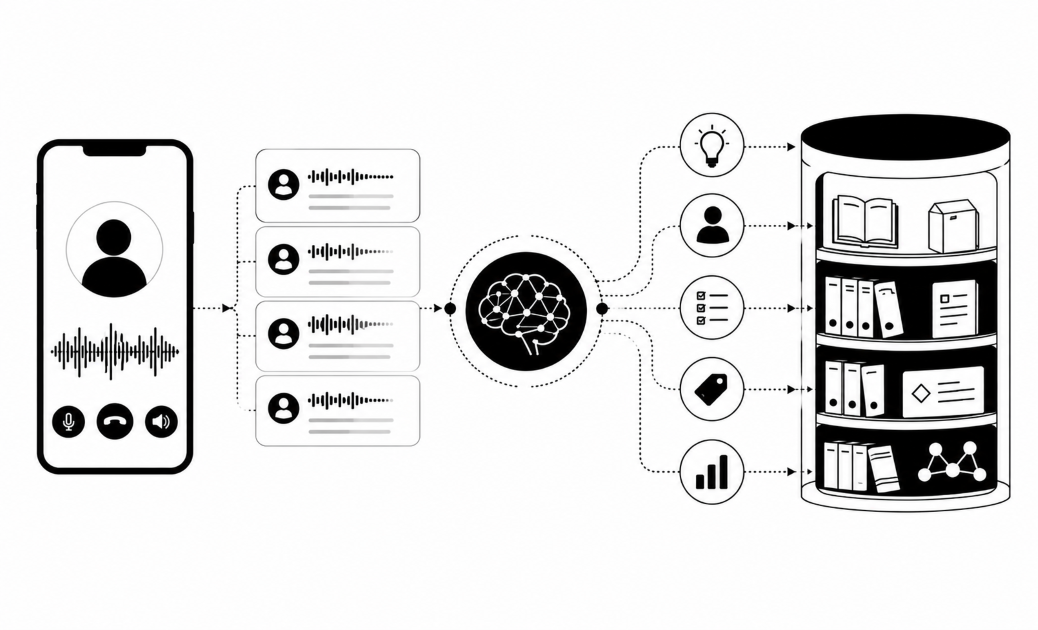

Your customer rings about a failed repayment. An hour later they message on WhatsApp and must explain it all again. Three channels with three bots give three different answers. Here is how to run one AI agent across phone, WhatsApp and website chat.
Map what each channel does first
Give each channel one job before you build anything. Start with a list of your contact reasons, such as a payment reminder, a status question, a complaint or a lead enquiry. Then rank the channels by real volume and by what customers ask for.
Preference matters. Some customers write "no calls" on their orders and want WhatsApp or app messages. Surveys also show a rising preference for humans, but many of those people would switch to AI if it fully resolved the issue. So pick the channel by whether the problem gets solved, not by what is fashionable.
Then narrow the scope. Pick one job on one channel and add channels after it works. We advise starting with outbound, because much inbound volume exists only because companies never send proactive updates.
A simple scope map looks like this:
- Phone: urgent, emotional or complex issues, and outbound reminders.
- WhatsApp: status updates, document requests and customers who ask for no calls.
- Website chat: quick questions from people already on your pages.
Check that any vendor supports each channel you plan to use.
Build one knowledge base for every channel
Put every fact the agent may say into one knowledge base, and let all channels read from it. If the phone agent and the chat agent each keep their own notes, they will drift. A customer then hears one fee on the phone and a different fee on WhatsApp.
Write each entry so a machine can use it:
- Answer first. Open with the short answer, then add detail below it.
- Owner. Name the person who can say whether the entry is right.
- Review date. Set a date so old prices and policies do not linger.
- A missing-answer rule. If the entry does not exist, the agent says it does not know and hands over to a person.
That last rule matters most. Buyers often ask what happens when a customer goes off script, and some have already pulled back an AI messaging project over it. Stopping a voice agent from inventing answers starts with content. An agent grounded in approved entries has something to cite, and an agent with a gap has a rule to follow.
Keep the facts neutral and change the wording at the channel layer. A spoken answer needs short sentences and spelled-out numbers, because the listener cannot scroll back. A chat answer can carry a link or a short list.
Write the rules once, then apply everywhere
Write one rulebook and make every channel follow it. Keep it short, and have your compliance lead sign it off. It needs four lists:
- May promise: a callback time, a payment-plan review, a status update.
- Must never do: quote a fee that is not in the knowledge base, confirm a disputed amount, or give legal or medical advice.
- Escalation triggers: a complaint, an angry customer, a request for a person.
- Sensitive topics: bereavement, fraud and disputes go straight to a human.
Regulated buyers, banks first, say their main blocker is risk. They fear an agent that "goes rogue" or makes a public mistake. A written rulebook is your first answer.
Design the handover with the same care. Buyers ask three things on their own. Is it polite? What happens with a sensitive issue or a disputed amount? Does anyone chase a handover nobody picked up? Have the agent name who will help and pass on a short summary. Send it to a queue with an owner and a timer. Gartner reports that 87% of 3,566 surveyed customers say a company using GenAI for service must offer a way to reach a human.
Then add the legal layer. It differs by region, so check each with counsel:
- EU: Article 50 has applied since 2 August 2026. Any AI that talks to people, including phone systems, must say it is AI from the first interaction.
- US (federal): AI-voice calls need consent under the FCC's 2024 TCPA ruling. A proposed "say it is AI" rule was still not final in mid-2026.
- Colorado: from 1 January 2027, public-facing conversational AI must disclose that it is AI.
On a call, disclosure is spoken in the first seconds. In chat, it is the first message.
Keep one customer history across channels
Key the history to the customer, never to a chat session. Pick one ID that every channel can find, such as a policy number, an account number or a verified phone number. Store it in your CRM. Then a WhatsApp thread, a call and a web chat all land on the same record.
After every conversation, the agent writes back five things:
- Outcome: resolved, pending or escalated.
- Promises: "callback by 3 pm" or "plan review sent".
- Open issue: what is still unsolved.
- Consent flag: what the customer agreed to, and on which channel.
- Language: so the next channel starts in the right one.
At the start of each contact, the agent reads this record first. That is how it can say "I see you rang earlier about your repayment." The customer skips the retelling.
Your reps need to write to this record too. One approach is to have every rep log each email, WhatsApp message and walk-in against the policy number. QA then checks the log against the channel evidence, for example whether the email was really sent.
Buyers with a working contact centre first ask whether a new tool replaces their stack or plugs into it. They want it to sit alongside their CRM and read from it. Build the five-field record in your own CRM.
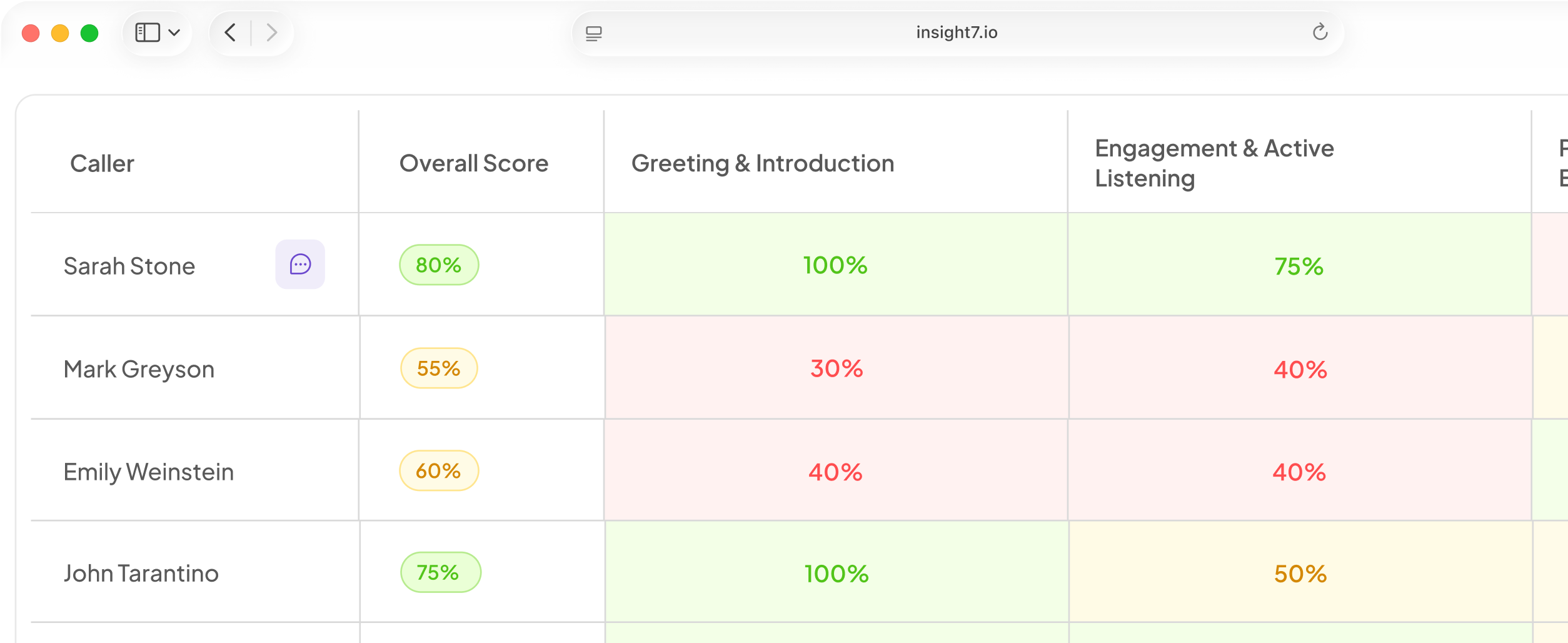
Where Insight7 fits: its voice and chat agents run across phone and web, grounded in the company knowledge base. Its AI Knowledge Base ingests internal docs, product guides and playbooks as a central source of truth. It writes recordings, transcripts and summaries to Salesforce and HubSpot, or exports them by API. Outbound voice campaigns are in beta and switched on per organisation. They include consent marking, calling hours, retry rules and a test call to your own phone. You can talk to the agent in the browser first, with no phone number. Campaigns can run in Yoruba and Igbo. A dashboard shows each transcript when a call ends. AI Call Scoring can check 100% of conversations, not a sample. Scores roll up to the person, the project and the organisation.
Tune phone, WhatsApp and web chat separately
Share the facts and rules across channels, then give each channel its own settings. The table shows what to set.
| Setting | Phone | Web chat | |
|---|---|---|---|
| Tone | Calm, warm | Short, friendly | Quick, direct |
| Length | One idea per turn | Two or three lines | Short, with links |
| Disclosure | Spoken at the start | First message | Greeting banner |
| Hours | Set calling hours | Inside the reply window | Always on |
| Retries | Capped redials | Approved template | None |
| Handover | Warm transfer or callback | Queue with summary | Live person with transcript |
Phone. Set consent marking, calling hours and capped retries, and test the agent with a call to your own phone. Local accents and languages matter to listeners, so pick a voice and language your customers use.
WhatsApp. Get clear opt-in before you message anyone, as Meta's policy requires. Under Meta's pricing rules, a 24-hour customer service window opens when the customer messages you. Free-form replies can only be sent inside that open window. Template messages can be sent at any time, so cap follow-ups to what your templates and opt-in allow.
Web chat. Greet at once, use the visitor's current page as context, and show your privacy notice.
Test every channel. Ask the same ten questions on each one. Then score all the transcripts against one scorecard, so a gap in one channel shows up.
Related reading: AI Voice Agent Use Cases for Insurance Companies Covering Renewals, Claims Updates and Policy Questions, AI Voice Agent Use Cases for Utilities and Telecom Providers Covering Outages, Billing and Service Changes and AI Voice Agents vs AI Chatbots Compared for Customer Service Teams.
Questions people also ask
Can one AI agent handle phone calls and WhatsApp at the same time?
Yes, if each conversation runs on its own thread and every thread reads the same knowledge, rules and customer record. Confirm your vendor supports each channel before you plan around it.
How do you keep an AI agent's answers the same across channels?
Edit facts in one place only, then rerun your ten-question test on every channel after each change. Any answer that differs points to a stale entry or a channel-level wording rule.
Does an AI agent remember a customer between a call and a chat?
Only if it reads a shared record. The model keeps nothing between sessions, so it looks up the customer ID and last outcome at the start of each contact. Write that record back after every conversation.
Do you have to tell customers they are talking to an AI?
Often yes. The EU's Article 50 and Colorado's law require disclosure, and the US needs consent for AI-voice calls. Where no law applies, still say so at the start and answer truthfully if asked.
Which channel should an AI agent start with?
Start with the channel that carries the most volume for one measurable job, usually an outbound reminder or update. Banks want a short, low-risk pilot on a small sample, with payment after results.
How should an AI agent hand over to a human on WhatsApp or phone?
On a call, transfer warmly or book a callback, and pass a summary. On WhatsApp, create a ticket with an owner and a timer, tell the customer when to expect a reply, and have the person answer inside the open window.
What is an omnichannel AI agent?
It is one AI agent serving customers on phone, messaging and web chat. It draws on one knowledge base, one rulebook and one customer record, so every channel gives the same answer and remembers the same history.
One agent, one record
One agent feels like one agent when facts, rules and history sit in one place. Before you start, check that your CRM returns a single customer ID for both a phone number and a WhatsApp number.