
To personalize AI outbound calls, give the voice agent facts about each person from your CRM and product usage data. Pick a few fields that change what the agent says. Don't paste in the whole record.
Start with one call goal and one truth
Write down what the call must learn or change before you look at a single field. Name one "hidden customer truth" the call should surface. It is the reason behind a behavior that your CRM shows but cannot explain. Examples are why a user signed up but never funded, or what a dormant user stopped using. Lenders and fintechs leak customers at the same points: no funding, unfinished KYC, stalled onboarding.
Start with outbound. Much inbound volume exists because companies never send proactive updates, so a well-aimed outbound call removes the cause.
In Insight7's beta voice campaigns, a manager sets a goal, an audience, the AI caller and the rules. A campaign also has a type: customer survey, lead follow-up, cold outreach or win-back. Pick the type that matches your truth.
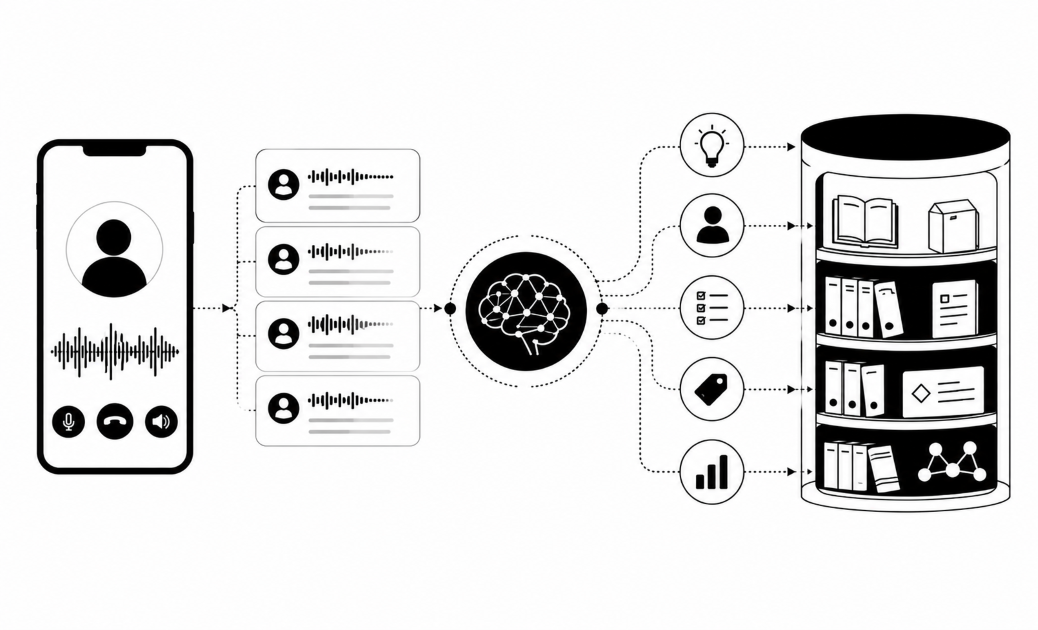
Then sort your data into three layers:
- Customer context personalizes the call. It comes from the CRM: plan, past conversations, basic profile.
- Campaign context is the goal of this call.
- Business context covers products, FAQs and SOPs.
Your goal decides which customer fields earn a place.
Pick fields that change the conversation
Keep a field only if the agent would say something different when its value changes. If the answer is "no", drop the field.
Good CRM fields are plan, status, last contact, open ticket and the program a person registered for. Good product usage fields are last login, feature adopted or ignored, funding or KYC stage, and a usage drop.
| Field | Source | What the agent does | Risk |
|---|---|---|---|
| KYC stage | Product | Asks what stopped them at that step | Stale if they finished since |
| Last active date | Product | Opens a win-back with a gap, not a pitch | Wrong after a data sync lag |
| Feature never used | Product | Asks if they knew it existed | Sounds like surveillance if overused |
| Registered program | CRM | Talks about that program only | Low if kept current |
| Open ticket | CRM | Skips sales talk, checks on the issue | Dangerous if the ticket just closed |
Customer context such as a registered program can feed the campaign. The agent then talks about that program and does not give a generic pitch.
Leave these out: health or financial details the call does not need, free-text agent notes, and any value you do not trust. A field that is often blank or wrong hurts more than no field.
Freshness depends on the field. A last-active date from three weeks ago still works for a win-back. A KYC status from three days ago may already be false, and telling someone they "haven't finished" when they have loses trust fast. Give each field a maximum age. When a value is older, the agent skips that line.
Lenders show why a narrow field set works. Reminders are not collections, and a happy customer pays. So a payment-due date alone is not enough. Add the one field that tells the agent how to sound.
Map each field into a script line
Write the script as fixed rules plus variable slots. Each slot needs three things: a source field, a fallback phrase for when the field is empty, and a rule for when to skip the line. Fixed rules cover how to open, how to introduce the agent and when to hand off. Slots hold the facts from the customer context layer.
Here is a win-back template with three slots.
- Template: "Hi {first_name}, it's {agent_name} from {company}. I saw you last used {feature} around {last_active_month}. What got in the way?"
- Filled in: "Hi {first_name}, it's {agent_name} from {company}. I saw you last used the reporting dashboard around July. What got in the way?"
- Fallback: "Hi {first_name}, it's {agent_name} from {company}. It's been a little while since you used your account. What got in the way?"
The skip rule: if last_active_month is older than your maximum age, or missing, use the fallback. Treat plan the same way. Mention it only if the answer would change, such as a paid user who has stopped using a feature they pay for.
Add conditional branches. If usage dropped, ask what changed. If the person never started, ask what stopped them at the first step. These are two different truths, so they need two different questions.
Open with the personal detail, ask the truth question from step 1, then listen. Do not read out every field you hold. One or two real details sound like someone who knows the account. A full recital sounds scripted, and buyers fear that most.
Write the escalation line too. Buyers ask what happens to a sensitive issue or a disputed amount, and whether anyone chases a handover nobody picked up. Name the trigger words, who takes the call, and what the agent says.
Plan the write-back as well. Each call should return a structured answer, such as "reason given: price", that can go into a CRM field.
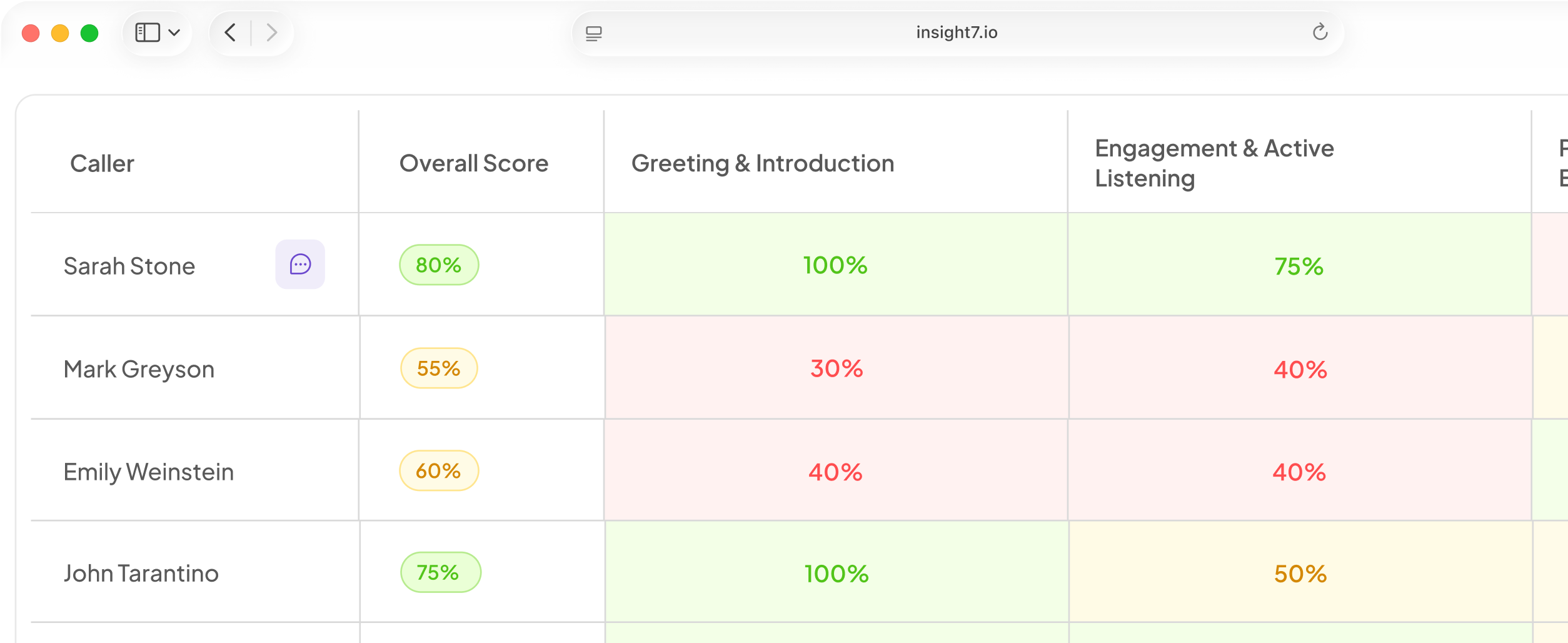
In Insight7's beta voice campaigns, contacts can be added by CSV upload or typed in directly. A dashboard shows calls in progress, and a reviewer can read each transcript once the call ends. Yes/no answers and call outcomes are pulled from the transcript. That gives you the data to write back.
Test personalization before you scale it
Climb a test ladder and do not skip a rung. First, talk to the agent in your browser, which needs no phone number. Next, place a test call to your own phone. In beta this is specified for campaigns, so check it in the app. Then run a small pilot with a holdout group that gets no call. Banks want a short pilot on a small sample, and they pay only once results show a measured lift.
Build a test list of edge cases:
- a blank field
- a wrong name
- a stale usage date
- two contacts on one number
- a person who asks, "How did you get my number?"
Then read each transcript, which a reviewer can do once the call ends. Check four things:
- The agent stated the right fact.
- The tone sounded human.
- The fallback line fired when a field was empty.
- The hand-off worked.
Track three numbers:
- Reached rate. Calls where only the AI spoke do not count as reached.
- Outcome rate against the holdout. This shows whether personalization moved anything.
- Complaint and opt-out rate. A rise here means a field feels creepy.
If SMS runs in parallel, carve out a sublist that only voice can reach. Any conversion from that group then has one clear source.
Change one field at a time, and compare results after each change. The beta spec describes a campaign scorecard at the end of a run, so check it in the app. Change three at once and you cannot tell which one helped.
Related reading: How to Run Customer Research Interviews at Scale With AI Voice Agents, 18 Customer Data Fields to Include in AI Calling Lists for Personalized Conversations and How to Break Down Customer Insight Silos Across Sales, Support and Field Teams.
Questions people also ask
What data do you need to personalize AI outbound calls?
You need the contact's name, the reason for the call and one or two facts about their account or activity. Consent status and calling hours decide only whether and when to dial.
How does an AI voice agent use CRM data on a call?
Customer context such as plan, past conversations and basic profile is set up before the campaign runs, so the agent knows who it is speaking to. Treat each slot as a hint to use when it fits.
How many data fields should an AI call script use?
Start with the name plus two or three slots. Add a field only after a pilot shows it lifted outcomes against the holdout group. Each extra field adds a way for the call to go wrong.
Is it legal to use customer data in AI outbound calls?
It depends on your region and sector, and consent is the common thread. In the US, AI-voice calls already need consent under the TCPA. As a good habit, also confirm where recordings live and who owns them before launch.
Does the AI have to say it is an AI on outbound calls?
In the EU, yes. Article 50 has applied since 2 August 2026. Colorado adds a duty from 1 January 2027. Disclose in the first sentence everywhere.
How do you test an AI voice agent before launching a campaign?
Have someone who did not write the script run the first test call. Re-run the same edge-case contacts after every change so the results can be compared.
What should the agent say when a CRM field is missing or wrong?
For a missing field, the agent drops that line and uses a neutral fallback. It never guesses. If the person says a fact is wrong, the agent thanks them, moves on and logs the correction so someone can fix the record.
Start small and let results add fields
Personalization pays when the agent knows a little and uses it well. Begin with one goal, a few trusted fields and a fallback for every slot. Prove each addition against a holdout group. Rule of thumb: if a field would not change a sentence, cut it.