
This Week’s Highlight
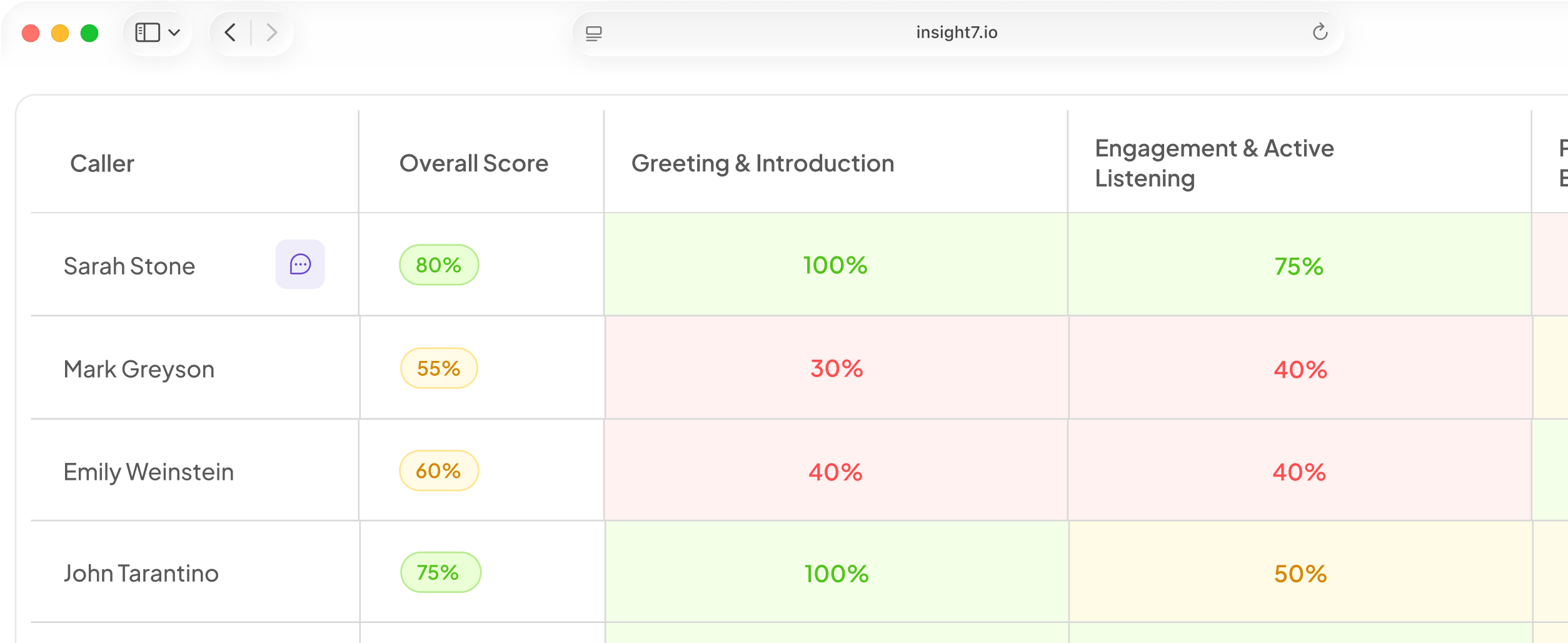
Behavior and Skill Intelligence is now available for organizations with access. It detects observable behaviors across every call, scores them independently of your existing criteria, and rolls them up into skills at the agent and team level.
Results now appear in a dedicated scorecard tab, on agent profiles, and on the team dashboard. The What’s driving your outcomes section also surfaces specific, data-backed insights into the behaviors and skills influencing performance.
Also This Week
Set fairer deadlines for training assignments
When assigning a training, you can now choose a completion window in days. Each learner’s due date is calculated from their individual assignment date, so staggered cohorts get the same amount of time to complete their training instead of working toward one shared calendar deadline.
Due dates appear on the learner’s training list, the pre-session screen, and the assignees view.
See who started a training but hasn’t finished
The training dashboard now gives you a clearer view of learner engagement.
A new Created column shows when each training was created, and the table now sorts by most recent by default. There’s also a new Attempted column that distinguishes learners who opened a training but didn’t finish from those who haven’t opened it at all.
The Attempted column replaces the previous Improvement column, making it easier to identify who may need a follow-up.
Key pages now load much faster
We’ve improved performance across several frequently used areas of Insight7.
People search, the evaluations list, the training dashboard, and the transcripts view now load significantly faster, helping teams get to the information they need with less waiting.
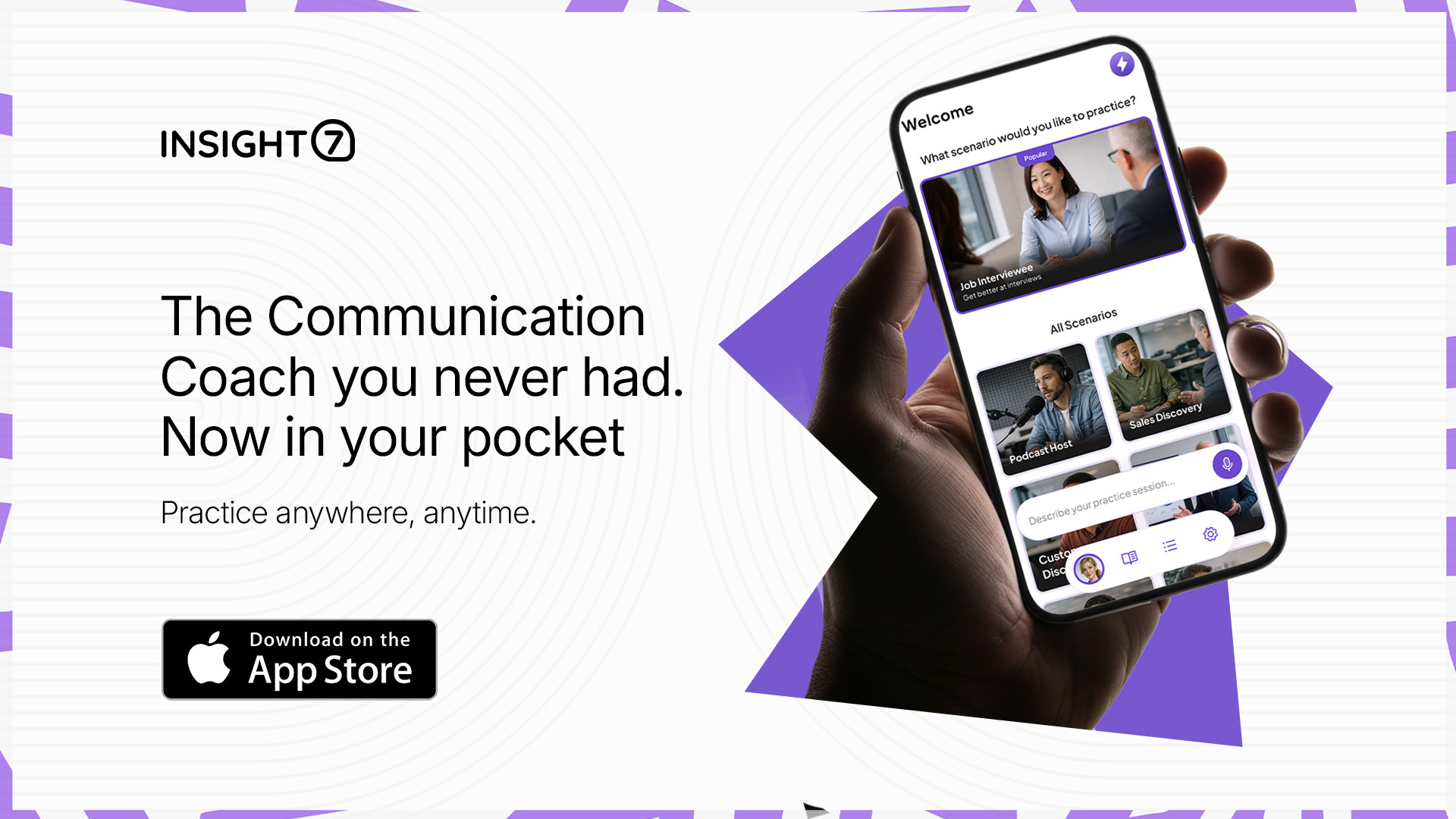
A redesigned mobile roleplay experience
The mobile roleplay experience has been redesigned to give learners more flexibility and context before and during practice.
Learners can now choose from six built-in scenarios or create their own, move through a scene-setting step before each session, and receive richer feedback during the experience.
Authored lessons from learning plans also now support the full block-based content experience on mobile, including progress tracking.
Fixed & Improved
- Training criteria and evaluation criteria are now maintained as separate lists. A settings toggle lets you switch between the two, and the training creation flow shows training criteria by default.
- Learners who open a training link from an email while signed out are now taken directly to that training after signing in.
- Fixed an issue that could incorrectly remove learners from training assignments.
- Voice training sessions now save and attach call recordings correctly.
- Coaching tips now appear on every evaluation by default.
- Imported transcripts that don’t complete evaluation are now automatically detected so missing evaluations can be caught earlier.
- Fixed an issue where some synced calls were missing from agent dashboards and call counts. Affected records have also been repaired.
- Transferred calls and short calls are now handled more accurately when determining which transcripts should be evaluated.
- Fixed a mobile issue that could send returning users through a sign-up loop after tapping Already have an account.
- Typography now renders consistently at the correct weights throughout the mobile app.
- The mobile coach chat thread no longer jumps or flickers while a response is streaming.
If training assignments or coaching tips are part of your team’s regular workflow, it’s worth a quick check this week to confirm your settings reflect how you want them to run.