
This Week’s Highlight
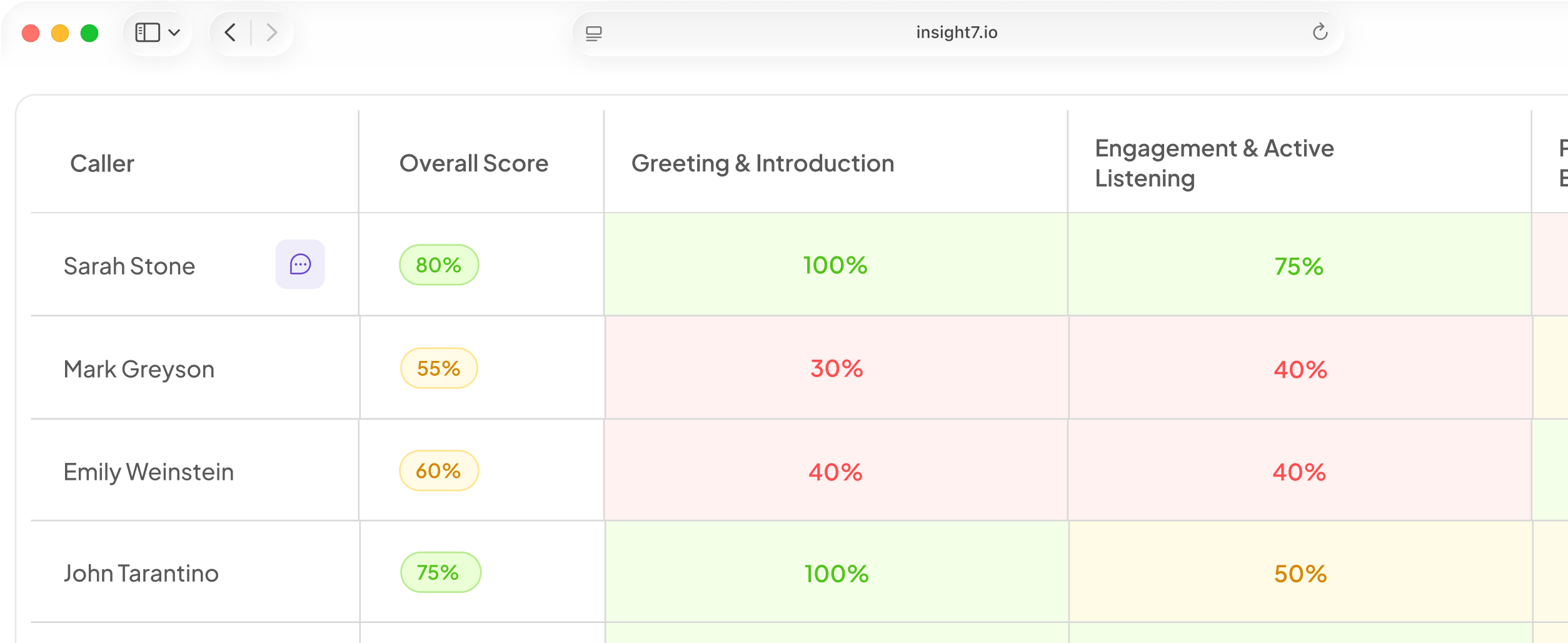
You can now click any detected behavior from the dashboard or a rep’s profile to see the exact transcript lines that support it.
Behavior detection is also more precise, with stronger alignment between behaviors and the relevant skill and less noise from routine call greetings.
Also This Week
AI Coach sessions are more reliable
The coach no longer repeats the same question in a loop, and skipping a question now moves the session forward without preventing the training from being created.
Sessions open reliably, conversation context is retained throughout, and persona portraits now appear instantly instead of occasionally loading blank.
Mobile scorecards now score the right person
Post-roleplay evaluations on mobile now score the trainee’s responses rather than the AI persona’s lines, so scorecards accurately reflect your practice performance.
Scorecards also now render correctly the first time instead of occasionally appearing blank until the page is refreshed.
Gaming alerts are firing again and are now available via API
We fixed an issue that prevented gaming alerts from triggering consistently.
Gaming alert data is also now available through the developer API, making it easier to surface alerts in your own systems without logging in to Insight7.
Trainings navigation is now consistent and predictable
All account types now land in the same Trainings destination, and roleplays are listed in priority order.
We also fixed the back-button loop that could bounce users between a scorecard and the assignment page.
Fixed & Improved
- Custom date range filtering is now available on the Projects tab of account-wide search, matching the existing filters on the Files and Keyword tabs.
- File lists now show upload time alongside the upload date, making it easier to distinguish between files added on the same day.
- Dragging and dropping an Excel file into the criteria upload modal no longer incorrectly rejects the file.
- CSV criteria uploads now use the actual contents of the uploaded file when generating criteria.
- A new Ignore Agent List toggle in Evaluee Detection settings lets you evaluate every detected speaker, including speakers who are not on the agent roster.
- Inbound customer voicemails can now be automatically detected and skipped before evaluation for organizations configured to exclude them.
- Evaluation matrices now load faster by focusing on the selected speaker, especially on pages with large numbers of calls.
- Training assignments move out of Pending status as soon as a session begins, keeping adoption tracking accurate.
- Suggested question chips are restored in the mobile coach chat.
- Mobile lesson text is now larger and easier to read.
- Streaming transcripts now retain the correct per-call project name.
Ready to put the coaching improvements into practice? Open Insight7 Skills Practice & Roleplay and start a training session.