
This Week’s Highlight
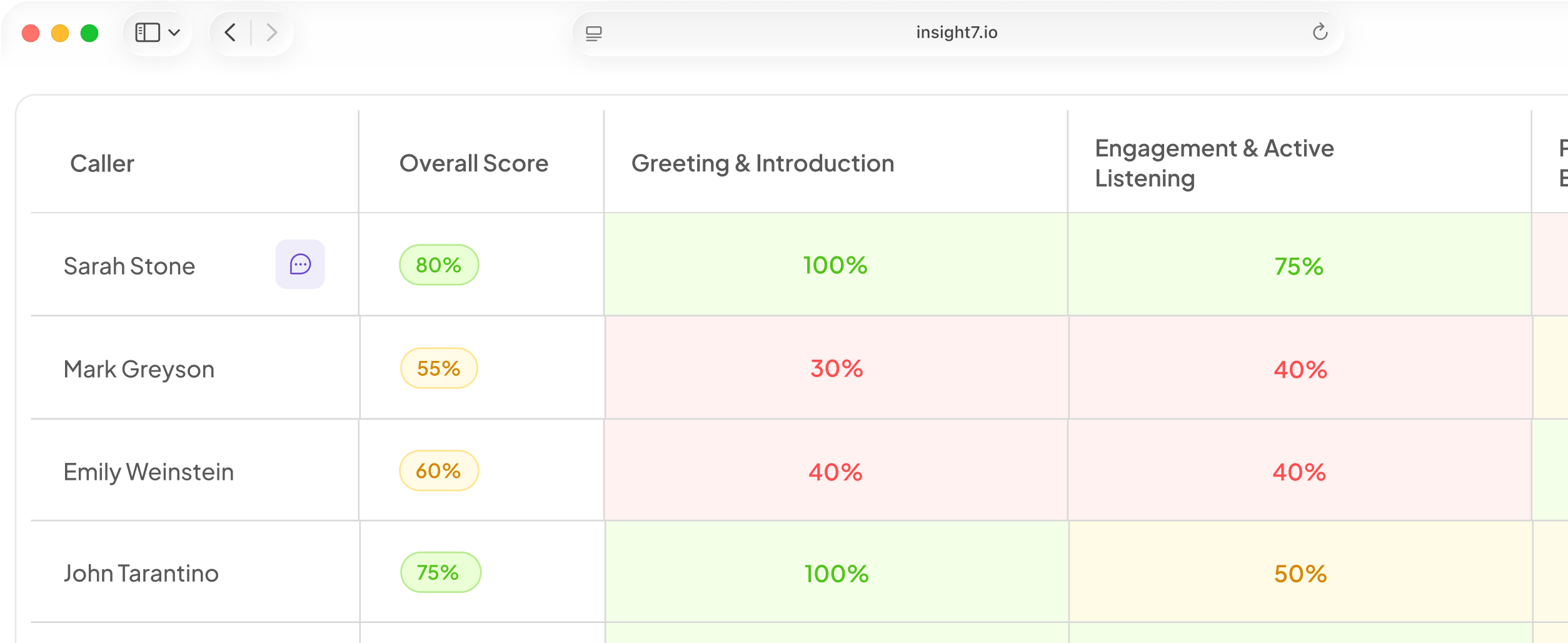
Agent scorecards are now powered by real evaluation data, giving supervisors and agents a clearer picture of performance in one place.
Every assessment includes an overall score, a breakdown by criterion and sub-criterion, evidence quotes pulled directly from the conversation, a narrative summary, and coaching tips for each area. This makes it easier to understand not just how an agent scored, but why—and what they can work on next.
Also This Week
Low satisfaction scores now automatically route cases to a recovery team
After a case is resolved, the customer’s satisfaction response is captured and the case is routed based on the result.
A positive score closes the case as usual. A poor score moves it to a dedicated Recovery tab, where the team can review the case and close it out. The satisfaction rating is also visible directly on the case.
Agents get personalized roleplay training generated from their QA results
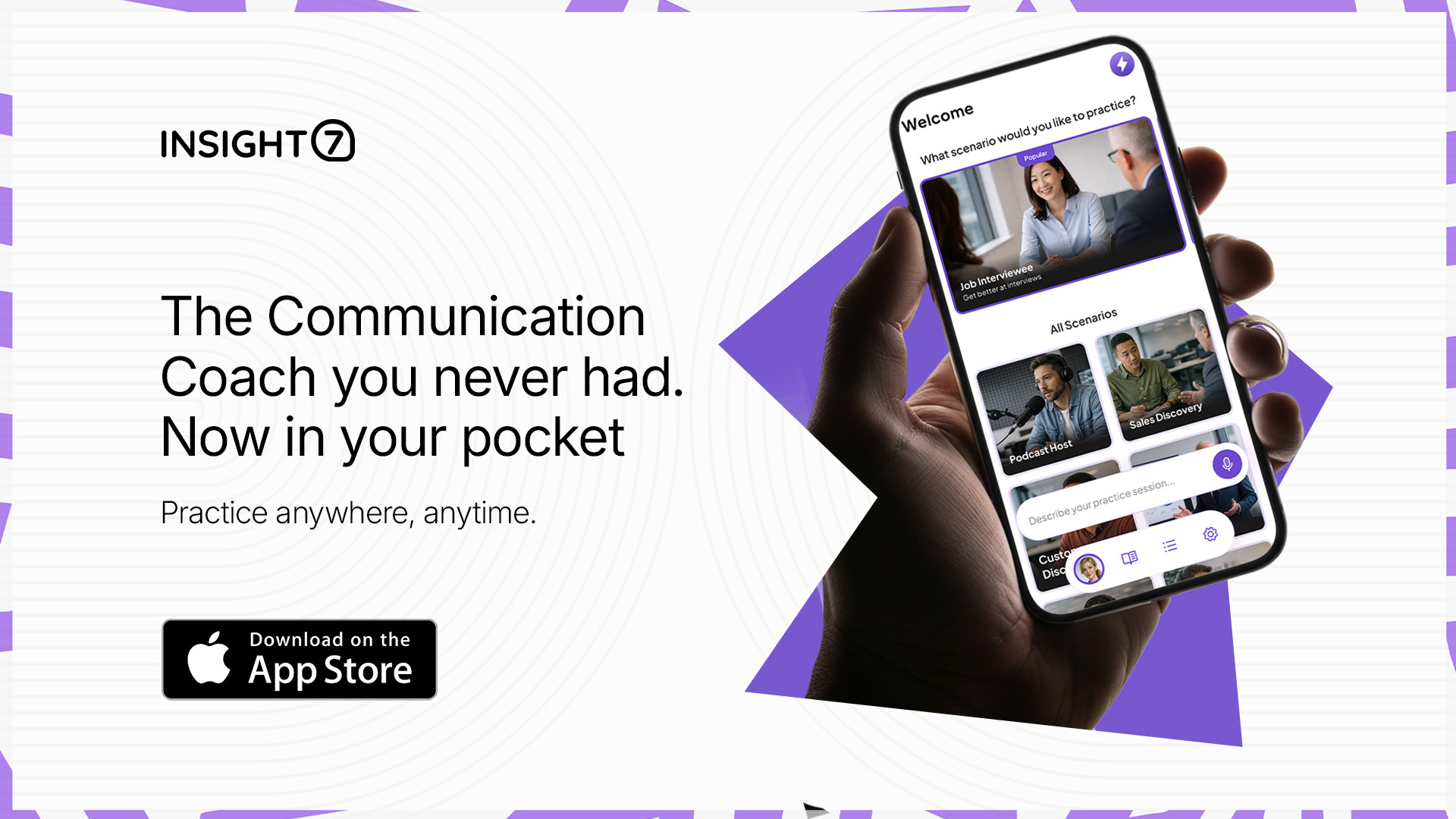
When an evaluation identifies areas where an agent scored below expectations, Insight7 can automatically create and assign a targeted roleplay training session based on those results.
The agent completes the training as a live voice session and receives a scored results screen afterward, connecting QA findings directly to practical coaching.
A new Customer Experience dashboard with Workflow signals is now available
The updated Customer Experience dashboard includes a new Workflow signals tab with busyness and trajectory breakdowns, a ranked pipeline signals list, and a per-call workflow table.
Evidence quotes link directly to the source transcript, while each category includes a concise summary alongside the supporting evidence.
Evaluation filters now carry over to the call evaluations list
Filters applied on the main dashboard now remain active when you navigate to the call evaluations page, so you no longer need to recreate the same filter setup.
Fixed & Improved
- Agent scorecard headers now show the case identifier and customer name, making it clear which conversation is being assessed.
- Evaluation evidence and scoring data now persist reliably and display correctly on scorecards.
- Performance chart bars are color-coded green, amber, and red based on score thresholds, with a complete 0–100 scale and gridlines.
- Each sub-criterion now carries its own score category, with custom score bands applied consistently.
- AI training personas no longer volunteer their name or account details at the beginning of a session, creating a more realistic customer interaction.
- Persona avatars now reflect each persona’s name, setting, and appearance instead of displaying the same generic image.
- Hovering over a template card in the training gallery now reveals a Test training button, letting you launch a test session without adding it to your training list.
- Resolved cases no longer remain marked as In progress in the agent queue.
- Parent cases now have an active SLA clock from the moment they are created.
- Child case SLAs now follow the policy of the unit the case is routed to.
- Automatic frontline assignment now selects agents from frontline units only.
- Parent-case SLA indicators are now visible on the Customer 360 ticket list and in the Case Trail header.
- The agent notification bell now loads correctly and displays actual unread notifications.
- My Queue now includes filters for channel, priority, and SLA status, along with sorting by most recent or closing soonest.
- The Case Trail now uses a single back button that returns you to the view you came from.
- Case notes in the Case Trail are now ordered with the most recent first.
- Supervisor search results now show open cases only, removing resolved cases from Recent tickets.
- SLA status in supervisor search and queues now correctly displays Met, Breached, or On hold.
- The supervisor Quality assurance screen has been renamed Quality and reporting and reorganized into Tickets, Conversations, and Reports tabs.
- The agent ticket list within supervisor agent profiles now shows the most recently worked tickets first.
- Back-office queues now default to most-recent-first ordering.
- Closed and canceled cases no longer appear under the back-office Active tab.
- Metric cards on the Growth dashboard now include tooltip explanations, and date-range presets have been updated.
- The Export PDF option has been removed from the Customer Experience dashboard.
- When a client name is unavailable in the Customer Experience dashboard, the interface now shows Unknown client instead of an identifier.
- Note: Microsoft single sign-on is temporarily unavailable on the login screen. If you previously used Microsoft to sign in, please use an alternative login method until it is restored.