
Key Takeaways
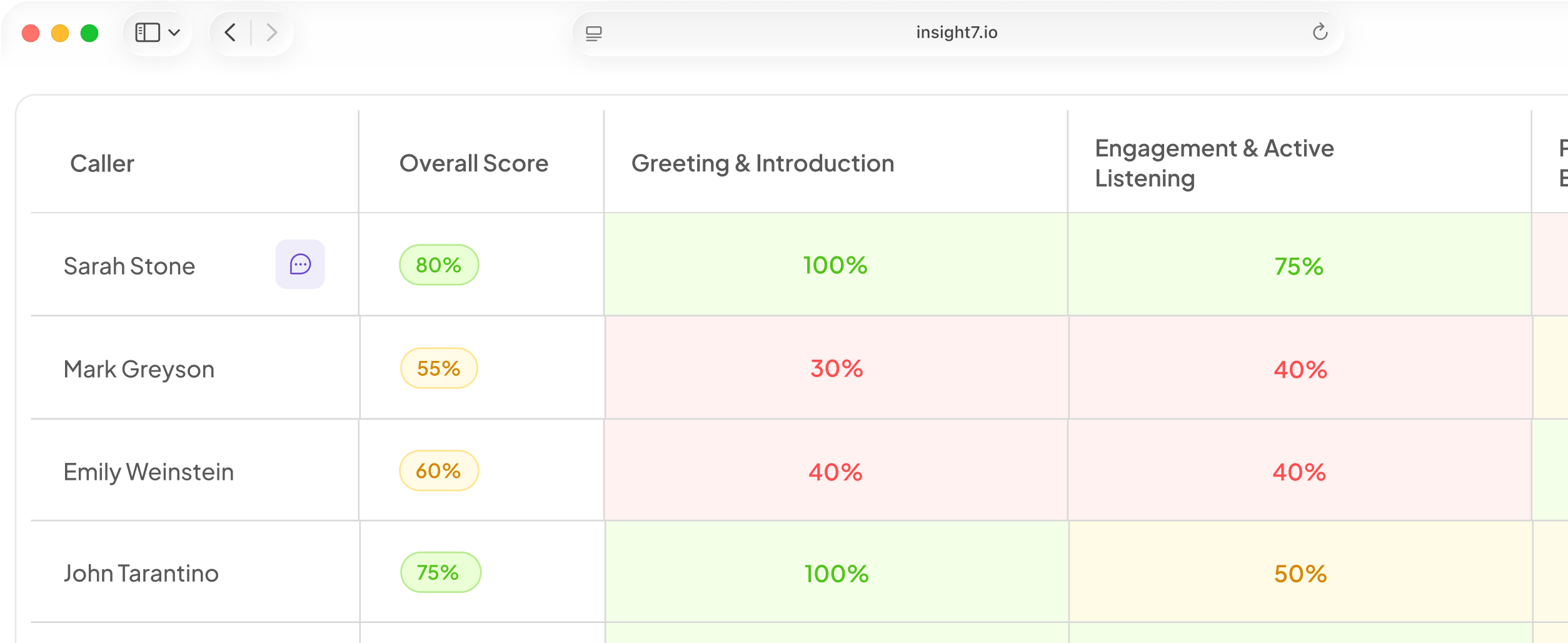
- Insight7: best for customer-facing teams (50–100 reps). Scores 100% of sales, support, and success calls, then turns the gaps into coaching. Free plan available; paid from $99/month.
- ActivTrak… best for workload and burnout patterns
- Gong: best for 200+ rep enterprise sales orgs. Deep deal and rep behavior analytics. Quote-based, with a platform fee on top of seats.
- Observe.AI: best for regulated contact centers
Workers typically oppose employers using AI to watch what they do. Roll out the wrong tool and you get resistance: calls on personal phones, meetings not getting recorded, and a dataset full of holes.
The best AI tools for analyzing employee behavior stand out because they analyze the work (calls, tickets, interviews), not the person . This guide compares seven of them on monthly pricing, standout features, and who each one suits. Let’s start with the table below.
| Tool | Best for | Standout feature | Price from (monthly) |
|---|---|---|---|
| Insight7 | Sales, CS, and support teams of 20–100 | QA findings auto-generate coaching roleplays | Free / $99 |
| ActivTrak | Workload, focus, and burnout signals | Team-level productivity and burnout scoring | $10 per user |
| Gong | Enterprise revenue teams (200+ reps) | Deal risk scoring from rep behavior | Quote only |
| Observe.AI | Regulated contact centers (200+ agents) | Compliance-grade auto-QA | Custom pricing |
| Zendesk QA | Support teams already on Zendesk | Auto-scoring inside the ticket workflow | $25 per agent (add-on) |
| Culture Amp | HR teams tracking sentiment | Benchmarked engagement surveys | Quote only |
| Microsoft Viva Insights | Microsoft 365 shops | Anonymized collaboration analytics | $6 per user |
Insight7: Best for Analyzing Customer-Facing Employee Behavior
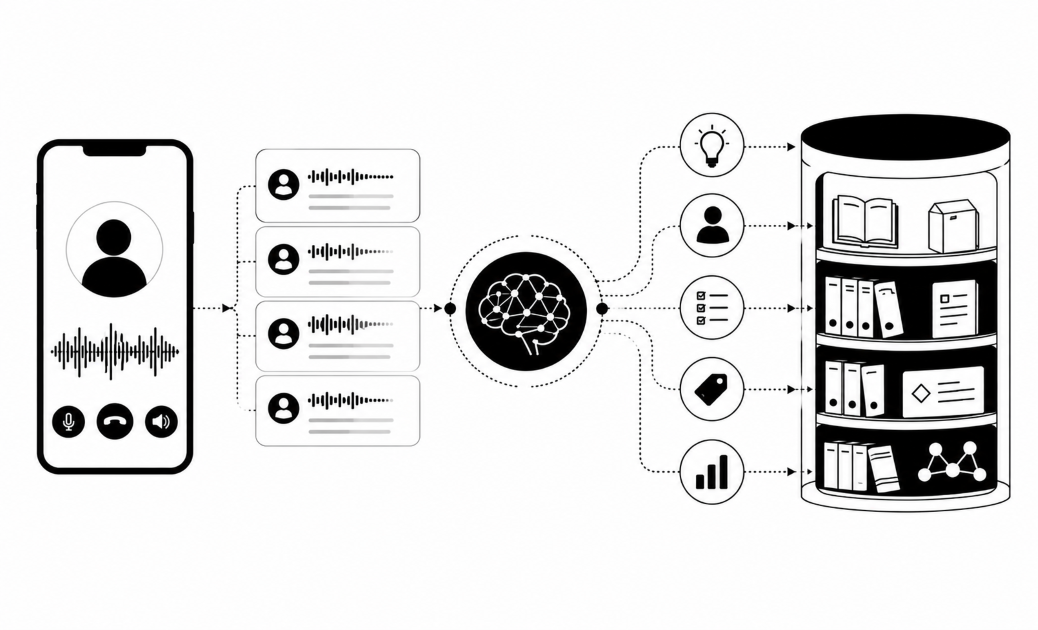
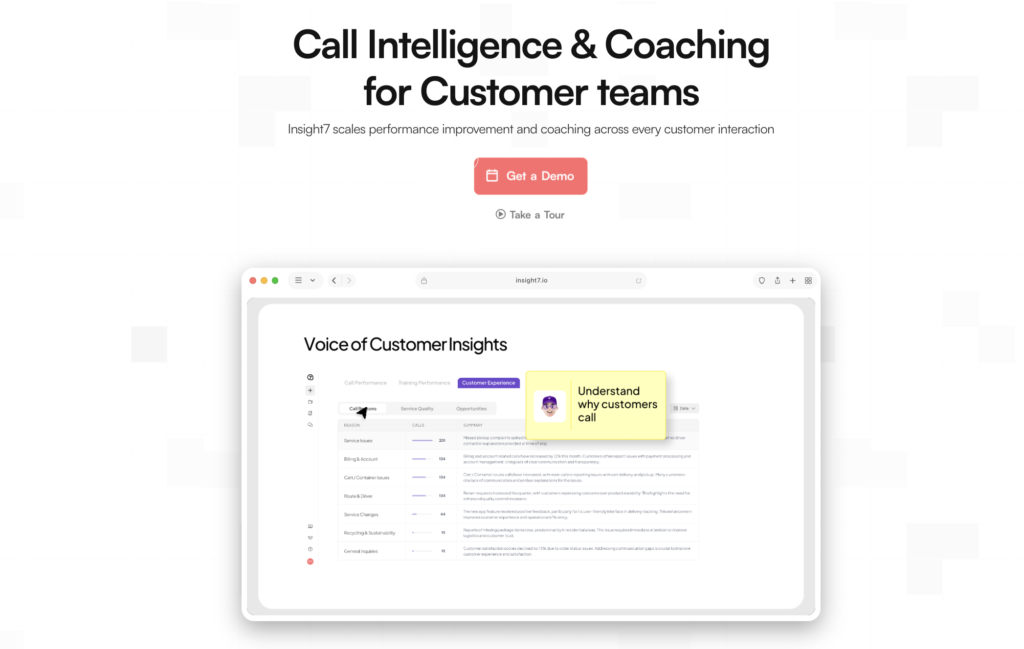
Insight7 is a conversation intelligence and coaching platform that replaces random sampling with complete clarity. Instead of grading a tiny fraction of interactions, it analyzes every sales call, support ticket, and success check-in to uncover the exact behaviors driving your top performers.
Ask most CX leaders managing 40 agents how their team is performing, and they will show you a spreadsheet built on fewer than 5% of their total interactions; a sample size McKinsey notes is standard, but statistically meaningless.
Insight7 eliminates this blind spot by giving leaders 100% call visibility, ensuring coaching decisions are backed by full-picture data rather than guesswork.
Key Features
Three things make the behavior analysis usable rather than just interesting.
Automated scoring against your own rubric
You define what good looks like for each call type: discovery quality, objection handling, empathy, next steps, and every call gets scored against it.
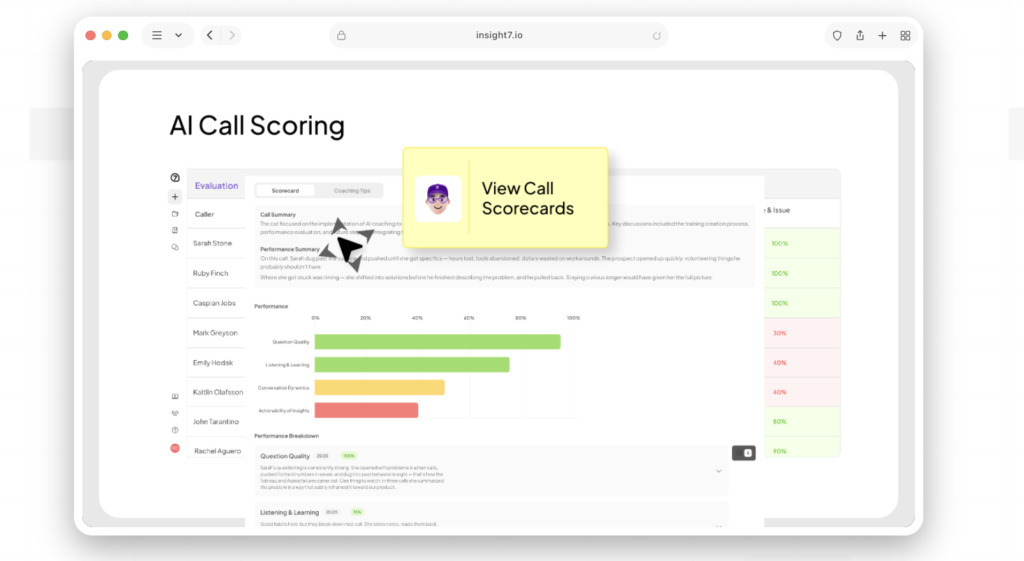
Sales calls get judged on sales criteria and support calls get judged on support criteria.
Evidence you can trace
Every score links back to the moment in the transcript that produced it. When a rep disputes a low discovery score, you open the line where the discovery should have happened. No “the AI said so.”
Coaching that fires from the scores
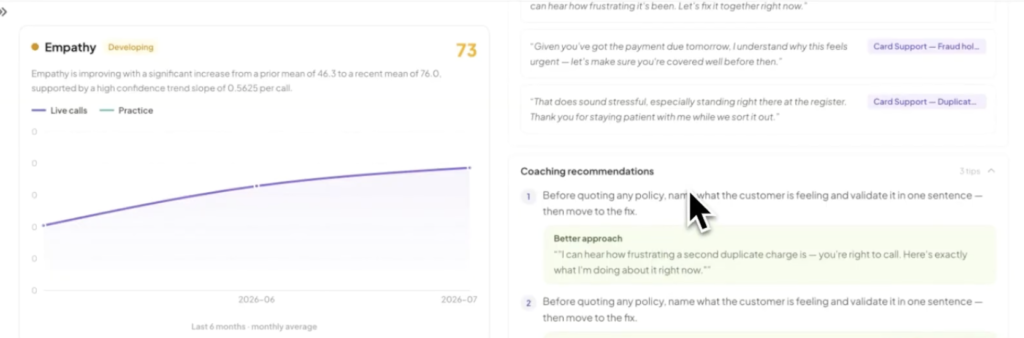
A low objection-handling score generates a roleplay scenario built on that gap. The rep practices against an AI buyer, gets feedback, and tries again, without booking a manager’s calendar.
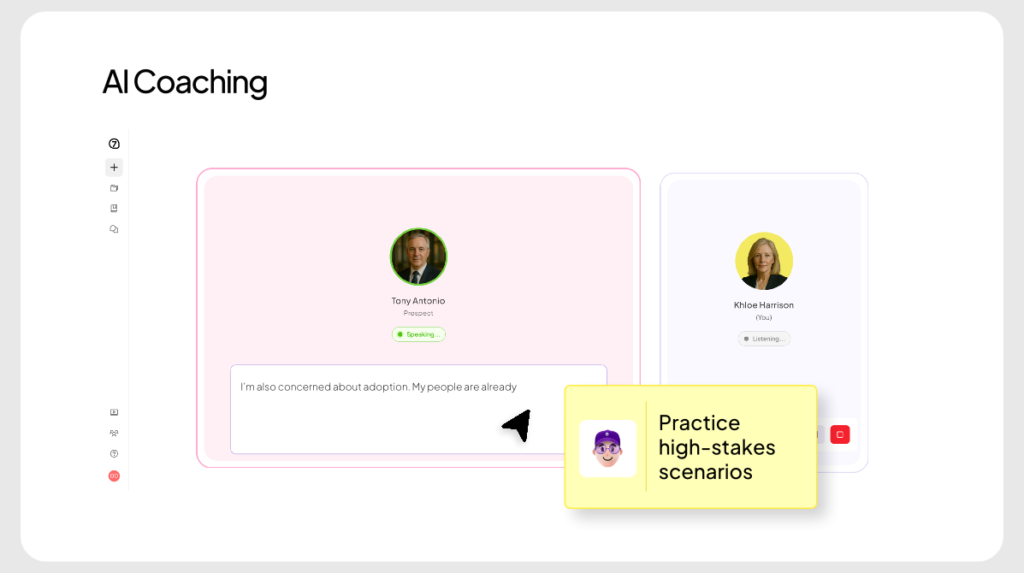
This is the AI coaching and roleplay layer, and it is the part most analysis tools do not have.
Pro tip: Run your first evaluation on 20 calls you already know the outcome of : 10 wins, 10 losses. If the scores match your gut, the rubric is calibrated. If they do not, fix the rubric before you show anyone a dashboard.
Pricing
| Plan | Monthly price | What you get |
|---|---|---|
| Free | $0 | Basic analysis, no card needed |
| Pro | $99 | 1 user, 50 call analyses, scorecards |
| Business | $299 | 3 users, 200 calls, PII/PHI redaction, AI roleplay |
| Plus | $1,499 | 20 users, 2,500 calls, AI coaching, account manager |
| Enterprise | Custom | Unlimited calls, APIs, live recording |
Where Insight7 Shines
- One tool instead of four: QA, coaching, live assist, and knowledge base run on the same data. A gap found in QA becomes a practice scenario without anyone exporting a CSV.
- Real cost math for mid-market: TripleTen’s CPO Elise Dietrich put it plainly: “For the cost of a project manager, in the United States, we cover over 6000 calls.” That is 100+ learning coaches monitored for less than one hire.
- Built for CS, not just outbound sales: Renewal, onboarding, and complaint calls get their own criteria instead of being scored against a cold-call rubric.
Where Insight7 Falls Short
- Not the pick for 500+ agent regulated contact centers. Observe.AI and NICE have deeper compliance infrastructure at that scale, as Insight7’s own Conversational Intelligence Market Map 2026 states outright.
Customer Reviews
Insight7 holds a 4.7 rating on G2. Fresh Prints reviews around 700 recorded interviews a month; their Associate Director Santiago Villaronga described the result as “fast, accurate, and saves our team hundreds of hours.”
Apex Waste Solutions’ Senior CX Manager Andrew Matson pointed to the insights coming back as valuable for training decisions across multiple divisions.
Who Insight7 Is Best For
- Enablement and CS leaders at 50–400 employee companies: you own QA and coaching, and you have no analyst.
- Sales leaders replacing 3–4 point tools: one contract, one data model.
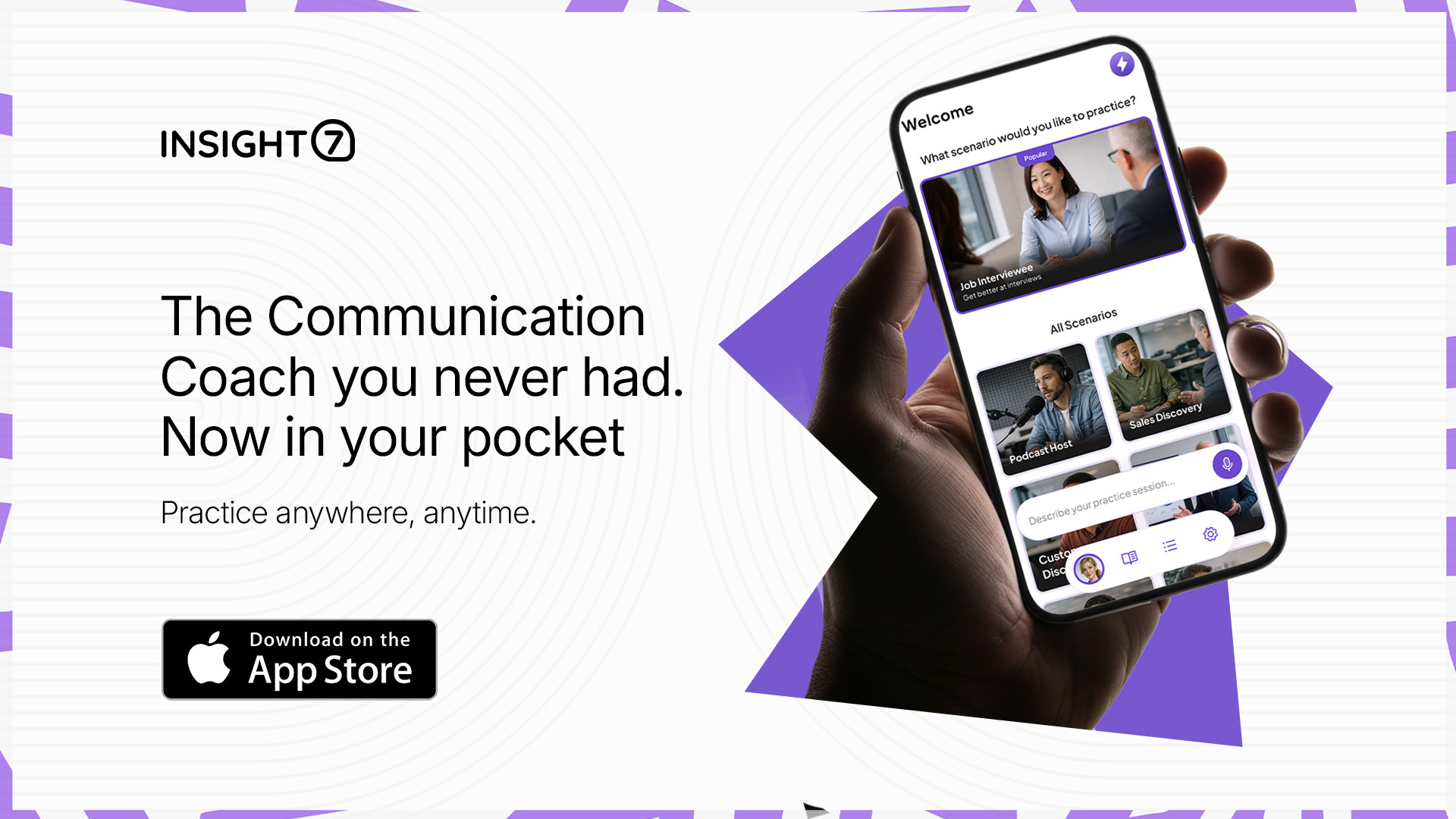
- Managers who coach on the move: the Insight7 mobile app puts scorecards on your phone between meetings.
See it on your own calls. Upload your first recording and get scored behavior back in minutes.
ActivTrak: Best for Workload and Burnout Patterns
Not all employee behavior happens on a call. If your question is “why is this team slipping deadlines,” you need to see how the day gets spent.
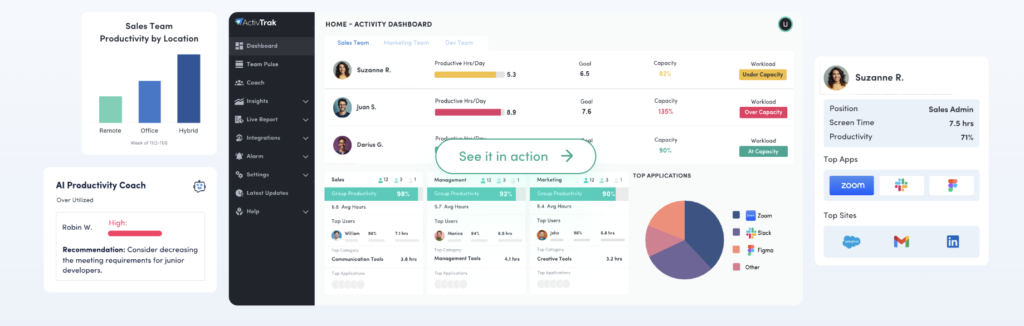
ActivTrak is a workforce analytics platform that classifies app and website activity into productive and unproductive time, then rolls it up into team-level trends.
Key Features
- Productivity classification: roughly 95% of common apps come pre-labeled, so setup is fast.
- Burnout risk scoring: flags people working long after hours over sustained periods.
- Team comparison: benchmarks focus time across departments and locations.
- Coach AI: surfaces which habits correlate with your higher-output groups.
Pricing
| Plan | Price per user/month |
|---|---|
| Free (3 users) | $0 |
| Work Activity Tracking | $10 |
| Work Activity Tracking | $15 |
| Productivity Optimization | $17 |
Where ActivTrak Shines
- Fast to stand up: teams are typically reading real data within a day.
- Wellbeing framing: burnout and focus-time reporting gives managers something to fix rather than someone to punish.
Where ActivTrak Falls Short
- Behavior gets measured as activity: it tells you a rep spent four hours in the CRM. It cannot tell you whether the calls she made in those four hours were any good.
- The good stuff is gated: burnout detection and cross-team comparison sit on the $17 tier, and screenshots cost another $2 per user/month.
Customer Reviews
ActivTrak carries a 4.5 rating across over 500 reviews on Capterra. Reviewers consistently praise the free three-device tier and the low-effort setup. The recurring complaint is cost creep: storage fills faster than expected and small teams feel the five-seat minimum.
Who ActivTrak Is Best For
- Ops and HR leaders managing hybrid or remote desk teams who need capacity and burnout data.
Gong: Best for Enterprise Revenue Team Behavior
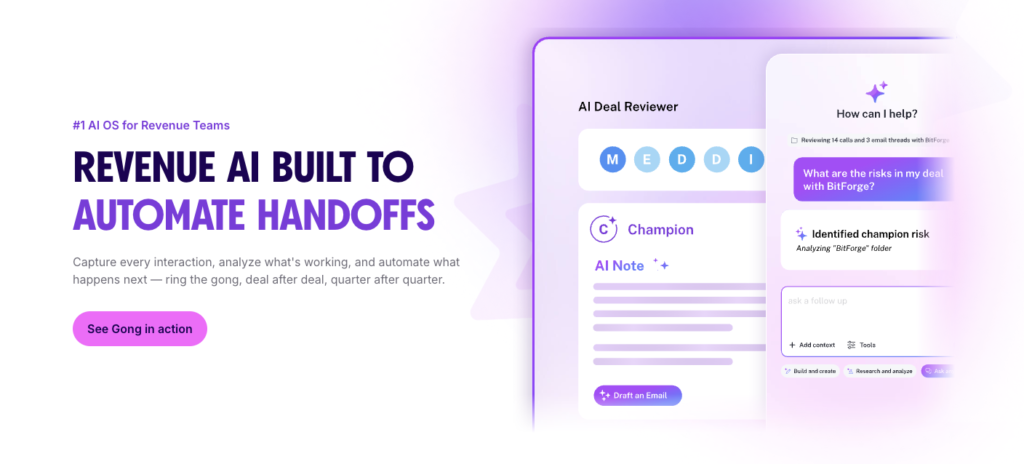
Gong is the category leader in revenue intelligence, and the depth shows. It records calls and emails, ties them to CRM records, and scores deal risk based on what reps do and do not say.
Key Features
- Deal boards: flags stalled deals based on behavioral signals like single-threading.
- Smart Trackers: custom trackers for competitor mentions, pricing talk, or discovery frameworks.
- Rep scorecards: benchmarks talk ratio, question rate, and follow-up discipline across the org.
- Deep Salesforce sync: the tightest CRM integration in the category.
Pricing
Gong does not publish pricing but buyers report a three-layer model: a mandatory platform fee, per-user licenses, and an onboarding fee.
Where Gong Shines
- Unmatched at scale: for a CRO with 200+ reps, nothing matches its forecasting and deal inspection depth.
- Enormous evidence base: 6,500+ G2 reviews means very few surprises after signature.
Where Gong Falls Short
- Priced for enterprise, not mid-market: the platform fee does not scale down, so a 15-rep team pays a disproportionate share before the first license.
- Sales-shaped: it is built for outbound B2B. Support and success conversations are not its home turf.
- Contract rigidity: buyers report seats cannot be reduced mid-term.
Customer Reviews
Gong holds 4.7 out of 5 across 6,500+ reviews on G2. Reviewers rate the call insights and search as best in class. The most frequent criticism is pricing opacity, several describe discovering platform fees and forced module bundling late in the sales process.
Who Gong Is Best For
- CROs and RevOps leads at 500+ rep organizations with a dedicated ops team to run it.
Observe.AI: Best for Regulated Contact Centers
If you run 200+ agents in financial services or healthcare, your behavior analysis problem is likely a compliance problem. Observe.AI like Insight7 does 100% automated post-call QA built for exactly that.
Key Features
- Auto-QA on every call against compliance and quality rubrics.
- Regulated-industry certifications: HIPAA, PCI-DSS, and SOC 2 Type II.
- Real-time agent assist during live calls.
- Assigned deployment engineers for onboarding.
Pricing
Custom pricing.
Where Observe.AI Shines
- Compliance depth: purpose-built for auditable, regulated environments.
Where Observe.AI Falls Short
- Seat minimums: the economics assume 200+ agents.
- Transcription complaints: accuracy is the most-cited issue in its reviews, so test on your own audio first.
Customer Reviews
Observe.AI averages 4.6 out of 5 across roughly 233 reviews on G2. Reviewers highlight the QA automation and support quality. Transcription accuracy on accented or noisy audio is the leading negative theme.
Who Observe.AI Is Best For
- Contact center directors in banking, insurance, or healthcare with 200+ agents and audit obligations.
Zendesk QA
If your support team already lives in Zendesk, the QA add-on auto-scores conversations inside the ticket workflow you use every day. No new tab, no separate login. It costs $25 per agent/month on top of a Suite plan, or $50 bundled with Workforce Management.
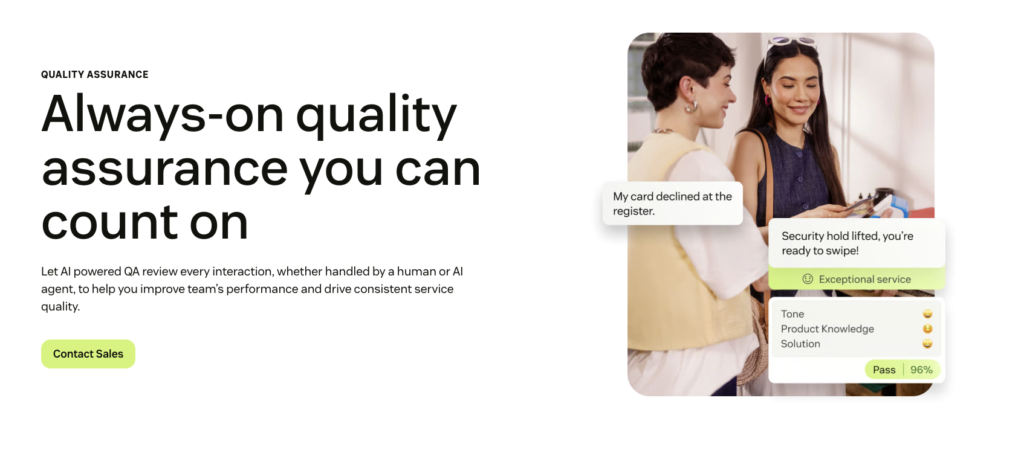
The catch is the stacking: base seat plus Copilot plus QA can triple your per-agent spend. It’s best for support leads already committed to Zendesk who want scoring without adding a vendor.
Culture Amp
This measures how people feel rather than what they do. Engagement surveys, eNPS, and lifecycle surveys come with industry benchmarks, so you can tell whether your manager scores are genuinely below par or just below your own hopes.
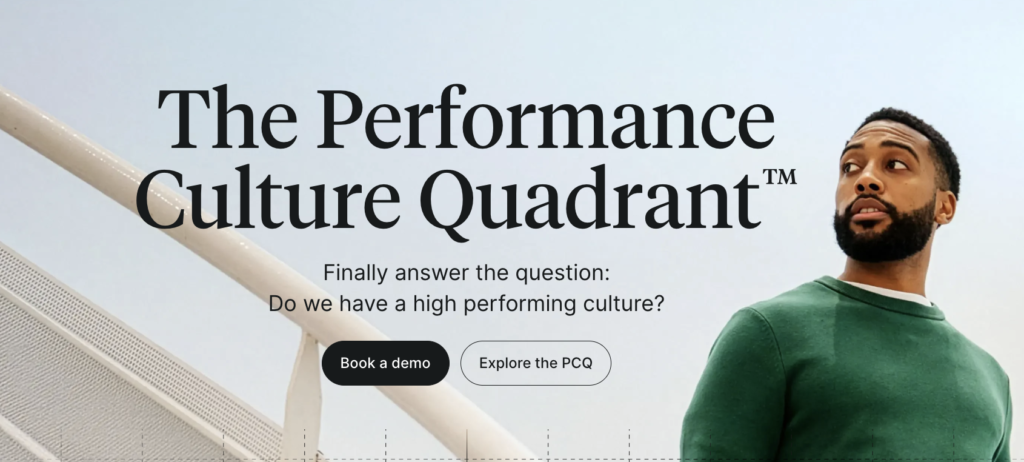
Pricing is quote-only and typically lands out of reach for teams under 100. Culture Amp is best for HR leaders at 200+ employee companies building a retention case with board-ready data.
Microsoft Viva Insights
Included in the Workplace Analytics bundle at $6 per user/month on top of Microsoft 365. It analyzes collaboration patterns (meeting load, after-hours activity, focus time) and deliberately keeps manager views anonymized and aggregated.
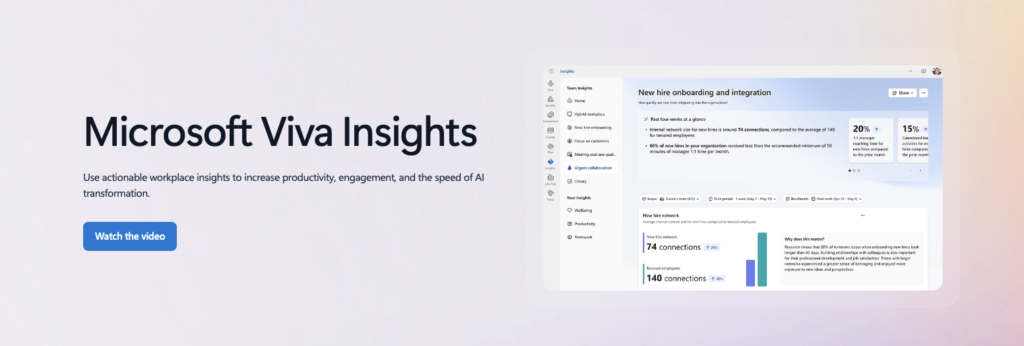
You may see that engineering loses 40% of its week to meetings but not see which engineer. This tool is best for IT and people teams already standardized on Microsoft 365.
How to Choose the Right Employee Behavior Analysis Tool
To help you separate vanity metrics from real operational value, here is how to choose the right employee behavior tool for your team’s specific goals.
1. Is It Measuring Behavior or Just Activity?
There is a vast difference between activity and performance. Activity tracks vanity metrics like hours logged or software logins. Behavioral analysis looks at the actual execution inside the work.
Across 6,209 scored customer interactions, Insight7 found that top performers ask 14.3 targeted questions per call and maintain an even 1:1 talk-to-listen balance. In contrast, struggling performers talk eight times more than they listen.
Standard activity monitoring completely misses this context and registers both employees as simply “active”.
Rather than tracking hours, platforms like Insight7 evaluate performance against your team’s specific rubrics (like discovery depth, empathy, and objection handling) and back every score with verifiable transcript evidence.
2. Will Your People Accept It?
This is where rollouts die. Pew Research found that 51% of U.S. adults oppose employers using AI to record what employees do on work computers, and 56% oppose tracking when office workers are at their desks. Put that in front of a sales floor and you get non-compliance: calls taken on personal phones, meetings that never get recorded, a dataset full of holes.
The same research found 52% of workers say they would definitely feel inappropriately watched under AI evaluation, with another 29% saying probably.
That is roughly four in five people walking into your rollout already braced for it. Analyzing work product e.g.the call, tickets, reads very differently from analyzing the person.
3. Does the Analysis Turn Into Coaching?
A dashboard that tells you a rep is weak at objection handling has done half the job. Someone still has to build the practice.
Insight7 closes that loop: low scores generate roleplay scenarios targeting that exact gap, and AI coaching delivers the feedback.
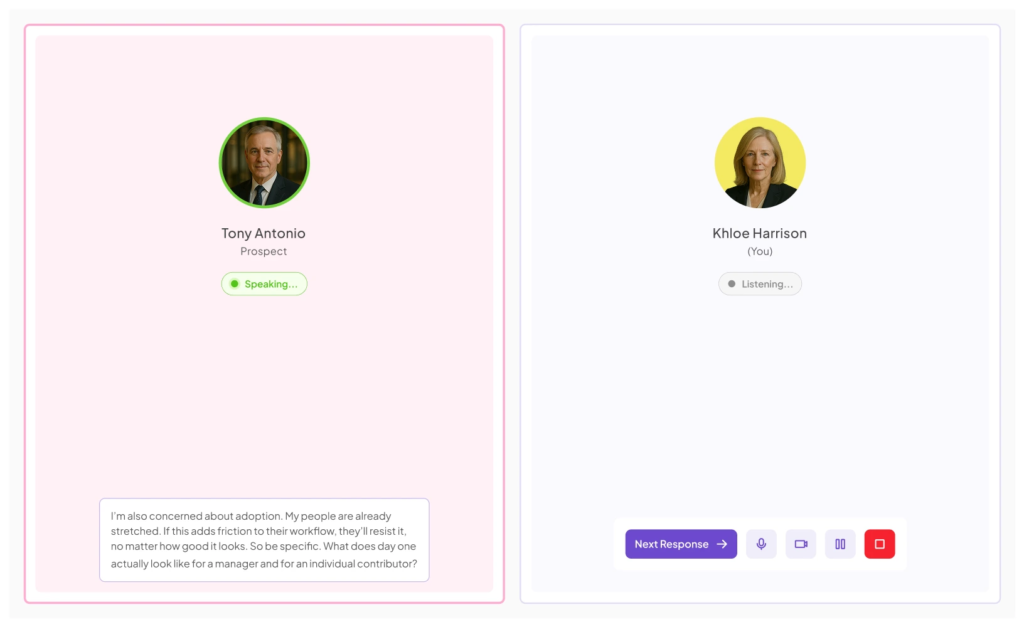
Try Insight7 free and see what your last five calls reveal
4. Can One Person Run It?
Over-collecting behavioral data creates operational bloat and employee distrust. Deloitte found that just 30% of executives feel confident using workforce analytics ethically. If a tool requires a dedicated analyst team to govern, it’s likely collecting the wrong data.
Instead, select a streamlined platform that one manager can run end-to-end. When tools focus on coaching over monitoring, adoption follows naturally: Gallup reports that 65% of workers using AI say it enhances their productivity.
Ultimately, teams embrace technology that elevates their skills and reject software that feels like surveillance.
Turn Employee Behavior Into Better Performance With Insight7
The right AI tool for analyzing employee behavior depends on what you are trying to fix. Desk activity and burnout? ActivTrak. Enterprise pipeline visibility? Gong. Regulated contact center compliance? Observe.AI.
But if your revenue and retention run through conversations, and one manager is expected to handle QA and coaching for 20–100 people, Insight7 was built for that exact job.
Start free with your last five calls. Or read the Conversational Intelligence Market Map 2026 to see how all 18 vendors in this category compare before you commit budget.
FAQs
What is the best AI tool for analyzing employee behavior?
Insight7 leads for conversation-based roles, ActivTrak for desk activity, and Observe.AI for regulated contact centers.
Is AI employee behavior analysis legal?
Generally yes in the U.S. with notice, but rules vary by state and country. Check consent requirements for call recording in every location your team works from.
Can AI analyze employee behavior without monitoring screens?
Yes. Conversation intelligence tools like Insight7 analyze calls and tickets (the work itself) rather than keystrokes, screenshots, or desktop activity.
How much do AI employee behavior analysis tools cost?
Entry pricing runs from free to about $99 per month for conversation tools, and $10–$19 per user monthly for activity trackers. Enterprise platforms are quote-only.