
This week brings voice agents that answer product questions from your own knowledge cards and text callers a link mid-call, plus training results you can view team by team. Smaller improvements round out the release, including steadier evaluations, more complete Research Matrix grids, and smarter campaign dialing.
This Week's Highlight
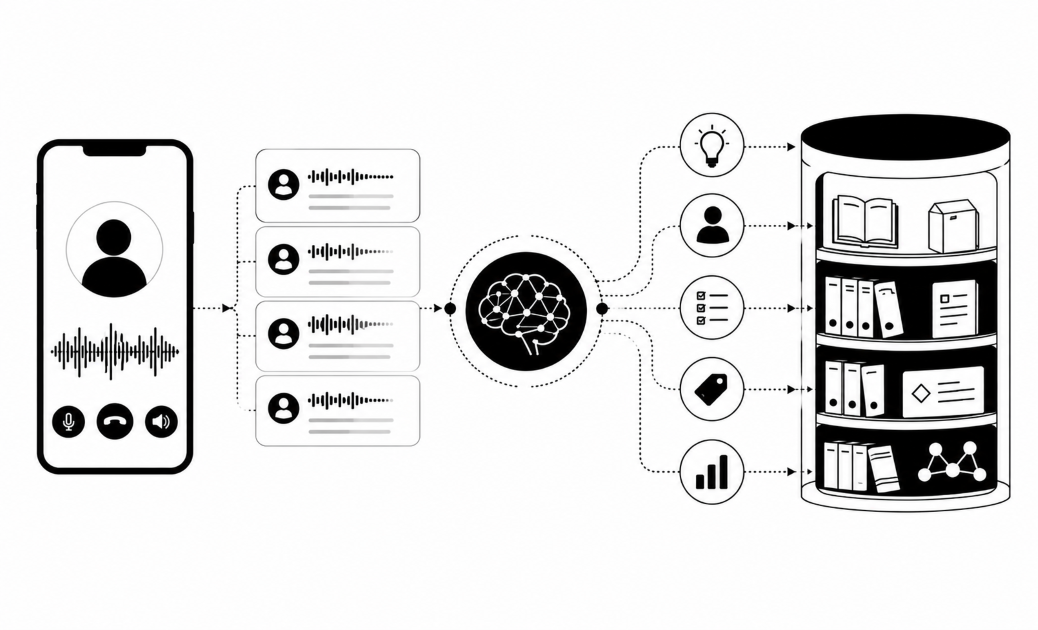
Your voice agent can now answer callers' product, fee, and how-to questions using your organization's approved knowledge cards. If the answer is not in the cards, the agent says so and offers a callback.
Also This Week
Text callers a payment link while they are still on the call
When a customer says yes, the voice agent can text them a pre-written message, such as a payment link, and you can see when they open it. This is available to organizations in the beta program.
Keep details private until the caller is confirmed
Campaigns can now require the agent to confirm who is on the line before sharing call details, amounts, or offers. When voice texts are on, texts wait until after that confirmation.
Enroll contacts automatically when something happens
Campaigns can now add contacts when a specific event occurs, instead of only from a fixed uploaded list. Choose or create a trigger, set a delay, and watch live enrollment numbers on the setup screen.
See how each team is doing on a training
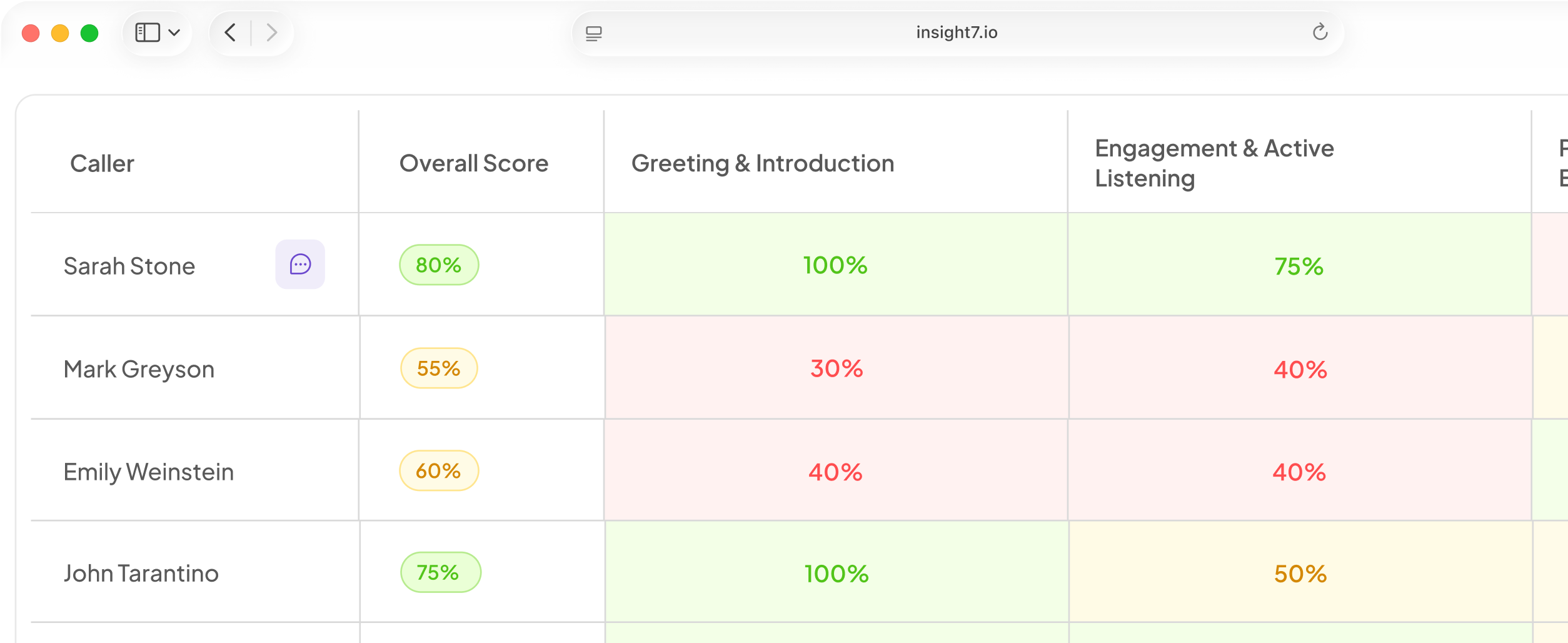
Each training now has a "By team" view showing how many reps were assigned, opened, started, and finished. Click through to see individual reps.
Fixed & Improved
- Voice agents now remember issues callers raised before, so returning callers do not repeat themselves.
- Draft campaigns that have never launched can now have their contact list replaced, with a confirmation step first.
- Campaign setup has a new Delivery step with Gentle, Normal, and Persistent retry presets.
- Test calls can now use your own contact details, so the script is personalized to you.
- Browser tests now show the transcript turn by turn as the conversation happens.
- The Manner setting (Warm, Brisk, Easy-going, Courteous) now changes how the agent sounds as well as what it says.
- The smooth speaking style no longer produces filler sounds like "ah," "um," and "uh."
- Agents now know the current date and time of day, so greetings match the clock.
- Custom goodbyes are now spoken once and end the call properly.
- Passages in an unexpected language are now filtered out before the agent speaks them.
- Campaigns that share call lines now get a fair share of them.
- Callbacks and fresh numbers are now dialed first.
- Yes/no questions a customer declines to answer now show as "Skipped" instead of "No" in new call results.
- You now see a warning when uploaded numbers already sit in another active or draft campaign.
- Language changes that would leave a campaign unable to place calls are now rejected with a clear explanation.
- Saving a blank value for a sensitive contact field, such as a PIN, now removes the stored value.
- Removing a missing field from a one-sentence opening line no longer deletes the whole sentence.
- A campaign now pauses on the first affected call when credits run out.
- Running campaigns show live progress on the Report tab.
- The Test page now groups automated test results into folding cards by category.
- Pickup percentages now match across the report, home page, and People tab.
- Training deadlines set from a template now reach reps, and the deadline picker opens on the current deadline.
- Reps who started a training but stopped now get a finish reminder, and reminders restart correctly on reassignment.
- Administrators can now pause training reminders.
- Trainings now show one clear status per rep: assigned, opened, started, or finished.
- Lessons completed in a daily plan now count as done on the Lessons tab.
- Two lesson scenes now name and give context to the people they mention.
- Roleplay personas on Android now stay in character, whatever comes through the line.
- Failed call evaluations now resume from the last finished step instead of starting over.
- A scoring step that fails is now left blank instead of being saved as a zero.
- Interrupted evaluation jobs no longer run, or get charged, a second time.
- Evaluations can now score email threads, chats, and tickets as well as phone calls.
- Most organizations now use the newer evaluation pipeline by default, so you may notice changes in how scores appear.
- Research Matrix grids with many questions no longer come back with blank cells.
- Research Matrix summary quotes are more reliable on large grids.
- Research Matrix theme generation is more stable on large grids and no longer fails when the AI returns an empty quote.
- The mobile app now follows the goal chosen at onboarding across the whole daily plan, including warm-up, game, and call content.
- Mobile purchases that the store confirms late, or that hit a network error after charging, are now handled correctly.
- Ending a mobile call before it connects now exits cleanly instead of opening the scoring screen.
- Workspace admins can now restore members removed in the last 30 days from Settings.
- Workspace admins can now send any active member a password-reset email directly.
Want to see voice agents answer from your own knowledge cards? Book a demo and we will walk you through it.