
Voice agent interruption handling is how an AI phone agent decides when a caller is really speaking, when to stop talking, and when to ignore noise. The key setting is the trade-off between yielding fast and being fooled by background noise and cross-talk.
Voice agents listen in four steps
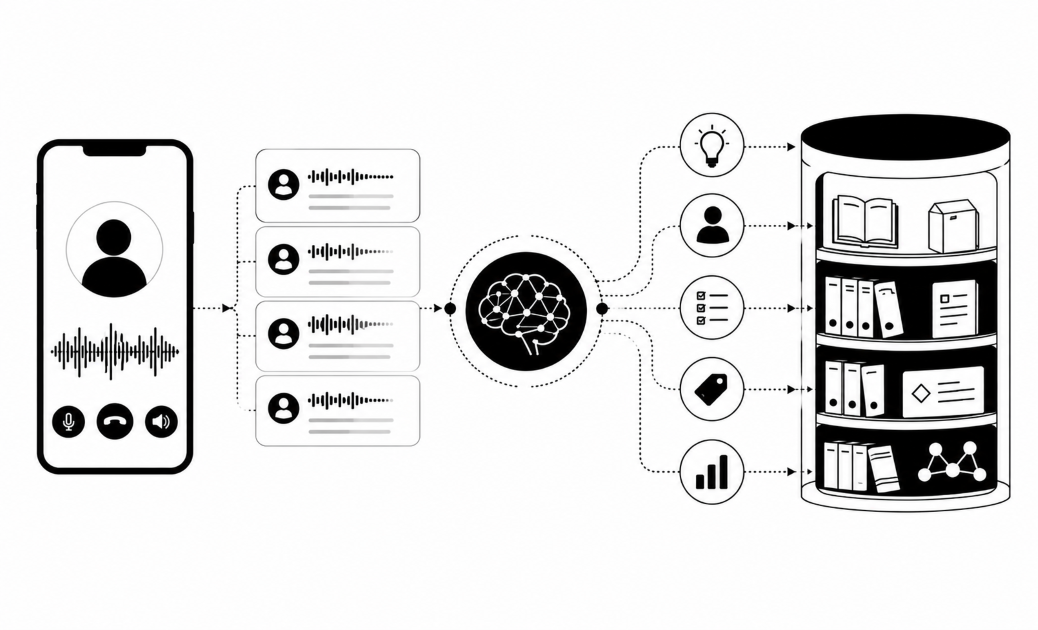
A voice agent runs four jobs in a chain, and it keeps all four running while the caller is still talking.
- Clean the audio. Phone audio is narrow. It keeps the core of the human voice and loses high frequencies, so "s" and "f" can blur together. Noise suppression runs first to cut hum, traffic and TV.
- Detect speech. Voice activity detection (VAD) is a small model that labels each short slice of audio as speech or not speech. Every later step depends on this label.
- Decide the turn is over. Streaming speech to text writes words as they arrive. Turn detection reads the pauses and the words so far to guess whether the caller has finished or is only thinking.
- Reply. The language model drafts an answer, and text to speech turns it into a voice.
The agent has to listen while it speaks. The call carries two audio streams at once, one in each direction (full duplex). If the agent only listened between its own sentences, it could never be interrupted.
Every step spends part of a small time budget. A slow reply feels like a dead line, so callers start talking again.
Carriers add their own damage. Audio can be compressed again at each gateway it crosses. A gateway can also connect the call and deliver little or no audio, which may look to the agent like a very quiet caller.
Interruptions: stop fast without false stops
Barge-in is an agent's ability to stop talking when a caller starts. Three things happen in a fraction of a second. VAD hears speech while the agent's voice is still playing. The agent cuts the audio and flushes the output buffer, so queued sentences never play. Then it saves only the words the caller actually heard, because text to speech runs ahead of the speaker. The language model gets that trimmed record, so it knows where it was cut off.
Speed matters because people expect quick turns. The Stivers study of 10 languages found that speakers try to keep the gap before the next turn as short as they can. An agent that yields late feels rude to your callers.
The hard part is telling a real interruption from a backchannel such as "mm-hm" or "okay". A cough is not a request for the floor either. Five settings control this:
- Interruption sensitivity: how strong the speech signal must be before the agent reacts.
- Minimum speech duration: sounds shorter than this are ignored.
- Minimum words before stopping: the agent stops only after two or three words appear in the transcript.
- Speech start delay: the first seconds of the greeting can be made hard to interrupt.
- End-of-turn wait: how long a pause must last before the agent replies.
Every setting trades one error for another. Low thresholds give a jumpy agent that stops for a cough or a passing truck. High thresholds give an agent that talks over people, who then repeat themselves louder. Both make an agent sound robotic, and buyers fear that most.
A word count adds delay, because speech to text needs time to produce words. Pair it with a short duration filter.
Background noise: filter the room, not the caller
Noise breaks a voice agent in two places, so you tune two places. First, it fools VAD. A TV, a street, a car, a speakerphone or a second person talking nearby (babble) can pass as speech. The agent then stops mid-sentence for nothing. Second, noise garbles the words. Speech to text writes the wrong text, and the language model answers the wrong question.
Three tools fight this:
- Noise suppression models clean the audio first.
- VAD thresholds set how loud and speech-like a sound must be.
- Speaker-focused filtering locks onto the main voice and ignores the rest.
Aggressive suppression has a cost. It can distort soft speech along with the hiss, and the recogniser may then read it worse. One study of a denoiser on 500 medical recordings used nine noise conditions and four speech recognisers. The cleaned audio scored worse than the original noisy audio in all 40 setups. That was one denoiser on medical speech, so read it as a reason to test, not as a law.
Settings to adjust:
- Noise suppression level: start light. Raise it only if false stops continue.
- VAD threshold and energy floor: raise them for loud rooms. Lower them for quiet callers.
- Speech to text model, language and accent: match the caller. Buyers ask for local accents, Pidgin and native languages, because a mismatched voice costs trust.
- Custom vocabulary: add product and brand names the model has never heard.
Cross-talk: decide who holds the floor
Cross-talk is overlapping voices, and an agent needs rules for who speaks next. Common cases are the caller and agent talking at once, two people on the caller's end, a caller turning to someone beside them, and a caller talking over a required disclosure.
Phone audio makes this hard. Most calls arrive as one mixed channel, so the agent cannot tell voices apart by channel. Separating speakers (diarization) is weak when people overlap. In the DIHARD II challenge, scoring included overlapping speech, and one team reported it could not train a reliable overlap detector on that data. So the agent copes with rules, not perfect separation.
Two trade-offs matter:
- Disclosures versus cut-ins. Disclosure rules now exist in several regions. The EU AI Act's Article 50 has applied since 2 August 2026, and it covers automated phone systems. In the US, AI-voice calls already need consent under the FCC's 2024 ruling. Colorado requires public-facing conversational AI to disclose it is AI from 1 January 2027. So make the opening line that says it is AI non-interruptible, and keep the lock short.
- Yield to every voice or lock onto the first. Yielding to everyone stops for the TV. Locking onto the first voice ignores a real caller who joins late.
Settings to adjust:
- Repeat back key numbers and dates before acting.
- Set a maximum silence, then re-prompt once.
- Hand over to a human after two or three misunderstandings.
Handover matters because Gartner found 87% of customers want a way to reach a human. Buyers raise the design on their own: is it polite, and what happens to a disputed amount?
Tune and test settings before going live
Change one setting at a time, then test it on real calls. If you change three at once, you won't know which one fixed the problem. The ranges below are general practice, not measured values, so check your platform's defaults first.
| Setting | Raise it when | Lower it when | Risk |
|---|---|---|---|
| Minimum words before stop (try 1 to 3) | The agent stops for coughs | Callers repeat themselves | Slower yielding |
| Minimum speech length (try 150 to 300 ms) | Short noises trigger stops | Quick "no" answers get missed | Missed interruptions |
| End-of-turn wait (try 0.4 to 0.8 s) | The agent cuts in on thinkers | Replies feel like a dead line | Talk-overs or lag |
| VAD threshold | The room is loud | Callers are soft-spoken | Lost words |
Record test calls in the conditions your callers really use: a car, a speakerphone, a TV in the room, a strong accent. For each call, count false stops, missed interruptions, words lost and average response time. Then read the transcripts. A good pass mark is simple: the caller understands the agent and is understood by it. Test the handover too.
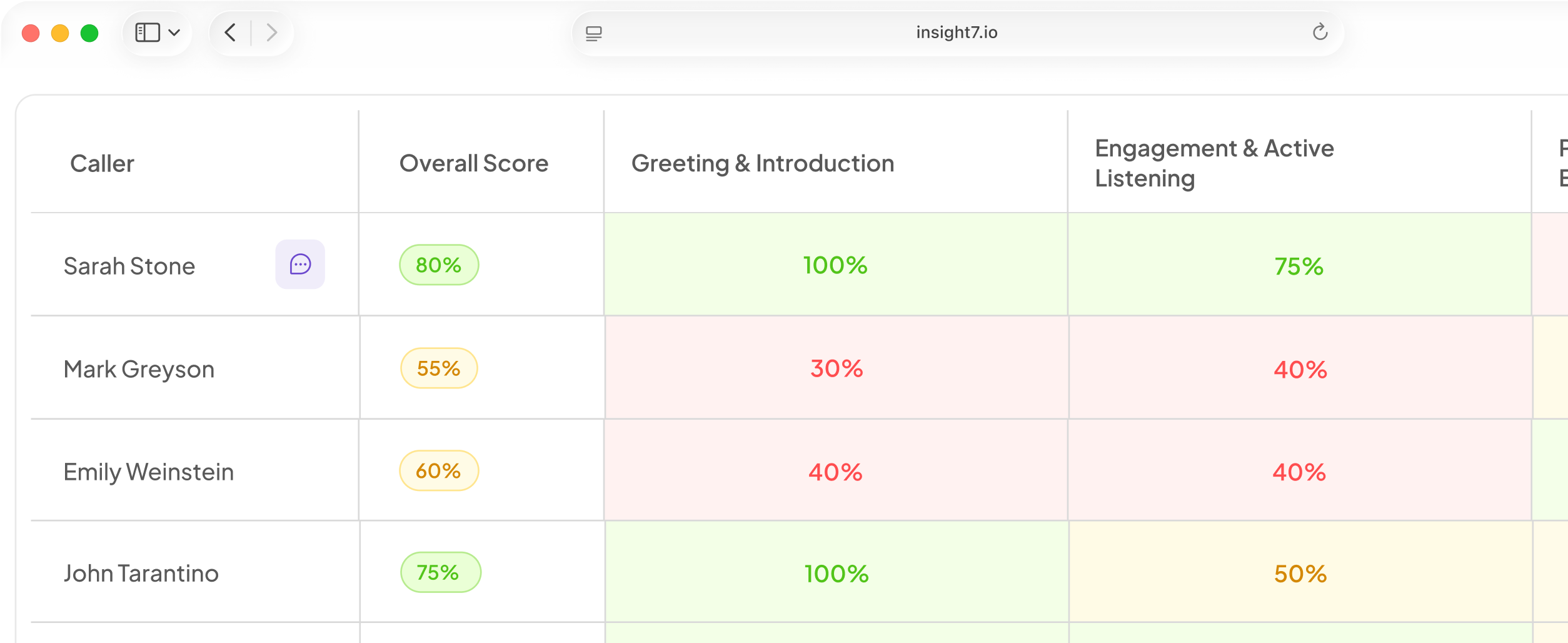
Insight7 campaign agents can be tested by talking to them in the browser, with no phone number needed (beta). Campaigns also include a test call to your own phone (beta). A dashboard shows calls in progress, and a reviewer can read each transcript when the call ends (beta). Calls where only the AI spoke are not counted as reached, and a carrier's temporary refusal does not use up a retry attempt. Every call can also be scored against a weighted scorecard your team owns, and you could add a talk-over criterion of your own.
Related reading: How to Write an AI Voice Agent Opening Line That Keeps Customers on the Call, How to Fix AI Voice Agent Mispronunciation of Customer Names, Brand Names and Acronyms and 11 Reasons Customers Hang Up on AI Voice Calls and How to Fix Each One.
Questions people also ask
What is barge-in in a voice agent?
Barge-in lets a caller cut the agent off mid-sentence. The system spots speech during playback, stops the audio, and drops the unplayed text. A good setup also tells the model which words the caller heard.
Why does my AI voice agent keep stopping mid-sentence?
Something is passing as speech. Usual causes are a low sensitivity threshold, a short minimum speech length, or room noise such as a TV. Raise the minimum words before a stop.
Why does the voice agent talk over callers?
It waits too long to hear the caller, or ignores quiet speech. Check that the end-of-turn wait is not too short and the speech threshold is not too high.
Can AI voice agents work in noisy places?
Yes, within limits. Cars and busy streets work with tuned thresholds and noise suppression. Very loud babble can still garble words, so the agent should repeat back key details and offer a callback.
How does AI remove background noise from voice calls?
A suppression model learns to tell voice from other sounds. It lowers the non-voice audio before speech detection runs. Some versions also lock onto the main speaker.
Does noise suppression make speech recognition worse?
Sometimes. Suppression can leave small distortions the recogniser was never trained on, and soft or accented speech is most at risk. Compare transcripts with suppression on and off, using your own callers' audio.
How do you test a voice AI agent before going live?
Call it the way your customers will, from a car, a speakerphone and a loud room. Log false stops, talk-overs and lost words. Change one setting, then repeat the same calls to see the effect.
Tune it on real calls
Interruption handling is a set of trade-offs, and only your own callers' audio shows where yours sit. This week, make ten test calls from a car, a speakerphone and a loud room. Log every false stop and talk-over, then change one setting.