
A SIP trunk is the internet link that carries a carrier's phone calls to a system you run, such as an AI voice agent. To connect an agent to your own trunk, let the carrier set numbers, codecs and failover, then match the agent.
Set up the trunk first
Start by asking your carrier which trunk type it sells. Most carriers offer one of two kinds:
- IP-authenticated: the carrier trusts calls from IP addresses you list. Nothing needs to register, so it suits an agent with fixed public addresses.
- Registration-based: your side sends a SIP REGISTER with a username and password. This suits an agent behind changing addresses.
Collect these details from the carrier before you touch the agent:
- Signalling address and port. SIP's default is port 5060 for UDP and TCP, and 5061 for TLS. Choose TLS where offered, so signalling is encrypted.
- Credentials, if the trunk uses registration.
- Concurrent-channel limit. How many calls can be live at once.
- Calls-per-second limit. How fast you may start new calls.
- Media encryption. SRTP encrypts the audio stream. Ask whether the carrier supports it.
- Carrier IP ranges. Allowlist them on your firewall for signalling and audio.
Next, match your dial rate to the caps. Channels needed are roughly calls started per second multiplied by average call length in seconds. For example, 2 new calls a second with 90 second calls needs about 180 channels. Set your campaign pace below the carrier's cap, or calls will fail with busy or 503 responses.
Then decide where the trunk lands. A session border controller (SBC) or media gateway sits at your edge. It hides your internal addresses, fixes NAT problems, enforces rate limits and can translate between codecs. Use one when you run several agents, two carriers or strict security rules. Point the carrier straight at the agent only when you have one carrier, one fixed address and low call volume.
With your own carrier, you own the contract, the limits and the failure modes, so check each item above yourself.
Route numbers to the agent
Map each number you own (a DID) to one agent or campaign, and store every number in E.164 format. E.164 is the plus sign, country code and subscriber number, with no spaces or brackets, such as +14155550123. Carriers reject or misroute local formats, so normalise numbers before they reach the trunk.
Inbound rules. Route by dialled number first, then by time of day. Send after-hours calls to the agent and business-hours overflow to a callback queue.
Outbound caller ID. Present only a number the carrier has provisioned on your trunk, because many carriers drop calls from unapproved numbers. Local numbers tend to get answered more often than foreign ones, so match the caller ID to the contact's region.
Handoff to a human. Pick one of two methods:
- SIP REFER: the agent asks the carrier or PBX to connect the caller to a new target named in the Refer-To header of RFC 3515. The agent then leaves the call, which frees its channel.
- Bridging: the agent stays in the call path and joins the caller to the human. This keeps recording and transcripts intact, but it uses two channels.
For a warm transfer, bring the human into the live queue first, brief them, then connect.
Rules around each call. Set calling hours, retry limits and consent marking per campaign. A carrier's temporary refusal, such as a 503 or busy signal, is a network event and should not use up a retry. Count a call as reached only when the contact spoke, not when the AI talked to silence.
Pick codecs that survive the phone network
Use G.711 as your default, because every carrier supports it. It comes in two types, PCMU and PCMA, which RFC 3551 assigns static RTP payload types 0 and 8. Ask your carrier which one it prefers.
G.711 is narrowband. It samples audio at 8 kHz, which drops the high frequencies that separate sounds like "s" and "f". Speech-to-text therefore tends to be less accurate on phone calls than on wideband audio.
Wideband options exist. G.722 doubles the audio bandwidth, and Opus adapts to the network, with its RTP format defined in RFC 7587. Many carriers offer neither on public phone calls. List them first in your SDP only if the carrier confirms, and keep G.711 as the fallback.
Avoid transcoding. Every conversion between codecs adds delay and some loss, so make the carrier, the SBC and the agent agree on one codec.
For keypad tones, use the telephone-event format in RFC 4733. Match its payload type number on both sides, or keypresses vanish.
Set packetisation time to a typical 20 ms. A small jitter buffer smooths uneven packet arrival, but a bigger one adds delay. Your voice loop (speech-to-text, model, text-to-speech) already spends most of the response time, so every network millisecond comes out of that budget.
Finally, tune silence detection and barge-in. Echo and packet loss can look like speech, so the agent stops mid-sentence. Raise the detection threshold, then test on real calls.
Test before any live traffic
Test in layers, from the cheapest check to the riskiest. Move on only when each layer passes.
- Test the agent without a phone. Talk to it in a browser first, so you can tell agent faults from carrier faults.
- Ping the trunk, then call both ways. Send a SIP OPTIONS request. RFC 3261 defines OPTIONS as the way to ask a server what it supports. A reply shows the network path works and your credentials are accepted. Then place one test call in each direction.
- Fix one-way audio. If one side hears nothing, suspect NAT or a firewall. Open the RTP port range both ways. Make your gateway send audio back to the address it received audio from (symmetric RTP).
- Read the packets. Capture a call in Wireshark or sngrep. The codec, audio address and telephone-event payload type in the SDP offer and answer must match.
- Measure a short loop of calls. Record post-dial delay, time to first word and jitter (or MOS). Load test up to the channel cap, never past it.
- Test the edge cases. Press keys, transfer to a human, reach a voicemail box and stay silent.
- Go live small, then ramp. Send a small batch first and read each transcript as calls end. Count only calls where the contact spoke as reached, so a silent line shows up in your reach numbers.
Build failover and know when to buy
Order a second carrier and a second trunk, so no single path can stop your calls. List both in an ordered route list or in DNS SRV records, defined in RFC 2782, and fail over on 5xx replies or timeouts. Send an OPTIONS ping to each trunk every few seconds, so a dead path leaves the rotation before callers reach it. Run SBCs in two regions if the agent carries revenue.
SIP errors will not show a carrier that connects but delivers silence. Watch answer-seizure ratio, post-dial delay and silent-call rate, and alert when silent calls climb. Keep concurrency caps below the trunk limit, and keep a human fallback, such as a live queue or voicemail.
Also disclose the AI at the start of each call. Rules differ by region. The EU's Article 50 of the AI Act has required it since 2 August 2026. In the US, AI-voice calls need consent under the TCPA, as the FCC's 2024 ruling confirmed.
Build the SBC, routing and monitoring yourself only if telephony engineers are on call. Our advice is to buy when you need voice AI quickly, because building it in-house is slow and hard. Pick tools that sit alongside your current stack.
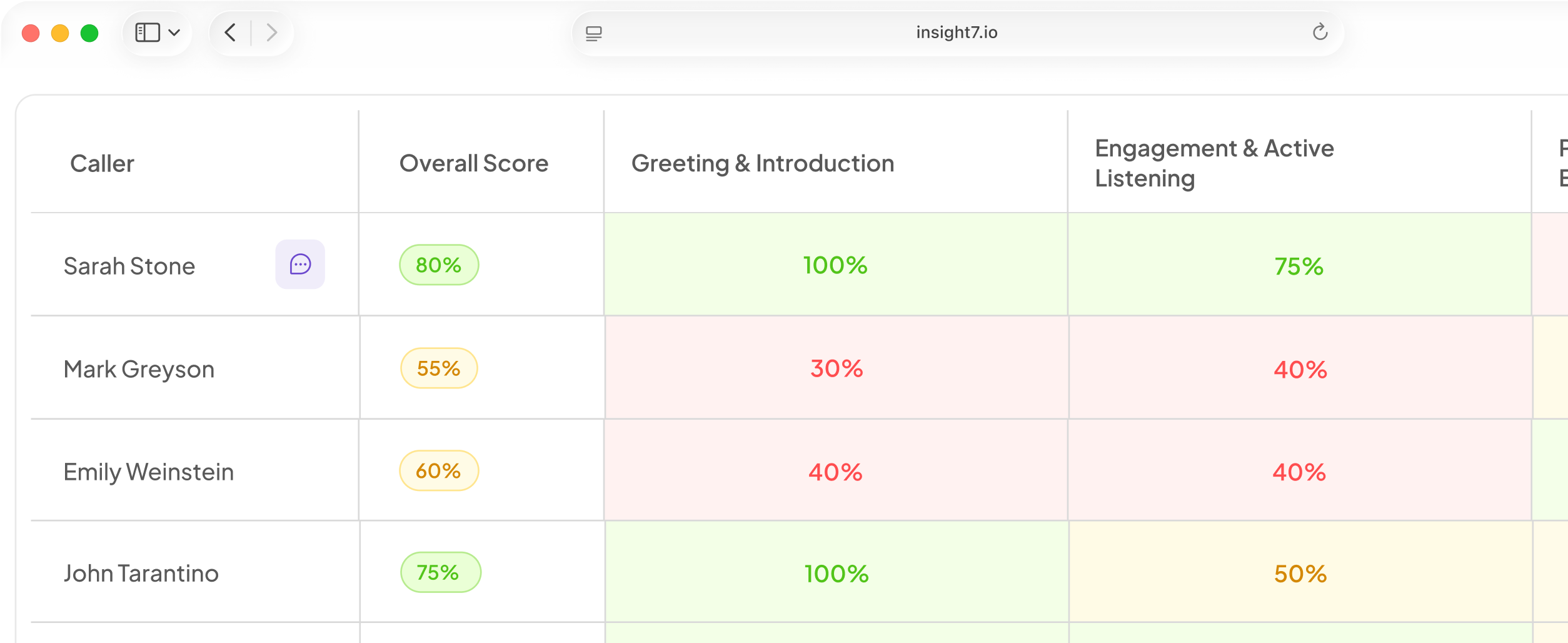
In beta, Insight7 lets managers launch outbound voice campaigns with a goal, an audience, an AI caller and rules. Each campaign carries calling hours, retry rules and consent marking. You can test the agent in the browser with no phone number. A dashboard shows calls in progress, and a reviewer can read each transcript when the call ends. Campaigns run on Insight7 Voice, a lower-cost engine. We are also building an auto-pause for campaigns when a carrier connects but delivers silence.
Related reading: AI Voice Agent Architecture Explained From Telephony to Speech Recognition, LLM and Text-to-Speech, AI Voice Agent Cost Per Call Broken Down by Telephony, Speech Recognition, LLM and Voice and 10 Best Speech-to-Text APIs for AI Voice Agents Handling Accents and Noisy Phone Lines.
Questions people also ask
What is a SIP trunk?
A SIP trunk is a virtual phone line that runs over the internet. It replaces physical lines with a pool of call channels between a carrier and your system. Carriers bill by channel count, by minute, or both.
How does SIP trunking work?
Your system and the carrier exchange SIP messages to set up each call. The audio then travels separately as RTP packets. Signalling and audio can take different network paths, which is why one-way audio happens.
How do you configure a SIP trunk?
Enter the carrier's signalling address, port and transport. Add credentials or allowlist your IP, then set codecs and number mapping. Place one test call each way before sending traffic.
How many SIP trunks do I need?
Two, so one can fail over to the other. Size each by channels: calls per second times average call length, plus headroom. A second carrier means one outage cannot stop every call.
What is the best codec for an AI voice agent?
G.711 is the best starting point, because every carrier accepts it and it avoids transcoding. Move to Opus or G.722 only where both ends confirm support. Wideband audio can give speech recognition more detail to work with.
Does a SIP trunk use registration?
Some do. Registration-based trunks send a REGISTER with credentials, and IP-authenticated trunks skip it. Ask your carrier which applies. A registration can expire unnoticed, so monitor and refresh it.
What does a SIP trunk cost?
Pricing models vary by carrier, and many combine a per-channel or per-minute rate with number rental. Rates differ by country and destination, so ask each carrier for a written rate card. Compare it against your peak channels.
Build the second route before you scale
A trunk is only as reliable as its weakest path, so build the second route and the silence check first. Insight7 can run your voice campaigns on top. Before you start, confirm your carrier's channel limit and codec list match your agent's dial rate and audio settings.