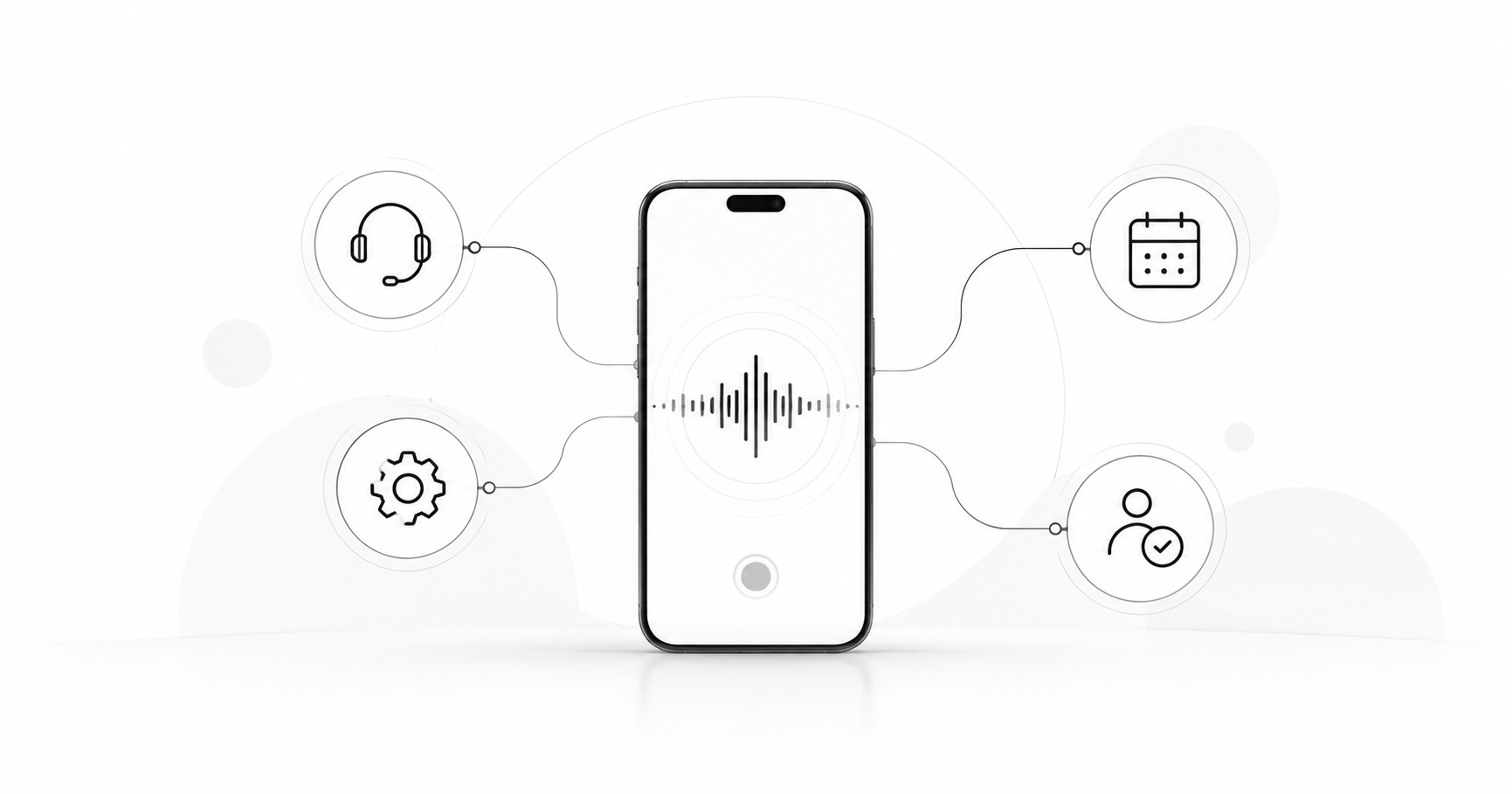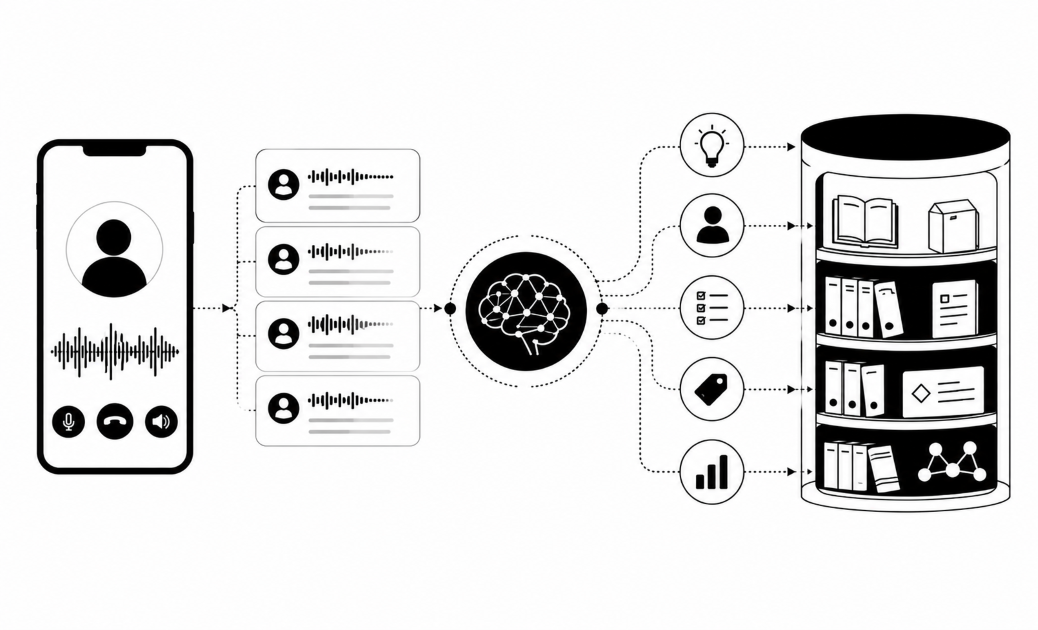

Your reps finish a call, then spend minutes typing notes, filing tickets and texting follow-ups. Post-call automation workflows turn what was said into a ticket, an SMS or a CRM update with no typing. Here are 12, each with a trigger, action and system.
1. Alert a manager when a score drops
- Trigger: a call scores below a set threshold.
- Action: send a Slack or email alert with a link to the call.
- System: Slack or email, fed by call scoring.
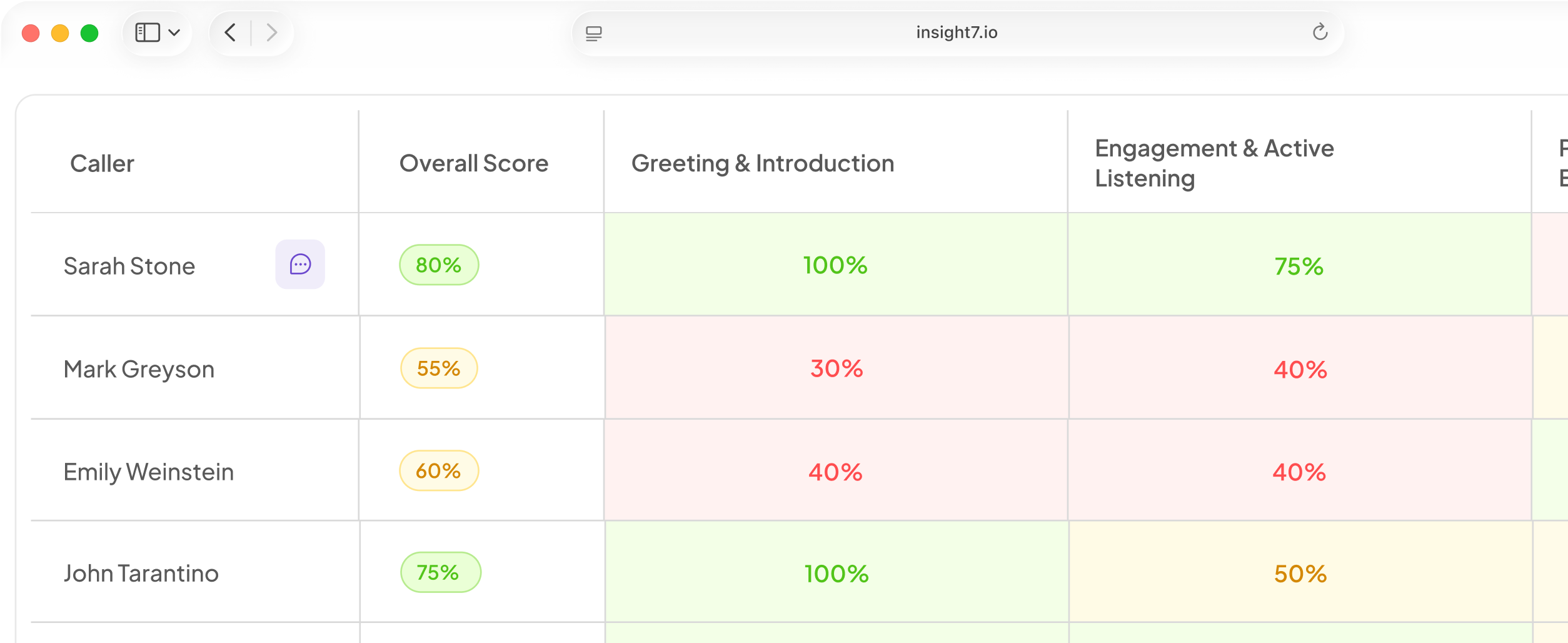
An alert is only as good as the scoring behind it, so score every call against a weighted scorecard your team owns. A self-storage operator approved an email alert for calls below a set score because managers only found bad calls by chance. Set your threshold from your median score. Too low and it never fires. Too high and it fires constantly.
2. Open a ticket on critical errors
- Trigger: a critical error or a missing mandatory disclosure.
- Action: create a compliance ticket with a transcript link and timestamp.
- System: Jira Service Management or ServiceNow.
One critical error should fail the whole call, even when the checklist score is high. A rep can follow every step and still skip the legal disclaimer. Scanning every call for missing disclosures lets alerts reach QA and risk officers at once. In Jira, add an incoming webhook trigger. Your scoring tool posts to its URL, and the rule creates the ticket.
3. Turn complaint language into a support ticket
- Trigger: complaint keywords or negative sentiment on a call.
- Action: create a Zendesk ticket with a priority, a summary and a call link.
- System: Zendesk or Freshdesk.
Your scoring tool sends a POST request to Zendesk's Create Ticket endpoint. Put the summary and call link in the subject and comment body. A keyword rule catches the word "complaint". A phrase such as "I'm done with this" needs an intent rule. Use both, and mark the ticket high priority only when both fire. Complaint response times are regulated in many industries, so log the ticket's creation time.
4. Write the call summary to the CRM
- Trigger: a call ends and its transcript is ready.
- Action: write the summary, transcript and scores to the contact or deal record.
- System: Salesforce or HubSpot.
Log each call as an activity on the record, so reps can find it without reading a notes field. In HubSpot, a POST request to the calls endpoint creates a call and can associate it with a contact or company. In Salesforce, a record-triggered flow can do the same.
Insight7 connects to Zoom, Teams, Google Meet, Dialpad, Aircall, RingCentral, Talkdesk and Five9. It writes recordings, summaries, transcripts and deal risk scores back to Salesforce and HubSpot, or exports via API. Scores come from evaluating 100% of calls. Its alerts can also watch for low scores and keywords, then notify by email or Slack. Check in the app that alerts are switched on for your account.
5. Turn promised next steps into tasks
- Trigger: a rep or customer commits to an action, such as "I'll send the quote" or "call me back Friday."
- Action: create a task with a due date, assigned to the record owner.
- System: HubSpot tasks or Salesforce Tasks.
Promises made on calls are the usual leak, because nobody types them up. Automated CRM logging removes that admin burden. Have your tool pull the commitment, owner and date. Turn "Friday" into a real date using the call date. HubSpot's workflow actions include Create task. Each task carries a due date, owner and optional reminders.
6. Move the deal stage on buying signals
- Trigger: a call names a budget, a timeline or a decision-maker.
- Action: update the stage or risk field and flag the deal.
- System: Salesforce or HubSpot.
Buying signals can feed pipeline health. Scoring can weigh champion strength, decision-maker engagement and momentum, then sync risk signals back to Salesforce and HubSpot. Deals often stall when the person on the call is not the budget holder, so "decision-maker named" deserves its own field. Do not let automation move the stage alone. Write a suggested stage and flag the deal. A rep or manager confirms it first.
7. Route competitor mentions to a channel
- Trigger: a call names a competitor.
- Action: post the quote and call link to a channel, and tag the CRM record.
- System: Slack plus your CRM.
Product marketing wants this daily. A rival's new price or feature shows up on calls first. Unprompted competitor comparisons sit in call transcripts, ready to search. Keyword tracking can also show whether reps use new competitive messaging. Give one person the job of keeping the competitor list current, and review it monthly.
8. Text a callback or booking confirmation
- Trigger: a customer asks for a callback or books a slot.
- Action: send an SMS confirmation now and a reminder before the slot.
- System: Twilio, or your contact-centre platform's SMS.
Your tool extracts the slot time and phone number, then calls Twilio's Messages API with a recipient, a sender and a body. Schedule the reminder as a second send. Capture consent on the call and store it on the contact record. In the US, the TCPA already requires consent for AI-voice calls. In the UK, see the ICO's guidance on electronic marketing. Honour STOP replies on every number, and ask counsel which messages count as transactional.
9. Send a satisfaction SMS after the call
- Trigger: a call is closed as resolved.
- Action: send a one-question SMS survey, then write the score to the CRM.
- System: Twilio or SurveyMonkey, plus your CRM.
Send the survey only after resolved calls. Ask one question, such as "How easy was it to get this fixed, 1 to 5?" Twilio sends each reply to your incoming message webhook. Your code writes the number to the contact record.
Then compare the survey score with the QA score for the same call. A clean average can hide real problems, so review the calls where the two disagree.
10. Confirm payment promises by SMS
- Trigger: a customer promises to pay by a set date.
- Action: send an SMS confirmation now and a reminder before the due date. Write the promise-to-pay date and amount to the CRM.
- System: your collections or loan platform, plus an SMS gateway.
Write the tone as service, because a happy customer pays. Check your own data for debits that fail on the due date. If they do, remind before it and offer another payment channel after a failed debit. Check the contact limits your region sets for debt collection, and keep texts inside them.
11. Assign practice after a weak call
- Trigger: a call scores under target on one criterion.
- Action: assign a practice session or coaching task. Hold it until the manager approves.
- System: your roleplay tool or LMS.
Aim the practice at the one weak criterion. Buyers want proof that coaching changed behaviour. Hide the task from the learner until a manager approves it, so a bad score never becomes a surprise assignment. Then repeat practice on a cadence, or run scenarios in order.
12. Turn repeat issues into a product ticket
- Trigger: the same theme appears across many calls in a week.
- Action: create one backlog ticket with a count and sample quotes.
- System: Jira or Linear, plus a weekly Slack digest.
A count across calls gives product a number to weigh against one angry email. Automated theme tagging across transcripts surfaces feature requests and complaints for roadmap decisions. Run the count weekly, then send one issue to Linear's GraphQL API with a title, a description and a team ID. Put the count and quotes in the description. Add a weekly Slack digest of the weakest calls, and test that alert before relying on it.
Related reading: Outbound IVR vs Conversational AI Voice Agents Compared for Customer Notifications, How to Add an AI Voice Agent to Your Existing IVR Without Replacing Your Phone System and How to Automate Network Outage Alert Calls and Escalations for NOC Teams.
Questions people also ask
What is post-call automation?
Post-call automation is a set of rules that run when a call ends. Each rule reads the transcript or score, then files a ticket, sends an SMS or updates a record. Every rule needs a trigger, an action and a system that accepts input.
How do I automatically create a ticket from a phone call?
Transcribe the call and detect a trigger, such as a complaint or a missing disclosure. Then send the summary and call link to your helpdesk's ticket API or an incoming webhook. Set the priority from the trigger type.
Can call transcripts update Salesforce or HubSpot automatically?
Yes. Both CRMs accept calls and notes through their APIs, and many call tools sync natively. Map fields first, so each value lands in a field someone reads.
Do I need consent to send an SMS after a call?
Often yes, and the rules differ by region. US law already requires consent for AI-voice calls. Record the consent wording and a timestamp, and honour STOP replies. Ask counsel about service-only messages.
Should AI or a person approve CRM changes after a call?
Let AI write notes, summaries and scores on its own. Have a person approve changes that move a forecast, such as stage or risk. Regular calibration, where managers review and override AI ratings, keeps scores trusted.
How do I connect call recordings to Zapier or webhooks?
Use a webhook trigger to receive the call event, then map fields to the next steps. If your tool only exports via API, put a small script or automation service between them. Check that the payload carries the call ID, score, summary and call link.
How do I stop automations from creating duplicate tickets?
Give every call a unique ID and search for it before you create a ticket. If one exists, update it. Allow one ticket per call per trigger type, because retries after a timeout usually cause duplicates.
Start with one workflow
Pick the workflow that removes your most-skipped manual task, and run it for two weeks. Insight7 can score every call against your own scorecard to feed it. Before you start, check who owns the field or queue it writes to.