
This week brings a fix for a silent call-import issue that could leave new calls stuck while syncs still appeared successful, along with more control over how workflows are built, configured, and delivered.
A set of product-wide improvements also makes search, tables, drafts, integrations, mobile sessions, and error handling more consistent and reliable.
This Week’s Highlight
A silent bug was blocking all new call imports for some organizations, with every sync still reporting success. Stalled import jobs now expire automatically and surface as a real failure, so calls start flowing again and the problem is visible immediately rather than hiding indefinitely.
Also This Week
Build and manage your own workflows in the agent portal
Workflows no longer require an engineering change to update. You can now edit the goal, intended audience, writing style, and title directly in the portal. Drafts are written toward that goal, and anything the system decides is not ready to deliver is held with a plain-language explanation rather than marked as a failure or sent out anyway.
Choose exactly when and how a workflow delivers its output
A single delivery setting now controls everything: Off means nothing runs, Preview holds output in the portal for you to review, and Live sends it to its destination on schedule. The previous approval step is gone, so if you were using it to hold drafts before delivery, switch to Preview mode to keep that behavior.
Search filters your lists in place instead of sending you to a new page
On People, Projects, and Library, typing in the search box now filters the list right where you are. You no longer lose your current tab, your selection, or any bulk actions you had in progress.
Every table across the product now looks and works the same way
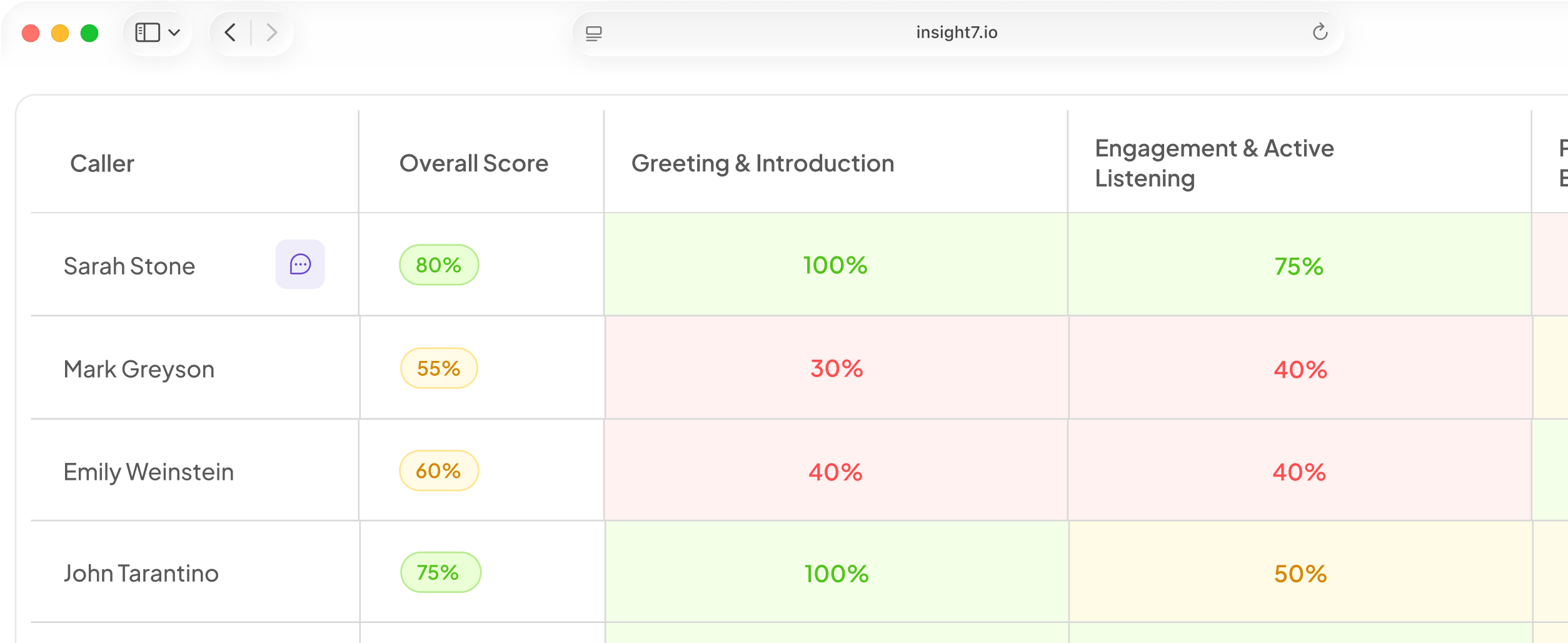
Pages across search, library, training, settings, analytics, integrations, and the knowledge base now share a consistent table design with uniform spacing, sorting, and pagination.
Fixed & Improved
- Google Drive documents now include the meeting date in the title and use proper headings throughout, keeping folders navigable as they grow.
- Email drafts show recipients and a subject line; document drafts show a title with no recipient field.
- Slack can now be connected from the integrations page in the agent portal. Posting and reading channels will follow in a later update.
- Follow-up drafts were being addressed to internal team members alongside the intended external recipients. This is fixed.
- Drafts whose meeting notes arrived late could get permanently stuck and never drafted. This is fixed.
- A draft could be incorrectly flagged as already edited by a human, blocking automatic rewrites. This is fixed.
- A workflow can now apply to all meetings, external-only meetings, or all meetings including internal ones. Previously only two of these three options were available.
- Each workflow can now use a different AI model, chosen independently in workflow settings.
- Anyone in your organization can now delete or edit evaluation agents, not just the person who originally created them.
- Error messages when a delete or edit fails now explain what went wrong instead of showing a generic failure message.
- The trainee panel in live training sessions now shows the person’s profile photo instead of initials.
- A role label now appears beneath the trainee’s name on the live call screen, for example “Wema Bank Agent.”
- On mobile, signing in over an anonymous session could reload the wrong account on the next launch. This is fixed.
- A network authentication error on mobile used to clear your stored account permanently, treating you as a new visitor on every relaunch. This no longer happens.
- Language across the mobile app has been rewritten so error messages and prompts describe what happened and what to do next.
- Each stage of the evaluation pipeline can now use a different AI model, with sensible defaults.
- Organizations with specific AI models configured are no longer silently overridden by system defaults.
- Transcript load failures now report whether the transcript was not found, was empty, or could not be loaded due to a connection problem, instead of always reporting a missing transcript.
- A narrow-screen layout bug that collapsed a table column to nearly nothing instead of scrolling horizontally is fixed.
- Long pagination runs now collapse cleanly.
If the call-import fix applies to your organization, check your imports page to confirm new calls are coming through, and review your workflow delivery settings if you relied on the approval step.