
Running a structured training path used to mean tracking who had finished what in a spreadsheet. This week, you can build the sequence inside Insight7 and let it enforce its own order. Practice also moves to the phone browser, and your weekly digest now names the exact criteria each agent needs work on.
This Week’s Highlight
Coaching programs
Admins can now build a fixed, ordered sequence of trainings where each step unlocks only after the previous one is passed. Deadlines are set per participant and start counting from the moment their next training opens, so somebody who joins the programme in week three gets the same window as everybody else.
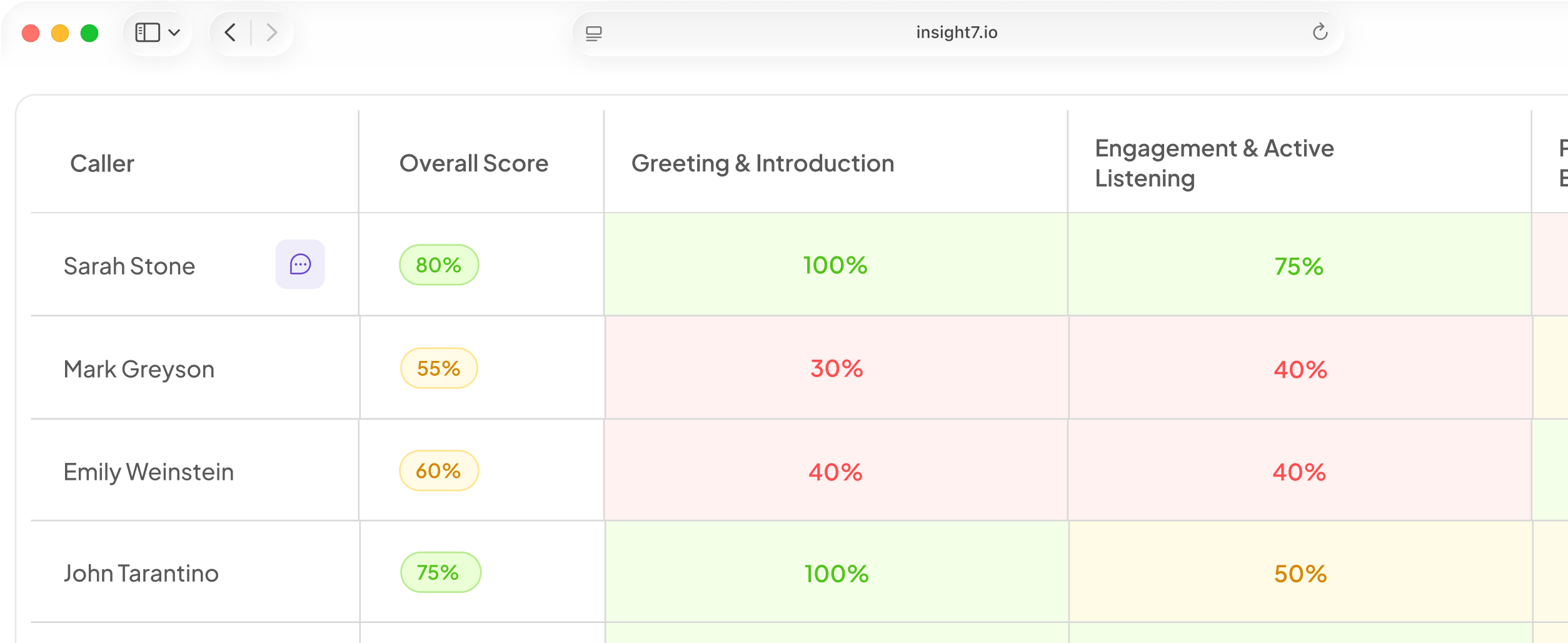
A new Programs tab on the training dashboard shows completion rates, average scores, and who is falling behind, with a drilldown into each participant’s step-by-step progress.
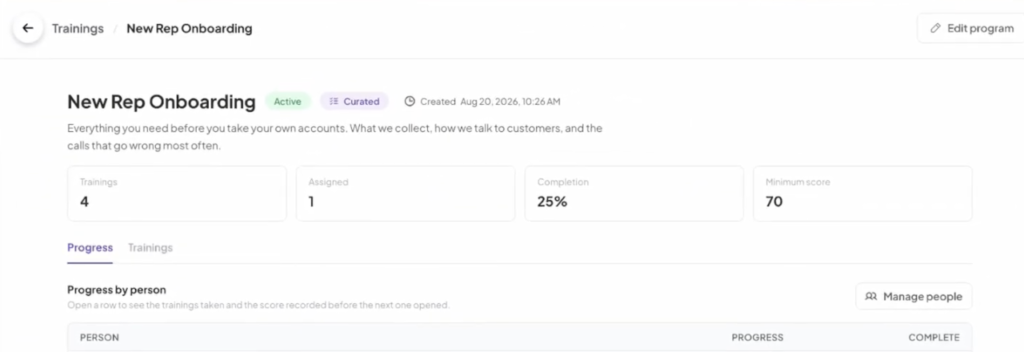
You can build your first one in AI Coaching.
Also This Week
Jump from a program score to the full scorecard
Click any step score on the progress ladder and the complete evaluation behind that attempt opens directly. Working out why a score landed where it did no longer means hunting through sessions to find the right one.
Practice from a phone browser
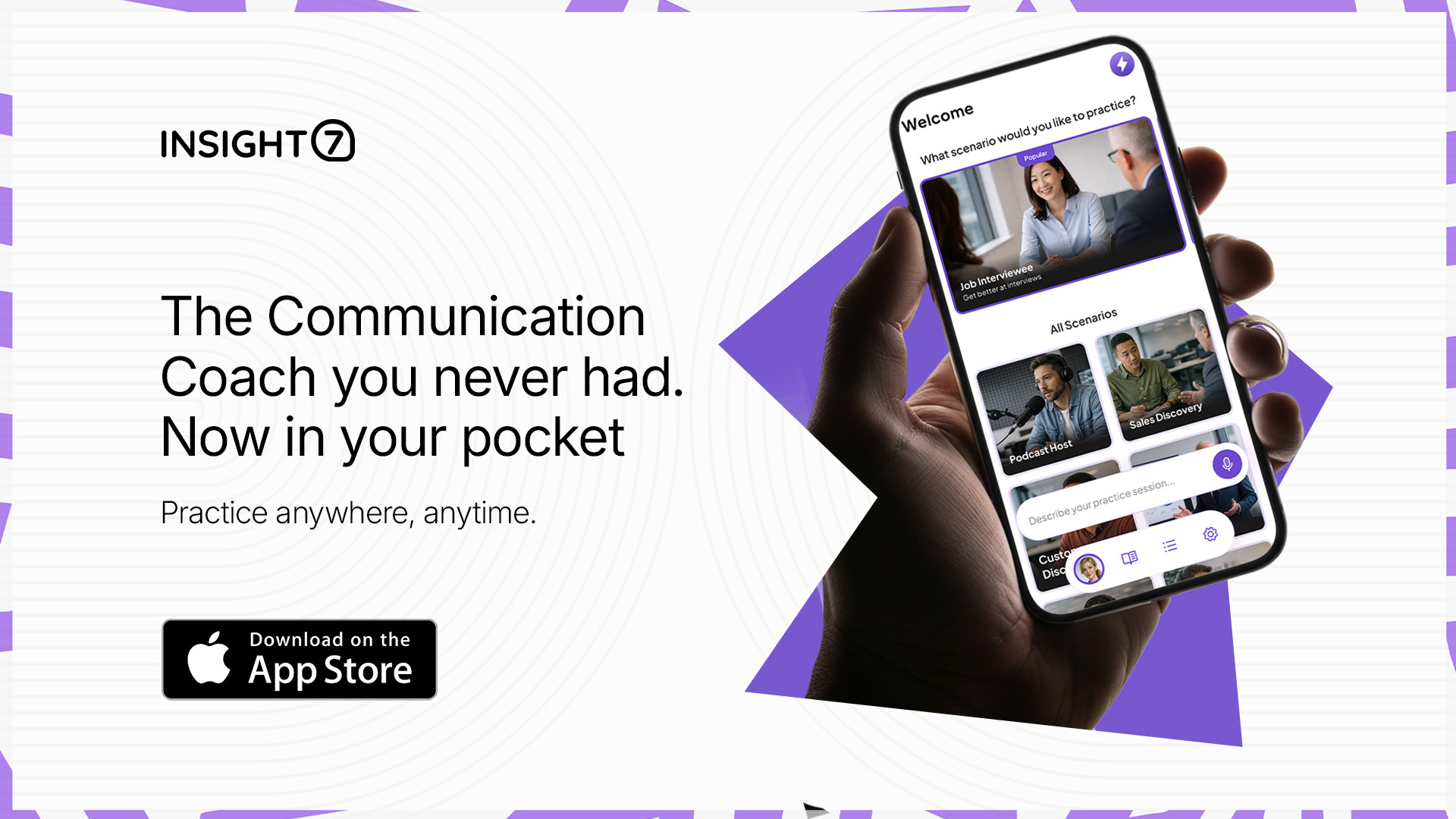
Daily Warm-up and Speech Games now run in a mobile browser with no app required, which matters for field teams and anybody practising between calls. A new speech game, Explain to a 5-year-old, joins the set this week and takes the place of A Strange Question. The full mobile experience remains available in the app.
Weekly digests that name what to coach
The digest card now names the two specific evaluation criteria where an agent fell short, using your own criterion names rather than a generic coaching tip. A manager opening the email on Monday has something concrete to work with before they sign in.
Call dates, separate from upload dates
The call library and project file lists can now show the date a call took place rather than the date it reached the platform. Where the call time is known, it displays in the call’s own time zone with your local equivalent on hover. This is rolling out gradually and will appear once enabled for your organisation.
Fixed & Improved
- Completed training sessions on web now include playback and a full transcript.
- When an account reaches its transcription limit, affected files are marked clearly and a banner explains why.
- Invited users signing up through SSO now land in the shared workspace. Anyone affected previously will need to be re-invited.
- Evaluation requests now run reliably through to completion.
- The evaluation progress window can no longer be dismissed by clicking outside it.
- Coaching summaries in evaluation output now use supervisor-appropriate language throughout.
- Pausing a mobile roleplay session stops the AI persona from responding.
- Coach Robin’s voice in mobile onboarding has been improved, and the coach and practice personas now sound clearly distinct.
- Weekly digest cards draw call dates from the correct field, so no card appears without one.
- Calls under 60 seconds are filtered out of the digest across every integration.
- Digest link clicks are now tracked reliably.
- The search bar on Projects and Library pages no longer shows an add button where the search type is fixed.
- The performance table heading on the Call Performance dashboard reflects whichever tab is selected.
- Program scores display as whole numbers.
- Editing a training completes without a validation error.
- The Trainings page empty state now reads “No trainings yet”.
- The project visualization feature has been retired.
If your team is ready to try coaching programs, open the training dashboard and look for the new Programs tab.