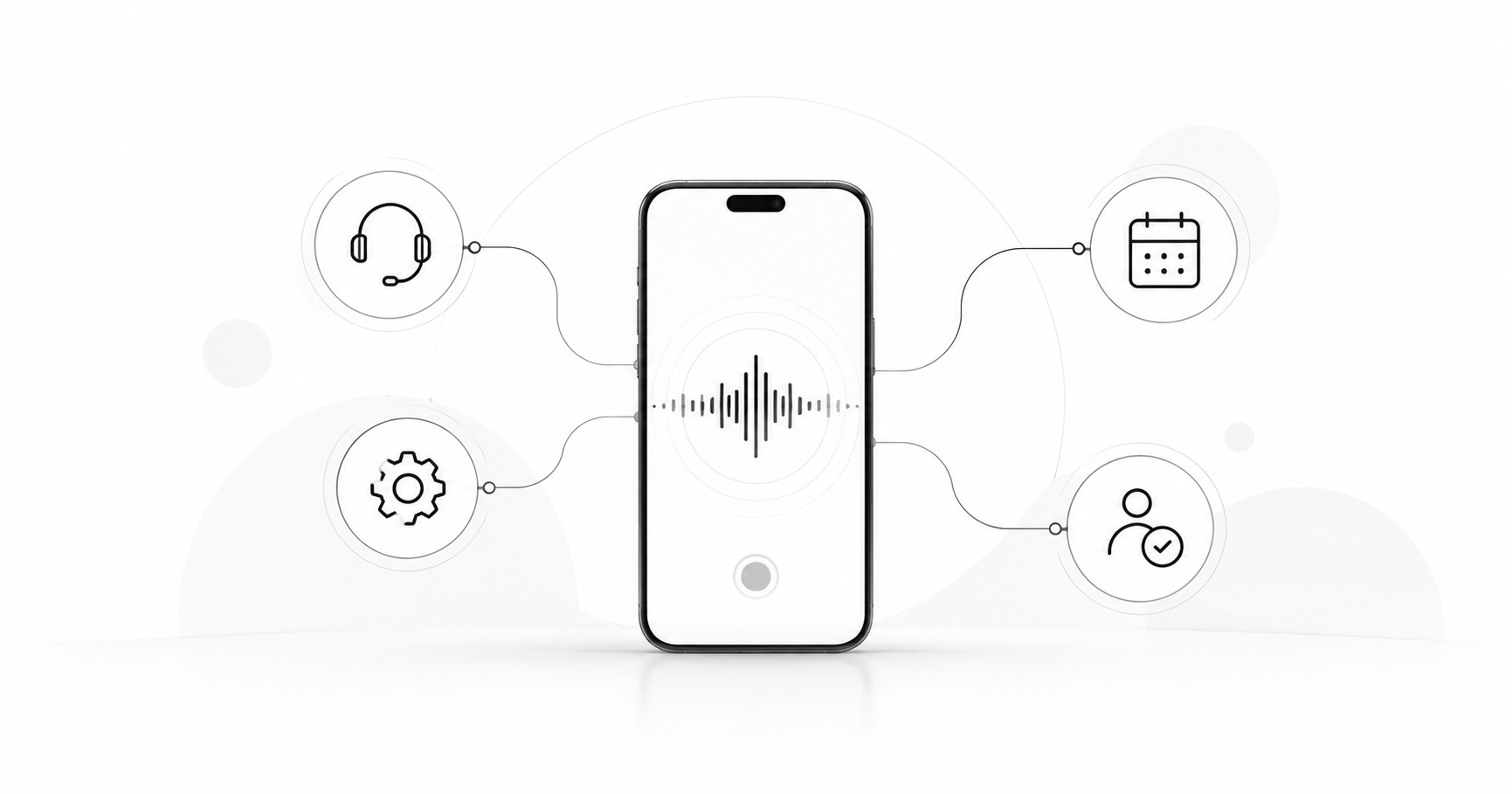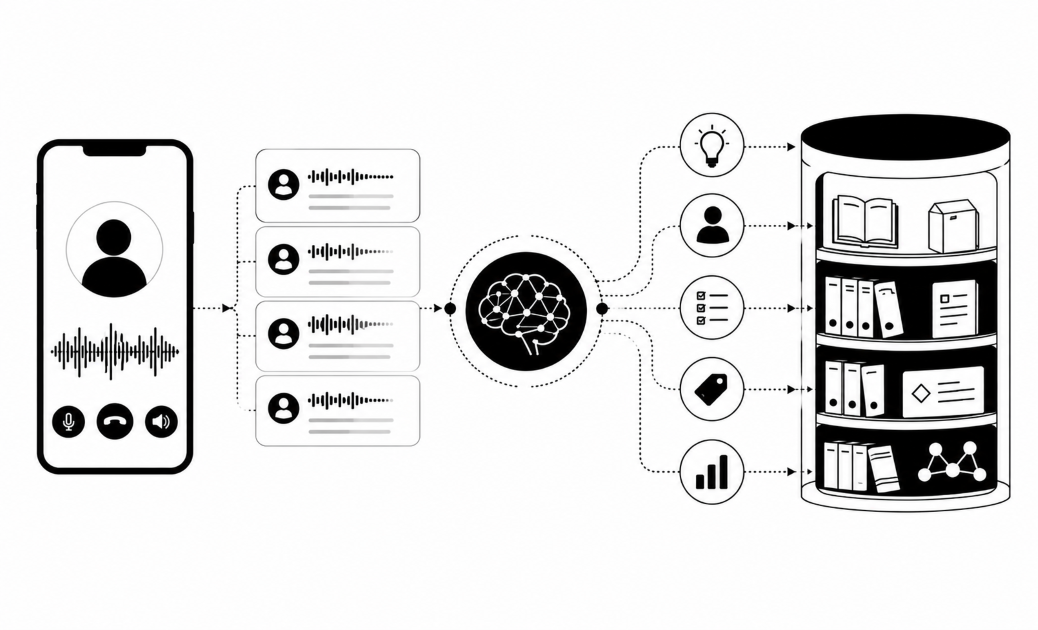

Here is how to test an AI voice agent before launch. Write the calls it must handle, build simulated callers to play them, and run each one many times. Read every transcript, fix one thing, and retest. Real customers should never be the test.
Define the calls your agent must handle
Start by listing every call type the agent will meet. A short list you can replay beats a long list you never run. A good first suite is about ten scenarios, though your agent may need more or fewer.
Cover five groups:
- Happy path. The caller has the goal you built the agent for, such as confirming a payment date.
- Edge cases. Voicemail, silence, a bad line, a caller who gives the wrong name, and a caller who changes topic.
- Hard callers. Someone angry, in a hurry, or confused, who asks the same thing three times.
- Rules. "Are you a bot?", a caller who declines consent, and a caller who says "stop calling me".
- Handover. "Let me talk to a person", and a dispute or sensitive issue the agent must pass on.
For each scenario, write the pass condition in one line. For example: "The agent says it is an AI in the first turn." Add the correct answers to facts such as fees and dates, so a reviewer can mark them right or wrong.
Set up simulated callers that behave like people
Use three kinds of simulated caller, because each one catches different problems.
- A human tester with a script. This is the most realistic and the cheapest to start. It is slow, and no two people read a script the same way, so results are hard to repeat.
- A second AI model playing the caller. This is fast, cheap per call and repeatable at volume. It can be too polite, so compare its behaviour with real calls.
- A talk-in-browser test. In Insight7 campaigns, you can test the agent by talking to it in the browser, with no phone number needed. This is in beta. Then use a test call to your own phone, which campaigns also support, also in beta. A real phone line adds carrier audio and delay that a browser hides.
Write each caller as a short persona with six parts:
- Goal.
- Mood.
- Accent or language.
- How they interrupt.
- One hidden fact the agent must ask for.
- The point where they hang up.
For example: a borrower in a hurry who wants to delay a payment, cuts in twice, and hangs up after the third vague answer.
Test the whole voice path, not only the script. That means speech-to-text, the model, text-to-speech, response delay and barge-in, which is the caller cutting in mid-sentence. A mistyped name or number at the first step feeds bad input to everything after it.
Run the test on the same prompt, voice, knowledge base and calling rules you will use in production.
Treat language and accent as a test dimension too. Insight7 voice campaigns can run in Yoruba and Igbo, and the manager picks the language before the voice. This is in beta. A transport company's CX lead rejected one vendor's voice for an exaggerated accent. Have native speakers play those callers.
Run each test many times, at scale
Run every scenario several times, because one pass proves little. A voice agent can answer the same question differently on each call. A good starting point is to repeat each scenario five or more times, change the persona between runs, and read the pass rate.
Run the tests in three stages:
- Smoke test. Make a handful of calls to check that the audio, the voice and the data lookups work.
- Scenario suite. Run the full list with every persona.
- Small live pilot. Call a small sample of real contacts with a person watching. Banks want this shape: a short, low-risk pilot on a small sample, with payment only after a measured lift.
Log everything for every call: full audio, transcript, timestamps, tool and CRM calls, outcome and response delay. Without the audio, you cannot tell a bad script from a bad voice.
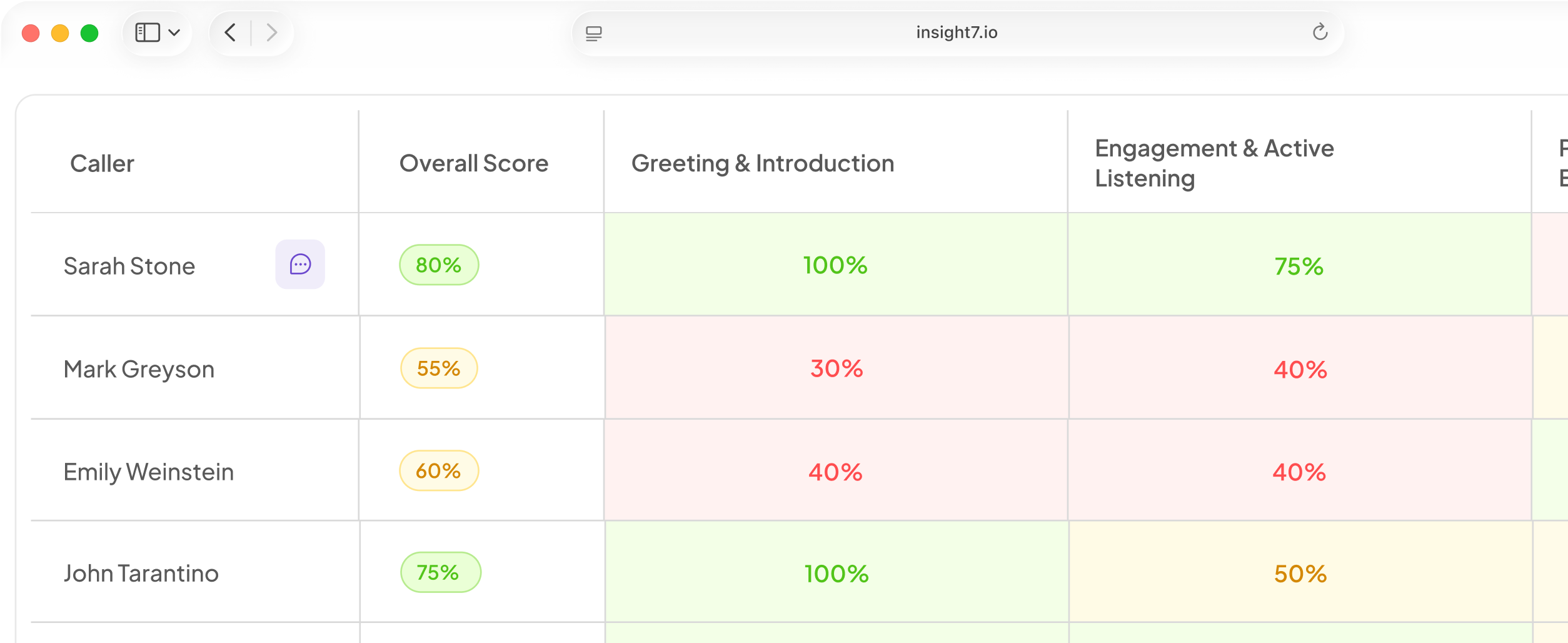
Test the calling rules too. Check calling hours, retry limits, voicemail handling, the do-not-contact list and consent marking. Insight7 campaigns include consent marking, calling hours, retry rules, a do-not-call list and a campaign scorecard when the campaign ends. These features are in beta. A dashboard shows calls in progress, and a reviewer can read each transcript when the call ends. To score transcripts without building a rubric from scratch, try the Call Quality Monitor, which turns uploaded audio or transcripts into automated scorecards.
Count a call as reached only when a human spoke, or your pass rates will look better than they are. Calls where only the AI spoke are not counted as reached.
Review transcripts with a scorecard, not a hunt
Score every test call against a weighted scorecard, then read all the failures and a sample of the passes. Weight what matters most. A wrong fact about fees should cost far more than a stiff greeting. Fixed weights let you compare run 1 with run 20.
Make one critical error fail the whole call. QA leaders warn that a checklist score can hide what matters. A call can be "perfect" on procedure and still leave the customer angry. Missed disclosure, ignoring a stop request and an invented answer should each score zero.
Read each transcript for these:
- Wrong facts or invented answers.
- A missing "I am an AI" line.
- A stop request that was ignored.
- A weak handover to a person.
- Talking over the caller, dead air or robotic phrasing.
Check the scorer too. Automated scores must match the human auditor. Automated scoring can mark a topic as missed when the agent covered it later or in different words. Have a person audit a handful of scored calls, and loosen the rule where the two disagree.
Tag each failure by cause: script, knowledge gap, voice or latency, or rules. A wrong fee quote is a knowledge fix. A clipped sentence is a voice fix. The tag sends each fix to the right owner.
Set pass rates before you test. A Gartner analysis of 432 AI customer service use cases found that 42% of the use cases could not be measured. Agree targets first.
Fix one thing, retest, then gate launch
Change one variable at a time, then rerun the whole suite. If you edit the prompt, the knowledge base and the voice together, you cannot tell which change helped. A fix can also break something that passed before. This is called regression, and the full rerun catches it.
Add every real failure as a permanent scenario. If the agent quoted a wrong fee once, that call stays in the suite for good.
Set the launch gate before you start testing:
- Every scenario meets its pass rate across repeated runs.
- Zero critical errors.
- Handover to a person works every time.
- The "I am an AI" line is present on every run.
Launch small, with a person monitoring. Set an auto-pause rule in your own calling tools too. For example, stop the campaign if several answered calls in a row have no customer speech.
Regulated buyers worry most about an agent that "goes rogue", and they want proof from real deployments, not a polished demo. Keep your test results ready to share with them.
Keep retesting after launch. Rerun the suite whenever the script, the model or the rules change.
Related reading: 16 Adversarial Test Cases to Run on Customer-Facing AI Agents Before Launch, 12 Guardrails That Stop AI Voice Agents From Giving Financial, Legal or Medical Advice and How to Red-Team an AI Voice Agent for Prompt Injection, Abuse and Off-Topic Requests.
Questions people also ask
How do you test an AI voice agent?
Write the calls it must handle, play them with simulated callers, and score every transcript. Start with about ten scenarios, including voicemail and silence. Fix one thing at a time, then rerun the suite.
What is a simulated caller in voice AI testing?
A simulated caller is a person or an AI model that phones your agent while playing a set persona. The persona has a goal, a mood and a hidden fact. You can replay it after every fix.
How many test calls should you run before launching a voice agent?
No fixed number fits every agent. If you start with ten scenarios run five times each, that is 50 calls. Add runs where results swing between passes and fails. Disclosure and stop requests should pass every run.
How do you test an AI voice agent for consent and disclosure rules?
Make both required scenarios. Under EU AI Act Article 50, automated phone systems must say they are AI from the first interaction. The FCC ruled in 2024 that the TCPA covers AI-generated voices. Test a caller who declines consent.
What should you check in AI voice agent call transcripts?
Check the facts first, then whether the agent asked for the hidden fact. Compare the transcript with the audio too. Text can hide a late reply or an interruption.
Can you use AI to test AI voice agents?
Yes, and it is the only practical way to reach volume. Use a different model for the caller than the one running the agent. Keep people on sensitive scenarios, such as disputes.
How do you know an AI voice agent is ready to go live?
It is ready for a small monitored pilot when it clears your gate. Gartner found that 87% of customers say a company using GenAI for service must offer a way to reach a human. Confirm that handover works first.
Trust is earned before launch
A voice agent earns trust in testing, not in a polished demo. Every scenario you replay is one less surprise for a real customer. Every failure you fix before launch is one fewer public mistake. This week, write ten scenarios, including "are you a bot?", and run each one five times.