
This Week’s Highlight
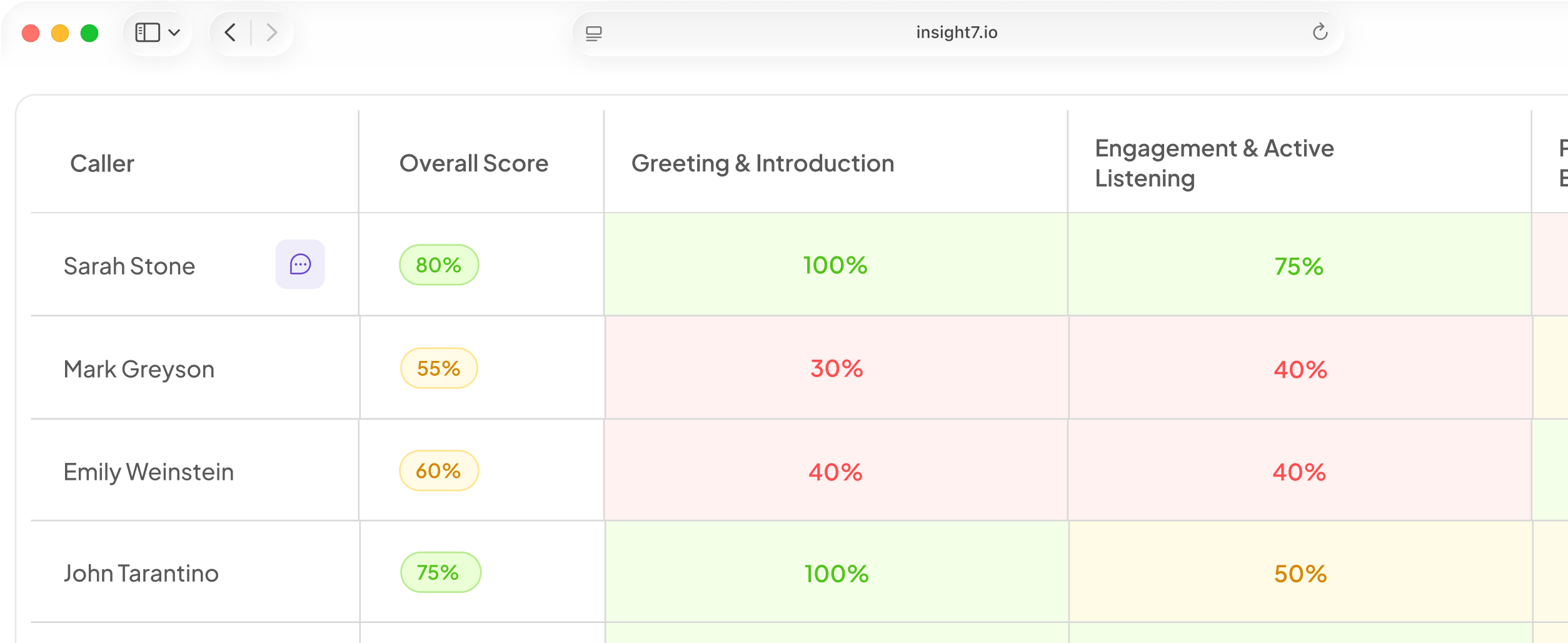
Area managers can now receive a weekly email listing their reps’ lowest-scoring calls, complete with links to scorecards and coaching tips for each one. The digest is fully configurable: set your score threshold, minimum call length, send day, send time, and timezone from Settings under Evaluation Alerts. Changes take effect on the next scheduled send with no extra steps needed.
Also This Week
Practice speaking skills every day, right from the mobile app
The home screen now shows a Daily Activities section with two scored speaking drills: Hot Mic for open-ended takes and Word of the Day for prompt-driven responses. Both are recorded, scored, and saved so you can revisit them.
Five Speech Games (Word Chain, Say It Shorter, Change Direction, A Strange Question, and Pick a Side) are also now fully scored with session history.
The gaming alerts dashboard now shows accurate results and lets managers take action
Managers can also now mark any alert as resolved directly from the dashboard.
Your organization’s timezone is now one consistent setting
Timezone used to be stored in two separate places, which could fall out of sync and silently default to the browser’s local timezone. There is now a single timezone per organization, set intentionally from Settings.
The field starts empty until an admin confirms it, so if your organization had not explicitly set a timezone before, check Settings to confirm the correct one is saved. This affects training reminder schedules and the weekly digest send time.
Fixed & Improved
- Evaluation screens, pickers, and criteria lists load noticeably faster after a fix that stopped them from loading full document details when only a name was needed.
- The updated scorecard header design now appears consistently across people search, training sessions, agent trainings, and screening sessions.
- The project evaluation flow has been tidied up: duplicate status indicators, redundant navigation tabs, and conflicting back buttons have all been cleaned up.
- The TikTok section of the growth dashboard is now a fuller analytics view with Overview, Videos, and Publishing sections backed by nightly data snapshots, making it possible to see trends over time.
- The weekly roleplay adoption report was failing to send due to a message length issue; the format has been fixed and the weekly cadence is now running correctly.
- A fix for call dates displayed in scorecards and call lists (which currently show when a recording arrived rather than when the call took place) has been recorded and will appear in a future update.
If your team is ready to put the new weekly digest to work, ask your account contact to enable it and then head to Settings under Evaluation Alerts to configure it for your organization