
Insight7 Gong Setup
Overview
Insight7 allows you to connect your Gong account, facilitating the retrieval of valuable product insights from your conversations. This integration empowers users to make data-informed decisions and enhance their Product based on the extracted insights.
Prerequisites
- Your organization must have an active Gong Account. For information on setting a Gong account, please refer to their website at https://www.gong.io/
- You should have an active Insight7 account. You can create one here
https://app.insight7.io/register - You must have Gong administrator access.
Steps to Complete Integration
- Login to your Insight7 Account https://app.insight7.io/
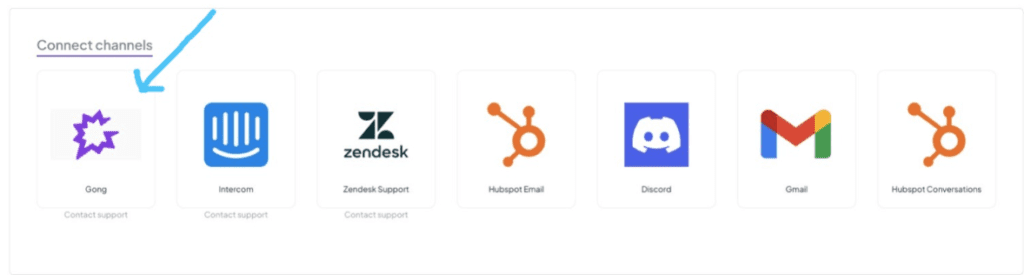
- In the connect channels section of the Home page click on Gong
- Select Allow
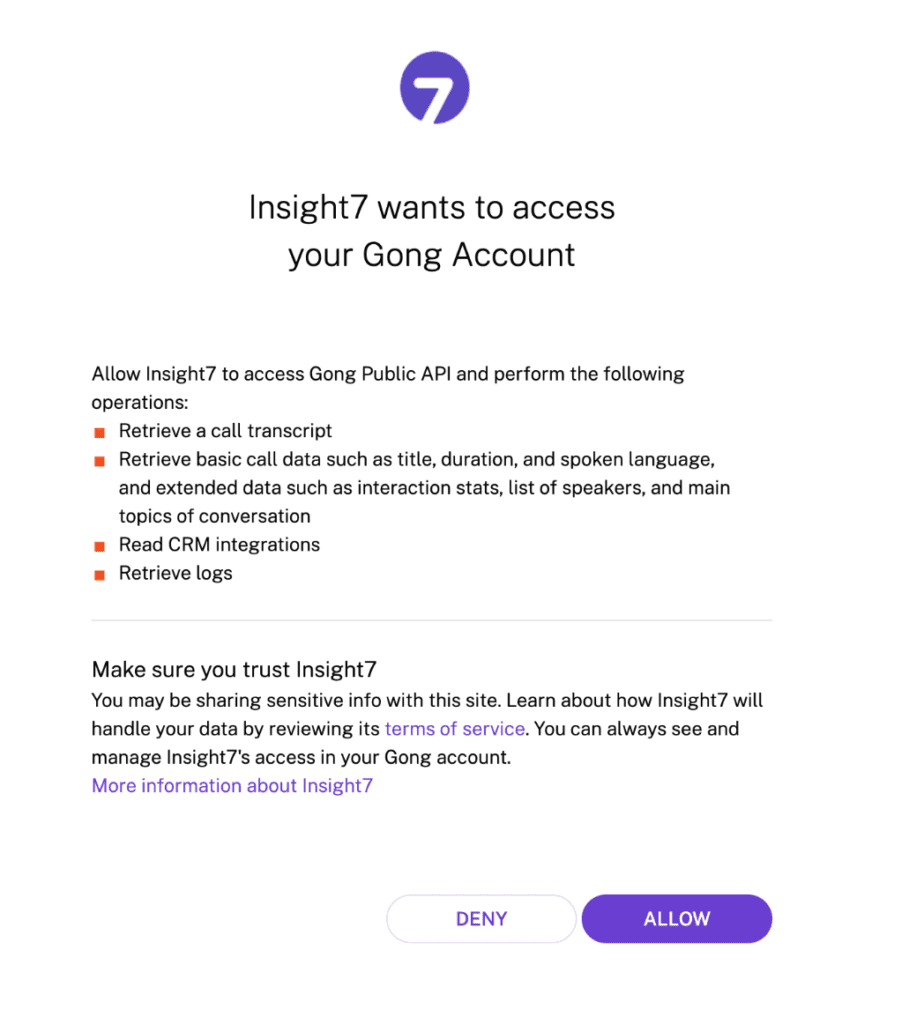
- After you select allow, you’ll be redirected to Gong. Select your sign in method and sign in.
- After you sign in successfully, you’ll be redirected back to Insight7 with your Gong account connected.

- In the Feedback Channel section click on Gong to view insights from your Gong calls.

