Integration

Zoom Phone <> Insight7

Automatically Import Zoom Recordings for Instant Call Analytics

About This Integration

Connect Insight7 to your Zoom Phone account to automatically import recorded meetings. Get AI powered call analytics within minutes, no manual uploads. Surface actionable insights across Sales, Support, and Research teams.

 Zoom Phone powers essential business conversations, but without automations, those calls become buried conversations, and the insights often sit locked inside raw recordings. Manually reviewing those calls takes time, and most teams lack the bandwidth to analyze them consistently or at scale.

Insight7 connects directly to your Zoom Phone account to change that. Once authorized, it automatically imports recorded calls, no downloading, renaming, or re-uploading needed. Whether the recordings are recent or from your archive, Insight7 pulls them in securely and starts analyzing them in real time.

Every imported call is evaluated for quality, sentiment shifts, silence patterns, and behavioral indicators using AI. You get dashboards that summarize patterns across calls, flag potential risks, and help you track progress over time. It’s an automated workflow that turns Zoom Phone into a consistent source of insight without any manual effort.


How it Works

What Happens After You Connect Zoom Phone?

Once Zoom Phone is connected, Insight7 automatically syncs recorded meetings and transcripts directly from your Zoom cloud account.

You can:
Skip the downloads – Insight7 continuously pulls in new Zoom Phone recordings as they’re available. No manual uploads required.
Unlock instant analytics – Each synced call is automatically evaluated for performance patterns, risks, and opportunities.
Work as usual – Insight7 integrates behind the scenes, so there’s no need to change how or where you run your meetings.

It’s an effortless way to turn your Zoom Phone recordings into real time, actionable insights.

Frequently Asked Questions

Do I need to download Zoom Phone recordings first?
No. Once connected, Insight7 pulls them directly from your Zoom cloud account.
Are my Zoom Phone calls stored on Insight7?
Only the calls you choose to sync are processed, and all data is encrypted in transit.
How fast are call analytics generated?
Calls are processed and analyzed within minutes of upload.

Ready to streamline your Zoom call evaluations?
Connect your Zoom Phone account now

Browse Other Integrations

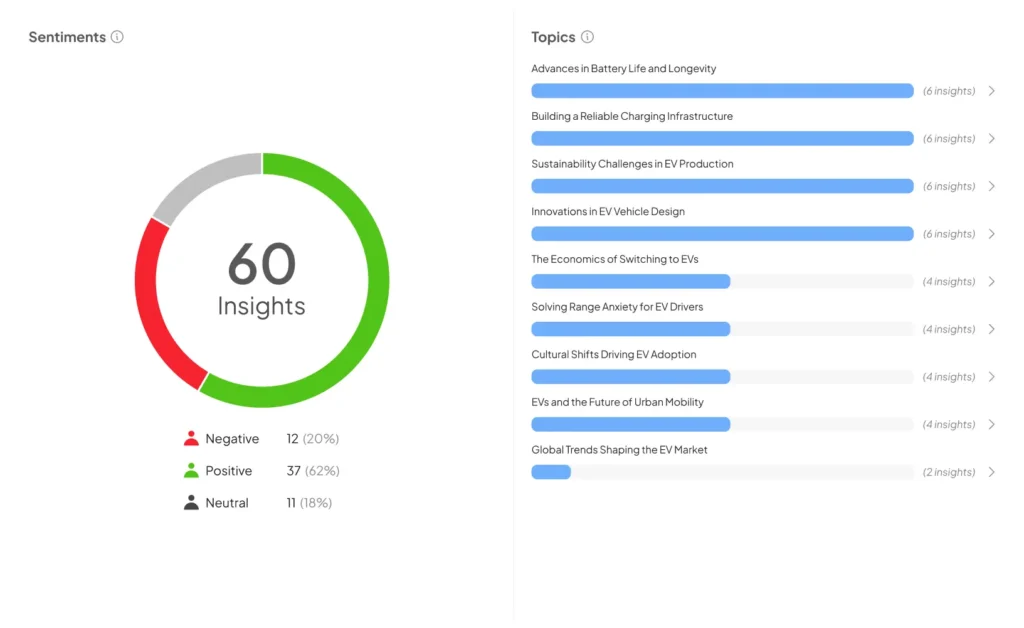
Sentiment Analysis Tool
Upload any file to detect sentiment, emotional tone, and extract Voice of Customer themes.
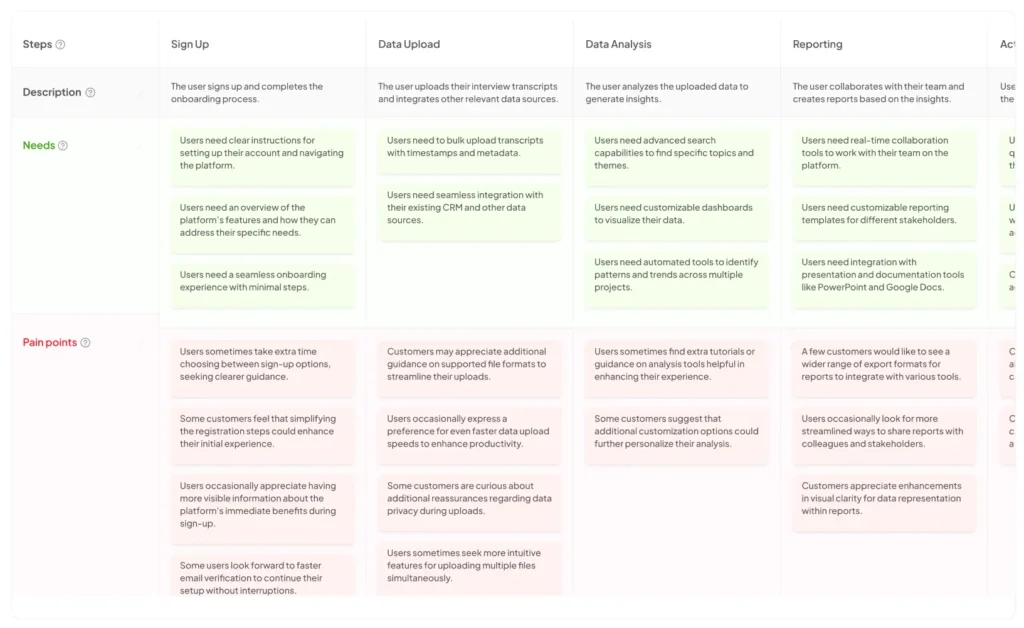
Journey Mapping Tool
Upload files to generate clear journey maps and pinpoint key touchpoints.
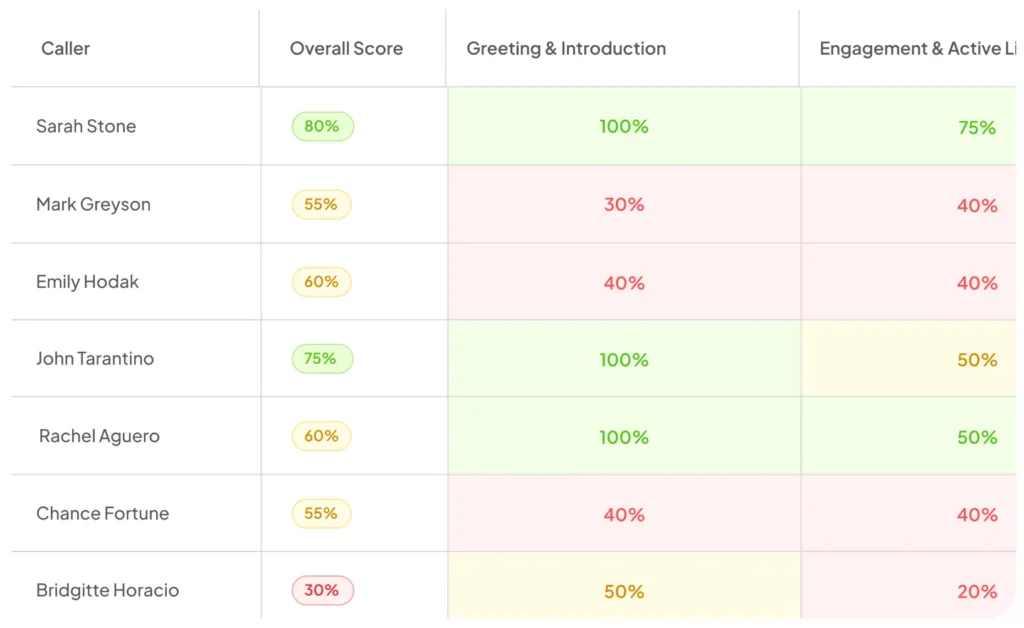
Call Quality Monitor
Upload calls or transcripts to get AI-scored evaluations and downloadable scorecards.

Hear from our customers

Need to connect Insight7 with a CRM, helpdesk, or internal system?
We support custom integration requests.

Webinar on Sep 26: How VOC Reveals Opportunities NPS Misses
Learn how Voice of the Customer (VOC) analysis goes beyond NPS to reveal hidden opportunities, unmet needs, and risks—helping you drive smarter decisions and stronger customer loyalty.