Introduction: Navigating Technical Difficulties in AI Demos
Navigating technical difficulties during AI demos can be a daunting experience, especially when showcasing the innovative capabilities of AI-powered coaching and roleplay. These demonstrations are critical for illustrating how AI can transform training by providing realistic simulations and personalized feedback. However, technical glitches can disrupt the flow, leading to frustration for both the presenter and the audience.
Understanding how to effectively manage these interruptions is essential. By preparing for potential issues and having contingency plans in place, presenters can maintain credibility and ensure that the core message about the benefits of AI coaching remains clear. This proactive approach not only enhances the demo experience but also reinforces the reliability of the technology being showcased.
Scenario: Handling Interruptions During AI Demonstrations
Scenario: Handling Interruptions During AI Demonstrations
Setting:
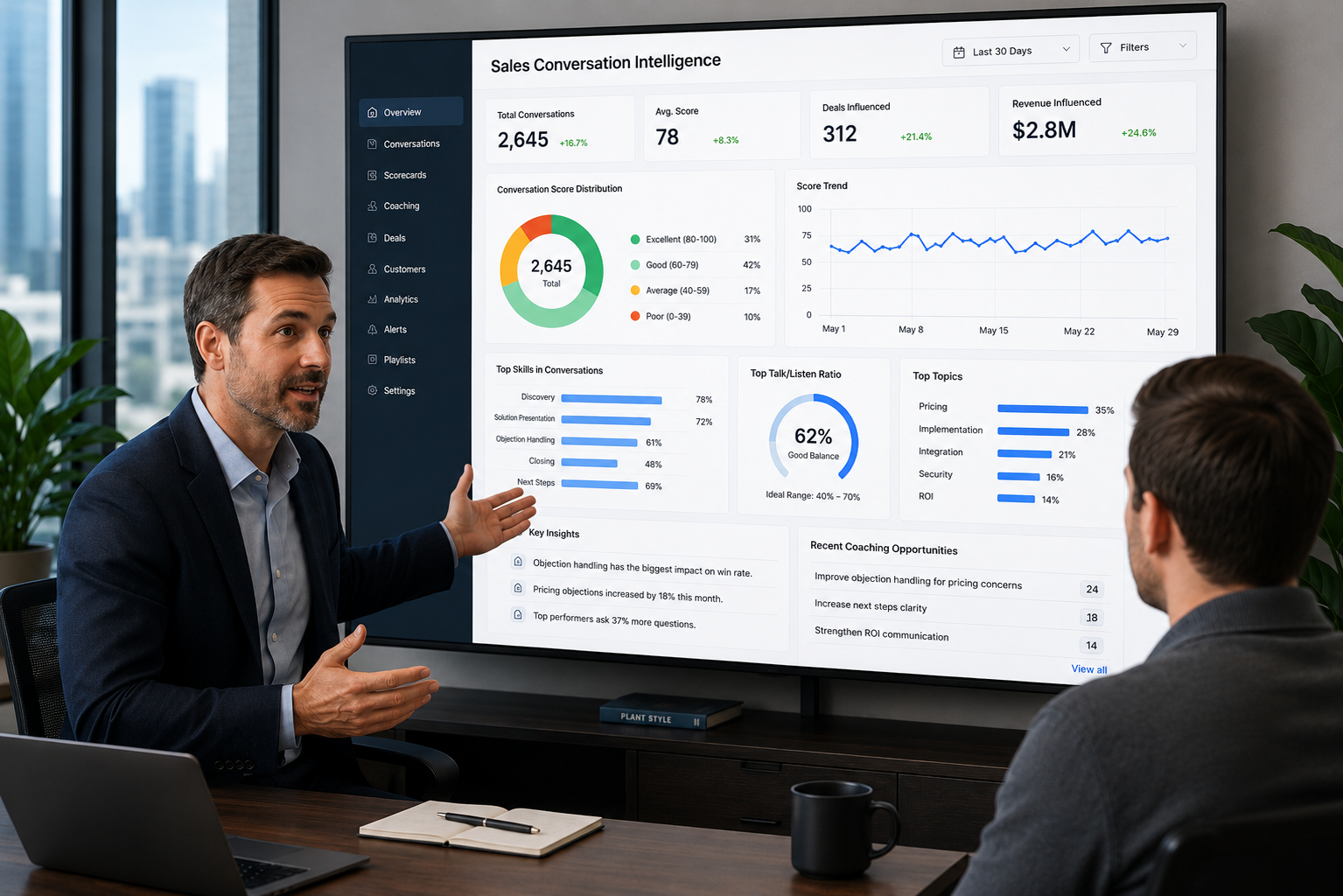
The scenario unfolds in a conference room where a team is conducting a live demonstration of an AI-powered coaching platform. The audience consists of stakeholders, including executives and team leaders, eager to see how the technology can enhance their training processes.
Participants / Components:
- Presenter: A knowledgeable team member showcasing the AI platform's features.
- AI System: The AI-powered coaching tool designed to simulate realistic conversations.
- Audience: Stakeholders interested in the platform's capabilities and potential impact on their organization.
Process / Flow / Response:
Step 1: Acknowledge the Issue
When a technical glitch occurs, such as the AI system freezing or failing to respond, the presenter should calmly acknowledge the interruption. For example, saying, "It seems we are experiencing a minor technical issue. Thank you for your patience as we resolve this."
Step 2: Maintain Engagement
While the technical team addresses the issue, the presenter can engage the audience by discussing relevant features or sharing success stories from other organizations that have implemented the AI platform. This keeps the audience focused and interested, minimizing frustration.
Step 3: Provide a Backup Plan
If the issue persists, the presenter should have a backup plan ready, such as switching to a pre-recorded demo or a different scenario that highlights the platform's capabilities. This demonstrates preparedness and ensures the audience still receives valuable insights.
Outcome:
By effectively managing interruptions, the presenter maintains credibility and demonstrates the resilience of the AI platform. The audience leaves with a positive impression of both the technology and the team's professionalism, reinforcing their interest in adopting the solution.
Frequently Asked Questions about Technical Difficulties in AI Demos
Q: What should I do if the AI demo freezes during the presentation?
A: Calmly acknowledge the issue to the audience, thanking them for their patience while you resolve it.
Q: How can I keep the audience engaged during technical difficulties?
A: Share relevant success stories or discuss features of the AI platform that highlight its capabilities, keeping the audience focused on the value.
Q: What backup plans should I have in place for AI demos?
A: Prepare pre-recorded demos or alternative scenarios that can be quickly switched to if technical issues arise, ensuring continuity in your presentation.
Q: How do I maintain credibility during a technical glitch?
A: By demonstrating preparedness and professionalism in handling the situation, you can reinforce your credibility and the reliability of the technology.
Q: What are common technical difficulties faced during AI demos?
A: Common issues include software crashes, connectivity problems, and hardware malfunctions, which can disrupt the flow of the presentation.
Q: How can I prepare for potential technical difficulties before the demo?
A: Conduct thorough testing of all equipment and software, and have a technical support team on standby to address any issues that may arise during the presentation.